
Tools for building interactive graphical interfaces for applications using browser technology and HTML5

Project description
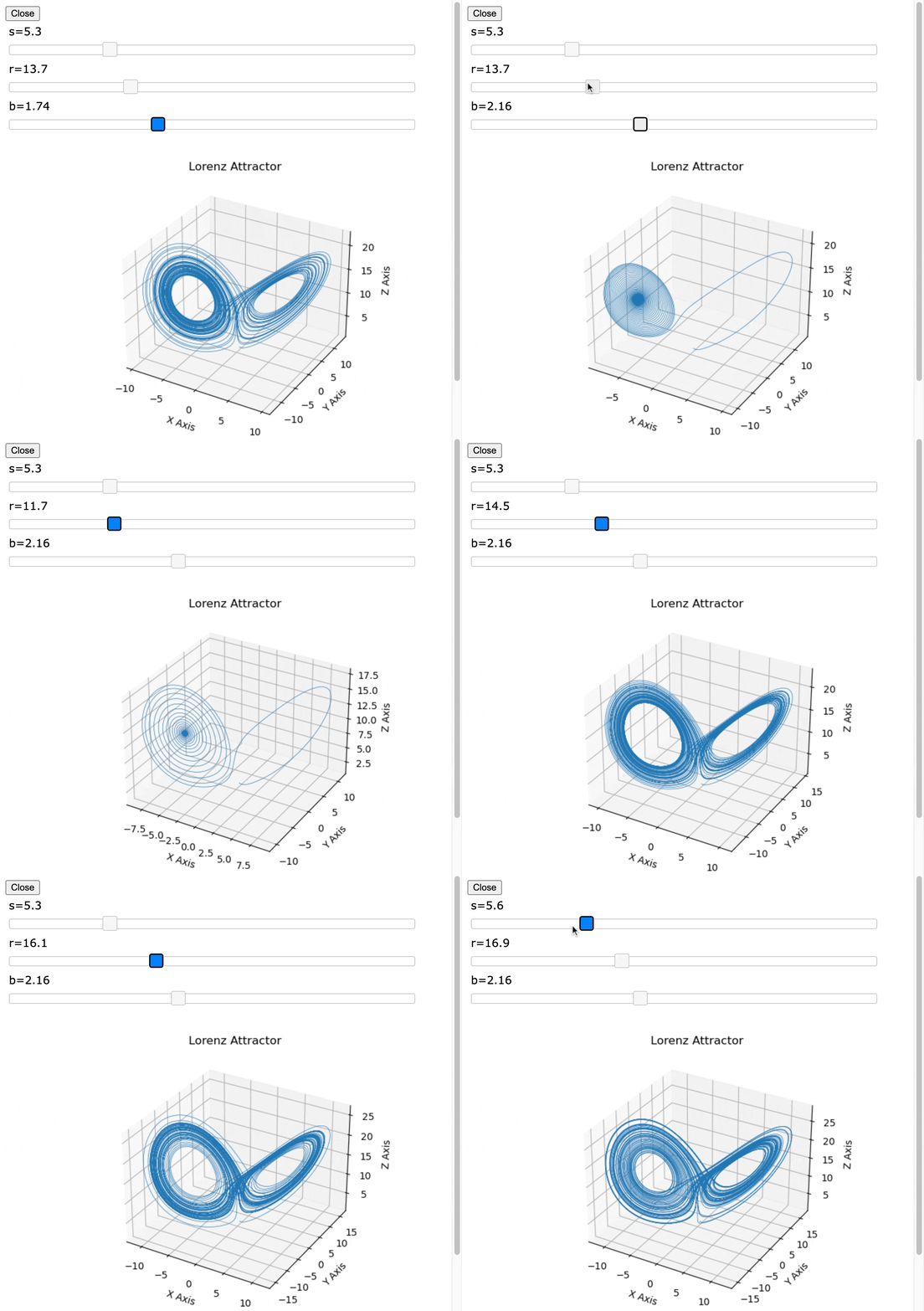

H5Gizmos
A computer dashboard is a graphical user interface that provides real-time feedback about the state of a system or process. It is typically used in scientific and engineering applications where it is important to monitor the status of complex systems.
The computer dashboard was first developed at Lawrence Livermore National Laboratory in the early 1990s. It was designed to provide immediate feedback about the performance of supercomputers, which were then used for simulations of nuclear weapons tests. The original dashboard included several hundred individual gauges that displayed various aspects of system performance.
Today, computer dashboards are used in a wide variety of applications, from monitoring web servers and databases to tracking the progress of scientific experiments. They have also been adapted for use in business settings, where they can provide information about sales figures, customer satisfaction levels, and other key metrics.
H5Gizmos provides tools for building dashboards and other interactive graphical interfaces for applications using browser technology and HTML5.
A Gizmo "child" interface displays in a standard web browser such as Chrome and communicates with a "parent" Python process using a web socket and other HTTP protocols. H5Gizmos can load and use arbitrary Javascript resources to provide sophisticated interactive graphical interfaces.
The animation below shows a gizmo script displaying a matplotlib plot running from the VS code editor. The gizmo user interface appears as a new HTML frame in the browser instance below the editor.
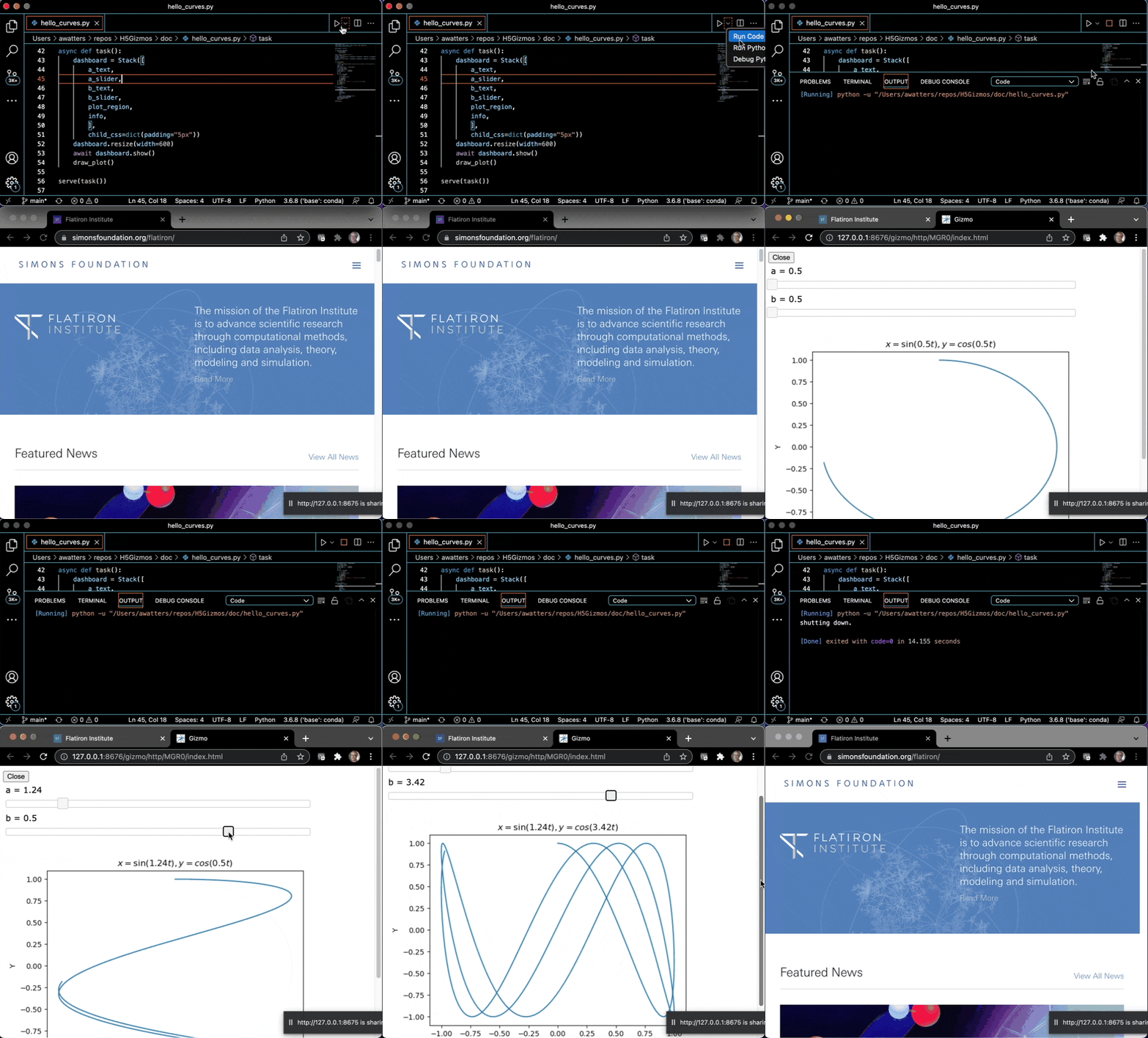
Please see the "hello curves" tutorial for a detailed discussion of this gizmo.
Documentation
The documentation for H5Gizmos starts at
The H5Gizmos documentation is provided using Github markdown for simplicity. If you wish to view the documentation locally from a clone of the repository, please use https://github.com/joeyespo/grip or a similar github emulator.
Installation
pip install H5Gizmos
Development (or experimental) install
To install an experimental version of H5Gizmos, first clone or download the H5Gizmos Github repository and then install in developer mode as follows:
 cd H5Gizmos
 pip install -e .
Release history Release notifications | RSS feed


Download files
Download the file for your platform. If you're not sure which to choose, learn more about installing packages.
Source Distribution
Built Distribution
Filter files by name, interpreter, ABI, and platform.
If you're not sure about the file name format, learn more about wheel file names.
Copy a direct link to the current filters
File details
Details for the file h5gizmos-0.1.17.tar.gz.
File metadata
- Download URL: h5gizmos-0.1.17.tar.gz
- Upload date:
- Size: 2.3 MB
- Tags: Source
- Uploaded using Trusted Publishing? No
- Uploaded via: twine/6.2.0 CPython/3.14.0
File hashes
| Algorithm | Hash digest | |
|---|---|---|
| SHA256 |
38b1dbd2585e5d695f70b0d794396068985cfdde3fbb5a55569f0f2293b90981
|
|
| MD5 |
4273b24d02a1b84044edcf62b1c6157e
|
|
| BLAKE2b-256 |
bd324f936375f298f7c09e8f33fc1b8854875f48db310026a7cc2f4bce6c2d97
|
File details
Details for the file h5gizmos-0.1.17-py3-none-any.whl.
File metadata
- Download URL: h5gizmos-0.1.17-py3-none-any.whl
- Upload date:
- Size: 2.3 MB
- Tags: Python 3
- Uploaded using Trusted Publishing? No
- Uploaded via: twine/6.2.0 CPython/3.14.0
File hashes
| Algorithm | Hash digest | |
|---|---|---|
| SHA256 |
10dc1f657e9b09f3ba21f4ce96271988aaad4655414628c13ea843d459327aaf
|
|
| MD5 |
c4b48ba8489bc55d39c0f1fec4f33759
|
|
| BLAKE2b-256 |
71992046b59f14da35103454cb6cba264c1429e3893aaedc5d75d12e9db1eabc
|







![[Link to image]](https://github.com/AaronWatters/H5Gizmos/blob/main/doc/curves.gif)