






IronPDF - Create, Edit, and Read PDFs in Python Applications

Get Started | Tutorials | Code Examples | Licensing | Free Trial
IronPDF is a library developed and maintained by Iron Software that helps Engineers to create, edit and extract PDF content in projects in Python.
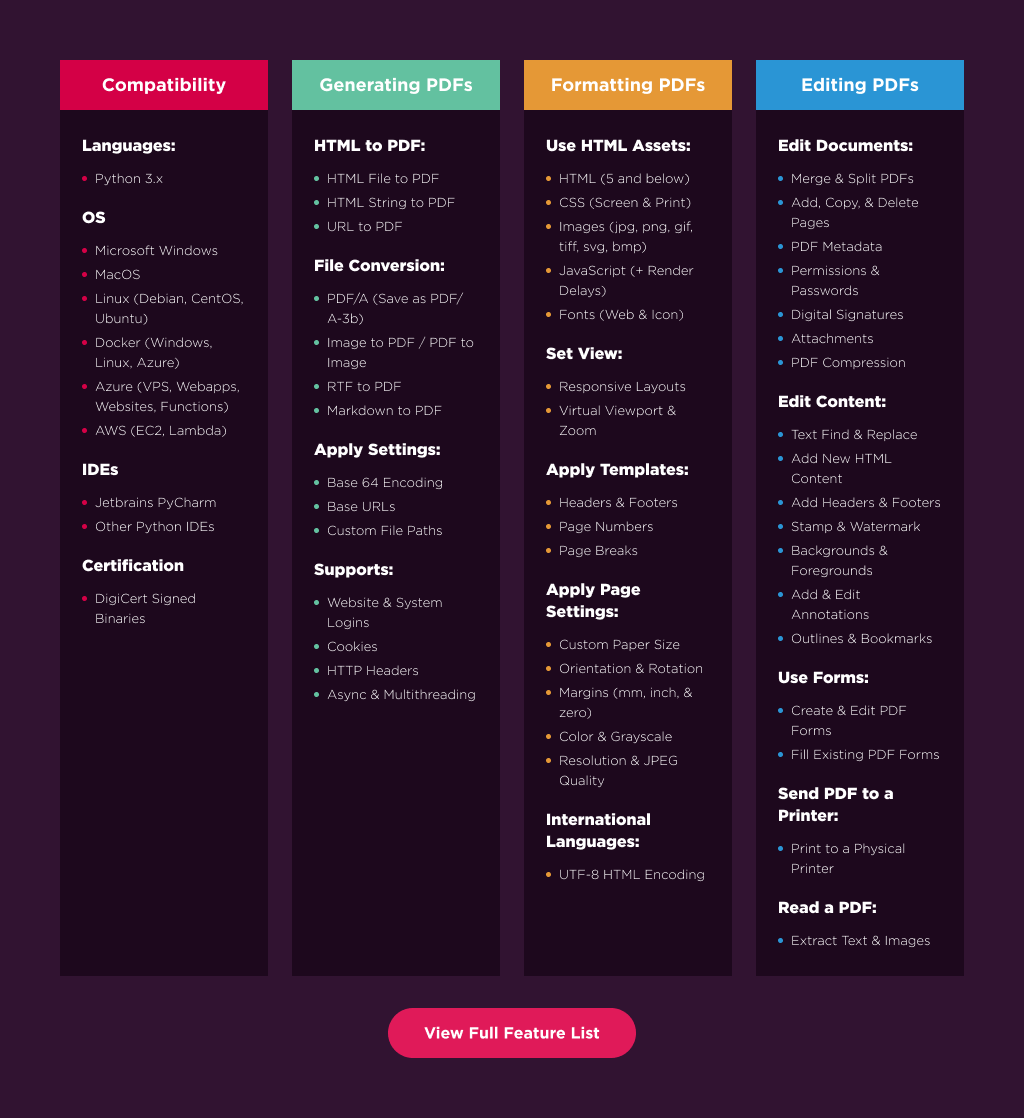
IronPDF excels at:
- Generating PDFs from: HTML, URL, JavaScript, CSS and many image formats
- Adding headers/footers, signatures, attachments, and passwords and security
- Performance optimization: Full Multithreading and Async support
- And many more! Visit our website to see all our code examples and a full list of our 50+ features
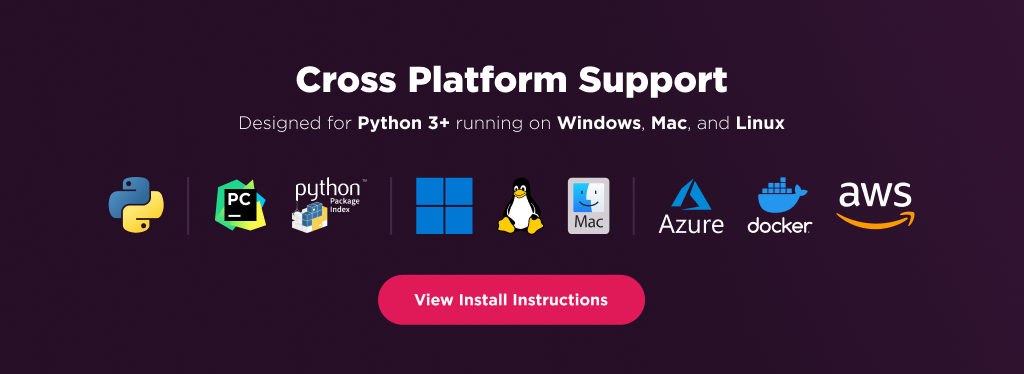
IronPDF has cross platform support compatibility with:
- Python 3.7+
- Windows, macOS, Linux, Docker, Azure, and AWS
Additionally, our API reference and full licensing information can easily be found on our website.
Using IronPDF
IronPDF Python relies on .NET 8.0 as its underlying technology. Therefore, it is necessary to have the .NET 8.0 runtime installed on your machine in order to use IronPDF Python.
Linux and Mac users may need to install .NET from https://dotnet.microsoft.com/en-us/download/dotnet/8.0 prior to using this Python package.
Install Using Pip
pip install ironpdf
IronPDF will then download additional dependencies the first time you run it.
Or Download the Full Package
Optionally, download the Python package specific to your platform from our downloads section at https://ironpdf.com/python/
Usage
Once installed, you can get started by adding from IronPyPdf import * to the top of your Python script. Here is a sample HTML to PDF example to get started:
# HTML to PDF
from ironpdf import *
renderer = ChromePdfRenderer()
pdf = renderer.RenderHtmlAsPdf("<h1>Hello World</h1>")
pdf.SaveAs("output.pdf")
And another option is to create from URL to PDF:
# URL to PDF
from ironpdf import *
renderer = ChromePdfRenderer()
pdf = renderer.RenderUrlAsPdf("https://ironpdf.com/python/")
pdf.SaveAs("output.pdf")
Features Table
Licensing & Support Available
For our full list of code examples, tutorials, licensing information, and documentation visit: https://ironpdf.com/python/
For more support and inquiries, please email us at: support@ironsoftware.com
Documentation Links
- Code Examples : https://ironpdf.com/python/examples/
- Tutorials : https://ironpdf.com/python/tutorials/
- Licensing : https://ironpdf.com/python/licensing/
- Live Chat Support : https://ironpdf.com/python/#helpscout-support
2 maintainers


Release files for IronPdf 2026.9.0.2
For a detailed explanation of source distributions (sdists) and built distributions (wheels), please see the package formats documentation.
Built distribution (wheel)
| File | Interpreter | ABI | Platform | Reset |
|---|---|---|---|---|
| ironpdf-2026.9.0.2-py37-none-any.whl | Python 3.7 | none | any | Details |
Release files / ironpdf-2026.9.0.2-py37-none-any.whl
| Download URL | ironpdf-2026.9.0.2-py37-none-any.whl |
|---|---|
| Size | 12.9 MB |
| Tags | Python 3.7 |
|
SHA-256 checksum How to use checksums |
51de84ef463e97c83f3ca1bae3c35bd85f43f4e024175c630d93f7c48a9a3449
|
|
BLAKE2b-256 checksum How to use checksums |
16cca849c11a744ae6665772a775513560e38323d306c9dcc431030486b85ad5
|
| Upload date | |
|
Uploaded using Trusted Publishing? What is trusted publishing? |
No |
| Uploaded via |
twine/6.2.0 CPython/3.13.14
|














