
JLC2KiCadLib






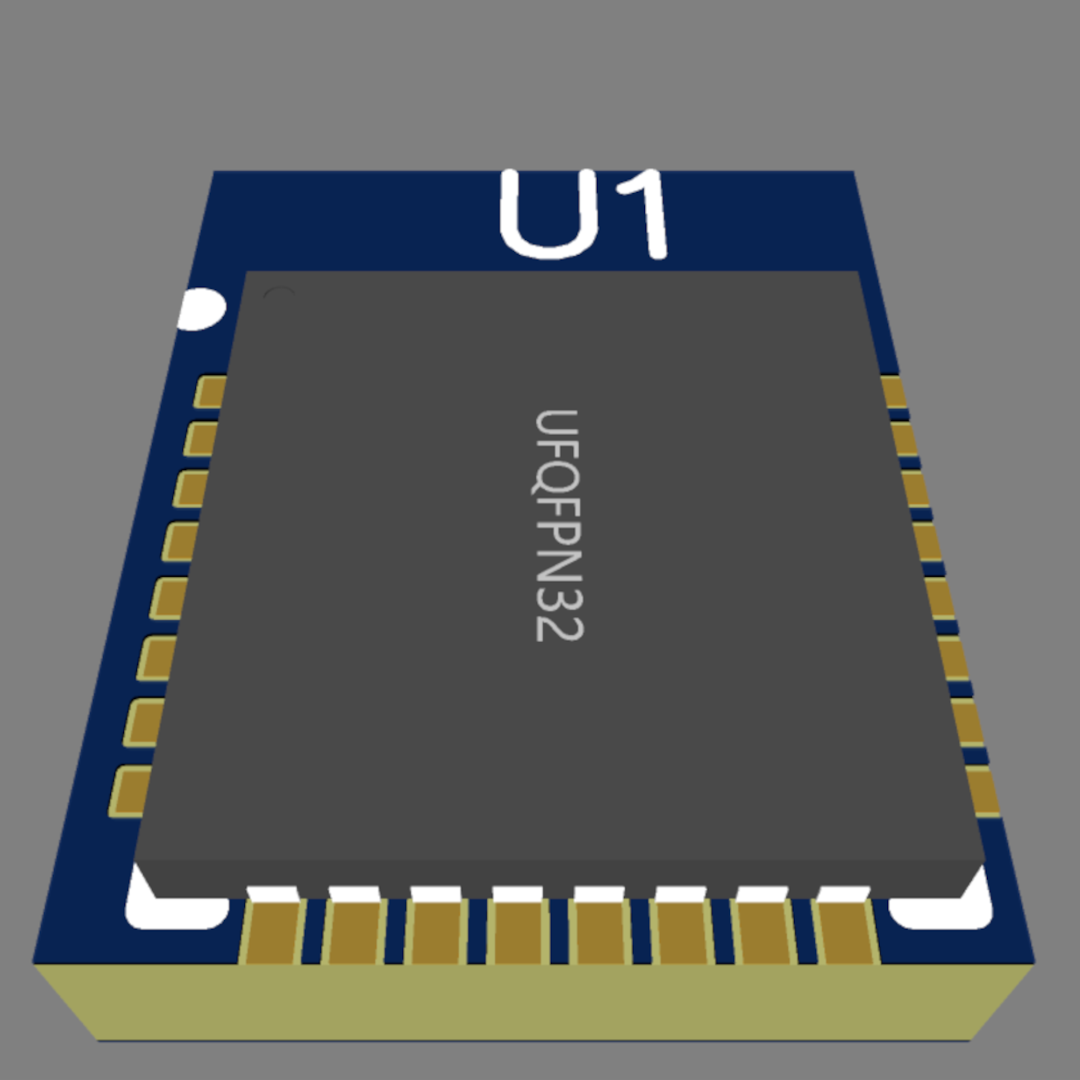
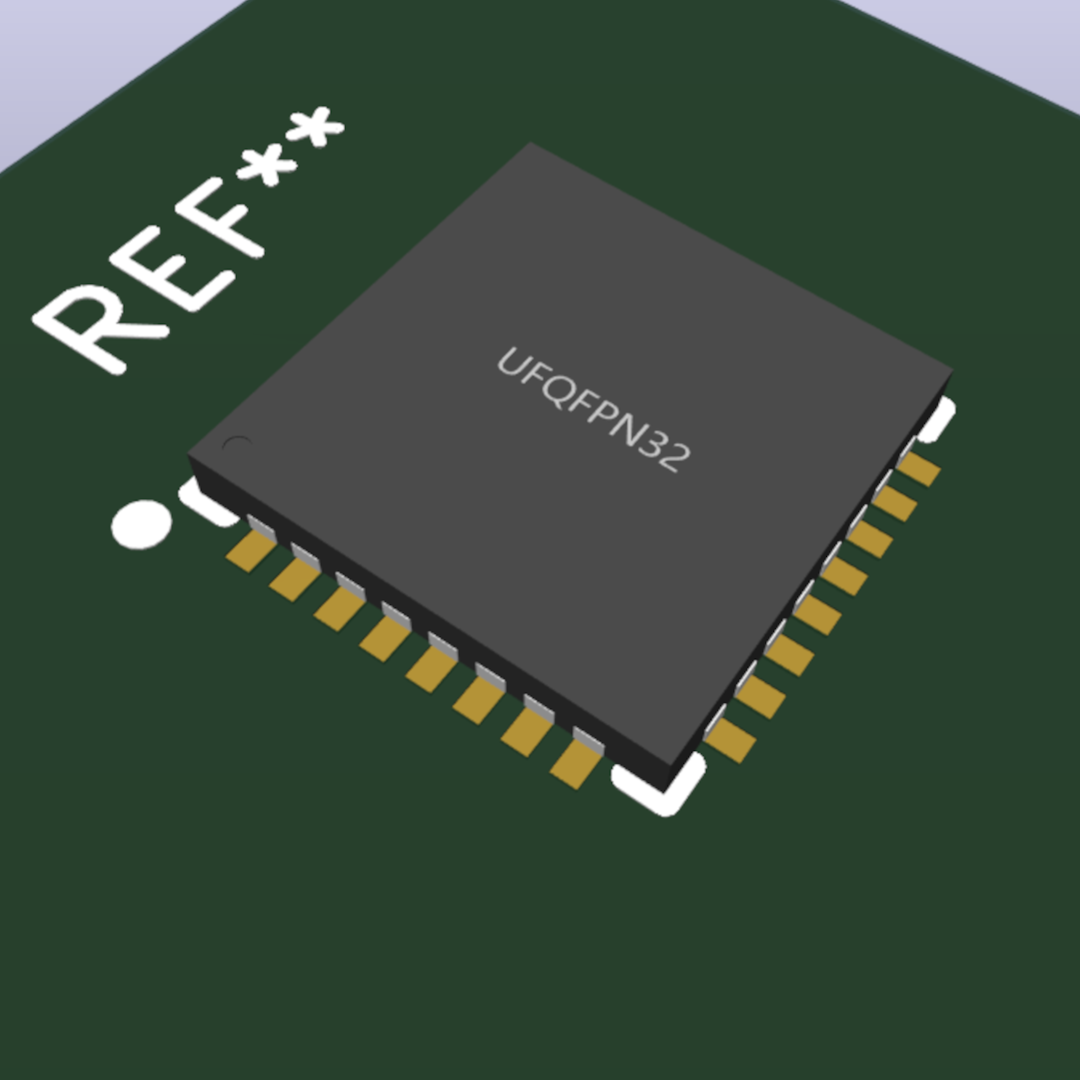
JLC2KiCadLib is a python script that generate a component library (symbol, footprint and 3D model) for KiCad from the JLCPCB/easyEDA library. This script requires Python 3.8 or higher.
Example
| easyEDA origin | KiCad result |
|---|---|
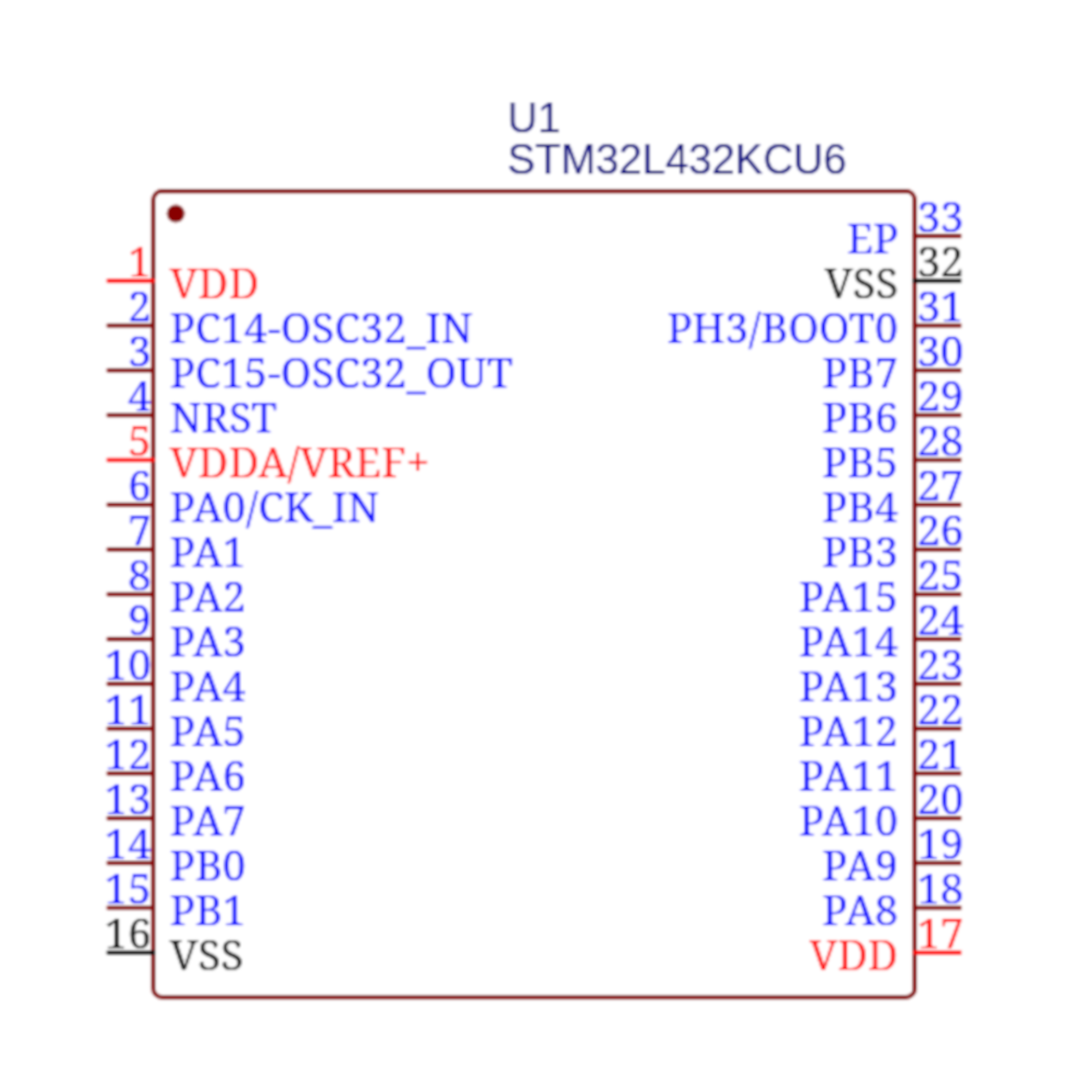 |
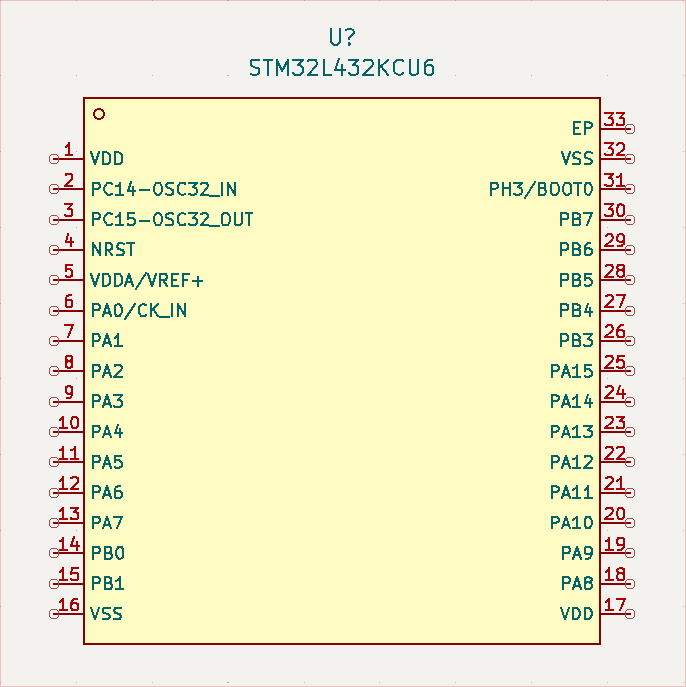 |
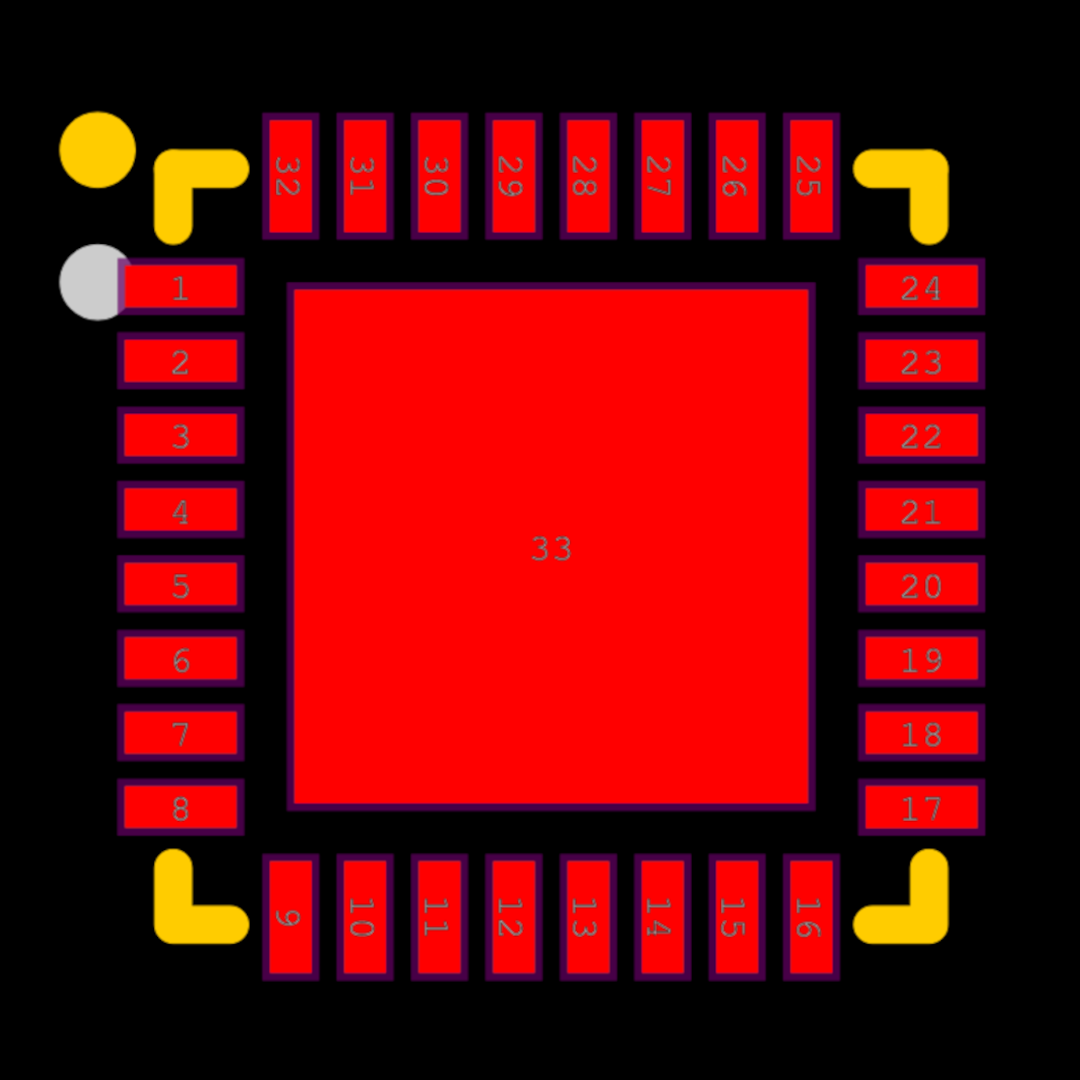 |
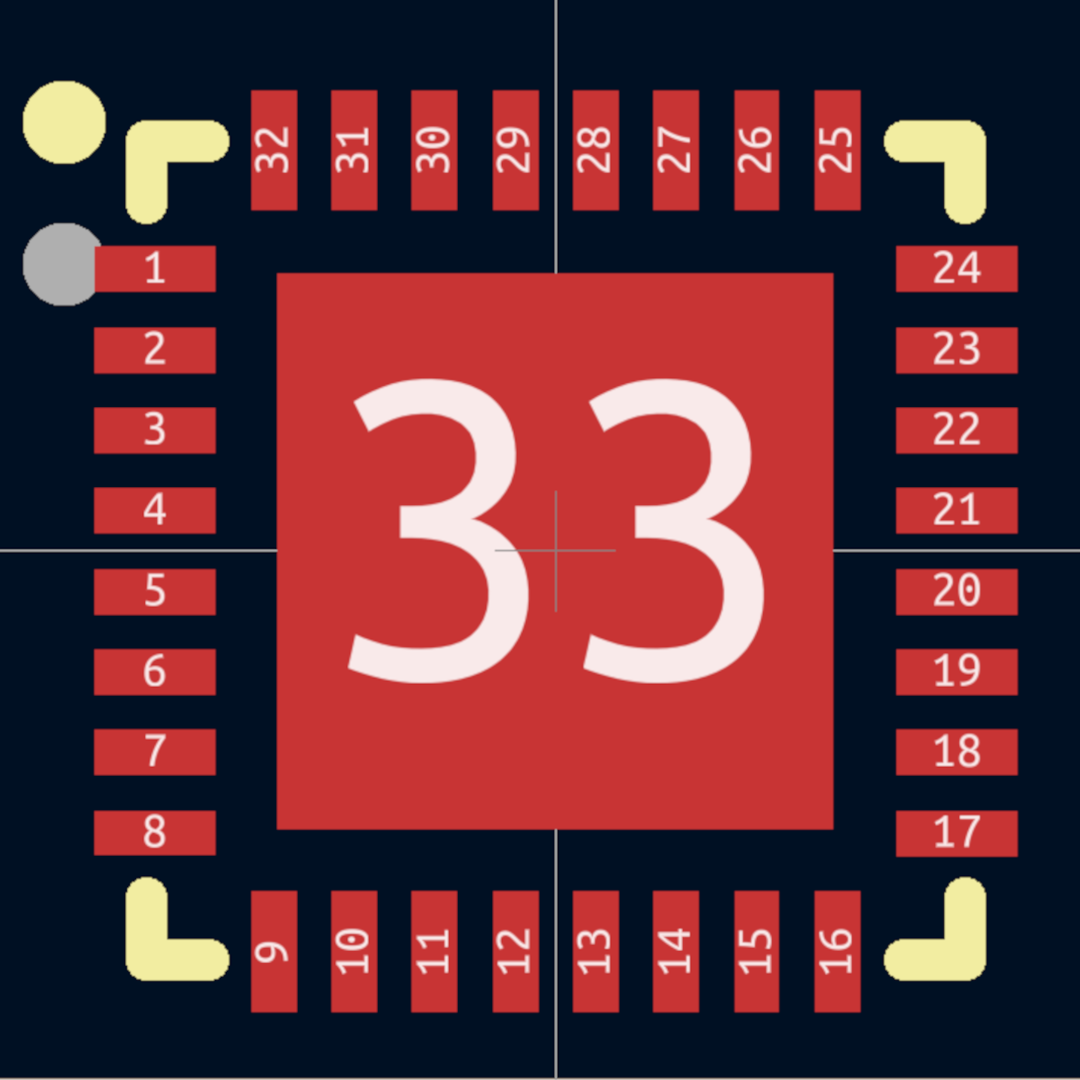 |
 |
 |
Installation
Install using pip:
pip install JLC2KiCadLib
Install from source:
git clone https://github.com/TousstNicolas/JLC2KiCad_lib.git
cd JLC2KiCad_lib
pip install .
Usage
usage: JLC2KiCadLib [-h] [-dir OUTPUT_DIR] [--no_footprint] [--no_symbol] [-symbol_lib SYMBOL_LIB] [-footprint_lib FOOTPRINT_LIB]
                    [-models [{STEP,WRL} ...]] [--skip_existing] [-model_base_variable MODEL_BASE_VARIABLE]
                    [-logging_level {DEBUG,INFO,WARNING,ERROR,CRITICAL}] [--log_file] [--version]
                    JLCPCB_part_# [JLCPCB_part_# ...]

take a JLCPCB part # and create the according component's kicad's library

positional arguments:
  JLCPCB_part_#         list of JLCPCB part # from the components you want to create

options:
  -h, --help            show this help message and exit
  -dir OUTPUT_DIR       base directory for output library files
  --no_footprint        use --no_footprint if you do not want to create the footprint
  --no_symbol           use --no_symbol if you do not want to create the symbol
  -symbol_lib SYMBOL_LIB
                        set symbol library name, default is "default_lib"
  -symbol_lib_dir SYMBOL_LIB_DIR
                        Set symbol library path, default is "symbol" (relative to OUTPUT_DIR)
  -footprint_lib FOOTPRINT_LIB
                        set footprint library name, default is "footprint"
  -models [{STEP,WRL} ...]
                        Select the 3D model you want to use. Default is STEP.
                        If both are selected, only the STEP model will be added to the footprint (the WRL model will still be generated alongside the STEP model).
                        If you do not want any model to be generated, use the --models without arguments
  -model_dir MODEL_DIR  Set directory for storing 3d models, default is "packages3d" (relative to FOOTPRINT_LIB)
  --skip_existing       use --skip_existing if you want do not want to replace already existing footprints and symbols
  -model_base_variable MODEL_BASE_VARIABLE
                        use -model_base_variable if you want to specify the base path of the 3D model using a path variable
  -logging_level {DEBUG,INFO,WARNING,ERROR,CRITICAL}
                        set logging level. If DEBUG is used, the debug logs are only written in the log file if the option --log_file is set
  --log_file            use --log_file if you want logs to be written in a file
  --version             Print versin number and exit

exemple use :
        JLC2KiCadLib C1337258 C24112 -dir My_lib -symbol_lib My_Symbol_lib --no_footprint
The only required arguments are the JLCPCP_part number (e.g. Cxxxxx)
Example usage :
JLC2KiCadLib C1337258 C24112 -dir My_lib                       \
                             -model_dir My_model_dir           \
                             -footprint_lib My_footprint_lib   \
                             -symbol_lib_dir My_symbol_lib_dir \
                             -symbol_lib My_symbol_lib
This example will create the symbol, footprint and 3D model for the two components specified and will output the symbol in the ./My_lib/symbol/My_symbol_lib.lib file, the footprint and 3D model will be created in the ./My_lib/Footprint. This will result in the following tree to be created :
My_lib
├── My_footprint_lib
│   ├── My_model_dir
│   │   ├── QFN-24_L4.0-W4.0-P0.50-BL-EP2.7.step
│   │   └── VQFN-48_L7.0-W7.0-P0.50-BL-EP5.5.step
│   ├── QFN-24_L4.0-W4.0-P0.50-BL-EP2.7.kicad_mod
│   └── VQFN-48_L7.0-W7.0-P0.50-BL-EP5.5.kicad_mod
└── My_symbol_lib_dir
    └── My_symbol_lib.kicad_sym
Most of those arguments are optional. The only required argument is the JLCPCB part #.
The JLCPCB part # is found in the part info section of every component in the JLCPCB part library.
By default, the library folder will be created in the execution directory. You can specify an absolute path with the -dir option.
Dependencies
JLC2KiCadLib relies on the KicadModTree framework to generate the footprints.
Testing
The project has a pytest-based test suite in test/:
- Unit tests (e.g.
test/test_courtyard.py) run offline and exercise individual handlers/helpers with synthetic data. - Integration tests (
test/test_components.py) generate real components from JLCPCB part numbers (defined intest/component_cases.py) and validate them against KiCad's KLC rules, using thekicad-library-utilsgit submodule.
To run the tests:
git submodule update --init
uv sync --group test
uv run pytest                       # unit tests only
uv run pytest -m integration        # integration tests (requires network access)
Notes
- Even so I tested the script on a lot of components, be careful and always check the output footprint and symbol.
- EasyEDA does not provide courtyard data, so footprints now get an auto-generated approximate courtyard (
F.CrtYd, 0.25mm clearance around the copper/fab/paste/mask/edge-cuts bounding box), mirroring the approach used by KiCad's own EasyEDA importer. - I consider this project completed. I will continue to maintain it if a bug report is filed, but I will not develop new functionality in the near future. If you feel that an important feature is missing, please open an issue to discuss it, then you can fork this project with a new branch before submitting a PR.
License
Copyright © 2021 TousstNicolas
The code is released under the MIT license
1 maintainer

Metadata
1 maintainer
Release files for JLC2KiCadLib 1.3.2
For a detailed explanation of source distributions (sdists) and built distributions (wheels), please see the package formats documentation.
Source distribution (sdist)
| File | Size | Uploaded | |
|---|---|---|---|
| jlc2kicadlib-1.3.2.tar.gz | 796.4 kB | Details |
Built distribution (wheel)
| File | Interpreter | ABI | Platform | Reset |
|---|---|---|---|---|
| jlc2kicadlib-1.3.2-py3-none-any.whl | Python 3 | none | any | Details |
Total release size: 820.7 kB
Release files / jlc2kicadlib-1.3.2.tar.gz
| Download URL | jlc2kicadlib-1.3.2.tar.gz |
|---|---|
| Size | 796.4 kB |
| Tags | Source |
|
SHA-256 checksum How to use checksums |
63fed518a788a23e3e8257246ec2ef9c66e5182acdf85266d5f492935b851a3c
|
|
BLAKE2b-256 checksum How to use checksums |
0ede990fca73a1f13f7636f086cb2de547d7cc03a8dc0ee695d9bf72aaedb0fe
|
| Upload date | |
|
Uploaded using Trusted Publishing? What is trusted publishing? |
Yes |
| Uploaded via |
twine/7.0.0 CPython/3.13.14
|
Provenance
Provenance describes where a file came from. On PyPI, provenance is shared via attestations, which provide a verifiable record of the build or publishing details. View details, limitations and caveats.


PyPI Publish Attestation
PyPI verified that this artifact, at this checksum, originated from the publisher listed below.
Signed by GitHub Actions, verified by PyPI on Sep 11, 2026.
Transparency logRelease files / jlc2kicadlib-1.3.2-py3-none-any.whl
| Download URL | jlc2kicadlib-1.3.2-py3-none-any.whl |
|---|---|
| Size | 24.3 kB |
| Tags | Python 3 |
|
SHA-256 checksum How to use checksums |
4bf005abec05c3bcb8fbac240935a67901ca5d8ab6da738d46f03560c4ecbdb2
|
|
BLAKE2b-256 checksum How to use checksums |
5ea510ba686e4366c39b76d0c0ad8be7bc1f58dad56618b030f6f580502b7dea
|
| Upload date | |
|
Uploaded using Trusted Publishing? What is trusted publishing? |
Yes |
| Uploaded via |
twine/7.0.0 CPython/3.13.14
|
Provenance
Provenance describes where a file came from. On PyPI, provenance is shared via attestations, which provide a verifiable record of the build or publishing details. View details, limitations and caveats.
PyPI Publish Attestation
PyPI verified that this artifact, at this checksum, originated from the publisher listed below.
Signed by GitHub Actions, verified by PyPI on Sep 11, 2026.
Transparency log













