

🚀 多平台消息推送工具 🚀




MessagePush 是一个用于通过多个平台异步和同步推送消息的 Python 模块。它支持通过配置文件或直接调用接口发送消息。
支持的平台
✅ 邮件
✅ 微信
✅ 钉钉
✅ Bark
✅ Telegram
✅ IGot
✅ PushPlus
✅ Anpush
✅ 飞书
✅ Discord
安装
pip install MessagePush
使用方法
MessagePush 支持同步和异步的调用方式。您可以根据需要选择适合的方式进行消息发送。
1. 同步发送消息
您可以通过 Sender 类的同步方法发送消息到多个平台。
发送邮件
from message_push import Sender


def send_email():
    Sender.email(
        subject="测试邮件",
        body="这是一封测试邮件",
        to_email="example@example.com",
        from_email="your_email@example.com",
        smtp_server="smtp.example.com",
        smtp_port=587,
        smtp_user="your_email@example.com",
        smtp_password="your_password"
    )


send_email()
发送微信消息
from message_push import Sender


def send_wechat_message():
    Sender.wechat(
        wechat_corp_id="your_corp_id",
        wechat_corp_secret="your_corp_secret",
        wechat_agent_id=1000002,
        message="这是一条测试微信消息"
    )


send_wechat_message()
发送钉钉消息
from message_push import Sender


def send_dingtalk_message():
    Sender.dingtalk(
        webhook_url="https://oapi.dingtalk.com/robot/send?access_token=your_access_token",
        message="这是一条测试钉钉消息",
        secret="your_secret"  # 可选
    )


send_dingtalk_message()
2. 异步发送消息
您可以通过 Sender 类的异步方法发送消息到多个平台。
发送邮件
import asyncio
from message_push import Sender


async def send_email():
    await Sender.email_async(
        subject="测试邮件",
        body="这是一封测试邮件",
        to_email="example@example.com",
        from_email="your_email@example.com",
        smtp_server="smtp.example.com",
        smtp_port=587,
        smtp_user="your_email@example.com",
        smtp_password="your_password"
    )


asyncio.run(send_email())
发送微信消息
import asyncio
from message_push import Sender


async def send_wechat_message():
    await Sender.wechat_async(
        wechat_corp_id="your_corp_id",
        wechat_corp_secret="your_corp_secret",
        wechat_agent_id=1000002,
        message="这是一条测试微信消息"
    )


asyncio.run(send_wechat_message())
发送钉钉消息
import asyncio
from message_push import Sender


async def send_dingtalk_message():
    await Sender.dingtalk_async(
        webhook_url="https://oapi.dingtalk.com/robot/send?access_token=your_access_token",
        message="这是一条测试钉钉消息",
        secret="your_secret"  # 可选
    )


asyncio.run(send_dingtalk_message())
3. 使用配置文件发送消息
您可以通过 Sender 类的同步或异步方法使用配置文件发送消息到多个平台。
同步方式
from message_push import Sender


def send_messages_with_config():
    Sender.send_messages_with_config_sync(
        config_path="config.yaml",  # 或者 "config.json"
        message="这是一条测试消息",
        title="测试标题",
        url="https://example.com"
    )


send_messages_with_config()
异步方式
import asyncio
from message_push import Sender


async def send_messages_with_config():
    await Sender.send_messages_with_config_async(
        config_path="config.yaml",  # 或者 "config.json"
        message="这是一条测试消息",
        title="测试标题",
        url="https://example.com"
    )


asyncio.run(send_messages_with_config())
示例配置文件
YAML 格式
email:
  to_email: "example@example.com"
  from_email: "your_email@example.com"
  smtp_server: "smtp.example.com"
  smtp_port: 587
  smtp_user: "your_email@example.com"
  smtp_password: "your_password"

wechat:
  corp_id: "your_corp_id"
  corp_secret: "your_corp_secret"
  agent_id: 1000002
  to_user: "UserID"

dingtalk:
  webhook_url: "https://oapi.dingtalk.com/robot/send?access_token=your_access_token"
  secret: "your_secret"  # 可选

bark:
  bark_url: "https://api.day.app/your_bark_key"

telegram:
  bot_token: "your_bot_token"
  chat_id: "your_chat_id"

igot:
  igot_key: "your_igot_key"

pushplus:
  token: "your_pushplus_token"

anpush:
  token: "your_anpush_token"

feishu:
  webhook_url: "https://open.feishu.cn/open-apis/bot/v2/hook/your_feishu_webhook"

discord:
  webhook_url: "https://discord.com/api/webhooks/your_discord_webhook"

whatsapp:
  api_url: "https://graph.facebook.com/v13.0/your_phone_number_id/messages"
  phone_number: "your_phone_number"
  api_token: "your_api_token"
JSON 格式
{
  "email": {
    "to_email": "example@example.com",
    "from_email": "your_email@example.com",
    "smtp_server": "smtp.example.com",
    "smtp_port": 587,
    "smtp_user": "your_email@example.com",
    "smtp_password": "your_password"
  },
  "wechat": {
    "corp_id": "your_corp_id",
    "corp_secret": "your_corp_secret",
    "agent_id": 1000002,
    "to_user": "UserID"
  },
  "dingtalk": {
    "webhook_url": "https://oapi.dingtalk.com/robot/send?access_token=your_access_token",
    "secret": "your_secret"
    #
    可选
  },
  "bark": {
    "bark_url": "https://api.day.app/your_bark_key"
  },
  "telegram": {
    "bot_token": "your_bot_token",
    "chat_id": "your_chat_id"
  },
  "igot": {
    "igot_key": "your_igot_key"
  },
  "pushplus": {
    "token": "your_pushplus_token"
  },
  "anpush": {
    "token": "your_anpush_token"
  },
  "feishu": {
    "webhook_url": "https://open.feishu.cn/open-apis/bot/v2/hook/your_feishu_webhook"
  },
  "discord": {
    "webhook_url": "https://discord.com/api/webhooks/your_discord_webhook"
  },
  "whatsapp": {
    "api_url": "https://graph.facebook.com/v13.0/your_phone_number_id/messages",
    "phone_number": "your_phone_number",
    "api_token": "your_api_token"
  }
}
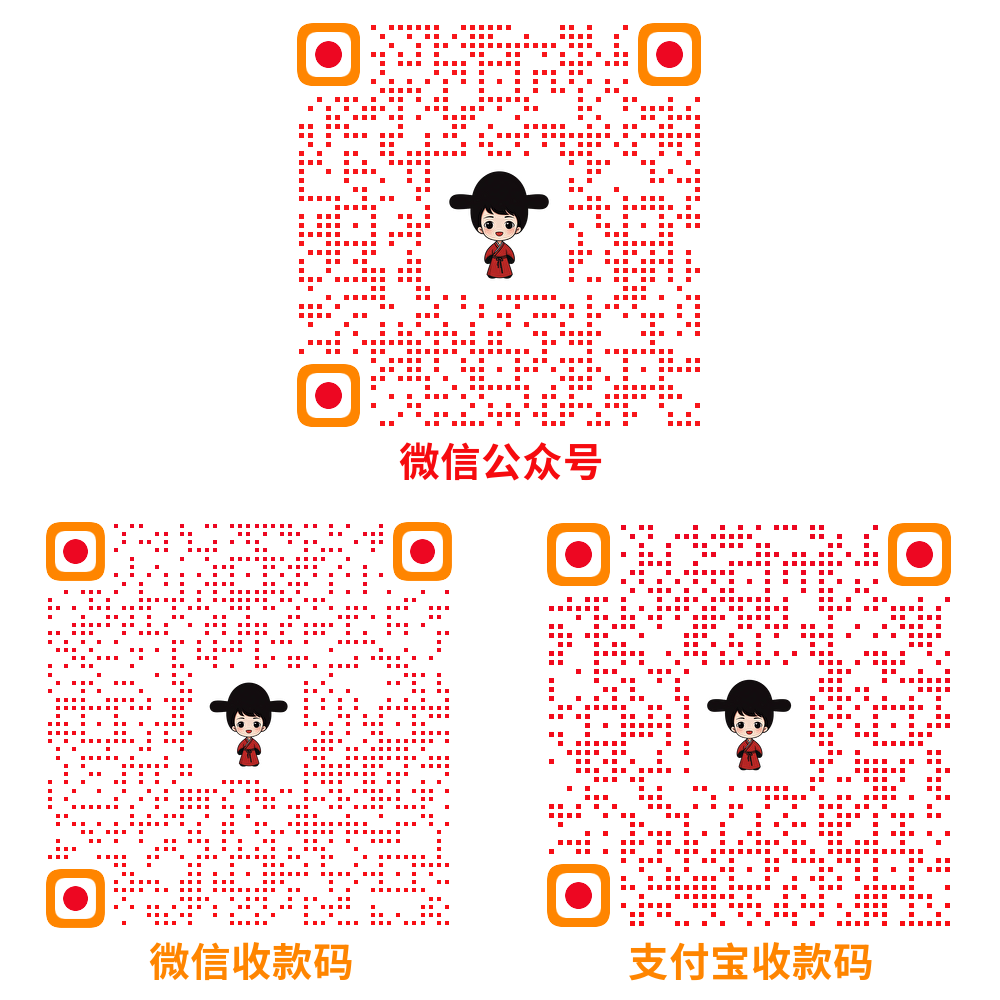
捐赠
1 maintainer

Release files for MessagePush 0.0.2
For a detailed explanation of source distributions (sdists) and built distributions (wheels), please see the package formats documentation.
Source distribution (sdist)
| File | Size | Uploaded | |
|---|---|---|---|
| messagepush-0.0.2.tar.gz | 15.8 kB | Details |
Built distribution (wheel)
| File | Interpreter | ABI | Platform | Reset |
|---|---|---|---|---|
| MessagePush-0.0.2-py3-none-any.whl | Python 3 | none | any | Details |
Total release size: 40.6 kB
Release files / messagepush-0.0.2.tar.gz
| Download URL | messagepush-0.0.2.tar.gz |
|---|---|
| Size | 15.8 kB |
| Tags | Source |
|
SHA-256 checksum How to use checksums |
841d02ac9d168bb82037255adb7f28402229509da30f80038ac13d32618197fd
|
|
BLAKE2b-256 checksum How to use checksums |
f1f8f5fc262223dcb9c86b1900fb0a0559e7a8d1812ade6c2c6ed4137e7c2169
|
| Upload date | |
|
Uploaded using Trusted Publishing? What is trusted publishing? |
No |
| Uploaded via |
twine/5.1.0 CPython/3.11.5
|
Release files / MessagePush-0.0.2-py3-none-any.whl
| Download URL | MessagePush-0.0.2-py3-none-any.whl |
|---|---|
| Size | 24.9 kB |
| Tags | Python 3 |
|
SHA-256 checksum How to use checksums |
e750af4b5e12a9d2ce3fc98962ed45c4d24e8185e2963478a263263bc9ec6a17
|
|
BLAKE2b-256 checksum How to use checksums |
d33ec49fa297d4ca208f0fe177f0f251c855aae8886a71128dda2bf755b9bbe3
|
| Upload date | |
|
Uploaded using Trusted Publishing? What is trusted publishing? |
No |
| Uploaded via |
twine/5.1.0 CPython/3.11.5
|














