
Planet3D: Solar System Visualization
Introduction
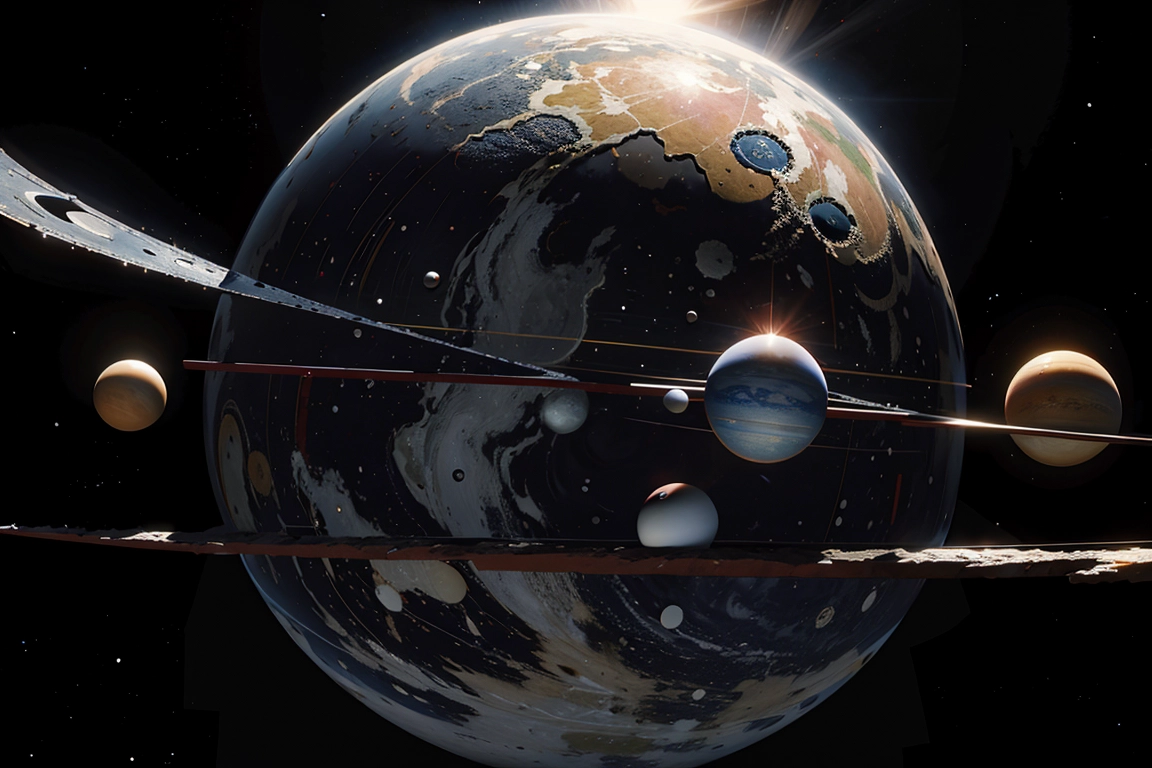
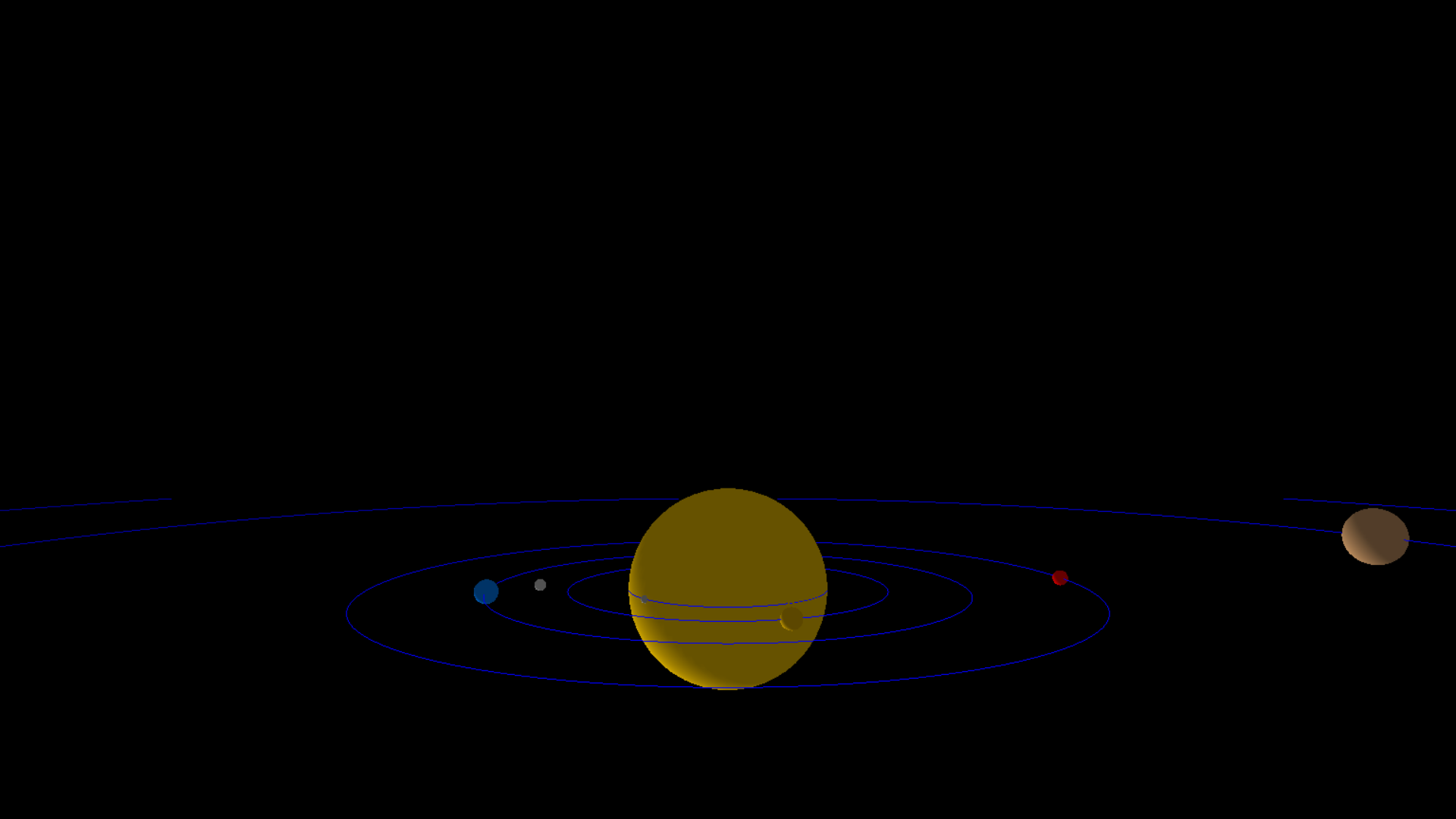
Planet3D is a Python library that provides a simple yet powerful framework for visualizing a solar system in a 3D space. It utilizes the Pygame and OpenGL libraries to render planets, moons, and their orbits, allowing users to explore the celestial bodies of our solar system in an interactive 3D environment.
Features
-
Realistic Rendering: Planet3D employs OpenGL to create realistic 3D representations of planets and moons, complete with orbital paths.
-
Interactive Exploration: Users can navigate through the solar system using keyboard controls, adjusting the viewpoint to observe planets and their orbits from different angles.
-
Configurability: Easily customize the solar system by adding planets, moons, rings, and adjusting their properties such as size, orbit radius, rotation speed, and colors.
-
Fullscreen Mode: Toggle between fullscreen and windowed modes for an immersive experience.
Installation
Planet3D can be installed using the following command:
pip install Planet3D
Getting Started
Importing Planet3D
from Planet3D import Planet, generate_solar_system
Creating Planets
# Create planets with specified properties
earth = Planet(name="Earth", radius=0.6, orbit_radius=12.0, rotation_speed=0.9, color=(0.0, 0.5, 1.0))
mars = Planet(name="Mars", radius=0.4, orbit_radius=18.0, rotation_speed=0.8, color=(1.0, 0.0, 0.0))
Adding Moons
# Add moons to a planet
earth.add_moon(name="Moon", radius=0.3, orbit_radius=3.0, rotation_speed=1.0, color=(0.8, 0.8, 0.8))
Configuring Rings
# Add rings to a planet
saturn.add_ring(radius=5.0, width=0.2, color=(0.8, 0.8, 0.8), transparency=0.3)
Generating the Solar System
# Generate and display the solar system
planets = [earth, mars]
generate_solar_system(planets)
To use Planet3D, create instances of the Planet class for each celestial body you want to include in the solar system. Customize properties such as radius, orbit radius, rotation speed, and color. Add rings or moons if desired. Finally, use the generate_solar_system function to display the solar system.
Here is a basic example:
from Planet3D import Planet, generate_solar_system

if __name__ == "__main__":
    # Create instances of planets
    sun = Planet(name="Sun", radius=5.0, orbit_radius=0.0, rotation_speed=0.0, color=(1.0, 0.8, 0.0))
    mercury = Planet(name="Mercury", radius=0.2, orbit_radius=5.0, rotation_speed=5.0, color=(0.7, 0.7, 0.7))
    venus = Planet(name="Venus", radius=0.5, orbit_radius=8.0, rotation_speed=3.0, color=(0.9, 0.7, 0.0))
    # ... (create other planets)

    # Customize Saturn with rings
    saturn_rings_color = (0.8, 0.8, 0.8)
    saturn.add_ring(radius=5.0, width=0.2, color=saturn_rings_color, transparency=0.3)

    # Add Moon to Earth
    earth.add_moon(name="Moon", radius=0.3, orbit_radius=3.0, rotation_speed=1.0, color=(0.8, 0.8, 0.8))

    # List of planets in our solar system
    planets = [sun, mercury, venus, earth, mars, jupiter, saturn, uranus, neptune]

    # To run in fullscreen mode, set fullscreen=True
    generate_solar_system(planets, display=(1200, 800), fullscreen=False)
This example demonstrates how to create a solar system with various planets and customization options.
Controls
- Left/Right Arrow: Move left/right
- Up/Down Arrow: Move up/down
- W/S: Move forward/backward
- Z/X: Move up/down faster
Fullscreen Mode
To run the visualization in fullscreen mode, simply pass fullscreen=True to the generate_solar_system function:
generate_solar_system(planets, fullscreen=True)
Acknowledgements
Planet3D utilizes the Pygame and OpenGL libraries to create an interactive 3D solar system visualization.
License
This project is licensed under the MIT License - see the LICENSE file for details.
Contact
For questions or support, please contact [ishan.kodithuwakku@gmail.com].
Repository Views

Explore the wonders of our solar system with Planet3D!
1 maintainer

Metadata
1 maintainer
Release files for Planet3D 0.3.0
For a detailed explanation of source distributions (sdists) and built distributions (wheels), please see the package formats documentation.
Source distribution (sdist)
| File | Size | Uploaded | |
|---|---|---|---|
| Planet3D-0.3.0.tar.gz | 5.1 kB | Details |
Built distribution (wheel)
| File | Interpreter | ABI | Platform | Reset |
|---|---|---|---|---|
| Planet3D-0.3.0-py3-none-any.whl | Python 3 | none | any | Details |
Total release size: 10.5 kB
Release files / Planet3D-0.3.0.tar.gz
| Download URL | Planet3D-0.3.0.tar.gz |
|---|---|
| Size | 5.1 kB |
| Tags | Source |
|
SHA-256 checksum How to use checksums |
1fa4c7787e73ee44f43587d0a3f1f508a637bc440b5745e6f9d06092327d0368
|
|
BLAKE2b-256 checksum How to use checksums |
3eae10d6bc8e1ee519f68e0b37a1015811c5fd15229d39c4f677c6fd28feffb9
|
| Upload date | |
|
Uploaded using Trusted Publishing? What is trusted publishing? |
No |
| Uploaded via |
twine/4.0.2 CPython/3.9.18
|
Release files / Planet3D-0.3.0-py3-none-any.whl
| Download URL | Planet3D-0.3.0-py3-none-any.whl |
|---|---|
| Size | 5.3 kB |
| Tags | Python 3 |
|
SHA-256 checksum How to use checksums |
2f33f2fbce823efbb00154e1a65f4174de14298a96bfc649b3dc9a290b90a2c6
|
|
BLAKE2b-256 checksum How to use checksums |
9ae3346dca31b5b41d78559143e0cb69de12fab7215cac9130cb2dfd15f038b5
|
| Upload date | |
|
Uploaded using Trusted Publishing? What is trusted publishing? |
No |
| Uploaded via |
twine/4.0.2 CPython/3.9.18
|














