
A Python library for multi-algorithm motion quantification and tracking in videos

Project description
PyBodyTrack
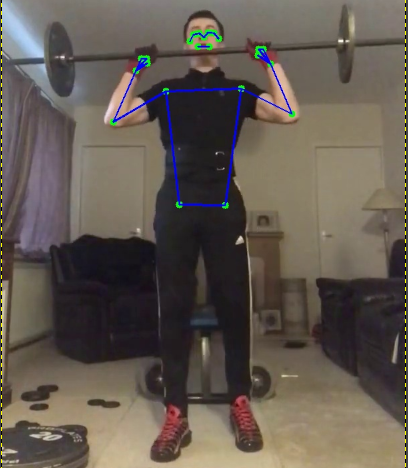
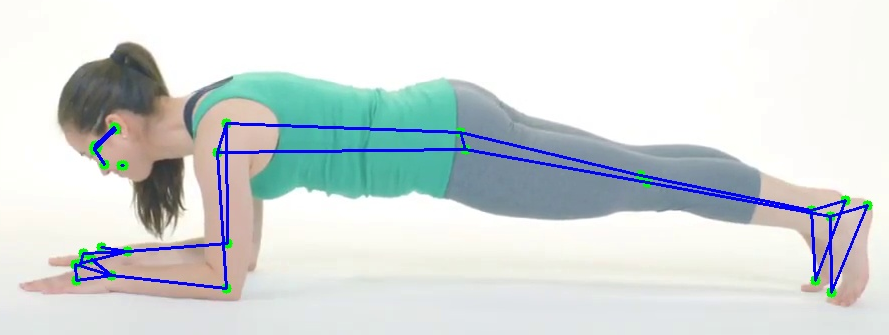
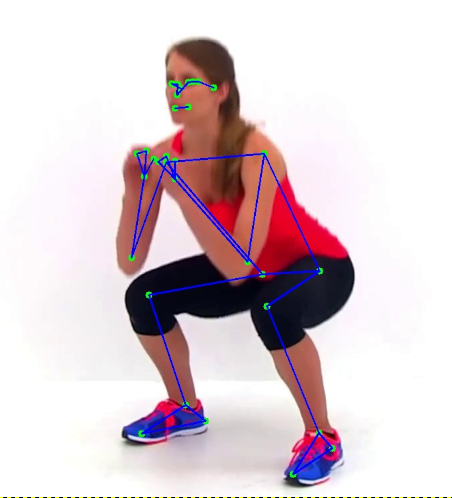
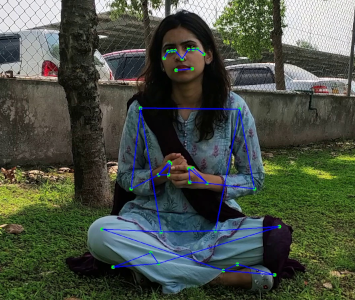
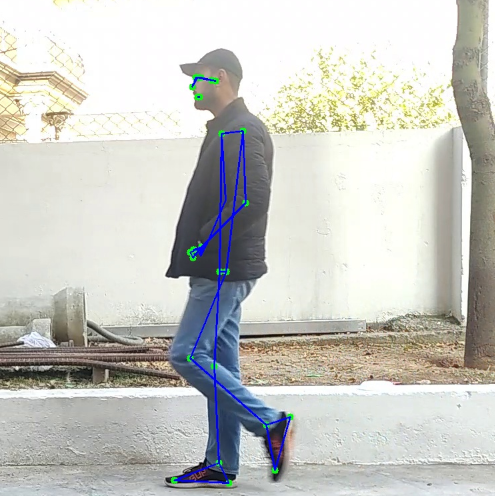
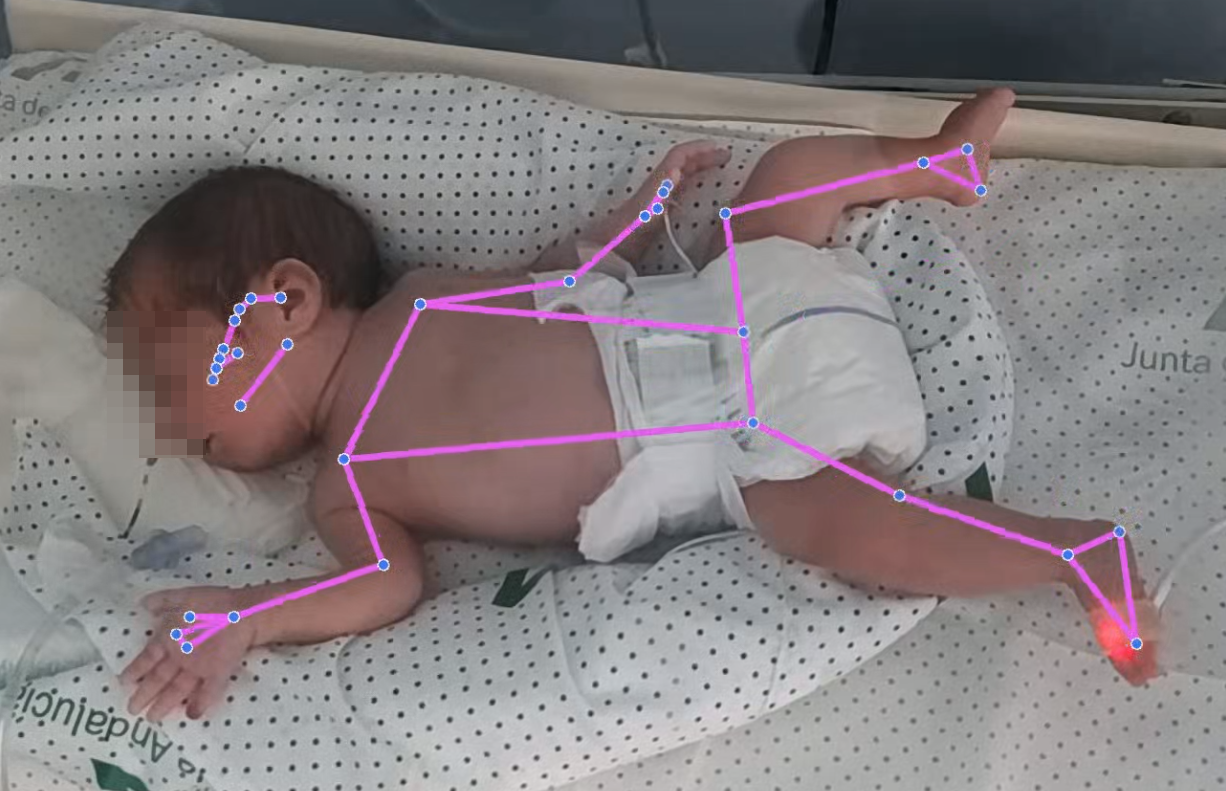
PyBodyTrack is a library that simplifies and enhances movement estimation and quantification. It allows for the analysis of either the entire body or specific regions using various mathematical approaches, both from pre-recorded videos and real-time sources
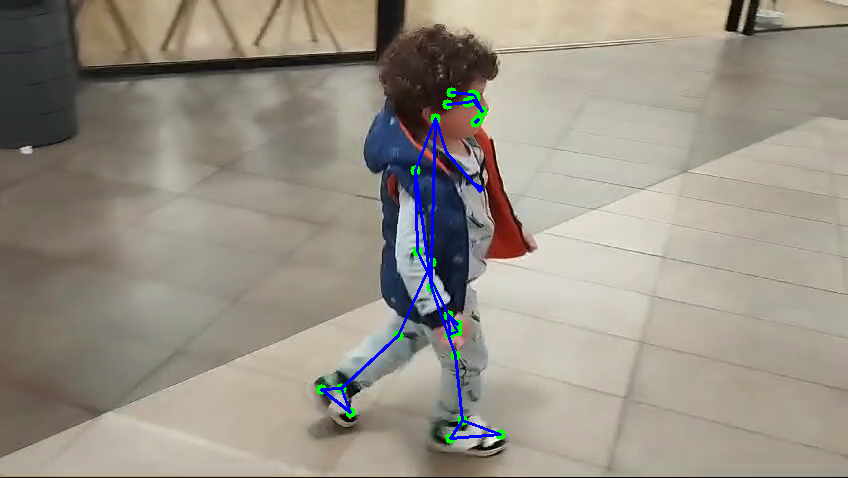
|
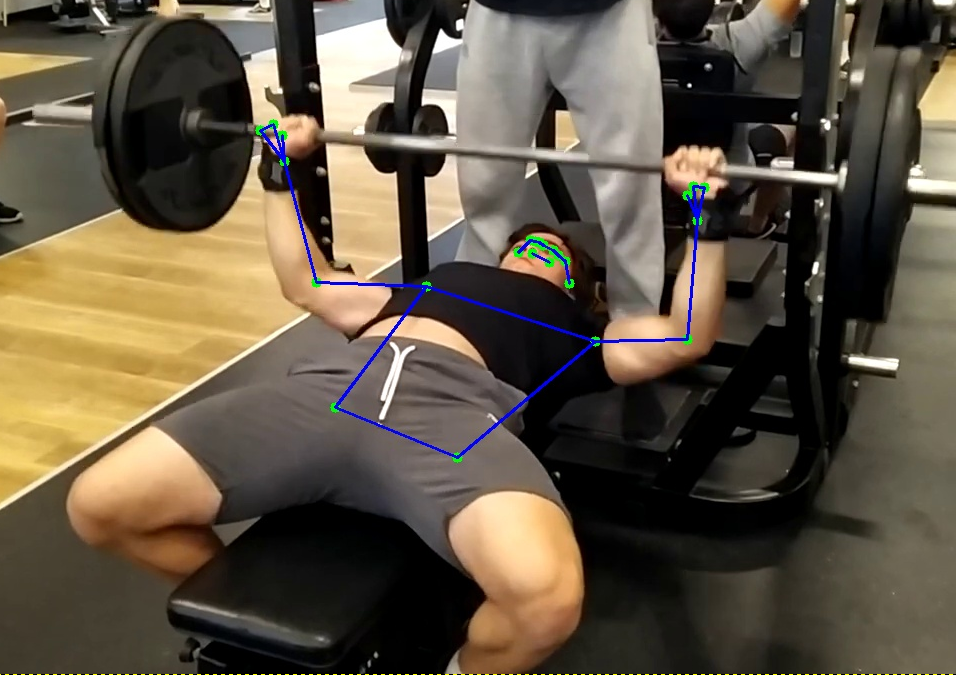
|
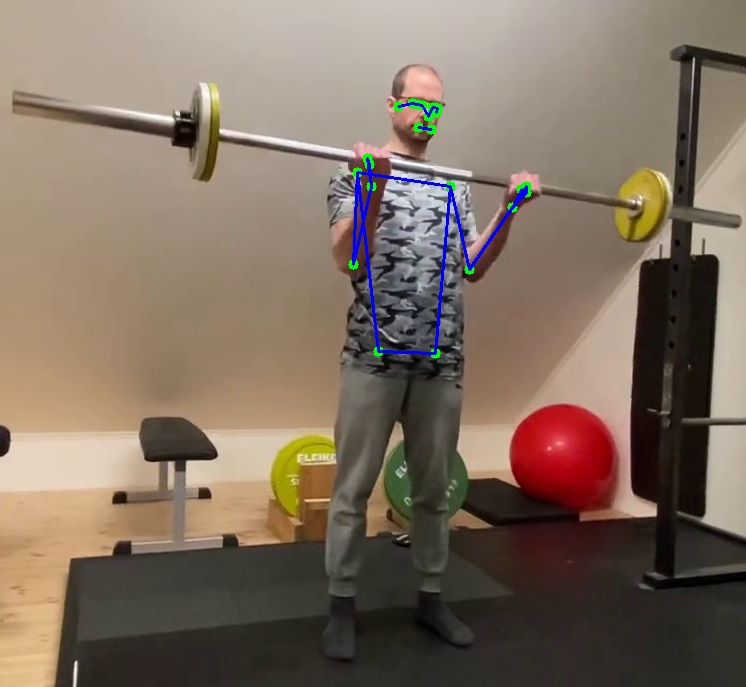
|
|
|
|
|
|
|
Installation Guide
This guide explains how to install and use PyBodyTrack, either from PyPI or directly from GitHub.
📌 Option 1: Install from PyPI (Recommended)
The easiest way to install PyBodyTrack is via pip:
pip install pybodytrack
This will automatically install the latest stable version along with all dependencies.
📌 Option 2: Install from GitHub
If you want to use the latest development version or modify the code, follow these steps:
1️⃣ Create and Activate a Virtual Environment
- Run the following command to create a new virtual environment:
python -m venv my_env
- Then, activate it:
- Windows (Command Prompt or PowerShell):
my_env\Scripts\activate
- Mac/Linux:
source my_env/bin/activate
- Windows (Command Prompt or PowerShell):
✅ You are now inside the virtual environment.
2️⃣ Clone the GitHub Repository
- Clone the repository to your local machine:
git clone https://github.com/bihut/PyBodyTrack.git
- Navigate into the repository folder:
cd PyBodyTrack
3️⃣ Install Dependencies
- If the repository contains a
requirements.txtfile, install dependencies with:pip install -r requirements.txt
- If the repository uses
pyproject.tomlwith Poetry, install dependencies using:pip install poetry poetry install
4️⃣ Install the Library in Editable Mode (Optional)
- To modify the library and test changes without reinstalling, install it in editable mode:
pip install -e .
5️⃣ Verify the Installation
- To confirm that the library is installed correctly, try importing it:
import pybodytrack
print(pybodytrack.__version__)
- If you are unsure of the package name, check the repository’s contents or
setup.py.
6️⃣ Exit the Virtual Environment When Finished
- Once you have finished working with the library, deactivate the virtual environment:
deactivate
📌 Example
This example illustrates the use of PyBodyTrack to track body movements in a video file:
import threading
import time
from pybodytrack.BodyTracking import BodyTracking
from pybodytrack.enums.PoseProcessor import PoseProcessor
from pybodytrack.bodyparts import body_parts as bodyparts
from pybodytrack.enums.VideoMode import VideoMode
from pybodytrack.methods.methods import Methods

# Path to the input video file
path_video = "PATH TO VIDEO"

# Initialize the BodyTracking object with the selected processor and mode
body_tracking = BodyTracking(
    processor=PoseProcessor.MEDIAPIPE,  # Use MediaPipe for pose estimation
    mode=VideoMode.VIDEO,               # Set mode to process a video file
    path_video=path_video,              # Path to the video file
    selected_landmarks=bodyparts.STANDARD_LANDMARKS  # Use standard body landmarks
)

# Define the time range for processing (in seconds)
start = 10
end = 40
body_tracking.set_times(start, end)

# Create and start a separate thread for tracking
tracker_thread = threading.Thread(target=body_tracking.start, kwargs={})
tracker_thread.start()

try:
    # Main thread stays active while the tracking thread runs
    while tracker_thread.is_alive():
        time.sleep(1)  # Prevents busy-waiting by sleeping 1 second per loop
except KeyboardInterrupt:
    print("Stopping tracking...")
    body_tracking.stop()

# Ensure proper shutdown of the tracking thread
tracker_thread.join(timeout=1)
if tracker_thread.is_alive():
    print("Tracker thread still alive. Force stopping...")
    body_tracking.stop()

# Retrieve movement data
df = body_tracking.getData()

# Compute movement metrics using Chebyshev distance
movement = Methods.chebyshev_distance(df, filter=True, distance_threshold=2.0)

# Initialize the result JSON dictionary
res_json = {}

# Compute Normalized Movement Index (NMI)
norm = body_tracking.normalized_movement_index(movement, len(bodyparts.STANDARD_LANDMARKS))
res_json['ram'] = movement  # Raw Amount of Movement (RAM)
res_json['nmi'] = norm      # Normalized Movement Index (NMI)

# Compute Movement per Landmark (MOL)
movl = body_tracking.movement_per_landmark(movement, len(bodyparts.STANDARD_LANDMARKS))
res_json['mol'] = movl

# Compute Movement per Frame (MOF)
aux = body_tracking.movement_per_frame(movement)
res_json['mof'] = aux

# Compute Movement per Second (MOS)
aux = body_tracking.movement_per_second(movement)
res_json['mos'] = aux

# Print the results
print("Raw movement:", movement, " - NMI:", norm)
⃣ Other examples can be found in "examples" folder
⃣ A ready-to-use example can be found in Google Collab (https://colab.research.google.com/drive/1-XW_-IOAOICfwuKssuBBBAeVdZyELOTy?usp=sharing)
⃣ Current version supports MediaPipe and YOLO. OpenPose should be installed manually (https://github.com/CMU-Perceptual-Computing-Lab/openpose)
✅ Now you can use PyBodyTrack either from PyPI or by installing it manually from GitHub!
🚀 If you encounter any issues, feel free to open an issue on GitHub! 😃


Download files
Download the file for your platform. If you're not sure which to choose, learn more about installing packages.
Source Distribution
Built Distribution
Filter files by name, interpreter, ABI, and platform.
If you're not sure about the file name format, learn more about wheel file names.
Copy a direct link to the current filters
File details
Details for the file pybodytrack-2025.3.3.tar.gz.
File metadata
- Download URL: pybodytrack-2025.3.3.tar.gz
- Upload date:
- Size: 25.5 kB
- Tags: Source
- Uploaded using Trusted Publishing? No
- Uploaded via: twine/6.1.0 CPython/3.9.7
File hashes
| Algorithm | Hash digest | |
|---|---|---|
| SHA256 |
23df54b7a279cec91347732696ff7da92a55567d8dae1dfd2ad3c1fd10fa825b
|
|
| MD5 |
a65cb61a271f3ab32630b0ddbc82fdd2
|
|
| BLAKE2b-256 |
38f5b4d7921d813b49ff638afba89bcdde181c1a64dc8ef87a8696a719dc3a57
|
File details
Details for the file pybodytrack-2025.3.3-py3-none-any.whl.
File metadata
- Download URL: pybodytrack-2025.3.3-py3-none-any.whl
- Upload date:
- Size: 31.7 kB
- Tags: Python 3
- Uploaded using Trusted Publishing? No
- Uploaded via: twine/6.1.0 CPython/3.9.7
File hashes
| Algorithm | Hash digest | |
|---|---|---|
| SHA256 |
c62821202607cf27a076eef0fdad40a1d46d17e5f8e342f8c7f4cc9bb0ff9422
|
|
| MD5 |
27ffbb3703b13c262393473b5c1cca50
|
|
| BLAKE2b-256 |
d7aab26742c016725fa143b3f322fee5f7ee45b34ea65b468c77121922b548fc
|






