
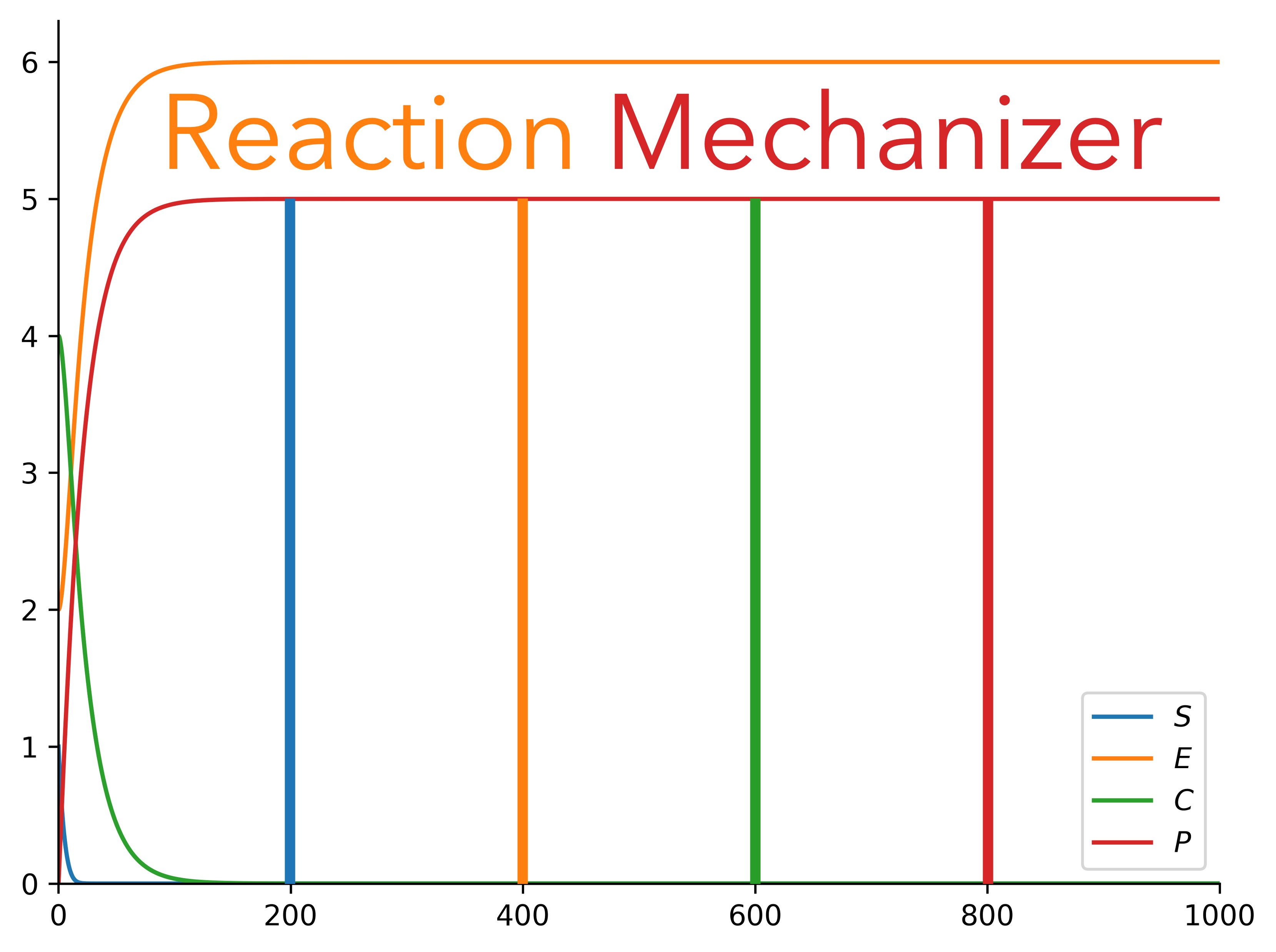
Reaction Mechanizer

Reaction Mechanizer is a Python tool that can be used to simulate chemical reactions.
Table of Contents
Theory
The rates at which steps in a reaction occur are governed by differential equations. For example, consider the equilibrium step:
A+B<--->C+D
Without loss of generality, if we focus solely on species C, notice that the rate of production of C is jointly proportional to the concentrations of A and B (more likely for the forward reaction to go through as the amount of interactions increase). However, the rate is also dictated by the reverse reaction, which is proportional to the interactions between C and D. So, the overall rate law for C is:
dC/dt=k1*A*B - k2*C*D
A system of ODEs can be built for any step, and any full mechanism (a combination of steps).
Documentation
Compiled documentation for this whole package is hosted here.
Requirements
Reaction Mechanizer requires Python 3.8 in addition to the following libraries:
- matplotlib
- seaborn
- scipy
- pandas
- numpy
Specific version requirements are in requirements.txt
Installation
The latest version can be manually installed from source.
git clone https://github.com/ArmaanAhmed22/ReactionMechanizer.git && cd ReactionMechanizer && pip install .
Or, the current release can be installed from PyPi:
pip install ReactionMechanizer
Usage
Reaction Mechanizer can either simulate a SimpleStep or a ReactionMechanism. Either can be created from a string:
from reaction_mechanizer.pathway.reaction import SimpleStep, ReactionMechanism

ss = SimpleStep.str_to_step("2A+1/2B->1/3C+D")
ss.set_rate_constant(kf=1,kr=0)

rm = ReactionMechanism.str_to_mechanism(
"""A->X+Y
X->Z
Z+Y->B"""
)
rm.set_rate_constants([{"kf":1}, {"kf": 0.5, "kr": 0.25}, {"kf":0.7}])
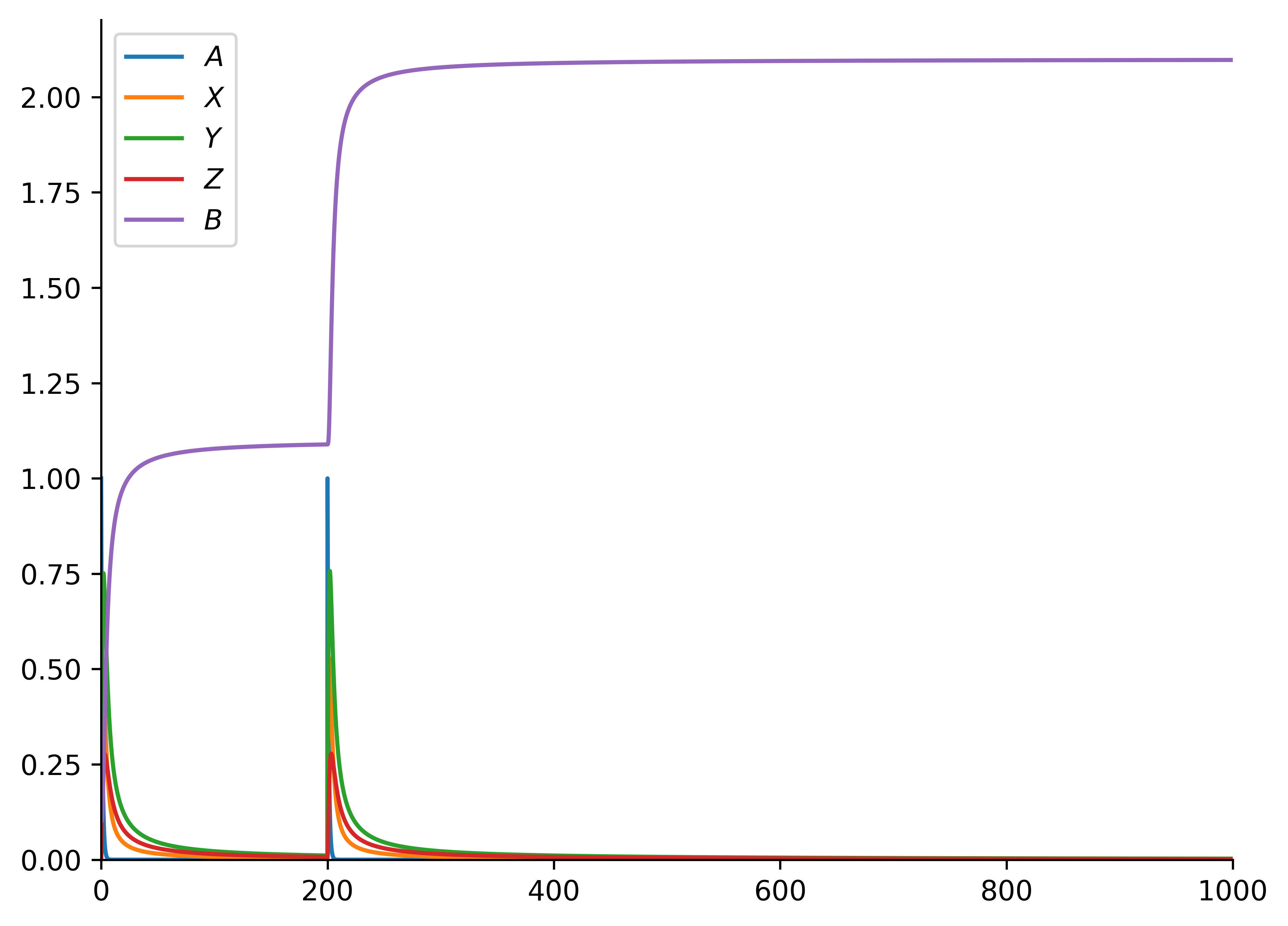
From an initial state, the step/mechanism progression can be seen using the ReactionVisualizer class as follows:
from reaction_mechanizer.drawing.mechanism_reaction_visualizer import ReactionVisualizer, ReactionEvent
vis = ReactionVisualizer(rm)  #or ReactionVisualizer(ss)
progress_reaction_params = {
    "initial_state": {"A": 1, "X": 0, "Y": 0, "Z": 0, "B": 0.1},
    "time_end": 1000,
    "number_steps": 5000,
    "events": [(200, ReactionEvent.CHANGE_CONCENTRATION, ("A", 1))],
}
"""Arguments:
1) initial state of species
2) time
3) granularity (how many times to evaluate the differential equations to derive our answer)
4) [optional] any events (ie adding certain species) that occur in the middle of the reaction (here, at time=200, with an increase of concentration of 1 for "A")"""
dataframe = vis.progress_reaction(out = "out.png", **progress_reaction_params)
The following graph is generated:
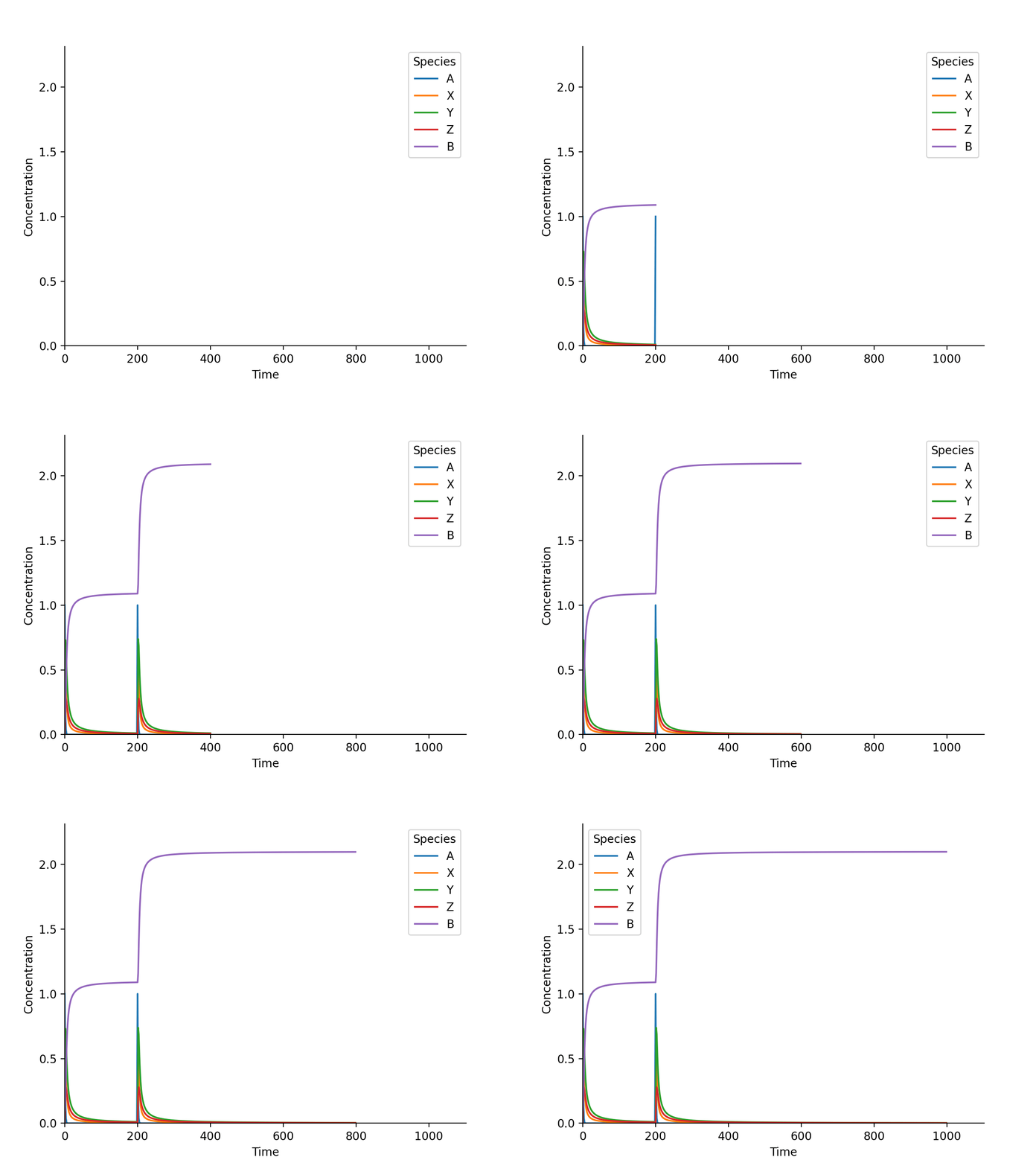
vis.animate_progress_reaction(
    video_destination_no_extension="out",
    video_length=10,
    fps=60,
    extension="gif",
    **progress_reaction_params)
And, the following gif is generated!
1 maintainer

Metadata
1 maintainer
Release files for ReactionMechanizer 1.1.1
For a detailed explanation of source distributions (sdists) and built distributions (wheels), please see the package formats documentation.
Source distribution (sdist)
| File | Size | Uploaded | |
|---|---|---|---|
| ReactionMechanizer-1.1.1.tar.gz | 11.1 kB | Details |
Built distribution (wheel)
| File | Interpreter | ABI | Platform | Reset |
|---|---|---|---|---|
| ReactionMechanizer-1.1.1-py3-none-any.whl | Python 3 | none | any | Details |
Total release size: 23.0 kB
Release files / ReactionMechanizer-1.1.1.tar.gz
| Download URL | ReactionMechanizer-1.1.1.tar.gz |
|---|---|
| Size | 11.1 kB |
| Tags | Source |
|
SHA-256 checksum How to use checksums |
8100fc73c6adc7043f8e03b246f0ed018b765abcb96c599b09e45e56ed687214
|
|
BLAKE2b-256 checksum How to use checksums |
62ea9846fc1902762e2a52f1948175f1a4a59c0acd709358f17910466dcf9ae9
|
| Upload date | |
|
Uploaded using Trusted Publishing? What is trusted publishing? |
No |
| Uploaded via |
twine/4.0.0 CPython/3.9.12
|
Release files / ReactionMechanizer-1.1.1-py3-none-any.whl
| Download URL | ReactionMechanizer-1.1.1-py3-none-any.whl |
|---|---|
| Size | 11.9 kB |
| Tags | Python 3 |
|
SHA-256 checksum How to use checksums |
f69fc05e48a5fda8471175023d7b979997a1343a435e0000a8657d3cdf05a748
|
|
BLAKE2b-256 checksum How to use checksums |
b9c3795589e83e6df1bbce4cbe7c4e34e7387ac6f6c2c65af489ffc444a76f99
|
| Upload date | |
|
Uploaded using Trusted Publishing? What is trusted publishing? |
No |
| Uploaded via |
twine/4.0.0 CPython/3.9.12
|














