
Display images using escape codes

Project description
-ASCII-art is so 2013.
Shellpic uses escape codes to display images in a terminal or irc-client.
Examples
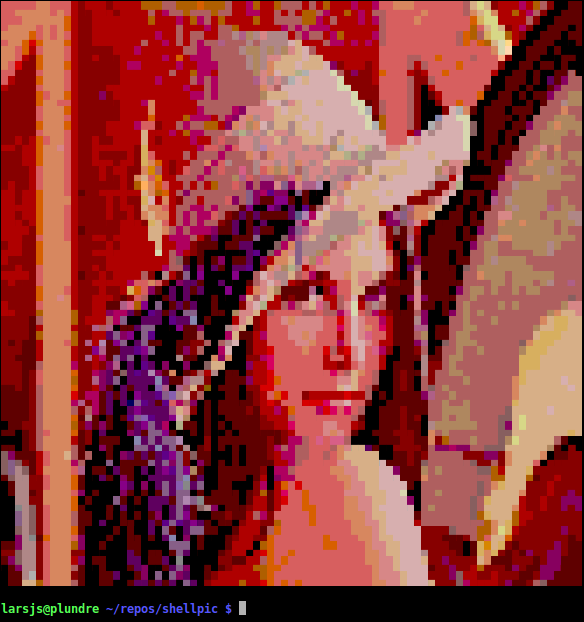
Running shellpic <image> in a terminal that supports 256-colors will get you something that looks like the image above.
If you happen to have a terminal that is capable of showing true colors, you can use the --shell24-switch to enable 24bit output. It will look something like this:

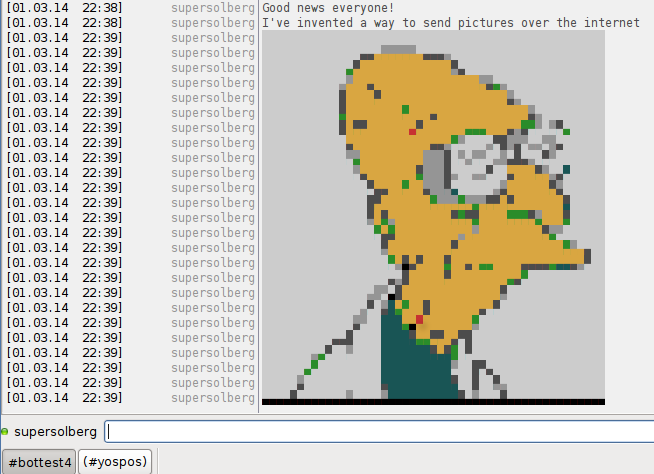
Shellpic can also be used with irc-clients. Run the script from your client and use the --irc-switch, the result will depend on the client used. This is how it looks in xchat:
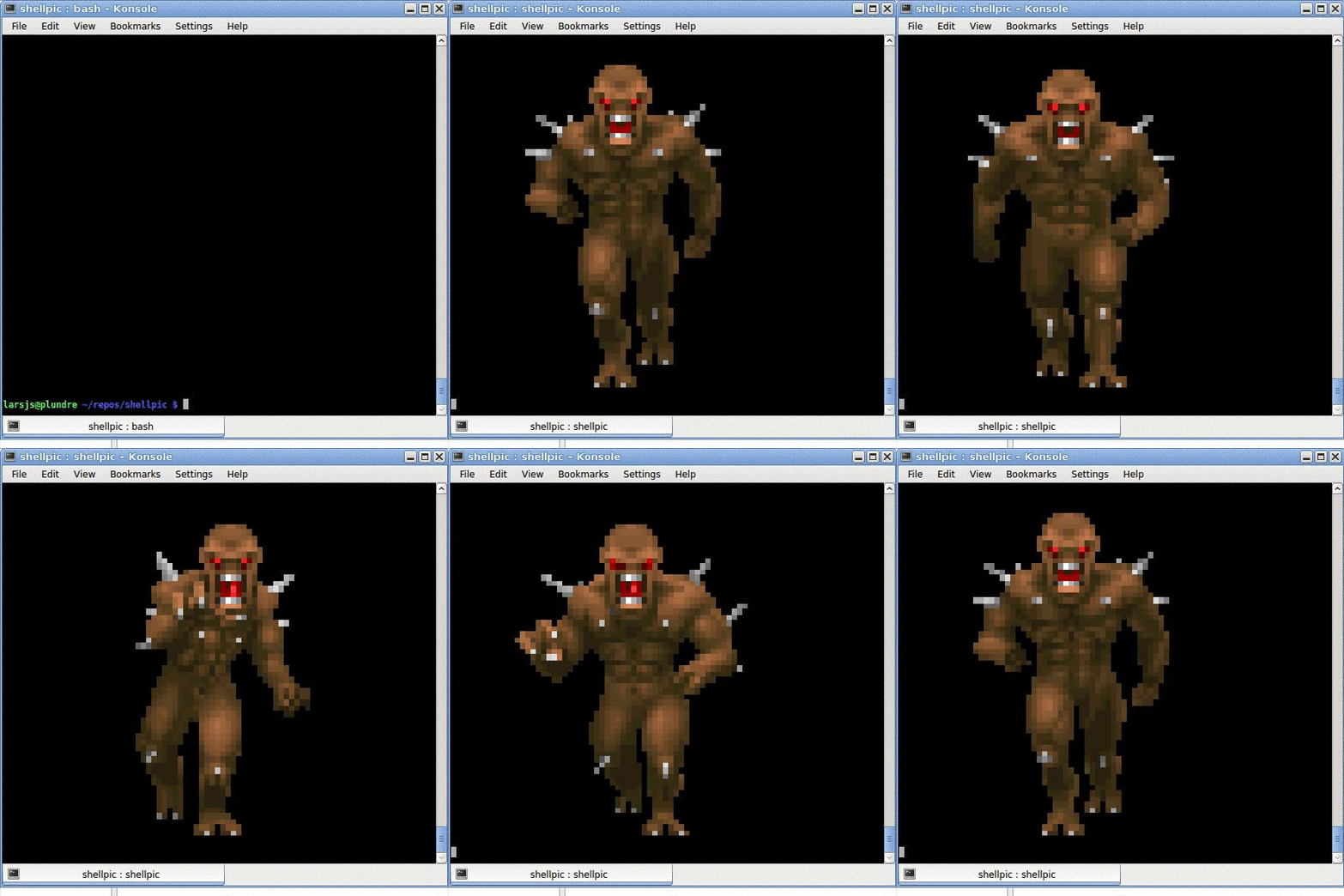
Use the --animate (show the animation once, then exit) or --loop (animate and loop forever) to animate gifs. There is a noticable difference between between terminals of how smooth the animation looks. KDE’s konsole seems to handle it well.
Installation
You should have PIL (>=1.1.7) or Pillow (>=1.0) installed. Shellpic is tested with Python 2.7.
If you have PIP installed:
sudo pip install ShellpicIf you do not have PIP or want the bleeding edge version of Shellpic:
# clone the repo
git clone https://github.com/larsjsol/shellpic.git
# install the package
cd shellpic
sudo python setup.py install
Changelog
See CHANGES.rst
Release history Release notifications | RSS feed


Download files
Download the file for your platform. If you're not sure which to choose, learn more about installing packages.
Source Distribution
File details
Details for the file Shellpic-1.2.2.tar.gz.
File metadata
- Download URL: Shellpic-1.2.2.tar.gz
- Upload date:
- Size: 614.7 kB
- Tags: Source
- Uploaded using Trusted Publishing? No
File hashes
| Algorithm | Hash digest | |
|---|---|---|
| SHA256 |
d9359160cabda63c0702b67e447d28c76834ac5394bdab5e3496d77fb25b2934
|
|
| MD5 |
393f12db3c083ca312ac0639d3afa3de
|
|
| BLAKE2b-256 |
6ccc244b2edb5a688c835f1c8d5ce3b67340bd7176c11129475ced68ed25df3a
|






