
A Python package for validating emails, phone numbers, password strength checking, strong password generation, and file validation.

Project description
SurakshaMitra
SurakshaMitra 🔐 is your security companion for managing passwords 🔑 and validating email 📨 addresses as well as file uploader 🗃️ and phone 📞 validatore.
Features ☕
- Check password strength 💪🏻
- Generate strong passwords ♨️
- Validate email addresses 📧
- Validate Phone Numeber 📞
- Validate valid file upload 🗃️
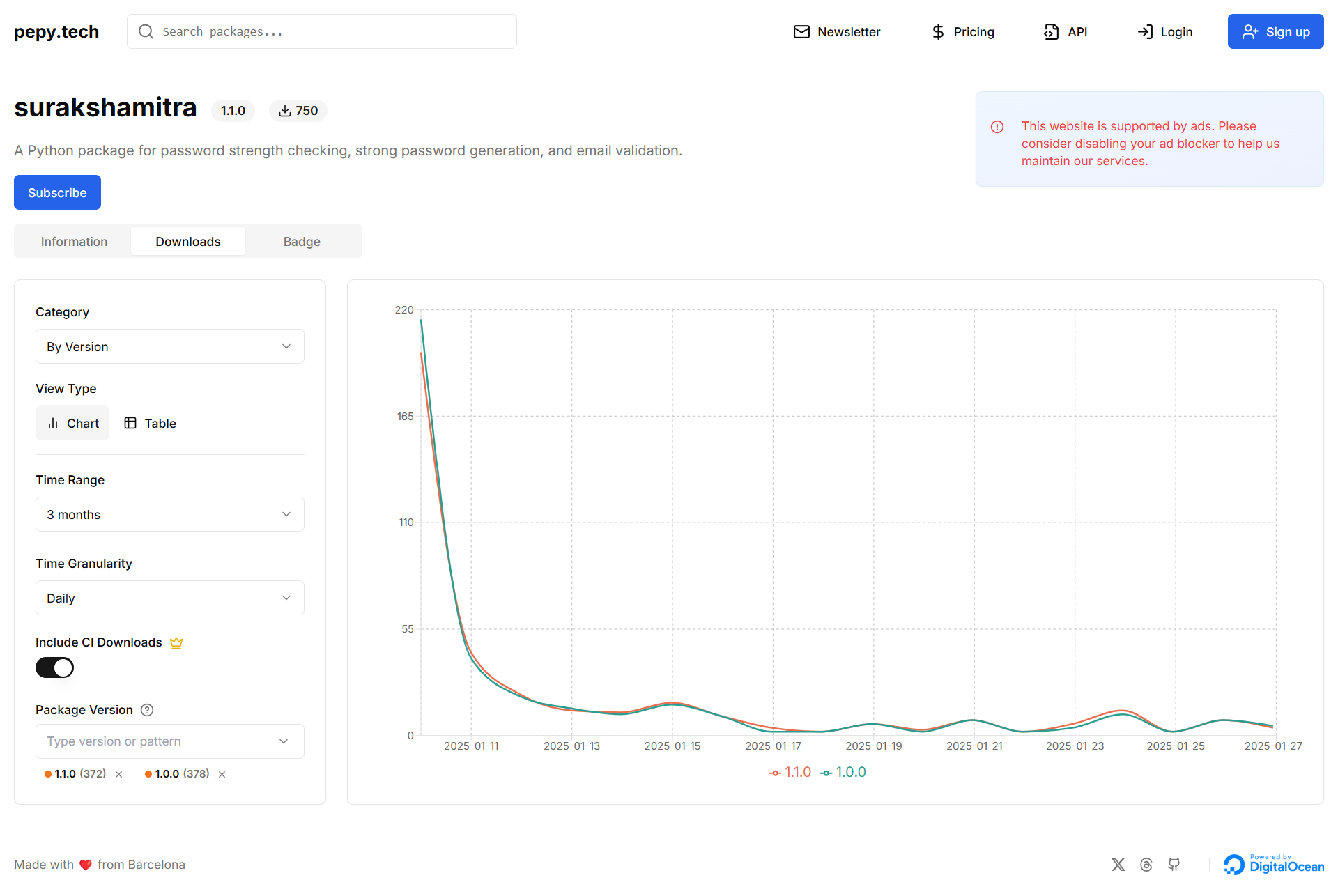
Total Downloaders
Installation
Install SurakshaMitra using pip:
pip install SurakshaMitra
Usage
1. Check Password Strength
To check the strength of a password, use the check_strength() function:
from SurakshaMitra.password_strength import check_strength

password = "YourPassword123!"
result = check_strength(password)
print(result)
output
This will output the strength of the password as one of the following categories:
-Weak
-Average
-Medium
-Strong
-Very Strong
2. Generate Strong Passwords
To generate a strong password, use the generate_password() function:
from SurakshaMitra.password_generator import generate_password

password = generate_password(length=12)  # Specify the length of the password
print("Generated Password:", password)
output
This will generate a random, strong password with a mix of characters, numbers, and special symbols.
3. Validate Email Address
To validate an email address, use the validate_email() function:
from SurakshaMitra.email_validator import validate_email
email = "example@example.com"
is_valid = validate_email(email)
if is_valid:
    print(f"{email} is a valid email address.")
else:
    print(f"{email} is not a valid email address.")
4. Validate Phone Number 📞
To validate a phone number for all countries, use the validate_phone_number() function:
from SurakshaMitra.phone_validator import validate_phone_number

phone_number = "+1 123-456-7890"  # Example number
is_valid = validate_phone_number(phone_number)
if is_valid:
    print(f"{phone_number} is a valid phone number.")
else:
    print(f"{phone_number} is not a valid phone number.")
Output:
If the phone number is valid, it will return True, otherwise False.
5. Validate File Upload 📁
To validate file uploads based on size and file type, use the validate_file_upload() function:
from SurakshaMitra.file_upload_validator import validate_file_upload

file_path = "example.pdf"
allowed_types = ["pdf", "jpg", "png"]  # Specify allowed file extensions
max_size_mb = 5  # Set maximum file size in MB

is_valid = validate_file_upload(file_path, allowed_types, max_size_mb)
if is_valid:
    print(f"{file_path} is a valid file upload.")
else:
    print(f"{file_path} is not allowed.")
Output:
This will check if the file meets the allowed types and size limit.
☕ For any issues or questions, feel free to raise an issue in the GitHub repository.
Explanation:
- Password Strength: This demonstrates how to use the
check_strength()function to evaluate the strength of a password. - Password Generator: Shows how to use the
generate_password()function to create a strong password. - Email Validator: Guides the user to use
validate_email()to check if an email address is formatted correctly. - Phone Number Validator: Explains how the
validate_phone_number()function checks if a phone number is valid for all countries. - File Upload Validator: Demonstrates how
validate_file_upload()ensures that uploaded files meet specific size and type restrictions.
Contribution 🤝
We welcome contributions! Feel free to submit a pull request or open an issue in our GitHub repository.


Download files
Download the file for your platform. If you're not sure which to choose, learn more about installing packages.
Source Distribution
Built Distribution
Filter files by name, interpreter, ABI, and platform.
If you're not sure about the file name format, learn more about wheel file names.
Copy a direct link to the current filters
File details
Details for the file surakshamitra-2.2.0.tar.gz.
File metadata
- Download URL: surakshamitra-2.2.0.tar.gz
- Upload date:
- Size: 4.9 kB
- Tags: Source
- Uploaded using Trusted Publishing? No
- Uploaded via: twine/6.0.1 CPython/3.12.4
File hashes
| Algorithm | Hash digest | |
|---|---|---|
| SHA256 |
a1f379915b90d044bb2f105888ffe322f561c7dea1980e6d3ee72366e75bb09d
|
|
| MD5 |
2d4676807d985c7eda0a2fb70af7b682
|
|
| BLAKE2b-256 |
4bd730d364f6abb928d78e69f79c4ba7c31201f4bfb817c61fc241b4dc4a4184
|
File details
Details for the file SurakshaMitra-2.2.0-py3-none-any.whl.
File metadata
- Download URL: SurakshaMitra-2.2.0-py3-none-any.whl
- Upload date:
- Size: 6.3 kB
- Tags: Python 3
- Uploaded using Trusted Publishing? No
- Uploaded via: twine/6.0.1 CPython/3.12.4
File hashes
| Algorithm | Hash digest | |
|---|---|---|
| SHA256 |
6b86d29318a685b84fd4c22a32e9522d14ebfcfbd2ca2ffecc9f805a38635375
|
|
| MD5 |
dc834c5ff226378c7a7da7c4d5e8d5e2
|
|
| BLAKE2b-256 |
5f5036d3b3a6877642866d84fdd555d59be8a9a7a4108a63fc5a6ecddc4f2f0d
|






