
Scripts to display contents of Suricata eve.json log

Project description
About SuricataLog
When I started learning how to use Suricata quickly found that I needed a tool to inspect the eve.json file; Most of the tutorials and documentation out there suggested installing a stack to do the following tasks:
- Store the logs in a central location
- Normalize and enrich the events, specially alerts
- Use a frontend to dive into the data
Which is very useful, but what if I just needed to do a quick inspection of the events?
Sooner or later you will get bored to death doing this:
SuricataLog is a set of tools/ scripts to parse and display Suricata log files (like /var/log/suricata/eve.json)
cat eve.json | jq -r -c 'select(.event_type=="alert")|.payload'|base64 --decode
The Eve JSON format is not very complex, so I wrote few scripts with the features I tough would be more useful for my home network analysis.
As a bonus, I wrote my learning experience as a tutorial that you can use to learn about Suricata and also how to test it.
Installing from PIP
Before you do anything else, make sure your environment is good to go:
python3 -m venv ~/virtualenv/suricatalog
. ~/virtualenv/suricatalog/bin/activate
python3 -m pip install --upgrade pip setuptools wheel
Installing from Pypi.org
pip3 install SuricataLog-X.Y.Z-py3-none-any.whl
Installing from source
git clone git@github.com:josevnz/SuricataLog.git
cd SuricataLog
python3 -m venv ~/virtualenv/suricatalog
. ~/virtualenv/suricatalog/bin/activate
python3 -m pip install --upgrade build
python3 -m build
pip3 install dist/SuricataLog-X.Y.Z-py3-none-any.whl
Developer installation
git clone git@github.com:josevnz/SuricataLog.git
cd SuricataLog
python3 -m venv ~/virtualenv/suricatalog
. ~/virtualenv/suricatalog/bin/activate
python3 setup.py develop
Running unit tests is very easy after that:
python -m unittest test/test_suricatalog.py
...
----------------------------------------------------------------------
Ran 3 tests in 0.134s

OK
Running the scripts
Once everything is installed you should be able to call the scripts
Simple even log parser
(suricatalog) [josevnz@dmaf5]$ eve_log.py --format table --timestamp '2022-02-23T19:00:00' test/eve.json
Parsing test/eve.json ━━━━━━━━━━━━━━━━━━━━━━━━━━━━━━━━━━━━━━━━ 100% 0:00:00
                                                    Suricata alerts for 2022-02-23 19:00:00, logs=test/eve.json
┏━━━━━━━━━━━━━━━━━━━━━━━━━━━━━━━━━┳━━━━━━━━━━┳━━━━━━━━━━━━━━━━━━━━━━━━━━━━━━━━━━━━━━━━━━━━━━━━━━━━━━┳━━━━━━━━━━┳━━━━━━━━━━━━━━━━━━━━┳━━━━━━━━━━━━━━━━━━━━┳━━━━━━━━━┓
┃ Timestamp                       ┃ Severity ┃ Signature                                            ┃ Protocol ┃        Destination ┃             Source ┃ Payload ┃
┡━━━━━━━━━━━━━━━━━━━━━━━━━━━━━━━━━╇━━━━━━━━━━╇━━━━━━━━━━━━━━━━━━━━━━━━━━━━━━━━━━━━━━━━━━━━━━━━━━━━━━╇━━━━━━━━━━╇━━━━━━━━━━━━━━━━━━━━╇━━━━━━━━━━━━━━━━━━━━╇━━━━━━━━━┩
│ 2022-02-23T19:07:02.373681+0000 │ 3        │ SURICATA Applayer Detect protocol only one direction │     smtp │ 172.16.0.149:49854 │   94.177.209.30:25 │         │
│ 2022-02-23T19:07:02.701847+0000 │ 3        │ SURICATA Applayer Detect protocol only one direction │     smtp │ 172.16.0.149:49855 │    210.131.2.36:25 │         │
│ 2022-02-23T19:07:03.423272+0000 │ 3        │ SURICATA Applayer Detect protocol only one direction │     smtp │ 172.16.0.149:49866 │   27.34.147.95:587 │         │
│ 2022-02-23T19:07:03.014386+0000 │ 3        │ SURICATA Applayer Detect protocol only one direction │     smtp │ 172.16.0.149:49859 │ 142.250.138.109:25 │         │
│ 2022-02-23T19:07:03.884078+0000 │ 3        │ SURICATA Applayer Detect protocol only one direction │     smtp │ 172.16.0.149:49865 │  122.17.147.238:25 │         │
│ 2022-02-23T19:07:01.976307+0000 │ 3        │ SURICATA Applayer Detect protocol only one direction │     smtp │ 172.16.0.149:49851 │    74.208.5.15:587 │         │
│ 2022-02-23T19:07:03.006849+0000 │ 3        │ SURICATA Applayer Detect protocol only one direction │     smtp │ 172.16.0.149:49857 │    74.208.5.15:587 │         │
│ 2022-02-23T19:07:02.508385+0000 │ 3        │ SURICATA Applayer Detect protocol only one direction │     smtp │ 172.16.0.149:49852 │ 116.254.112.253:25 │         │
│ 2022-02-23T19:07:03.018953+0000 │ 3        │ SURICATA Applayer Detect protocol only one direction │     smtp │ 172.16.0.149:49860 │  40.97.120.162:587 │         │
│ 2022-02-23T19:07:04.689953+0000 │ 3        │ SURICATA Applayer Detect protocol only one direction │     smtp │ 172.16.0.149:49862 │   192.185.4.31:587 │         │
└─────────────────────────────────┴──────────┴──────────────────────────────────────────────────────┴──────────┴────────────────────┴────────────────────┴─────────┘
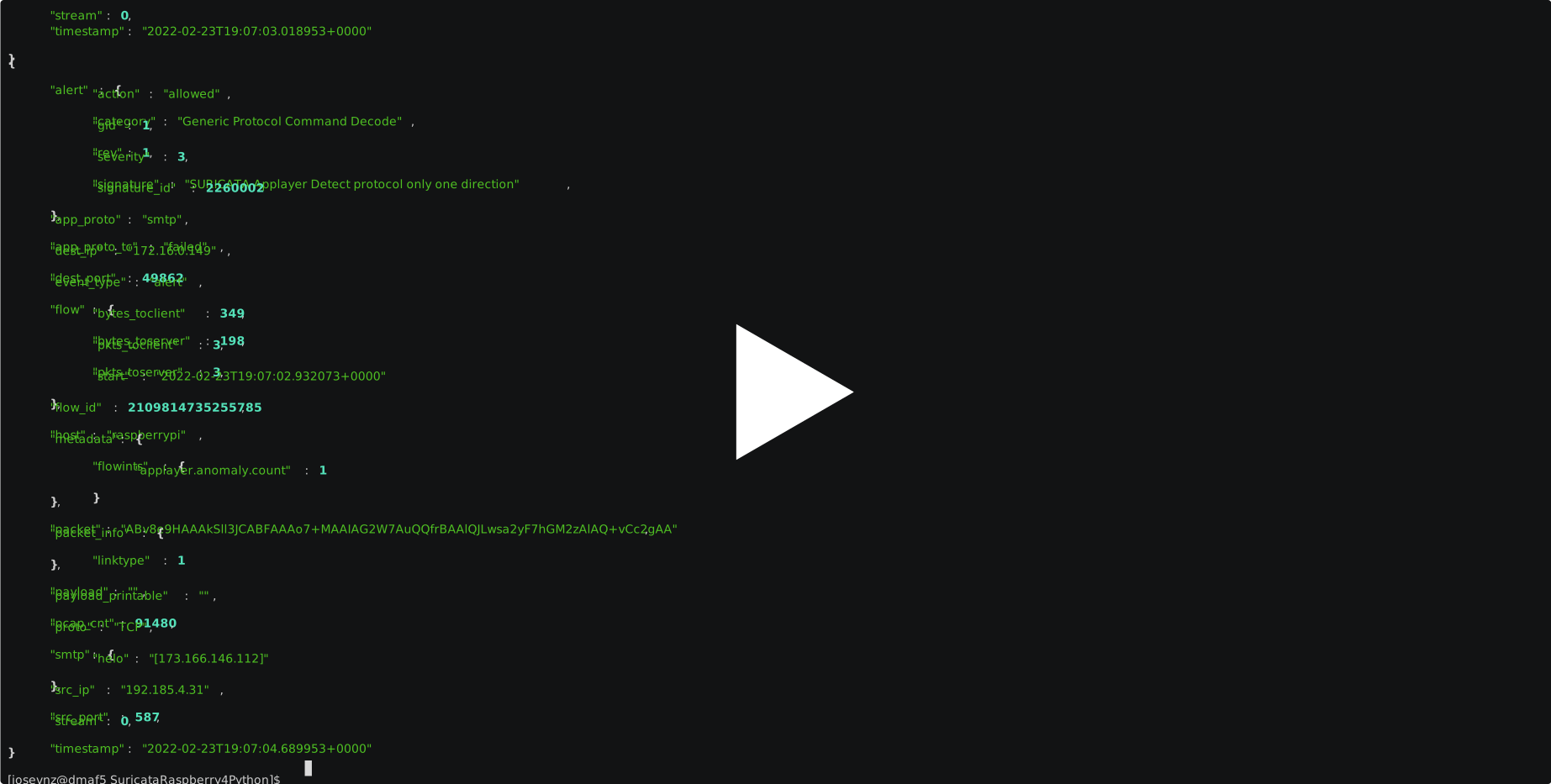
Or better see it by yourself:
Release history Release notifications | RSS feed


Download files
Download the file for your platform. If you're not sure which to choose, learn more about installing packages.
Source Distributions
Built Distribution
Filter files by name, interpreter, ABI, and platform.
If you're not sure about the file name format, learn more about wheel file names.
Copy a direct link to the current filters
File details
Details for the file SuricataLog-0.0.2-py3-none-any.whl.
File metadata
- Download URL: SuricataLog-0.0.2-py3-none-any.whl
- Upload date:
- Size: 11.5 kB
- Tags: Python 3
- Uploaded using Trusted Publishing? No
- Uploaded via: twine/4.0.0 CPython/3.9.9
File hashes
| Algorithm | Hash digest | |
|---|---|---|
| SHA256 |
5a49217dca685882506ce1d00e3d3614be08a226e6d3243111187b9a7c33b77a
|
|
| MD5 |
04e3602ffc763cfc296cff597d3f64d1
|
|
| BLAKE2b-256 |
5adb6999e9fdaece73688e44df656f2dd4b852e4bfdfffcbb26e9320d87ece4f
|






