
Terminal game with sweet block of tofu character!

Project description


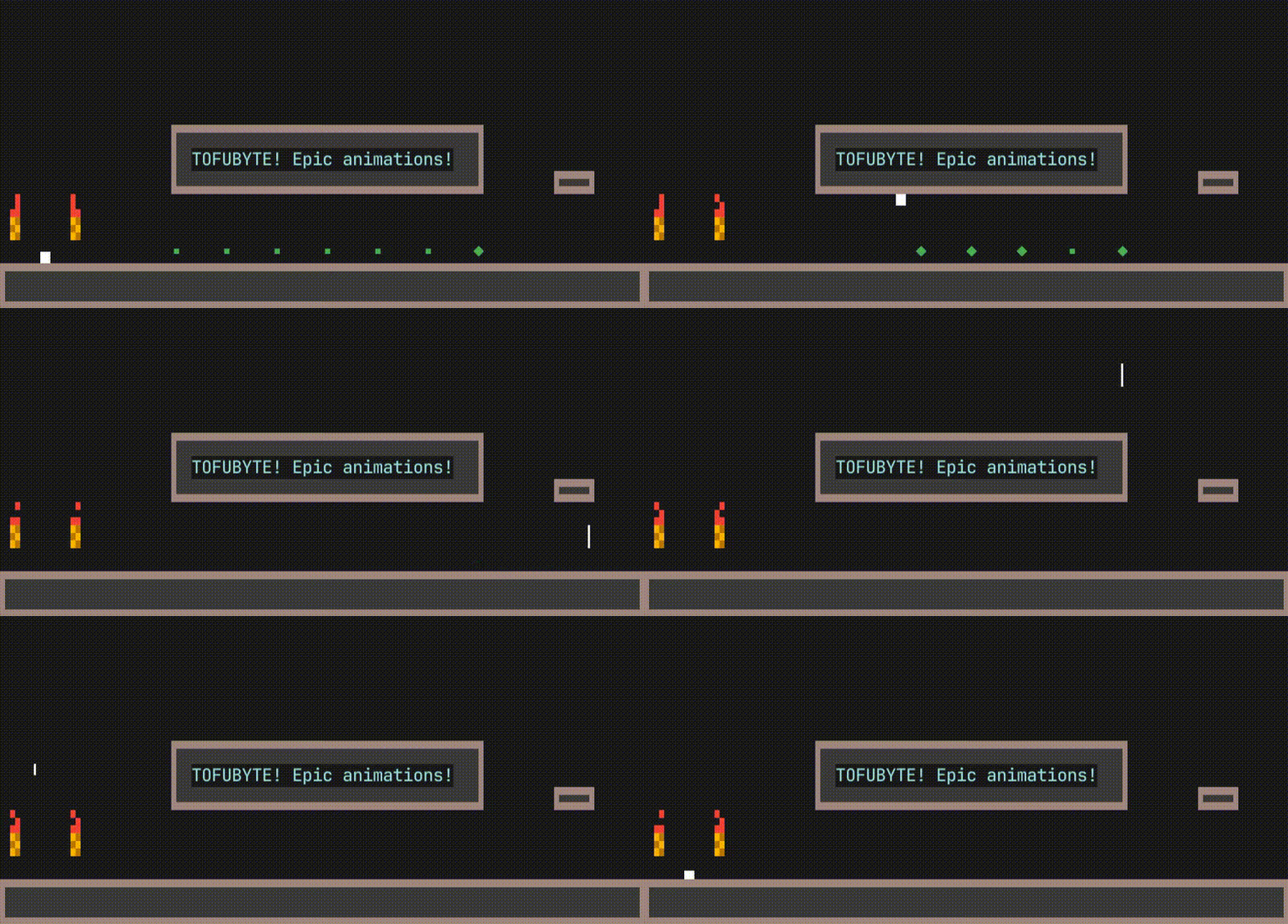
Terminal game with sweet block of tofu character!
How to install
Prerequisites
To properly display all characters:
- Use a modern terminal emulator.
- Install a Unicode-ready font (e.g., NerdFonts).
- Ensure your shell environment is configured to use UTF-8 encoding.
Installation and running TofuByte
With uv
uvx tofubyte
or using pipx
pipx install tofubyte
tofubyte
If you prefer mauall Installation:
# Create virtual environment
python -m venv .venv
source .venv/bin/activate  # On Windows: .venv\Scripts\activate

# Install the package
pip install tofubyte

# Run the game
tofubyte
Input system
The game uses pynput for handling keyboard input. As it is not a terminal-native input system, it might not work as expected in all terminal environments or operating systems.
I plan to implement scroll mode in the game that will not require any additional input system.
Troubleshooting
Input issues (Pynput)
If keyboard input is not working, the game should inform you with an in-game message. This is likely due to pynput compatibility issues with your terminal or operating system. It might also be affected by whether you are running X11 or Wayland.
Currently, you can try the following:
- Run the game with
sudo tofubyte - Run the terminal emulator with
sudo - Run the game with
PYNPUT_BACKEND_KEYBOARD=uinput tofubyte(This forcespynputto use theuinputbackend, which might be more compatible on some Linux systems.) - Try running the game in a different terminal emulator:
- Guake (should work without
sudo) - Wezterm (should work without
sudo) - Kitty (requires
sudo) - Ghostty (requires
sudo) - Terminator (requires
sudo)
- Guake (should work without
- On macOS, you can try running with
sudoor refer to this StackOverflow comment for alternative solutions.
Further reading and potential solutions can be found in the Pynput Documentation.
If you are concerned about how Pynput is used, feel free to review the available source code.
Also if you found solution for your problem, share this in the issue so it can help others.
Map Editing
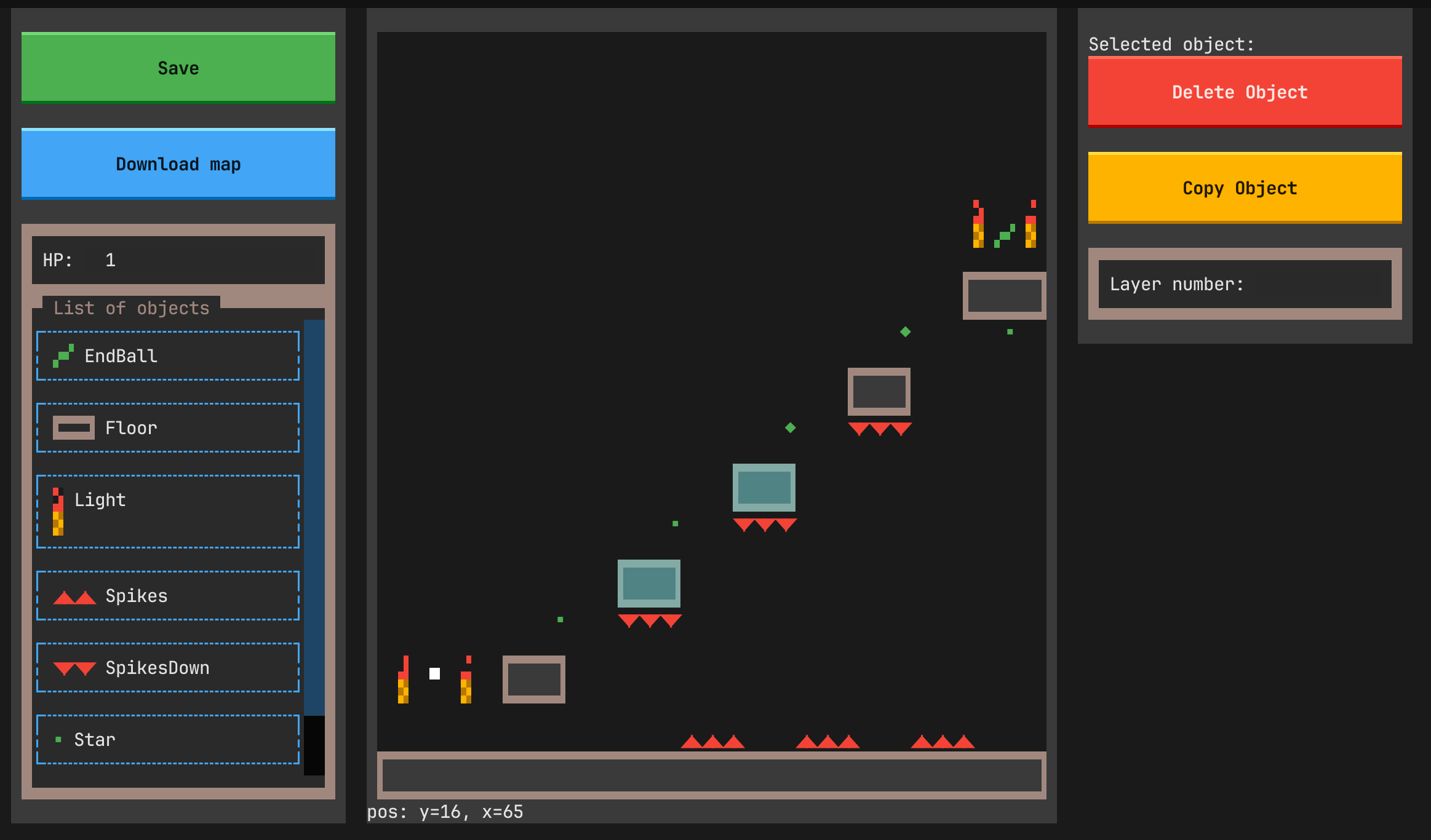
You can edit and create maps with built in editor!
There are some keybindings worth to know:
- ctrl+mouse_move - resize
- ctrl+mouse_click - selects multiple
Some tutorial will be provided soon.
Development
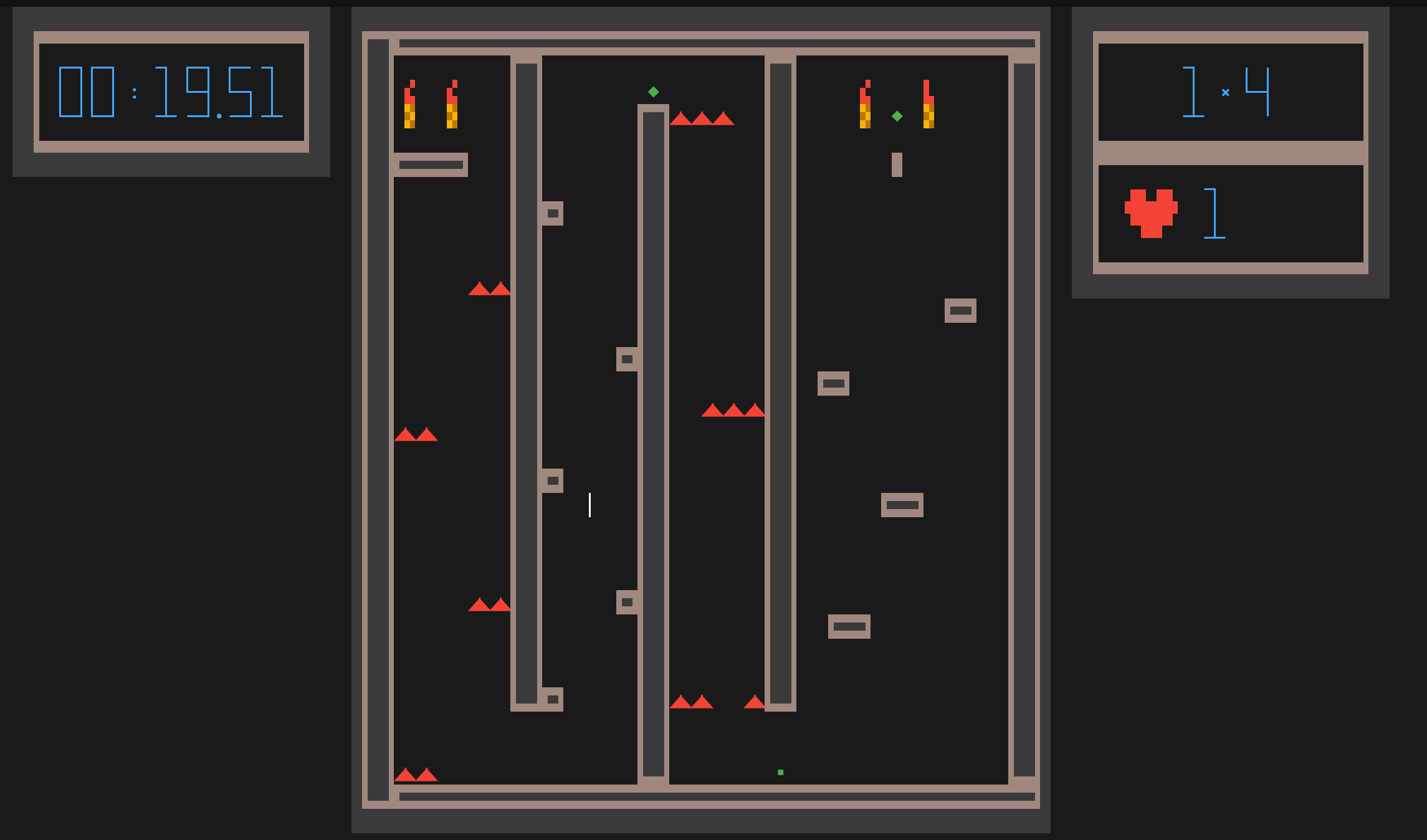
There are some additional tools I have used during developed. They show some stats and other things that helped debug:
uv run textual run --dev tofu_byte.command_line:run --debug contact_dir,step,fps,footer,player_stats
Speciall thanks
As always, huge shot out to Textualize team!
TofuByte was created as result of exploration of what can be done to display game with such a nice framework as Textual.
License and Community
This is my little independent game, developed in my personal time.
As I have many plans for further changes and wish to maintain a clear mental model of the project, I am not currently planning to accept code contributions.
However, feedback is very welcome. If you encounter bugs, issues, or have feature ideas, please open an issue on GitHub.
I also plan to implement features for uploading, browsing, and downloading maps directly from within the game.


Download files
Download the file for your platform. If you're not sure which to choose, learn more about installing packages.
Source Distribution
Built Distribution
Filter files by name, interpreter, ABI, and platform.
If you're not sure about the file name format, learn more about wheel file names.
Copy a direct link to the current filters
File details
Details for the file tofubyte-0.3.0.tar.gz.
File metadata
- Download URL: tofubyte-0.3.0.tar.gz
- Upload date:
- Size: 54.1 kB
- Tags: Source
- Uploaded using Trusted Publishing? No
- Uploaded via: uv/0.9.16 {"installer":{"name":"uv","version":"0.9.16","subcommand":["publish"]},"python":null,"implementation":{"name":null,"version":null},"distro":{"name":"EndeavourOS","version":null,"id":null,"libc":null},"system":{"name":null,"release":null},"cpu":null,"openssl_version":null,"setuptools_version":null,"rustc_version":null,"ci":null}
File hashes
| Algorithm | Hash digest | |
|---|---|---|
| SHA256 |
f20fb3990d40f4fbc50c6961d630924d0511f49658f823a943285d6e2b05355a
|
|
| MD5 |
8c1acac735691915ce03d84f8e484103
|
|
| BLAKE2b-256 |
35323bdd73f3171b7be5e0923f389527a52736177fd2e43a00d9d6283bcf542f
|
File details
Details for the file tofubyte-0.3.0-py3-none-any.whl.
File metadata
- Download URL: tofubyte-0.3.0-py3-none-any.whl
- Upload date:
- Size: 76.5 kB
- Tags: Python 3
- Uploaded using Trusted Publishing? No
- Uploaded via: uv/0.9.16 {"installer":{"name":"uv","version":"0.9.16","subcommand":["publish"]},"python":null,"implementation":{"name":null,"version":null},"distro":{"name":"EndeavourOS","version":null,"id":null,"libc":null},"system":{"name":null,"release":null},"cpu":null,"openssl_version":null,"setuptools_version":null,"rustc_version":null,"ci":null}
File hashes
| Algorithm | Hash digest | |
|---|---|---|
| SHA256 |
656624dbc52466c8309f465078b426c96ab33525611926bfe1bc616d0be2b085
|
|
| MD5 |
d00b2cdc4d6cfd8fffe673548ecc4c64
|
|
| BLAKE2b-256 |
4676e2a4dd3e818cd84f6cb81a07df6fcab423cd40c2b44351e3d362aa8d83a5
|






