
Universal IMG




Universal IMG is a Python library and a graphical user interface (GUI) application designed for opening and editing
.img archive files used in Grand Theft Auto III, Vice City, and San Andreas.
The core of the library acts as a Python API wrapper for freimgedcs, while the optional GUI provides a user-friendly
desktop application built with Kivy and KivyMD.
Installation
You can install the package via PyPI depending on your needs.
To use the Desktop GUI application:
pip install UniversalIMG[gui]
To use only the Python API (No GUI dependencies):
pip install UniversalIMG
Python API Usage
The library provides a convenient interface to manipulate .img files programmatically.
from pyimgedit import IMGArchive

# Initialize the archive
archive = IMGArchive('models/gta3.img')

# List contents
header, info, files = archive.list()
for file in files:
    print(file.name, file.size, file.offset)

# Add or replace a file
archive.add('player.dff')

# Extract a file
archive.extract('player.dff', 'extracted/player.dff')

# Rebuild archive
archive.rebuild()
GUI Application Features
If you installed the package with the [gui] extra, you can launch the application from the terminal or create a
desktop shortcut to the executable.
Interface Overview
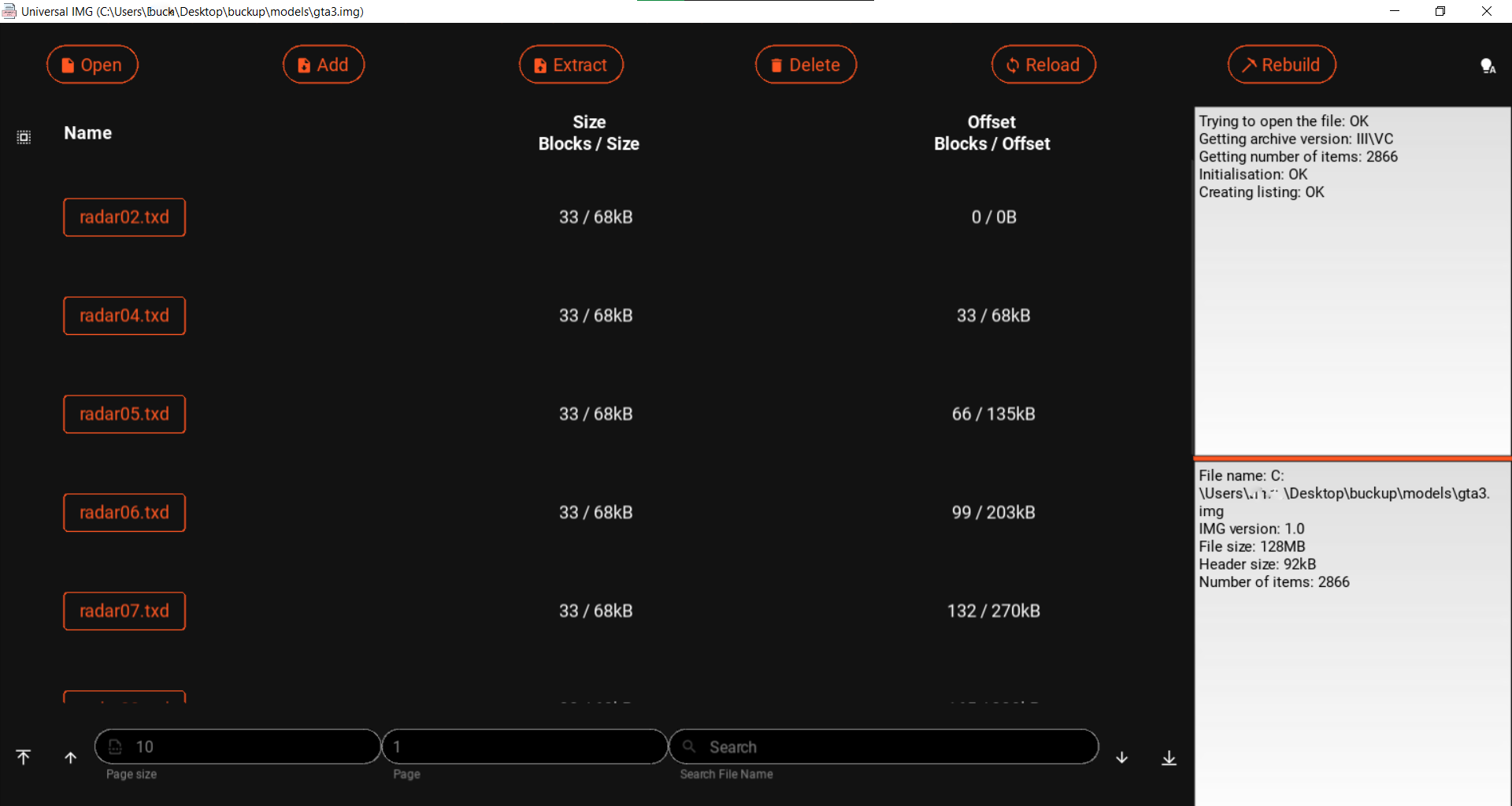
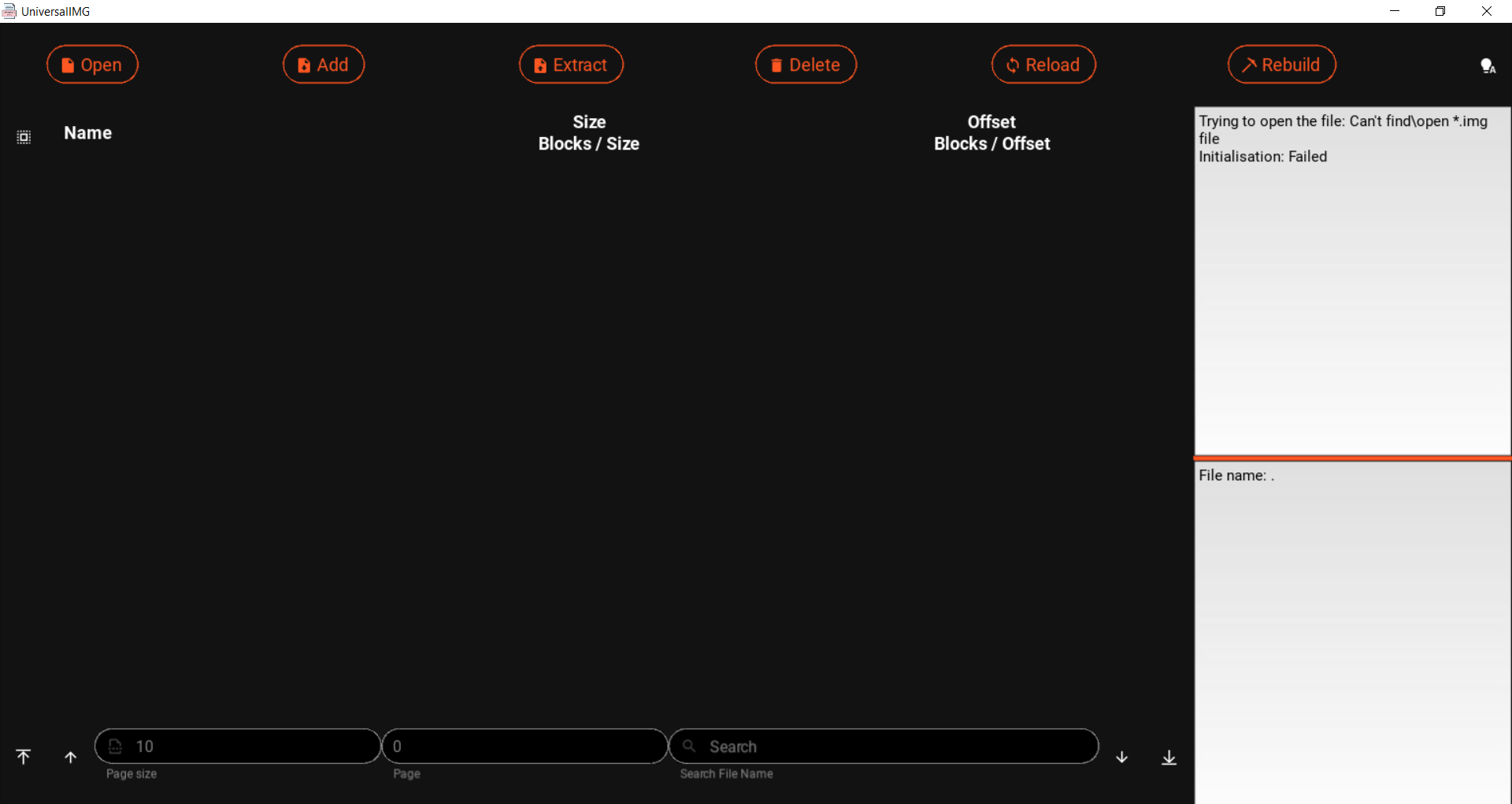
The graphical interface supports seamless file browsing, sorting, adding, extracting, and deleting operations with visual progress indicators and operation logs.
Hotkeys & Navigation
The application supports quick keyboard operations for power users:
- F2 / Ctrl+O - Open Archive
- F3 / Ctrl+E - Extract Selected
- Ctrl+A - Add Files
- Ctrl+Shift+A - Select All
- F4 / Ctrl+D - Delete Selected
- F5 / Ctrl+R - Reload Archive
- F6 / Ctrl+Shift+R - Rebuild Archive
- F7 / Ctrl+L - Toggle Theme
Theming
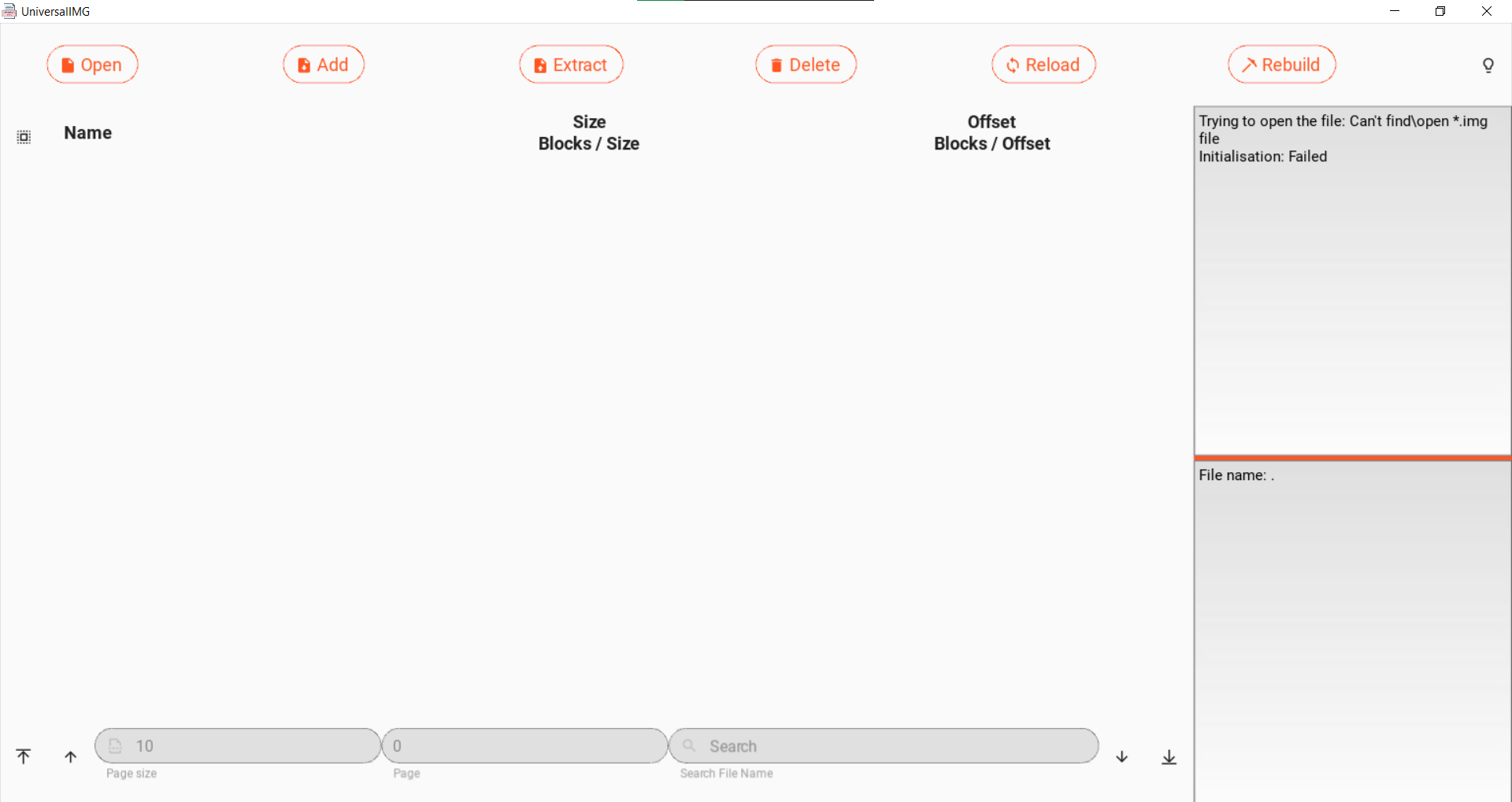
Universal IMG includes Light, Dark, and Auto (System) themes. Click the lightbulb icon in the top right corner to cycle through modes.
Sorting & File Management
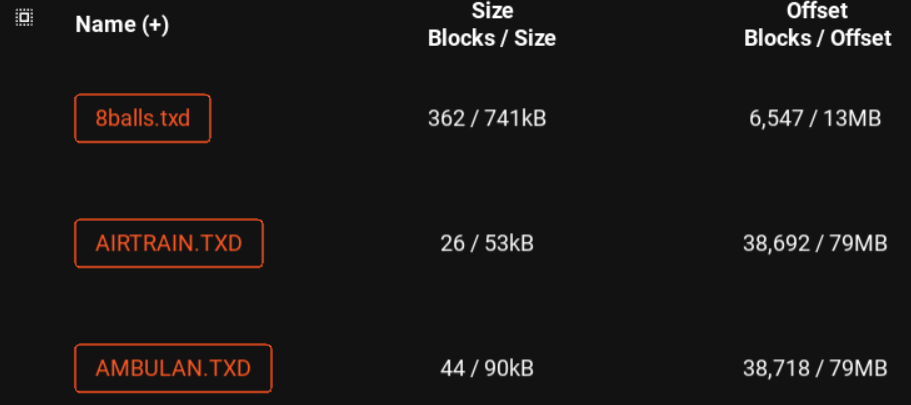
Click on column headers to sort files by Name, Size, or Offset. Click on a file name directly to rename it within the archive. Use the pagination bar at the bottom to navigate through large archives and filter files by search query.

Troubleshooting
-
If you encounter permission issues while editing archives (especially those located in
Program Files), ensure you run the application with Administrator privileges or move your.imgand executable files to the same non-system drive. -
If suddenly you encounter an OpenGL error:
[INFO    ] [GL] OpenGL parsed version: 1, 1
[CRITICAL] [GL] Minimum required OpenGL version (2.0) NOT found!
You can change the backend by setting the
KIVY_GL_BACKEND=angle_sdl2environment variable in your system.
License
MIT License. Copyright (c) 2022 Nikita Denissov.
2 maintainers


Metadata
2 maintainers
Release files for UniversalIMG 1.3.1
For a detailed explanation of source distributions (sdists) and built distributions (wheels), please see the package formats documentation.
Source distribution (sdist)
| File | Size | Uploaded | Provenance | Actions |
|---|---|---|---|---|
| universalimg-1.3.1.tar.gz | 72.2 kB | Without provenance | Details for universalimg-1.3.1.tar.gz |
Built distribution (wheel)
| File | Interpreter | ABI | Platform | Actions Reset |
|---|---|---|---|---|
| universalimg-1.3.1-py3-none-any.whl | Python 3 | none | any | Details for universalimg-1.3.1-py3-none-any.whl |
Total release size: 144.5 kB
Release files / universalimg-1.3.1.tar.gz
| Download URL | universalimg-1.3.1.tar.gz |
|---|---|
| Size | 72.2 kB |
| Tags | Source |
|
SHA-256 checksum How to use checksums |
0b71be11f323fea48109e7bf28995d89c2f0dc8c33fb92907ac06d9ce767e6e3
|
|
BLAKE2b-256 checksum How to use checksums |
973fb70fc7d0b92cafba95a470719a75caec27811b4ea90515918ed3233a1d47
|
| Upload date | |
|
Uploaded using Trusted Publishing? What is trusted publishing? |
No |
| Uploaded via |
poetry/2.4.1 CPython/3.13.14 Linux/7.1.3-zen2
|
Release files / universalimg-1.3.1-py3-none-any.whl
| Download URL | universalimg-1.3.1-py3-none-any.whl |
|---|---|
| Size | 72.3 kB |
| Tags | Python 3 |
|
SHA-256 checksum How to use checksums |
b1ce8aafcab2a788247f5043839d8abc4fb3d0e0abe3d90dcbf25cf0a637b3b5
|
|
BLAKE2b-256 checksum How to use checksums |
3a56bc1ddf2d783d902a4c06e2fe5df1019fe637ea8786731c6e9228b363cf78
|
| Upload date | |
|
Uploaded using Trusted Publishing? What is trusted publishing? |
No |
| Uploaded via |
poetry/2.4.1 CPython/3.13.14 Linux/7.1.3-zen2
|
Security for UniversalIMG 1.3.1
Provenance
Provenance describes where a file came from. On PyPI, provenance is shared via attestations, which provide a verifiable record of the build or publishing details. View details, limitations and caveats.
No provenance found
None of the files in this release were uploaded with provenance metadata.
A note on package security
PyPI is a repository for distributing packages, not a service for auditing them. While third-party security researchers and our staff do their best to detect and remove malicious packages, PyPI cannot guarantee the quality, security or suitability of any given package.
To learn more about protecting yourself from malicious actors, visit our package security documentation.














