
cv2.putTrueTypeText works just like cv2.putText, but with TTF fonts!
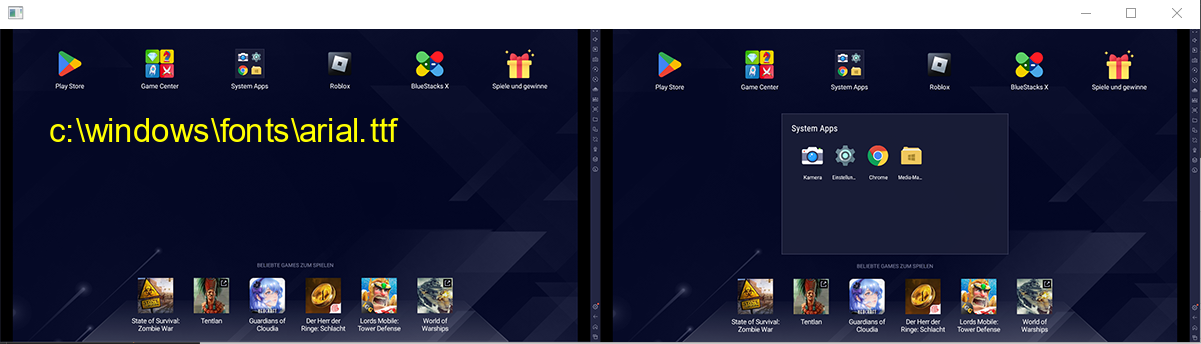
You can add putTrueTypeText to cv2, or ...
$pip install a_cv2_putTrueTypeText


from a_cv_imwrite_imread_plus import add_imwrite_plus_imread_plus_to_cv2

from random import choice

from a_cv2_imshow_thread import add_imshow_thread_to_cv2

from a_cv2_putTrueTypeText import add_truetypetext_to_cv2, get_all_ttf_fonts

import cv2

add_imshow_thread_to_cv2()

add_truetypetext_to_cv2()

add_imwrite_plus_imread_plus_to_cv2()


url = r"https://raw.githubusercontent.com/hansalemaos/screenshots/main/templatematching1.png"

filepath = "c:\\temptemptemppic.png"

pic = cv2.imread_plus(url)

cv2.imwrite_plus(filepath, pic)

ttfonts = get_all_ttf_fonts()


font1 = choice(ttfonts)

test1 = cv2.putTrueTypeText(

    img=filepath,

    text=f"{font1}".lower(),

    org=(50, 120),

    fontFace=font1, #needs to be a file path!

    fontScale=46,

    color=(255, 255, 0),

)


font2 = choice(ttfonts)

test2 = cv2.putTrueTypeText(

    img=url,

    text=f"{font2}".lower(),

    org=(50, 120),

    fontFace=font2,

    fontScale=46,

    color=(255, 0, 255),

)


font3 = choice(ttfonts)

test3 = cv2.putTrueTypeText(

    img=cv2.imread(filepath),

    text=f"{font3}".lower(),

    org=(50, 120),

    fontFace=font3,

    fontScale=46,

    color=(123, 50, 110),

)


font4 = choice(ttfonts)


test4 = cv2.putTrueTypeText(

    img=cv2.imread(filepath, cv2.IMREAD_GRAYSCALE),

    text=f"{font4}".lower(),

    org=(50, 120),

    fontFace=font4,

    fontScale=46,

    color=(255, 0, 255),

)


test5 = cv2.putTrueTypeText(

    img=cv2.imread(filepath),

    text=f"cv2.FONT_HERSHEY_SIMPLEX",

    org=(50, 120),

    fontFace=cv2.FONT_HERSHEY_SIMPLEX,

    fontScale=2,

    color=(255, 0, 255),

)


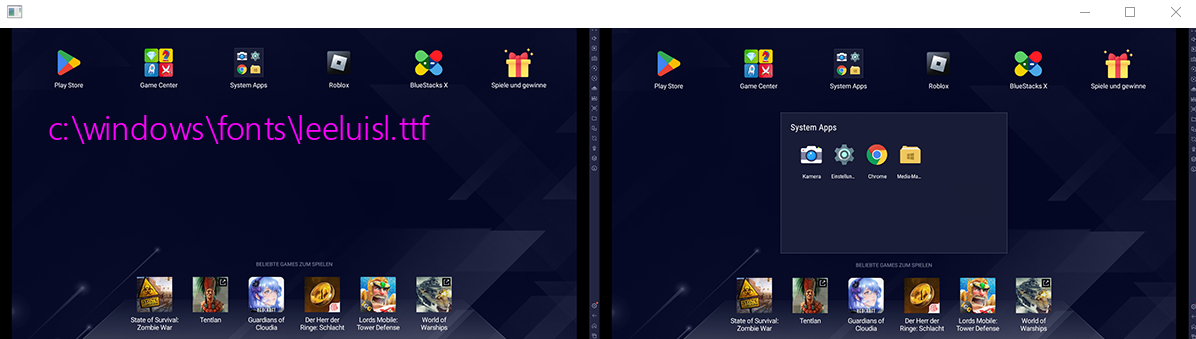
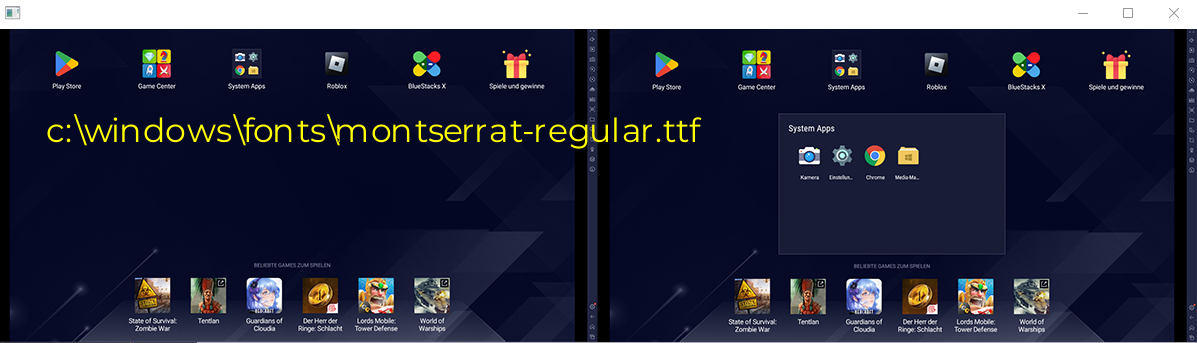
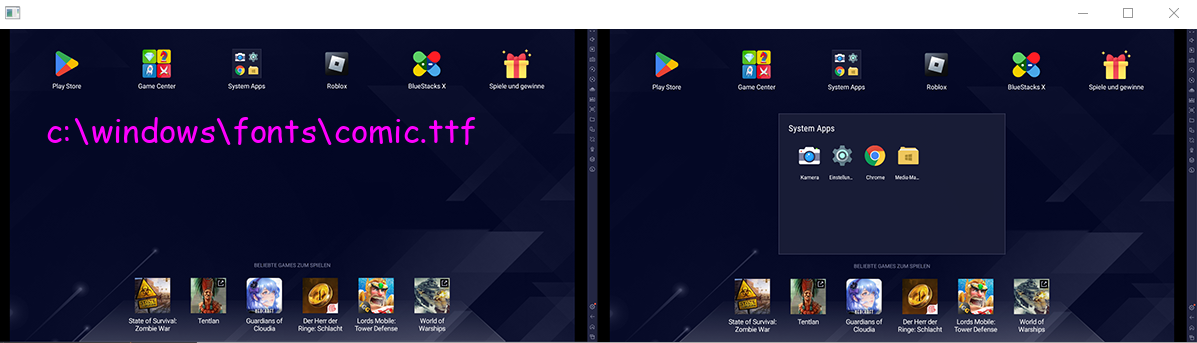
cv2.imshow_thread([test1, test2, test3, test4, test5])
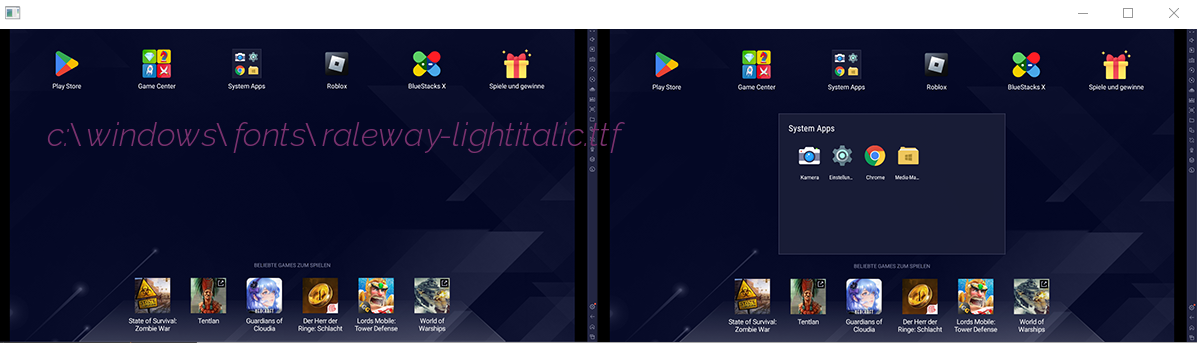
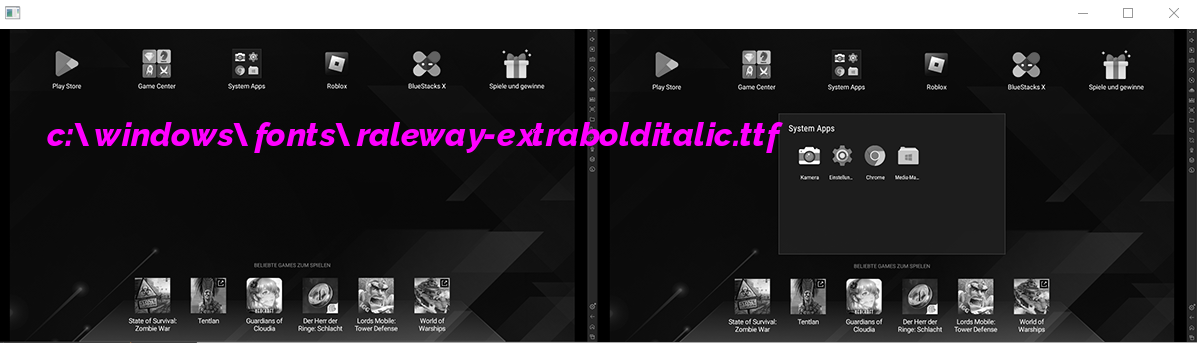
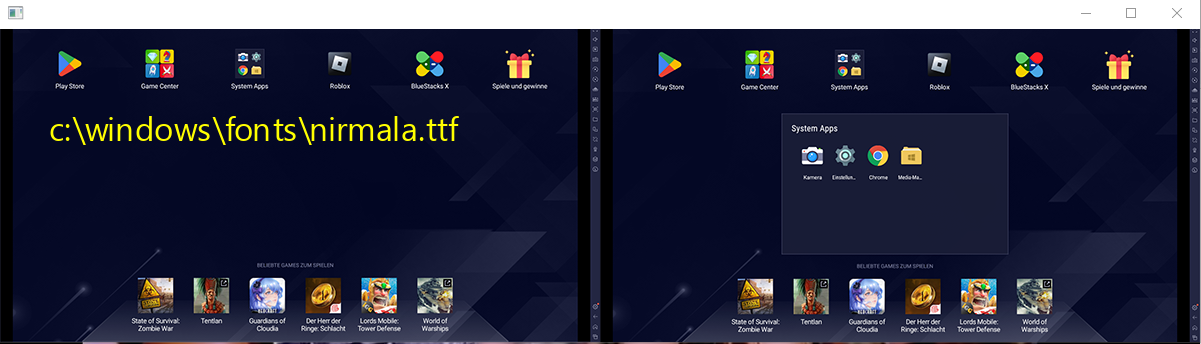
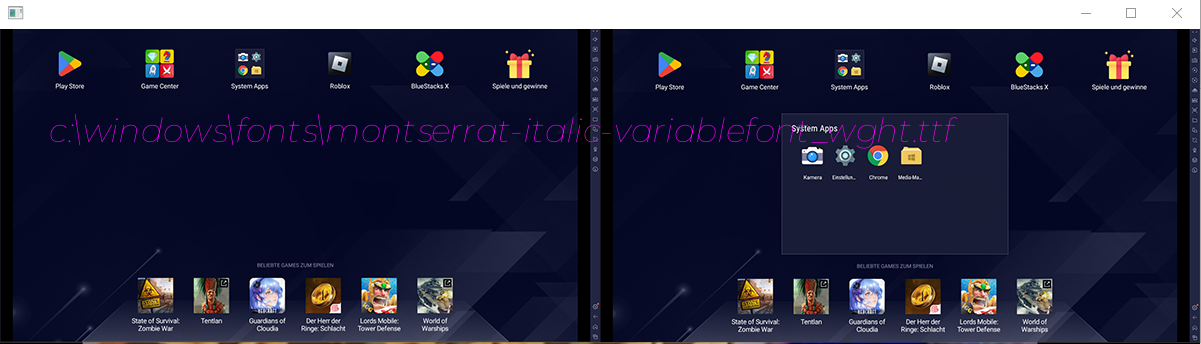
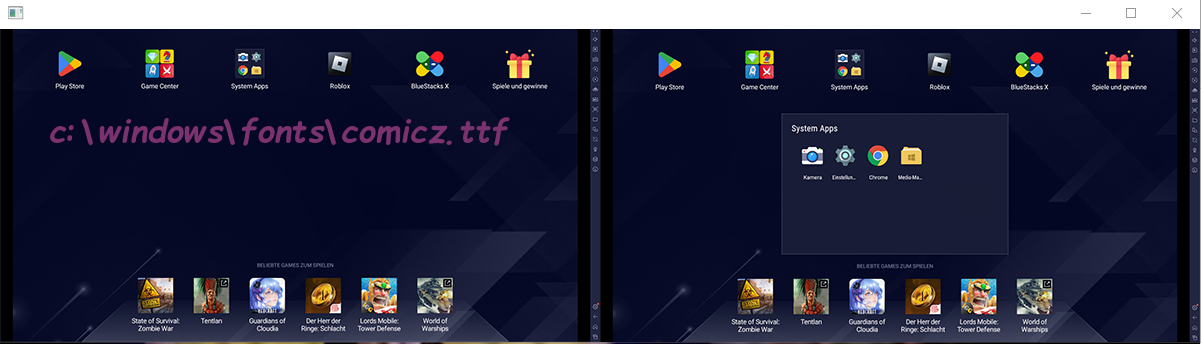
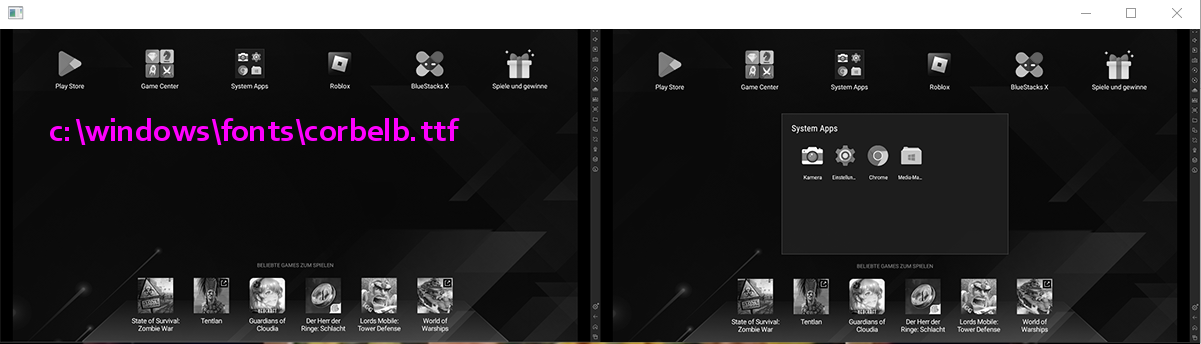
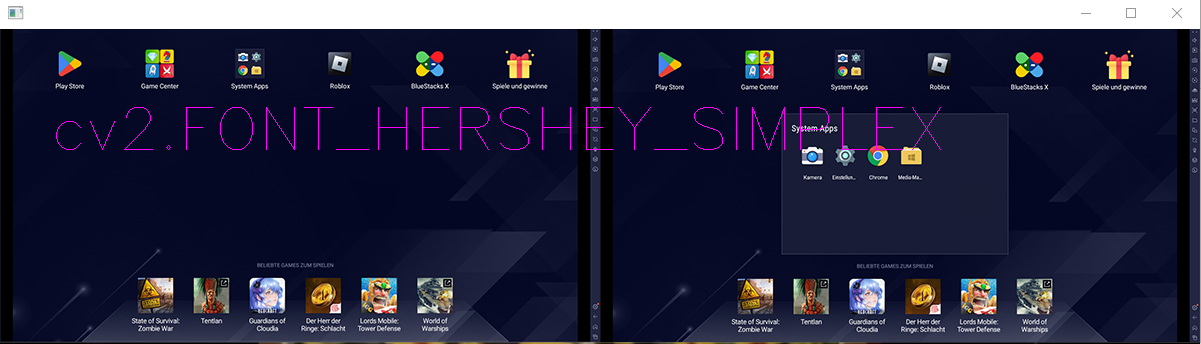
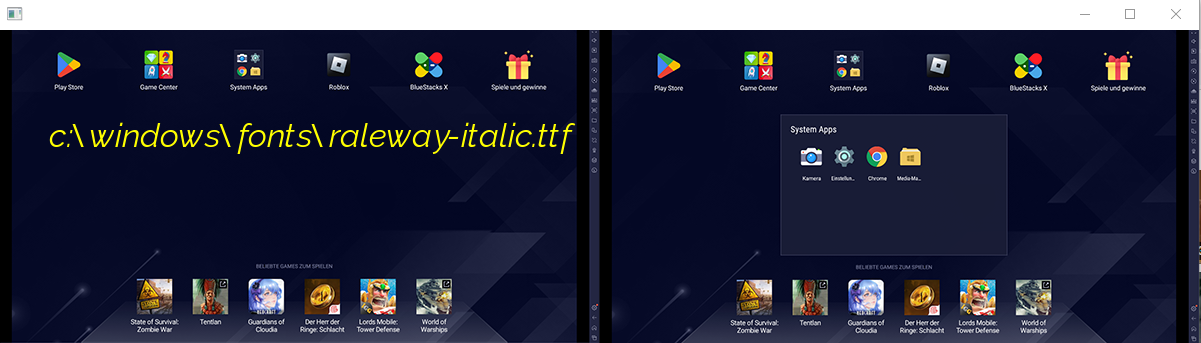
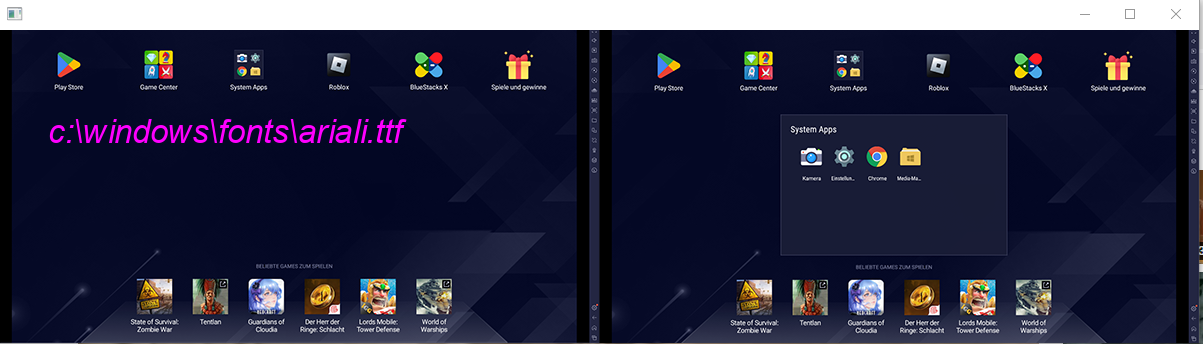
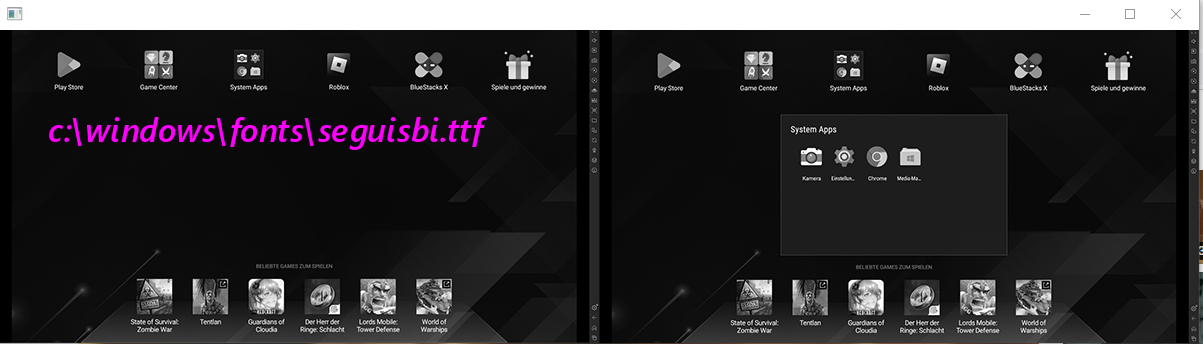
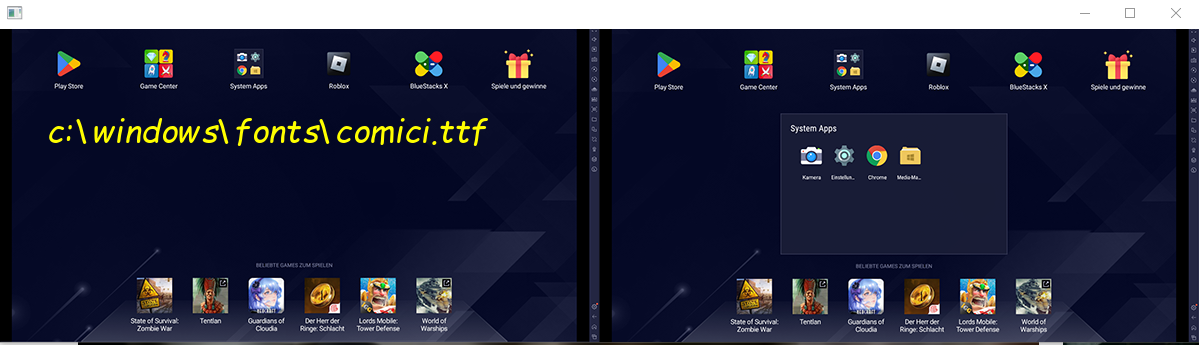
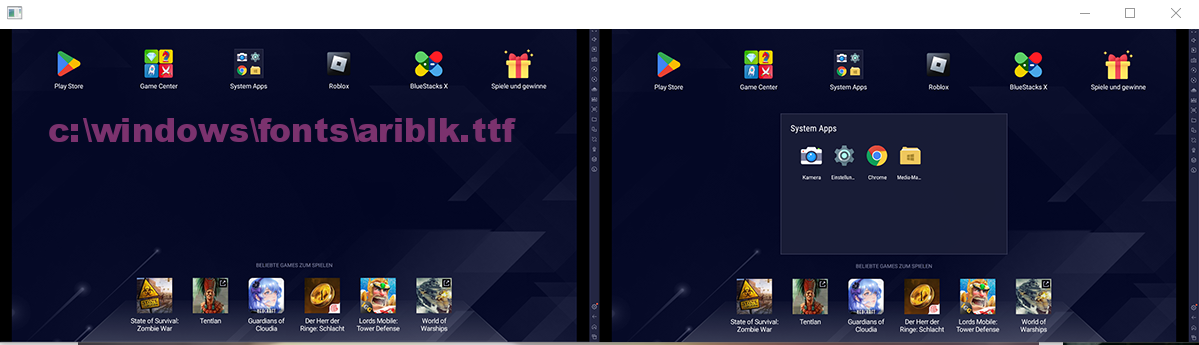
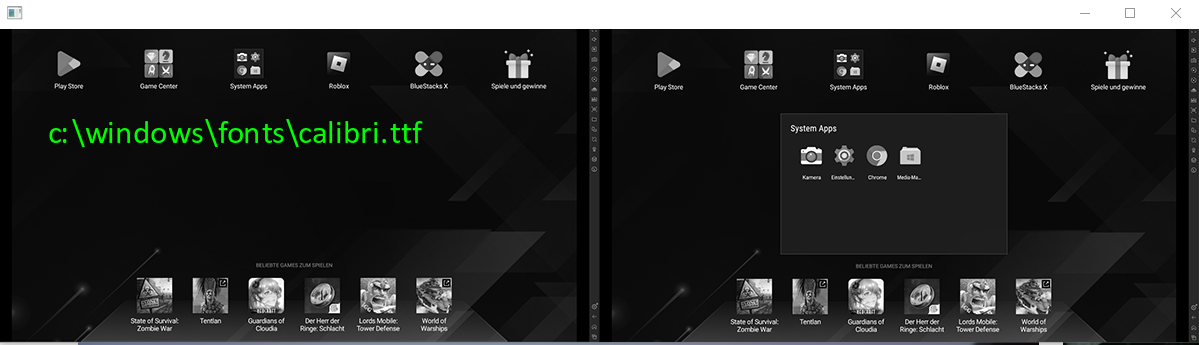
... import the function
from a_cv_imwrite_imread_plus import add_imwrite_plus_imread_plus_to_cv2

from random import choice

from a_cv2_imshow_thread import add_imshow_thread_to_cv2

from a_cv2_putTrueTypeText import putTrueTypeText, get_all_ttf_fonts

import cv2

add_imwrite_plus_imread_plus_to_cv2()


url = r"https://raw.githubusercontent.com/hansalemaos/screenshots/main/templatematching1.png"

filepath = "c:\\temptemptemppic.png"

pic = cv2.imread_plus(url)

cv2.imwrite_plus(filepath, pic)

ttfonts = get_all_ttf_fonts()

add_imshow_thread_to_cv2()


font1 = choice(ttfonts)

test1 = putTrueTypeText(

    img=filepath,

    text=f"{font1}".lower(),

    org=(50, 120),

    fontFace=font1, #needs to be a file path!

    fontScale=46,

    color=(255, 255, 0),

)


font2 = choice(ttfonts)

test2 = putTrueTypeText(

    img=url,

    text=f"{font2}".lower(),

    org=(50, 120),

    fontFace=font2,

    fontScale=46,

    color=(255, 0, 255),

)


font3 = choice(ttfonts)

test3 = putTrueTypeText(

    img=cv2.imread(filepath),

    text=f"{font3}".lower(),

    org=(50, 120),

    fontFace=font3,

    fontScale=46,

    color=(123, 50, 110),

)


font4 = choice(ttfonts)


test4 = putTrueTypeText(

    img=cv2.imread(filepath, cv2.IMREAD_GRAYSCALE),

    text=f"{font4}".lower(),

    org=(50, 120),

    fontFace=font4,

    fontScale=46,

    color=(255, 0, 255),

)


test5 = putTrueTypeText(

    img=cv2.imread(filepath),

    text=f"cv2.FONT_HERSHEY_SIMPLEX",

    org=(50, 120),

    fontFace=cv2.FONT_HERSHEY_SIMPLEX,

    fontScale=2,

    color=(255, 0, 255),

)


cv2.imshow_thread([test1, test2, test3, test4, test5])
1 maintainer

Metadata
1 maintainer
Release files for a-cv2-putTrueTypeText 0.10
For a detailed explanation of source distributions (sdists) and built distributions (wheels), please see the package formats documentation.
Source distribution (sdist)
| File | Size | Uploaded | |
|---|---|---|---|
| a_cv2_putTrueTypeText-0.10.tar.gz | 8.1 kB | Details |
Built distribution (wheel)
| File | Interpreter | ABI | Platform | Reset |
|---|---|---|---|---|
| a_cv2_putTrueTypeText-0.10-py3-none-any.whl | Python 3 | none | any | Details |
Total release size: 16.9 kB
Release files / a_cv2_putTrueTypeText-0.10.tar.gz
| Download URL | a_cv2_putTrueTypeText-0.10.tar.gz |
|---|---|
| Size | 8.1 kB |
| Tags | Source |
|
SHA-256 checksum How to use checksums |
162c977c71e83ea0569ed64f4047faab24d99f8137db921410b7f1e6e28c634c
|
|
BLAKE2b-256 checksum How to use checksums |
3d2b748c78d32adb81876a4e80475772a76abb5d46f51a354b65fa9fbec0b54f
|
| Upload date | |
|
Uploaded using Trusted Publishing? What is trusted publishing? |
No |
| Uploaded via |
twine/4.0.1 CPython/3.9.13
|
Release files / a_cv2_putTrueTypeText-0.10-py3-none-any.whl
| Download URL | a_cv2_putTrueTypeText-0.10-py3-none-any.whl |
|---|---|
| Size | 8.9 kB |
| Tags | Python 3 |
|
SHA-256 checksum How to use checksums |
b68553aaf118894cb14365442f26b644f346cd8ddd0a9e7c8225a6986e30c80b
|
|
BLAKE2b-256 checksum How to use checksums |
26ae28ee2ea97b5e5e00f1eba2daae218dd7a8573195ef2665934450bb2901d6
|
| Upload date | |
|
Uploaded using Trusted Publishing? What is trusted publishing? |
No |
| Uploaded via |
twine/4.0.1 CPython/3.9.13
|













