

AcadGIS
Publication-ready study area maps for research — in a few lines of Python.






Website · Documentation · Source
AcadGIS is a Python package (and a no-code web app) for making publication-ready study area
maps, choropleth and the full thematic-map catalogue, locator insets, terrain relief, raster &
vector layers, satellite basemaps and river maps — for research papers, theses and reports.
Name a place, add your data, and export a journal-ready figure in a few lines: no QGIS, ArcGIS
or shapefiles required. Everything works through a single import acadgis as agis.
import acadgis as agis

sa = agis.StudyArea("Iraq").zoom_into("Babil")
sa.figure(suptitle="Study Area: Babil Governorate, Iraq")
sa.save("study_area.png", dpi=300)

Gallery
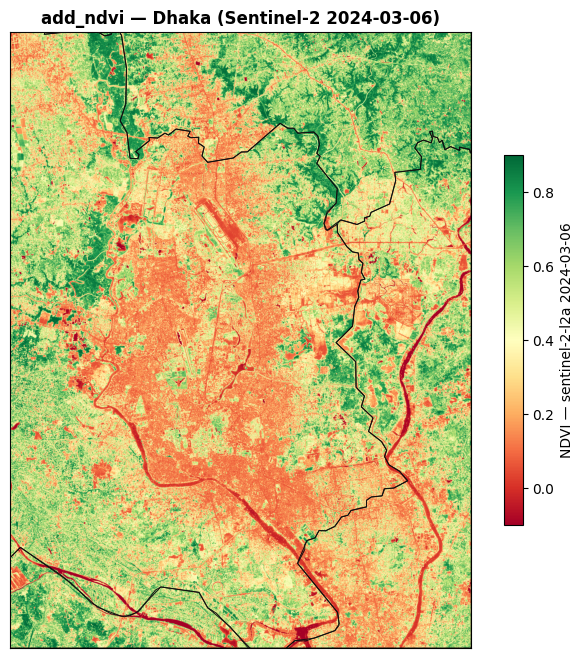
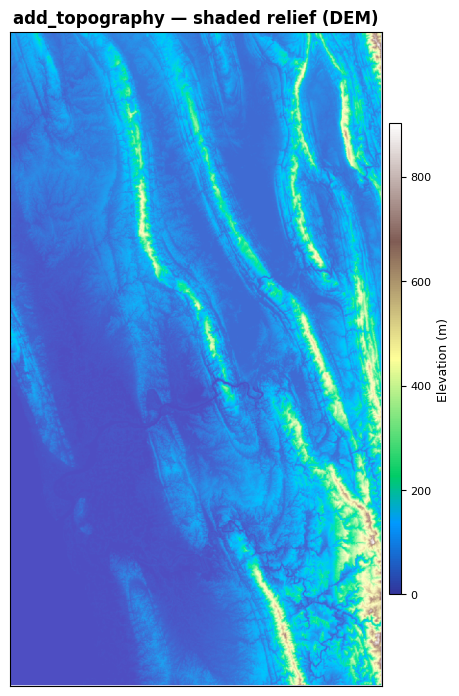
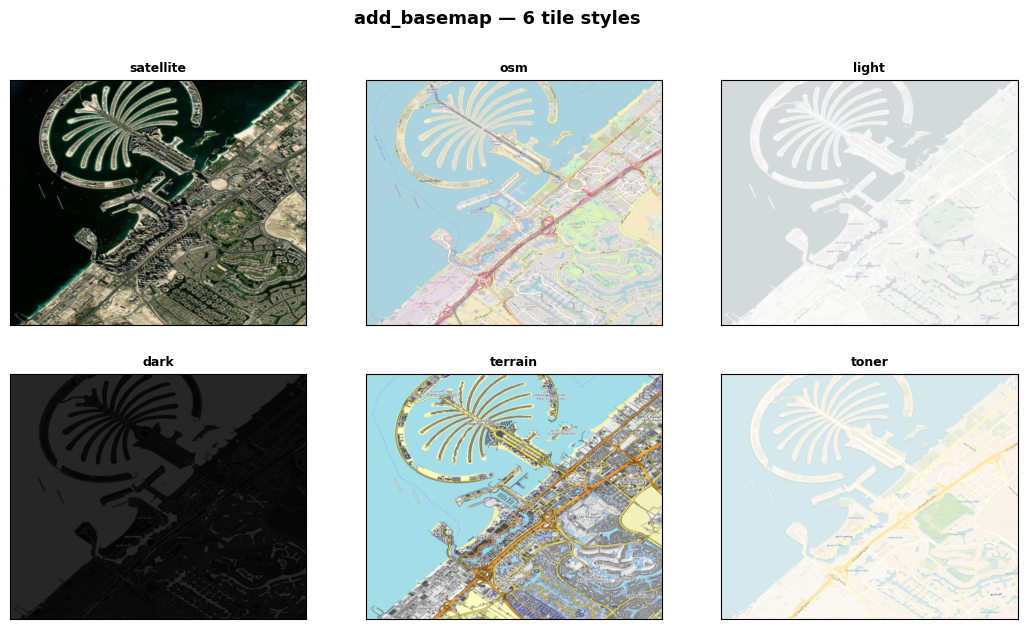
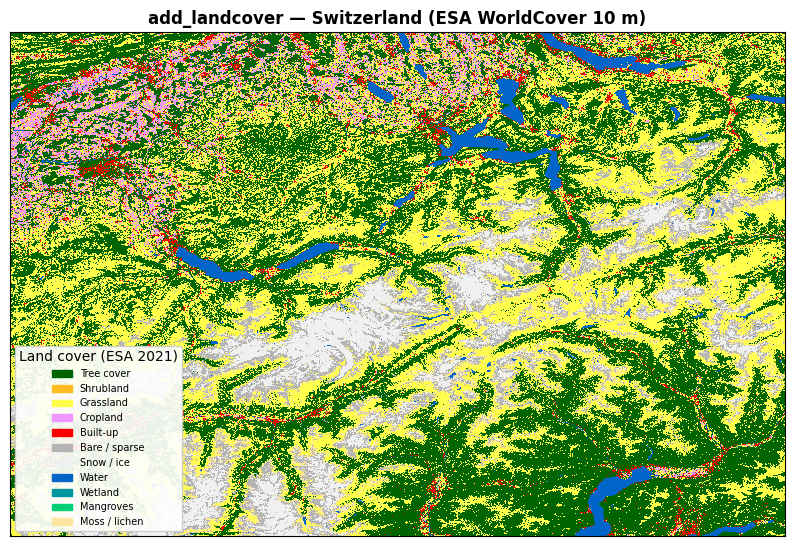
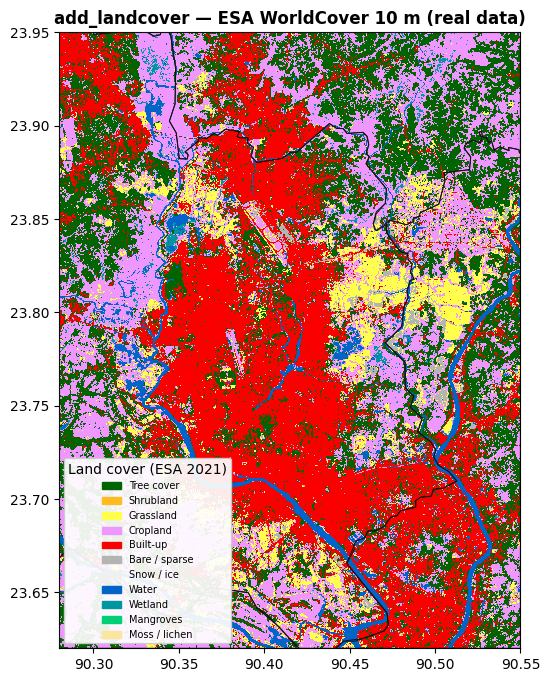
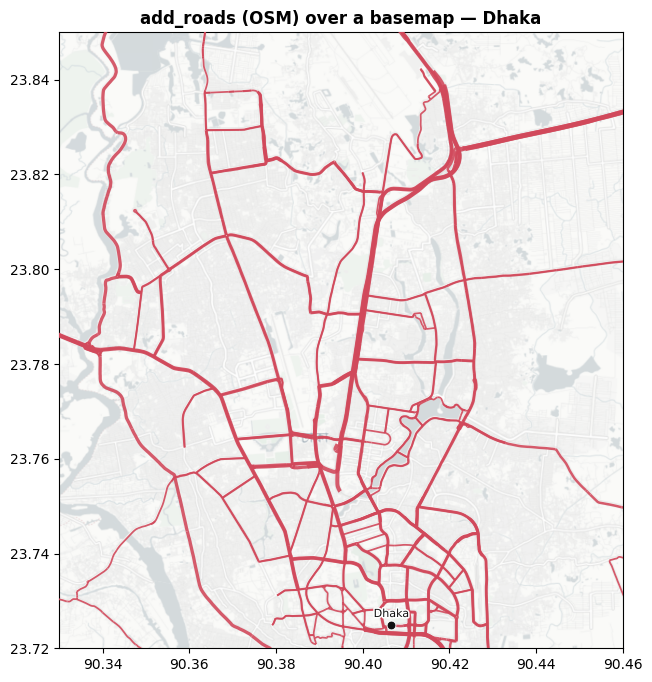
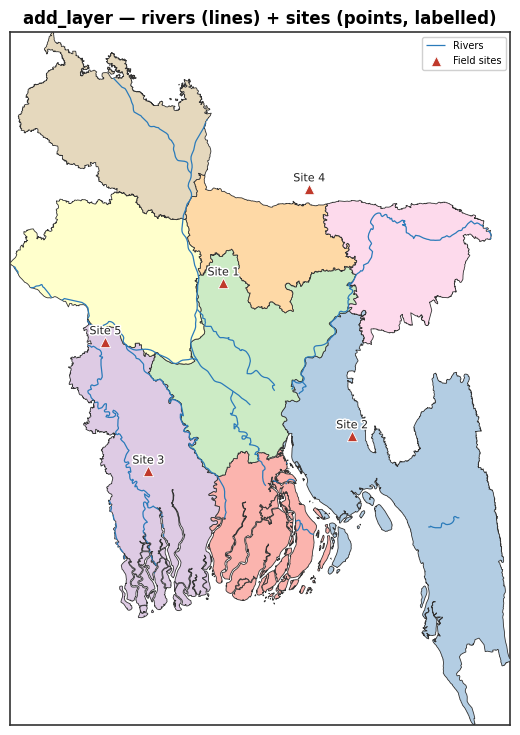
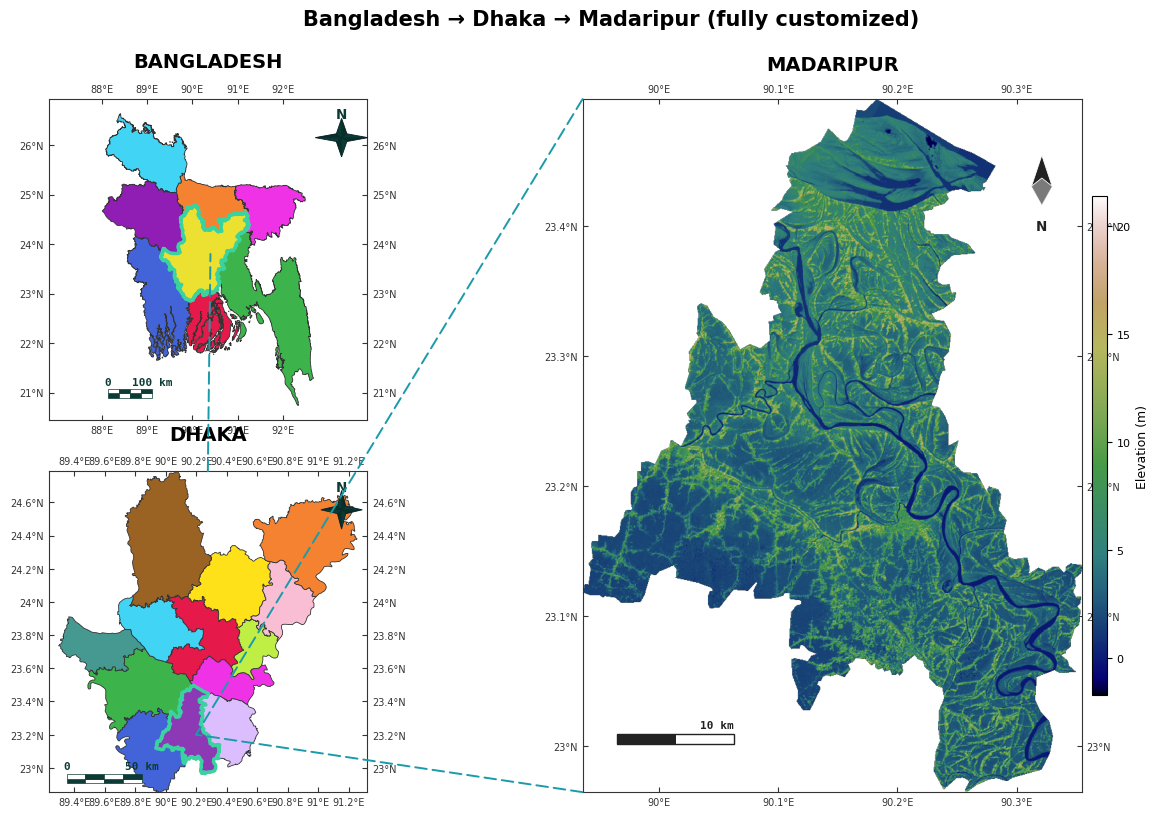
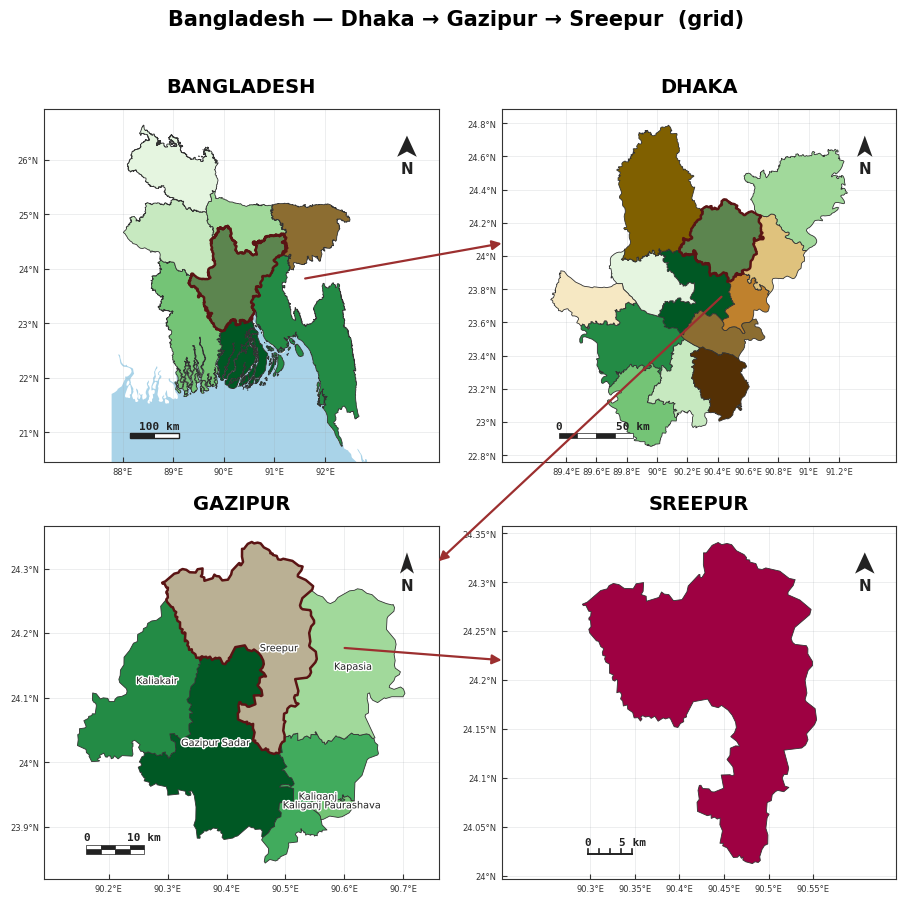
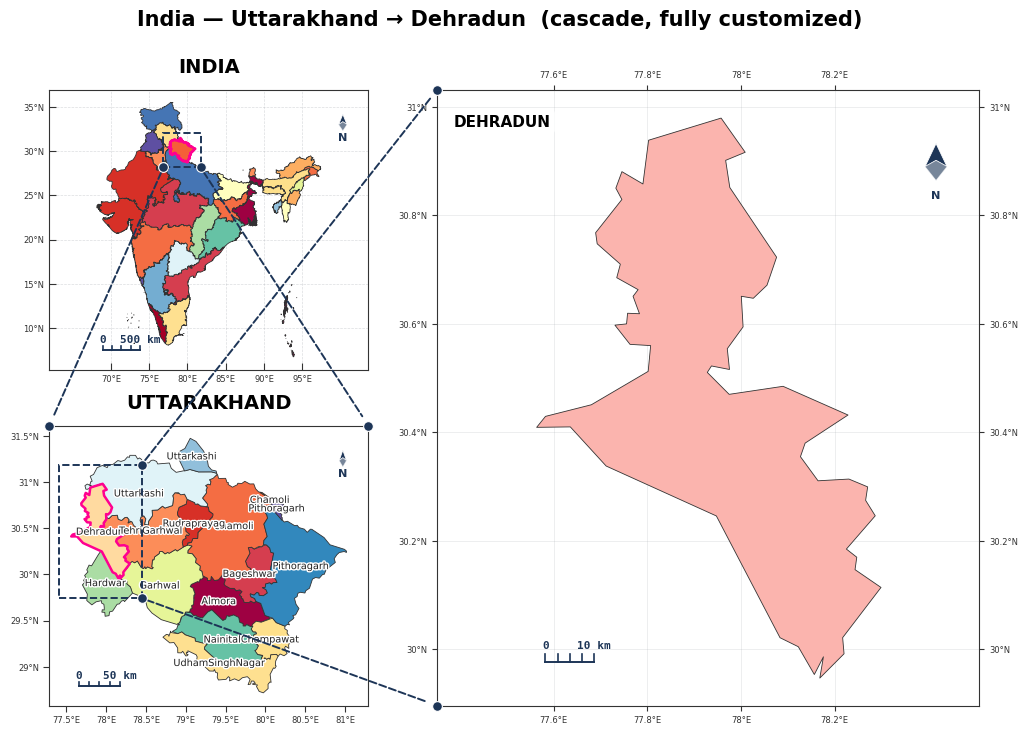
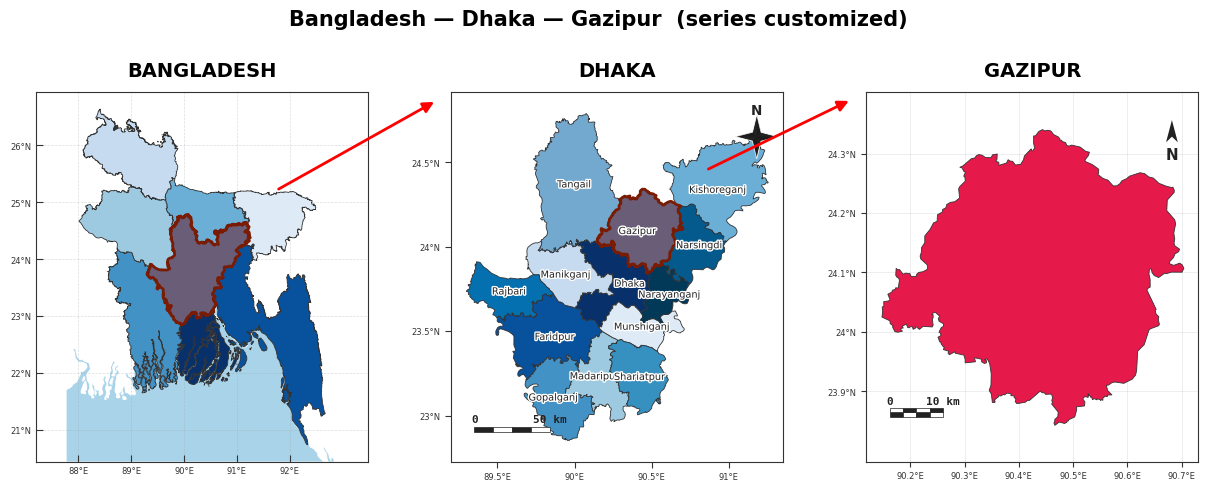
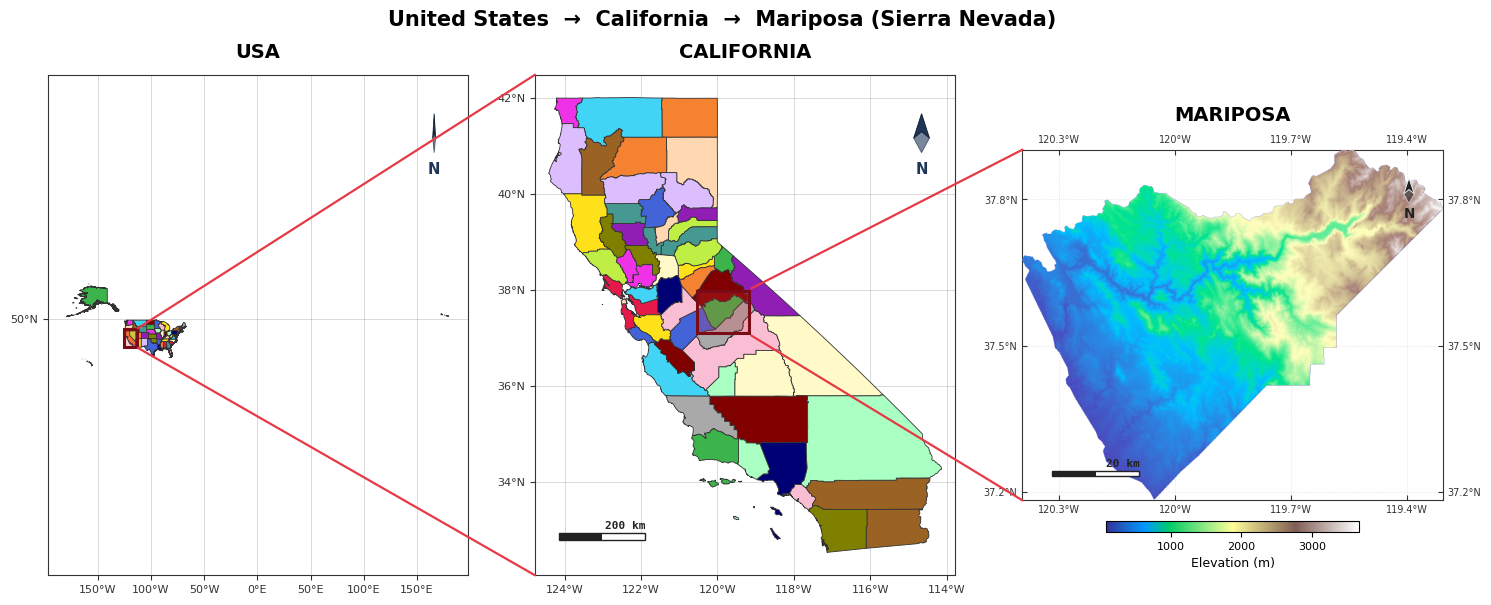
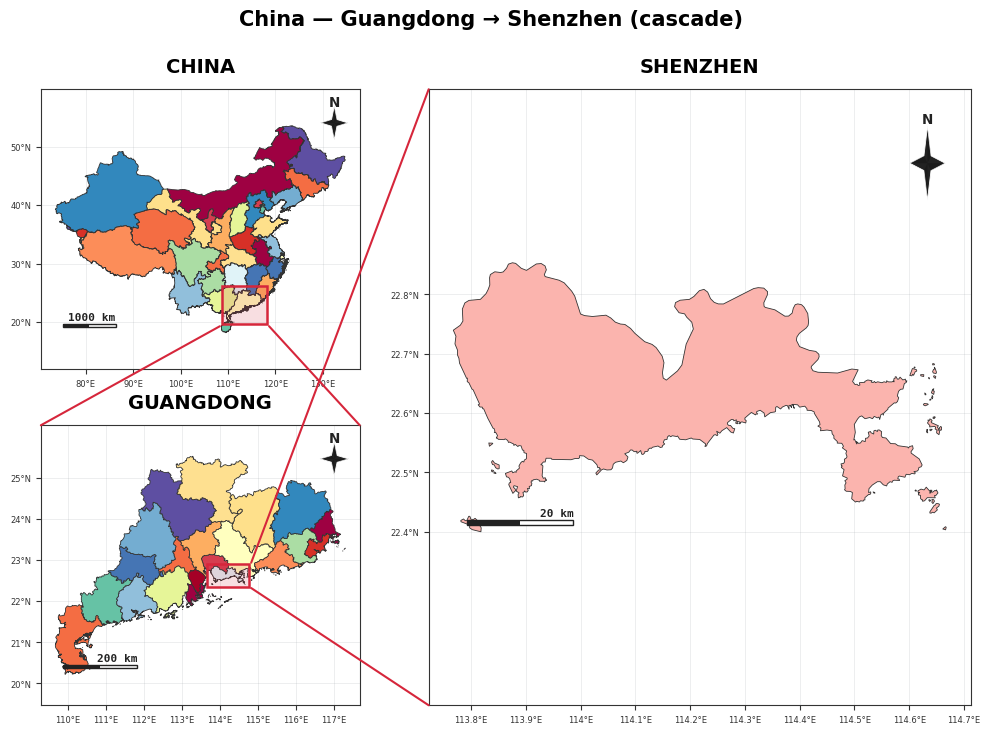
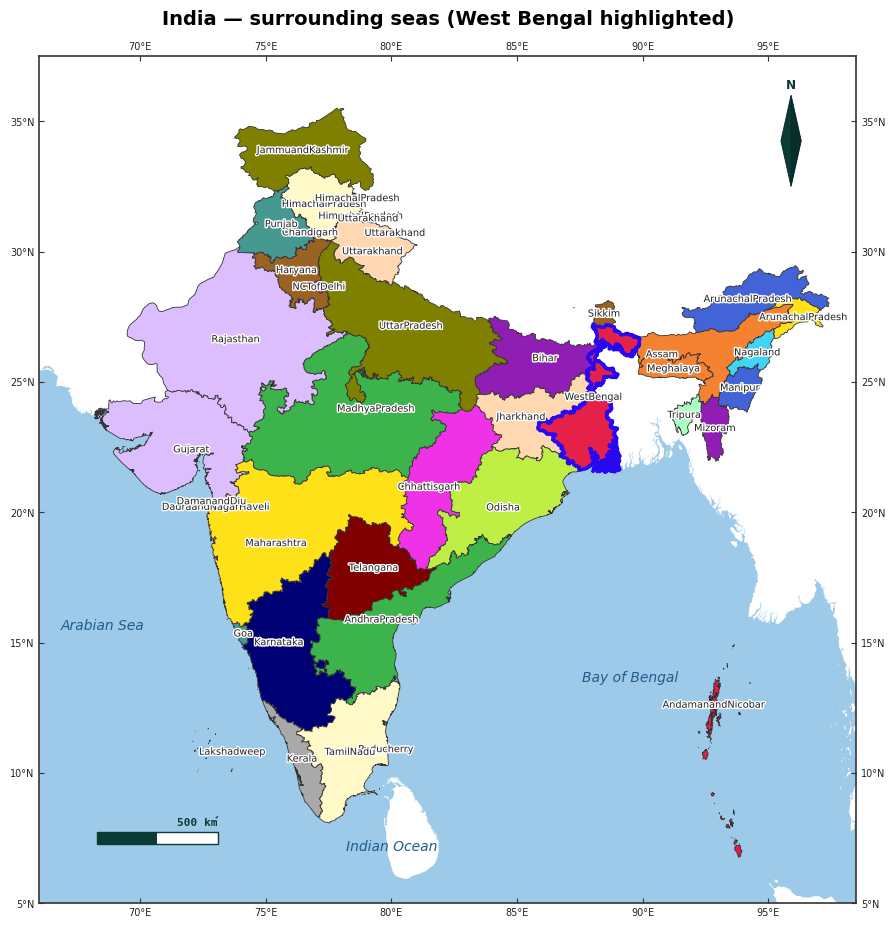
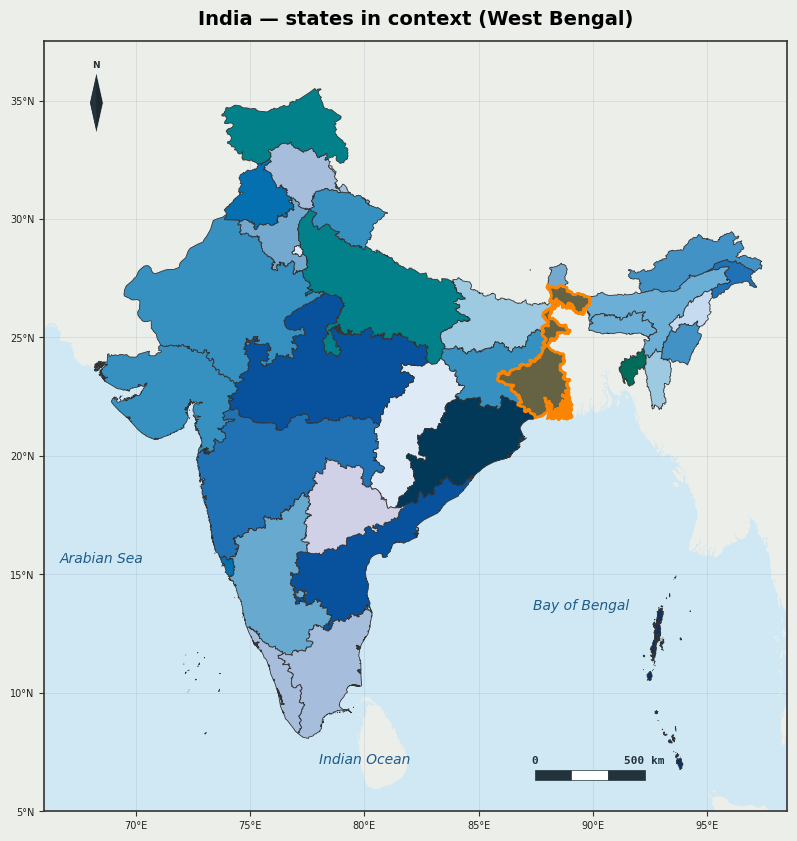
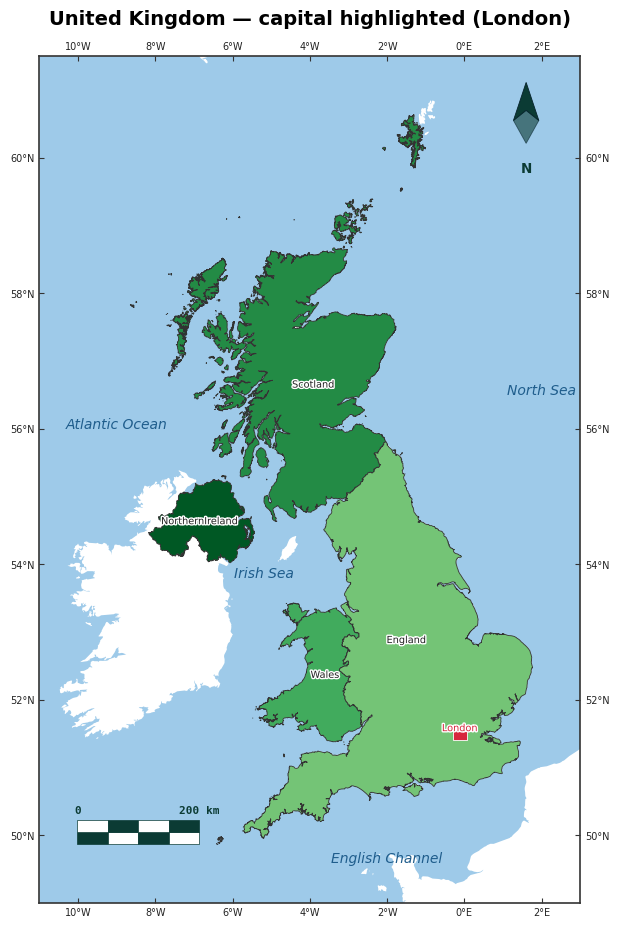
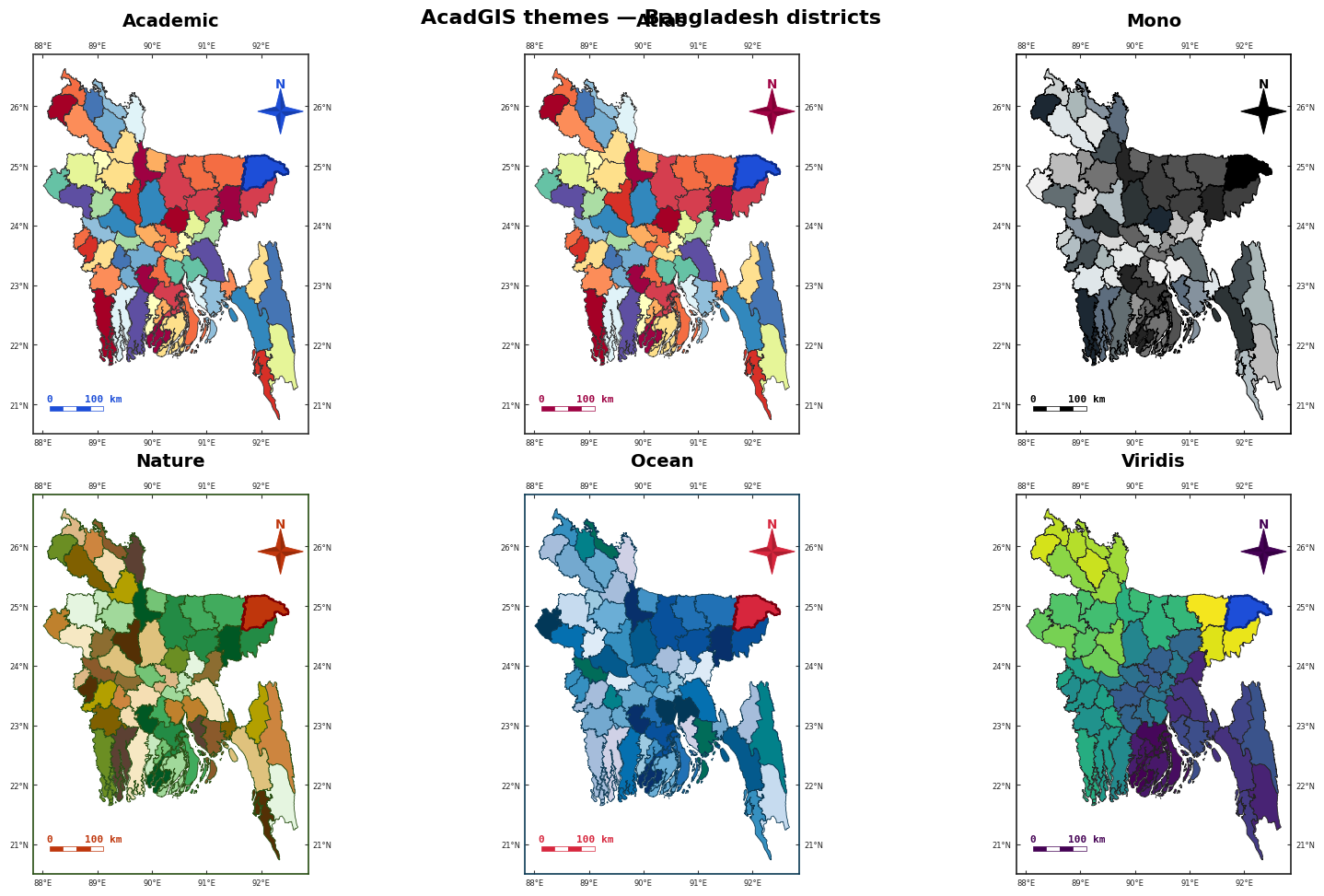
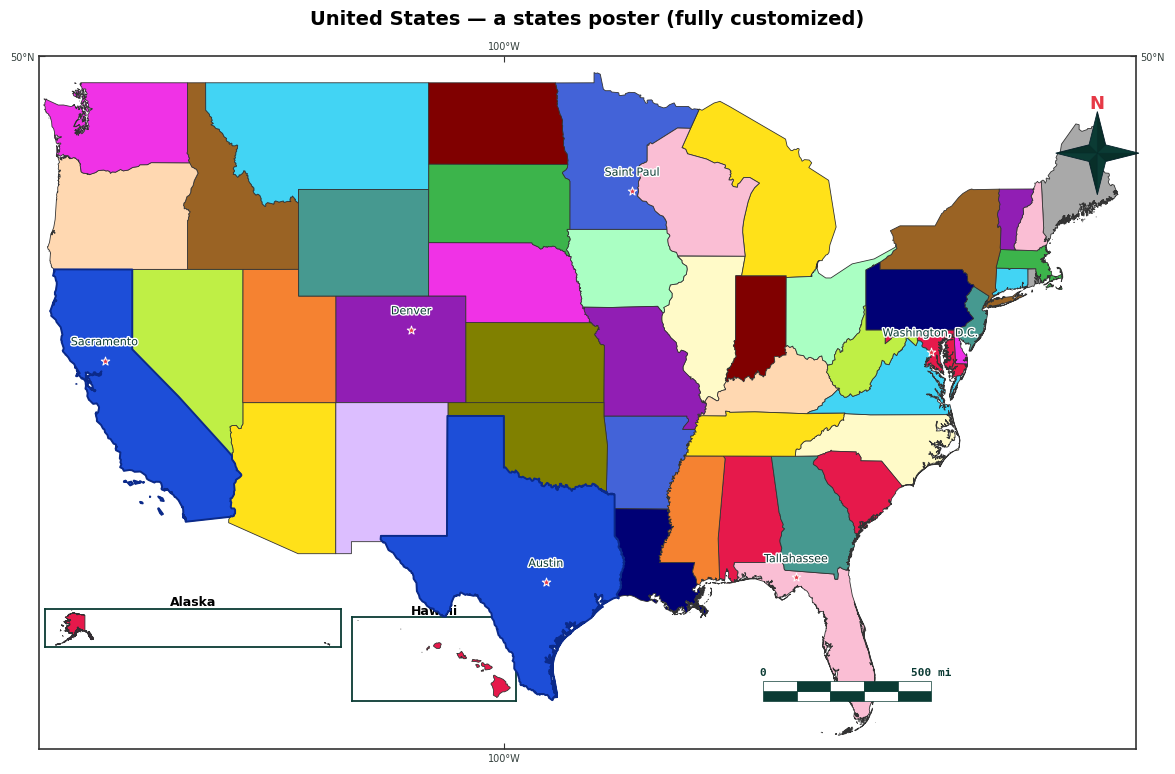
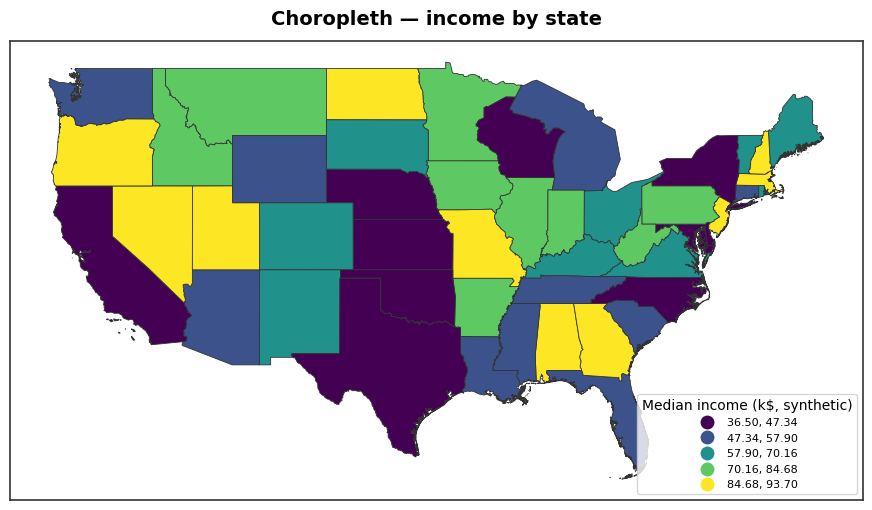
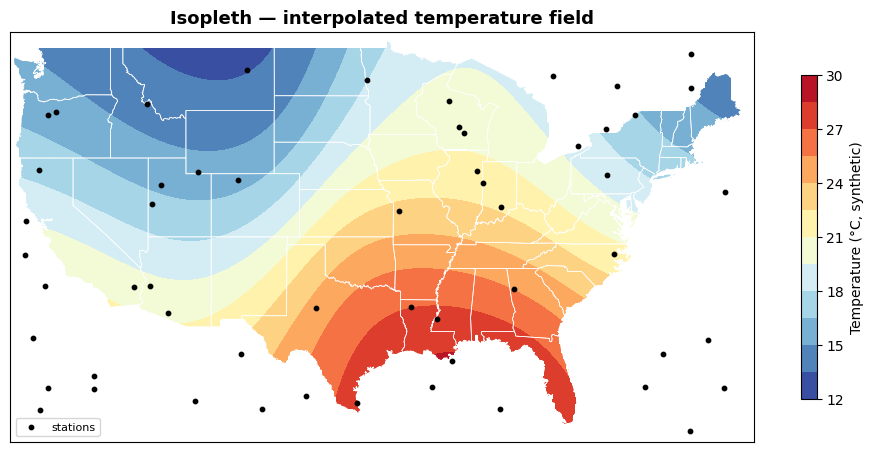
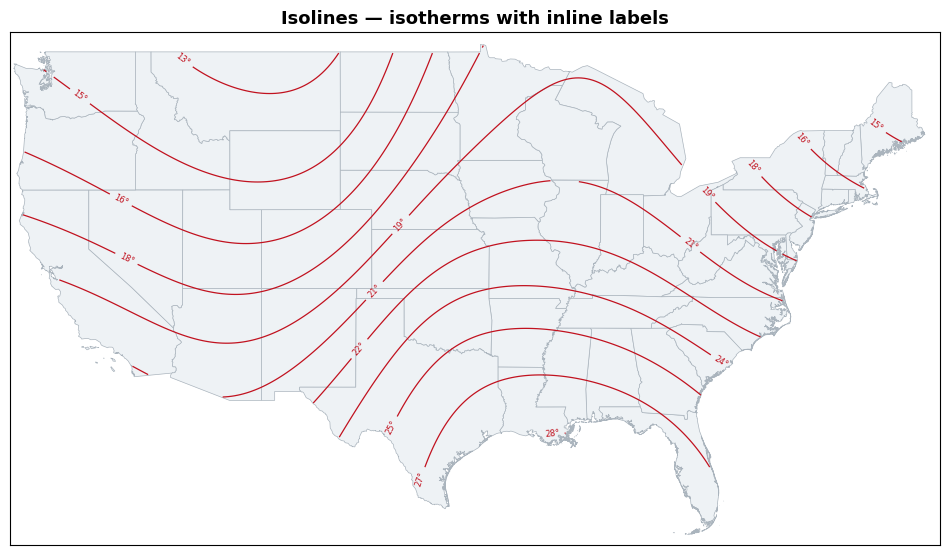
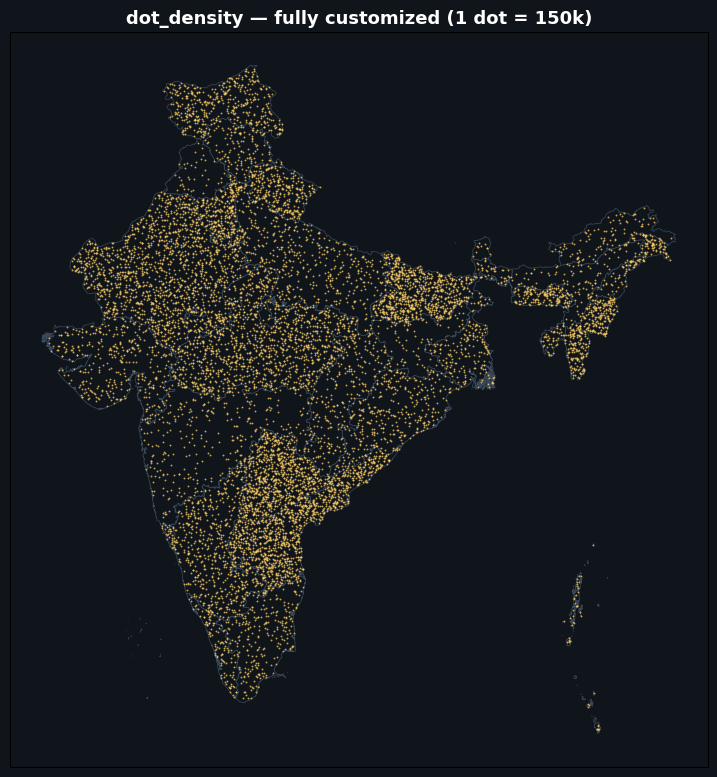
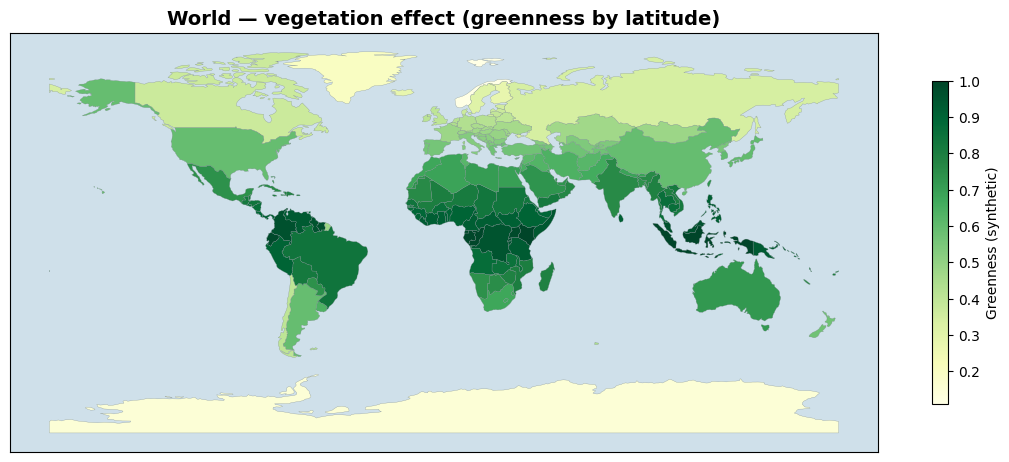
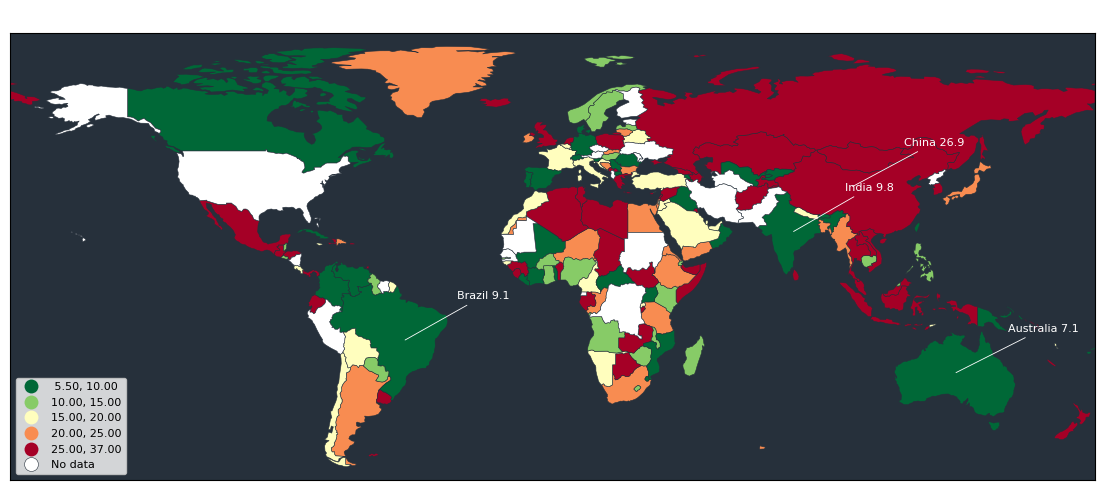
Curated raster & satellite (NDVI · land cover · DEM · basemaps · roads) · study-area layouts · sea/ocean · choropleth · isopleth / isolines · dot-density · world thematic maps — every figure made with import acadgis as agis.
Install
pip install acadgis                 # core (offline demo data + plotting)
pip install "acadgis[full]"         # + live download, fuzzy matching, terrain, drainage
Optional extras: acadgis[download] (any-country boundaries via pygadm), acadgis[match]
(fuzzy names), acadgis[terrain] (DEM relief), acadgis[drainage] (streams from a DEM).
Bangladesh, Iraq, India and the USA ship bundled — everything works offline.
What it does
- Boundaries on demand — country, state, district and sub-district, by name, from GADM.
- One-line styled maps — 12 palettes, 6 themes, north arrows, scale bars, checker borders, graticules and legends.
- Choropleths and graduated symbols with automatic name matching (Chittagong matches
Chattogram, dropped admin-suffixes, diacritics) and
mapclassifyschemes. - Locator insets — the country to region to detail figure with connecting arrows.
- Layout presets —
study_area()builds the whole multi-panel figure in one call (single,two,cascade,series,grid) with uniform or custom panel sizes, customizable connectors and region highlighting. - Terrain — shaded relief and hypsometric tint from Copernicus GLO-30 (no API key), with realistic land-to-ocean colouring.
- Hydrology — Natural Earth or dense OpenStreetMap river networks and water bodies.
- Sea / ocean —
sea=True(oragis.add_sea) draws a clean ocean around coastal countries (source="ne10m"for crisp coasts); sliver-free, landlocked is a no-op. - Drainage — stream networks extracted from a DEM.
- Layers —
add_raster(any GeoTIFF: continuous / categorical / RGB),add_layer(any vector, auto-styled, label control),add_basemap/add_satellite(6 tile styles),add_topography,add_cities,add_roads, and curated real data:add_landcover(ESA WorldCover 10 m) +add_ndvi(Sentinel-2). - Thematic maps — the full catalogue: heat maps (
add_heatmap), interpolated isopleth surfaces and labelled isolines (interpolate_field→add_isopleth/add_contours), dot-density (dot_density), bivariate choropleths with a 2-D legend (bivariate), Dorling / non-contiguous cartograms (cartogram). - Export — PNG, PDF or SVG at any DPI.
Quick start
import acadgis as agis

gdf = agis.load_boundaries("Bangladesh", level="district")     # auto-download + cache
agis.plot(gdf, palette="spectral", title="Bangladesh — Districts")

agis.choropleth(gdf, df, value="incidence", palette="magma")   # messy names welcome

ax = agis.plot(gdf, highlight="Comilla")
agis.points(ax, survey_df, value="value", size_by="value", cmap="magma", legend=True)

dem = agis.load_dem("Bagrote Valley")
agis.relief(dem, hillshade=True, ocean_color="#cce5f0")

agis.study_area("Bangladesh",                                  # whole layout, one call
    steps=[("division", "Dhaka"), ("district", "Madaripur")],
    template="cascade", terrain=True)
Links and attribution
- Web app: https://acadgis.com
- Documentation: https://doc.acadgis.com
- Source: https://github.com/riponcm/AcadGIS
- Data: GADM (boundaries), Copernicus GLO-30 (terrain), Natural Earth and OpenStreetMap (hydrography). Free for academic and non-commercial use — please cite the sources.
- Built with projectmem — the persistent memory + workflow layer used to develop AcadGIS.
License
Apache License 2.0.
1 maintainer

Download files
Download the file for your platform. If you're not sure which to choose, learn more about installing packages.
Source Distribution
Built Distribution
Filter files by name, interpreter, ABI, and platform.
If you're not sure about the file name format, learn more about wheel file names.
Copy a direct link to the current filters
File details
Details for the file acadgis-0.2.0.tar.gz.
File metadata
- Download URL: acadgis-0.2.0.tar.gz
- Upload date:
- Size: 1.8 MB
- Tags: Source
- Uploaded using Trusted Publishing? No
- Uploaded via:
twine/6.2.0 CPython/3.12.2
File hashes
| Algorithm | Hash digest | |
|---|---|---|
| SHA256 |
ff536334d6a7bd528e8705aee78ce2c93b3579d5d17441968815a10a20fc4a2d
|
|
| MD5 |
eeba4a073d7bedf001d44d4f3bfc4e79
|
|
| BLAKE2b-256 |
5dae29218f16d63df90ca4d25de4cbe826878000da64137a4bf09e4f34ce674a
|
File details
Details for the file acadgis-0.2.0-py3-none-any.whl.
File metadata
- Download URL: acadgis-0.2.0-py3-none-any.whl
- Upload date:
- Size: 1.8 MB
- Tags: Python 3
- Uploaded using Trusted Publishing? No
- Uploaded via:
twine/6.2.0 CPython/3.12.2
File hashes
| Algorithm | Hash digest | |
|---|---|---|
| SHA256 |
caa9aace9ad40f47c1a51af08867e8560bea32b20da3d0ca5e288a2107560c71
|
|
| MD5 |
ea64451e9ffab4159916e2cceeb83fea
|
|
| BLAKE2b-256 |
7a9b8af7e001e7d68e2c52b2b3698dba2f487df2c1b04e66f8cc8be08c2bad6f
|














