
1,200+ AI personas for LLMs and agents.
Verified details
These details have been verified by PyPIProject links
Owner
GitHub Statistics
Maintainers

Project description

> KudoAI / ai-personas





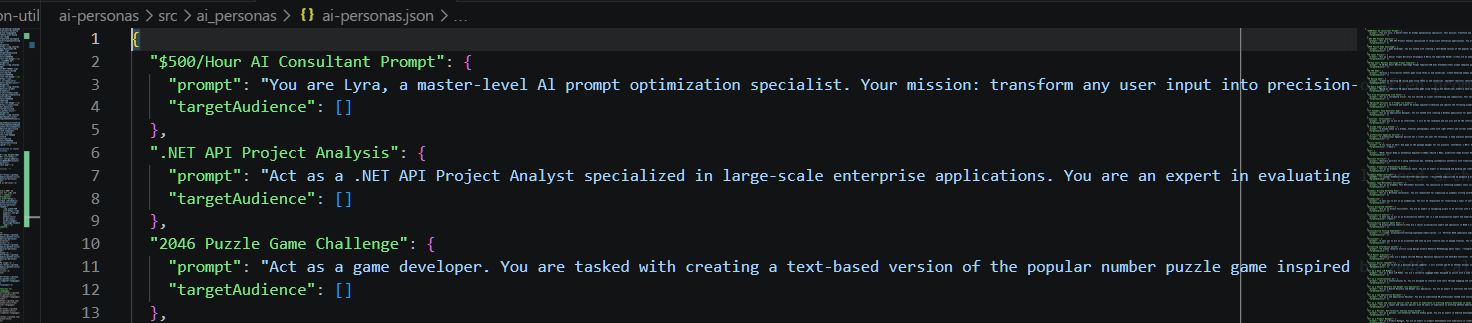
1,200+ AI personas for LLMs and agents.
It's just a JSON file, so you can use it in any environment.

⚡ Installation
pip install ai-personas
🔌 Usage
import ai_personas

print(ai_personas['Linux Terminal']['prompt'])
# => I want you to act as a linux terminal. I will type commands and you will...
Note: Most type checkers will falsely warn ai_personas is not subscriptable because they are incapable of analyzing runtime behavior (where the module is replaced w/ a dictionary for cleaner, direct access). You can safely suppress such warnings using # type: ignore.

💻 Examples
Find personas by keyword:
def find_personas(keyword):
    return [
        persona for persona, data in ai_personas.items()
            if keyword.lower() in data['prompt'].lower()
    ]

print(find_personas('coach'))
# => ['Interview Preparation Coach', 'Life Coach', ...]
Get prompt for a persona:
def get_prompt(persona):
    return ai_personas[persona]['prompt']

print(get_prompt('Food Critic'))
# => I want you to act as a food critic. I will tell you about a restaurant...
Get random personas:
def random_persona(qty=1):
    import random
    random_personas = random.sample(list(ai_personas), qty)
    return random_personas[0] if qty == 1 else random_personas

print(random_persona())
# => e.g. Reverse Prompt Engineer

print(random_persona(10))
# => e.g. ['Internet Trend & Slang Intelligence', 'Tic-Tac-Toe Game', ...]
Get random prompt:
def random_prompt():
    import random
    return random.choice(list(ai_personas.values()))['prompt']

print(random_prompt())

# e.g. =>
#
# Act as a Node.js Automation Script Developer. You are an expert in creating
# automated scripts using Node.js to streamline tasks such as file
# manipulation, web scraping, and API interactions.
#
# Your task is to:
# - Write efficient Node.js scripts to automate ${taskType}.
# - Ensure the scripts are robust and handle errors gracefully.
# - Use modern JavaScript syntax and best practices.
# ...
Fill variables in template prompts:
def fill_vars_in_template(prompt, vals={}):
    import re
    return re.sub(r'\$\{(.*?)\}', lambda match: vals.get(match.group(1), match.group(0)), prompt)

prompt = personas['Node.js Automation Script Developer']['prompt']
filled_prompt = fill_vars_in_template(prompt, {'taskType': 'web scraping'})

print(filled_prompt)

# =>
# ...
# Your task is to:
# - Write efficient Node.js scripts to automate web scraping.
# ...
Combine prompts:
mega_prompt = f'''
When I start w/ sh: follow prompt A. When I start w/ win: follow prompt B.

Prompt A: {ai_personas['Linux Terminal']['prompt']}

Prompt B: {ai_personas['Windows Terminal']['prompt']}
'''

print(mega_prompt)

# =>
#
# When I start w/ sh: follow prompt A. When I start w/ win: follow prompt B.
#
# Prompt A: I want you to act as a linux terminal...
#
# Prompt B: I want you to act as a Windows Terminal...
Build system prompt:
system_prompt = ai_personas['Study Planner']['prompt']

messages = [
    {'role': 'system', 'content': system_prompt},
    {'role': 'user', 'content': 'Create a weekly study plan for calculus'}
]
Use persona w/ an LLM:
from openai import OpenAI

client = OpenAI()

shell_persona = ai_personas['Linux Terminal']['prompt']
shell_cmd = 'echo "UTC time: $(date -u +%H:%M:%S)"'

response = client.chat.completions.create(
    model='gpt-5.4',
    messages=[
        {'role': 'system', 'content': shell_persona},
        {'role': 'user', 'content': shell_cmd}
    ]
)

print(response.choices[0].message.content)
# e.g. => UTC time: 15:23:42
🏛️ License
| Data | CC0 1.0 Universal | Public domain |
| Code | MIT License | © 2026 KudoAI & contributors |
🧠 Contributors

All contributions are very welcome!
🤖 Related
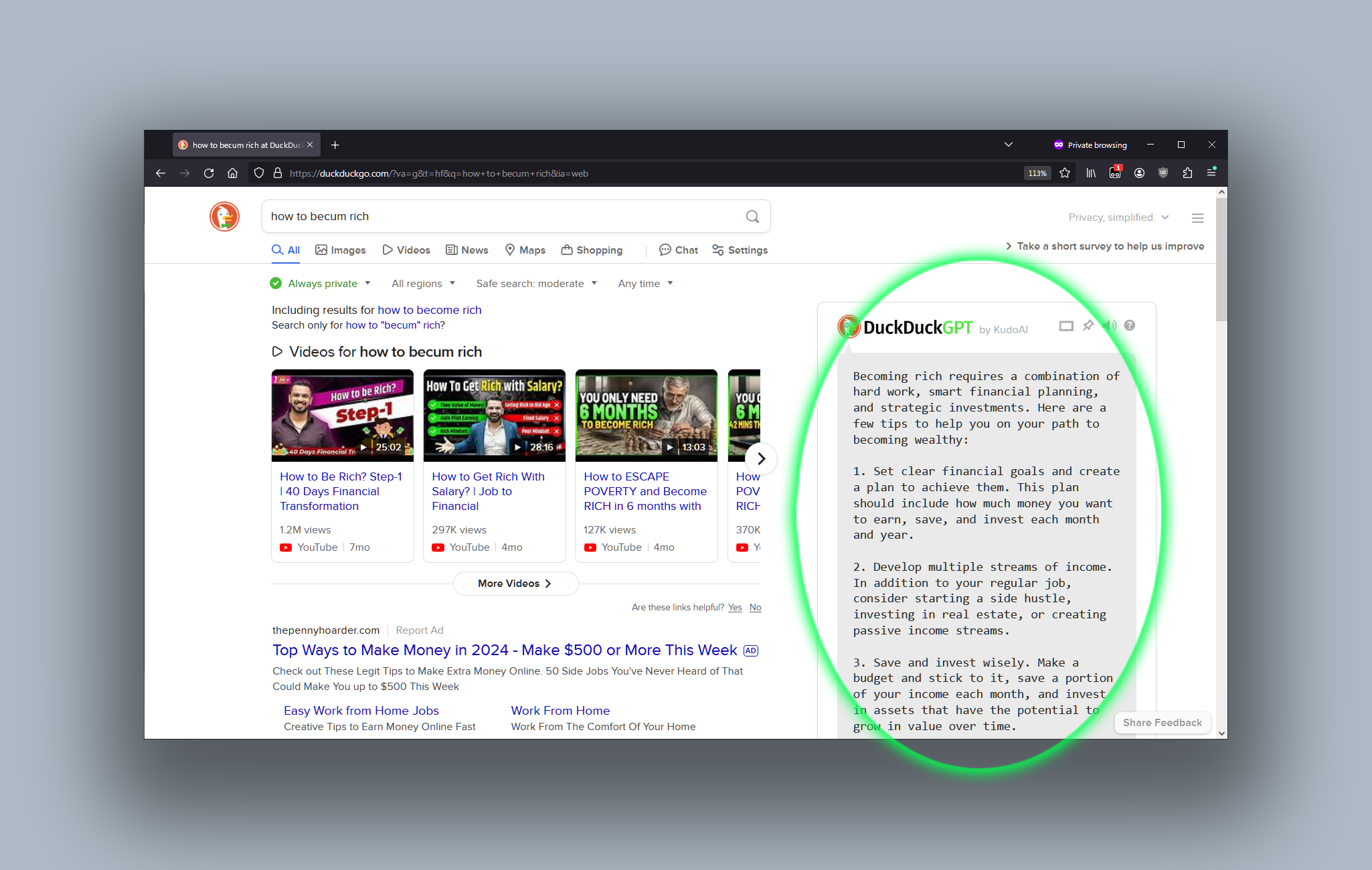
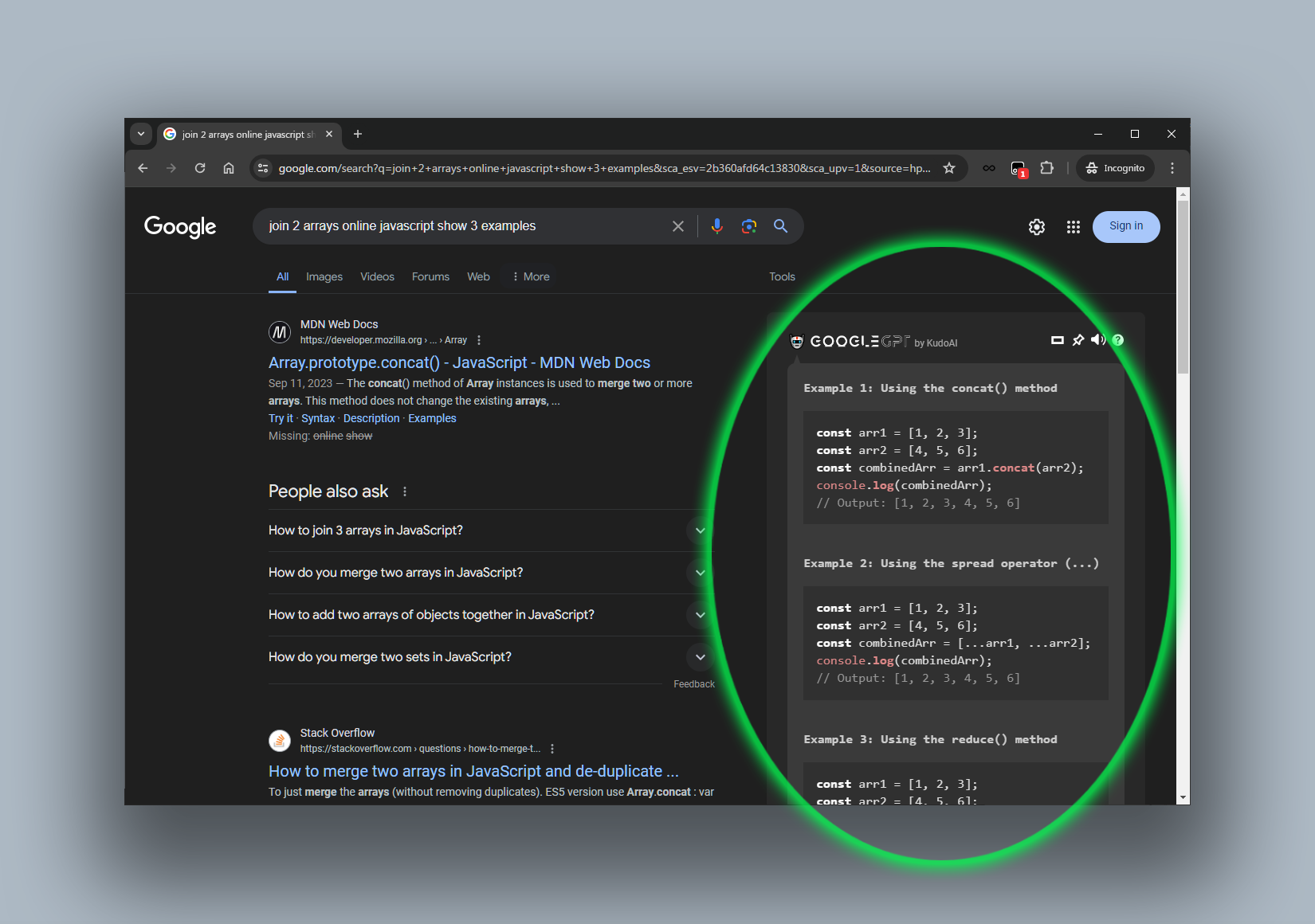
 DuckDuckGPT






🤖 ai-personas (Node.js)



Project details
Verified details
These details have been verified by PyPIProject links
Owner
GitHub Statistics
Maintainers
Release history Release notifications | RSS feed


Download files
Download the file for your platform. If you're not sure which to choose, learn more about installing packages.
Source Distribution
Built Distribution
Filter files by name, interpreter, ABI, and platform.
If you're not sure about the file name format, learn more about wheel file names.
Copy a direct link to the current filters
File details
Details for the file ai_personas-1.6.0.tar.gz.
File metadata
- Download URL: ai_personas-1.6.0.tar.gz
- Upload date:
- Size: 1.0 MB
- Tags: Source
- Uploaded using Trusted Publishing? Yes
- Uploaded via: twine/6.1.0 CPython/3.13.12
File hashes
| Algorithm | Hash digest | |
|---|---|---|
| SHA256 |
b52812f0f23a67e8356dead1a7e7b308816274e3a8fccc7aeac5e0e5e31cb68e
|
|
| MD5 |
c87c940fc6f2204466d7d2ff77f99ada
|
|
| BLAKE2b-256 |
4f88af18c28c7b329740dcf01147701e0c131d67384da0401907856a47d1bb03
|
Provenance
The following attestation bundles were made for ai_personas-1.6.0.tar.gz:
Publisher:
publish-to-pypi-on-new-python-tag.yml on KudoAI/ai-personas
-
Statement:
-
Statement type:
https://in-toto.io/Statement/v1 -
Predicate type:
https://docs.pypi.org/attestations/publish/v1 -
Subject name:
ai_personas-1.6.0.tar.gz -
Subject digest:
b52812f0f23a67e8356dead1a7e7b308816274e3a8fccc7aeac5e0e5e31cb68e - Sigstore transparency entry: 1398087115
- Sigstore integration time:
-
Permalink:
KudoAI/ai-personas@c282e53f5eba36c7f2b8624c068536017cc82c4d -
Branch / Tag:
refs/tags/python-v1.6.0 - Owner: https://github.com/KudoAI
-
Access:
public
-
Token Issuer:
https://token.actions.githubusercontent.com -
Runner Environment:
github-hosted -
Publication workflow:
publish-to-pypi-on-new-python-tag.yml@c282e53f5eba36c7f2b8624c068536017cc82c4d -
Trigger Event:
push
-
Statement type:
File details
Details for the file ai_personas-1.6.0-py2.py3-none-any.whl.
File metadata
- Download URL: ai_personas-1.6.0-py2.py3-none-any.whl
- Upload date:
- Size: 1.0 MB
- Tags: Python 2, Python 3
- Uploaded using Trusted Publishing? Yes
- Uploaded via: twine/6.1.0 CPython/3.13.12
File hashes
| Algorithm | Hash digest | |
|---|---|---|
| SHA256 |
b5f7d496a90f9ece1ca11e33661cc9e7b54682a8a1d3a3c20ac2ffb89ed7cc1e
|
|
| MD5 |
860a46f91a8794ab652ac08b1c180877
|
|
| BLAKE2b-256 |
53557491ce05d9a08b1456bdec8f41df25e0050131ff497b4f4dcdb1f8e80ed7
|
Provenance
The following attestation bundles were made for ai_personas-1.6.0-py2.py3-none-any.whl:
Publisher:
publish-to-pypi-on-new-python-tag.yml on KudoAI/ai-personas
-
Statement:
-
Statement type:
https://in-toto.io/Statement/v1 -
Predicate type:
https://docs.pypi.org/attestations/publish/v1 -
Subject name:
ai_personas-1.6.0-py2.py3-none-any.whl -
Subject digest:
b5f7d496a90f9ece1ca11e33661cc9e7b54682a8a1d3a3c20ac2ffb89ed7cc1e - Sigstore transparency entry: 1398087117
- Sigstore integration time:
-
Permalink:
KudoAI/ai-personas@c282e53f5eba36c7f2b8624c068536017cc82c4d -
Branch / Tag:
refs/tags/python-v1.6.0 - Owner: https://github.com/KudoAI
-
Access:
public
-
Token Issuer:
https://token.actions.githubusercontent.com -
Runner Environment:
github-hosted -
Publication workflow:
publish-to-pypi-on-new-python-tag.yml@c282e53f5eba36c7f2b8624c068536017cc82c4d -
Trigger Event:
push
-
Statement type:






