
aircalc: calculate a math expression by five fingers in air.

Project description
aircalc
This is under review.
aircalc has been downloaded by 20,387 downloads worldwide as of Feb.24, 2023.
aircalc is a Python program based on two state-of-the-art libraries including hand gesture recognition library using mediapipe and optical character recognition library using tesseract. aircalc can be easilly installed by pip command (PyPi). This short program is made for education by showing how to use two state-of-the-art libraries. aircalc has an error correction function for correcting hand-drawn images in order to achieve perfect image recognition by tesseract.
The paper on aircalc is under submission. If the paper is accepted, the source code will be disclosed with detailed explanations.
The hand gesture recognition allows you to draw a math expression and it will be automatically calculated. The answer will be posted on the screen.
Writing letters with a pen on paper is very different from drawing letters in the air.
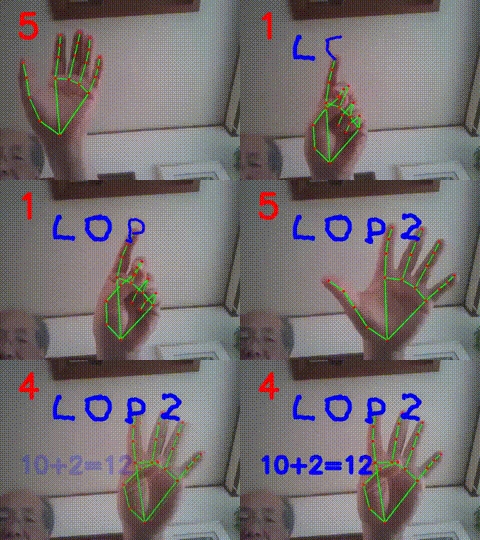
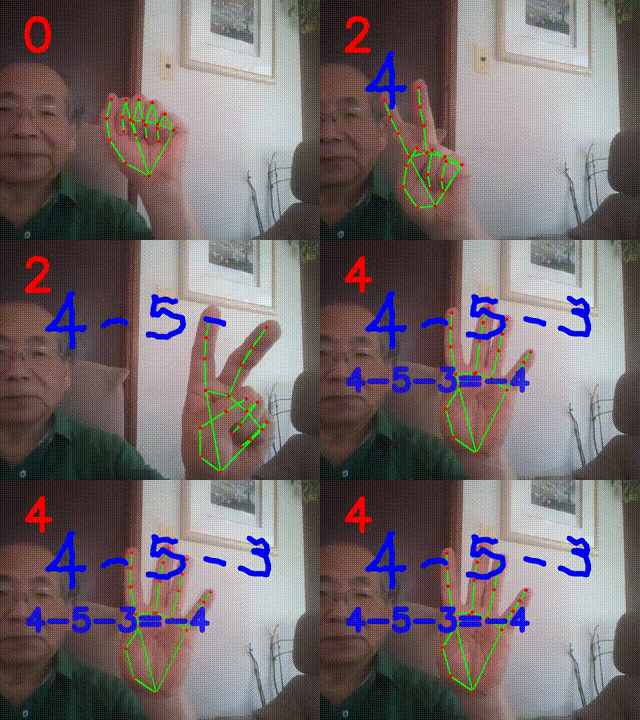
Drawing "-" minus operator and "+" operator in the air are extremely difficult so that these operators in the current system are replaced by "W" and "P" respectively.
When drawing letters with fingers in the air, letters that are difficult to recognize or write in the air need to be replaced with letters that can be accurately recognized by artificial intelligence. For example, replace the number "1" with "L" in the air.
How to install necessary libraries
$ pip install pytesseract
For Windows users, you should also install the latest tesseract
https://github.com/UB-Mannheim/tesseract/wiki
And add tesseract.exe of Tesseract-OCR directory PATH in .profile or .bashrc.
$ pip install mediapipe
Finally install aircalc
$ pip install aircalc
$ pip install aircalc --force-reinstall --no-cache-dir --no-binary :all:
How to run aircalc
aircalc is a program for drawing a math expression in the air for possible calculation.
aircalc is based on two open source libraries including mediapipe and tesseract.
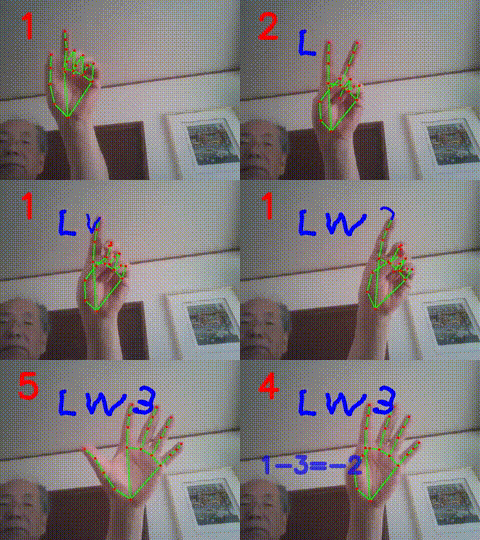
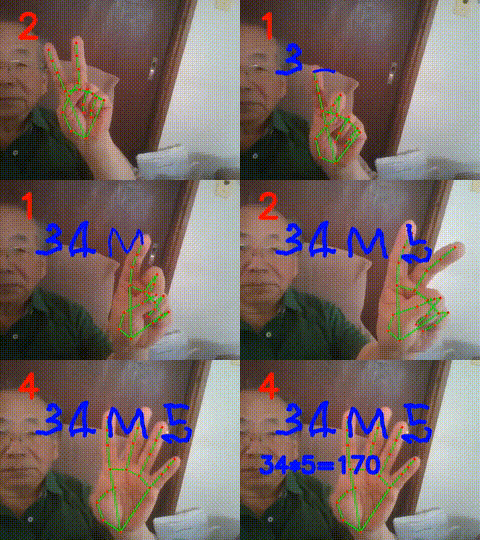
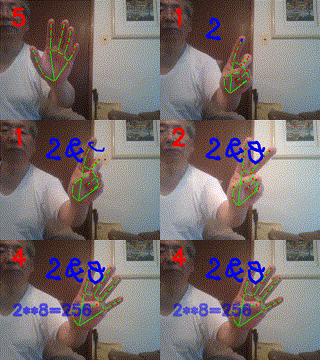
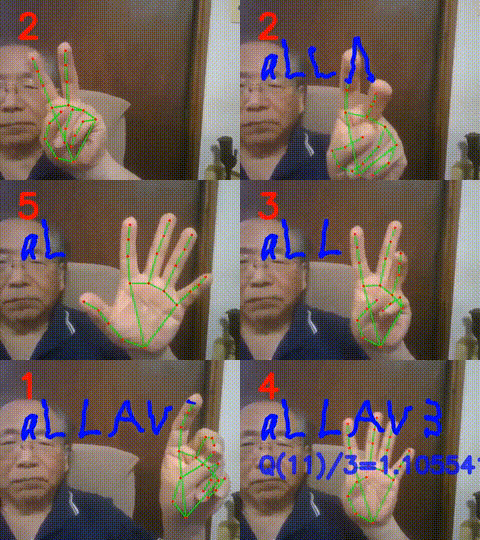
There are six states of five fingers recognized by mediapipe library: 0-finger, 1-finger, 2-finger, 3-finger, 4-finger, and 5-finger respectively.
A pen of index finger tip is used for drawing an expression
by fingers.

0-finger can move the pen without drawing.
1-finger can draw lines in the air.
2-finger can move the pen without drawing.
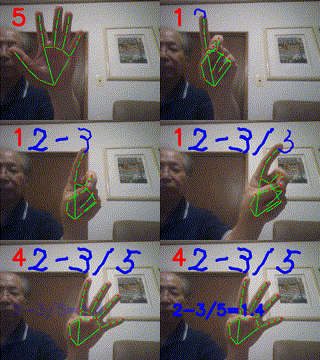
3-finger can delete the last touches of drawn letters for correction.
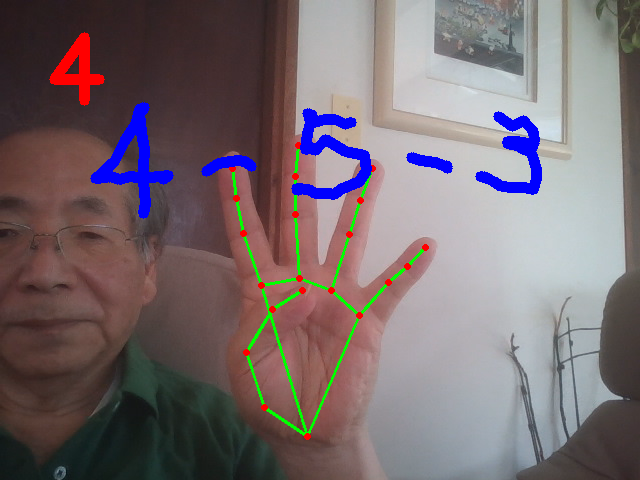
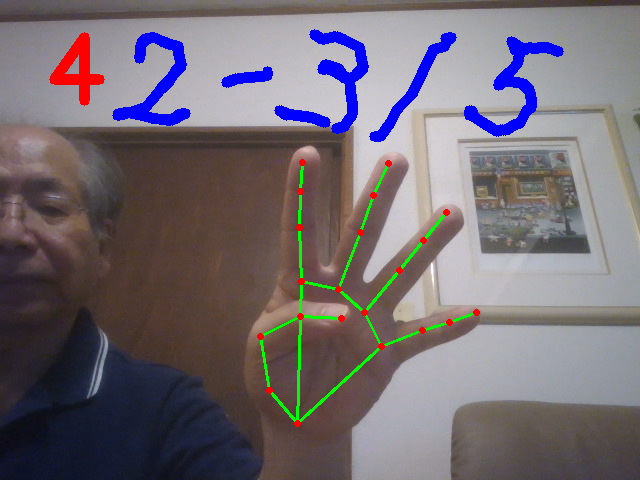
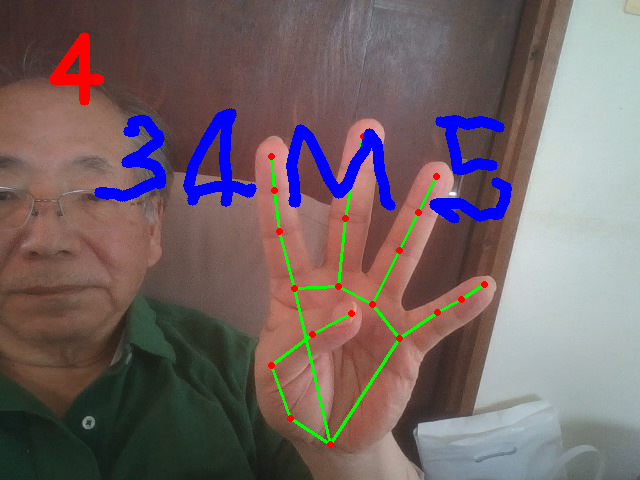
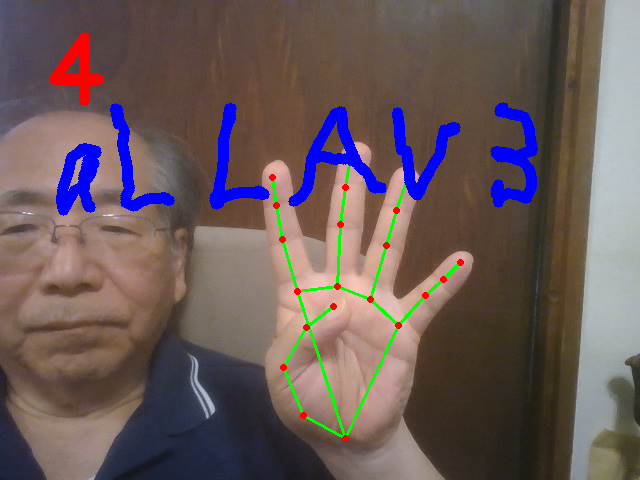
4-finger can call tesseract for transforming the hand-writing
images to the digital text for possible calculation.
For several seconds, 4-finger can terminate the program
for showing the answer of the hand-drawn expression.
5-finger can move the pen without drawing.
Continuous 4-finger state can terminate and exit this program.
0-finger or 5-finger is equivalent to 2-finger.
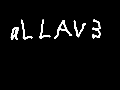
The saved picture is tranformed into digital text using the state-of-the-art optical character recognition.
Writing letters with a pen on paper is very different from drawing letters in the air.
Of the 0 to 9 digits, 1 is the least recognizable number.
Drawing "L" in the air represents "1".
"S" or "5" in the air represents "5".
"P" in the air represents "+" plus operator.
"W" or "-" represents "-" minus operator.
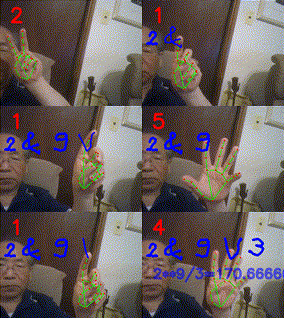
"V" in the air represents "/" division operator.
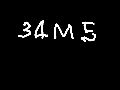
"M" in the air represents "*" multiplication operator.
"&" in the air represents "**" exponential operator.
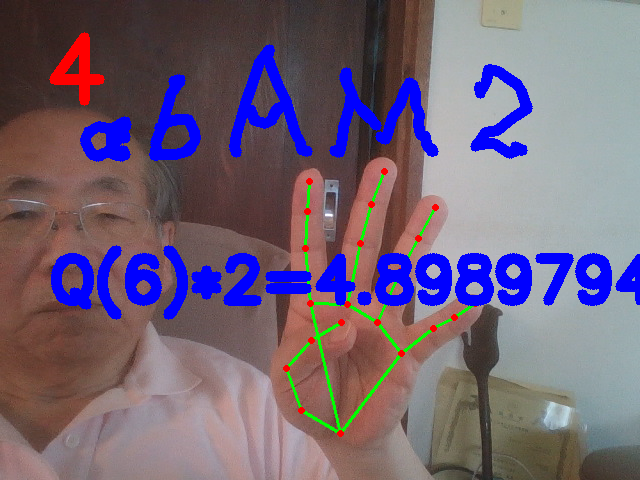
Drawing two letters "a" and "A" in the air represents the sqrt() function. Therefore, the string "a13A" or "aL3A" represents sqrt(13).
$ aircalc
sqrt(6)*2=?
1-3=? 10+2=?
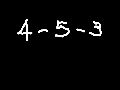
4-5-3=?
[
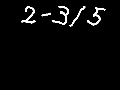
2-3/5=?
[
34*5=?
[
2**8=?
[
2&9V3 --> 2**9/3
[
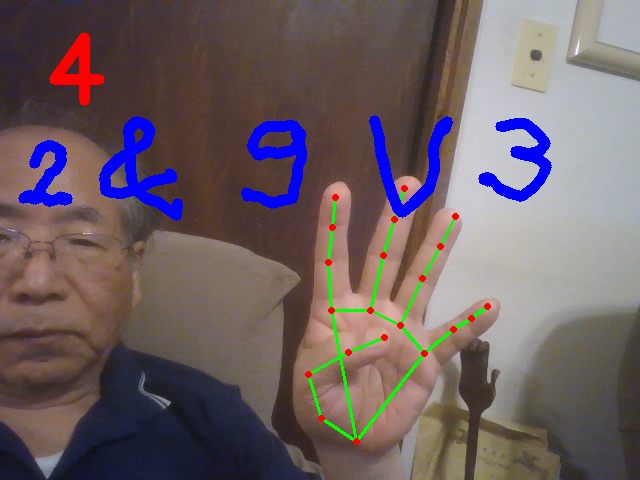
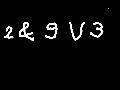
aLLAV3=? -> sqrt(11)/3
[


Download files
Download the file for your platform. If you're not sure which to choose, learn more about installing packages.
Source Distribution
Built Distribution
Filter files by name, interpreter, ABI, and platform.
If you're not sure about the file name format, learn more about wheel file names.
Copy a direct link to the current filters
File details
Details for the file aircalc-0.0.8.tar.gz.
File metadata
- Download URL: aircalc-0.0.8.tar.gz
- Upload date:
- Size: 5.4 kB
- Tags: Source
- Uploaded using Trusted Publishing? No
- Uploaded via: twine/5.1.0 CPython/3.8.12
File hashes
| Algorithm | Hash digest | |
|---|---|---|
| SHA256 |
adb4d982ac85965578f1615f474bac9c2b9313c76f049cf00fca284b17605906
|
|
| MD5 |
1ae32339a672565f130d988b2d004aa8
|
|
| BLAKE2b-256 |
2ede4eb2d4082c98c9c39120b359ef7e44c231404a91e10892d7992a81105207
|
File details
Details for the file aircalc-0.0.8-py3-none-any.whl.
File metadata
- Download URL: aircalc-0.0.8-py3-none-any.whl
- Upload date:
- Size: 5.5 kB
- Tags: Python 3
- Uploaded using Trusted Publishing? No
- Uploaded via: twine/5.1.0 CPython/3.8.12
File hashes
| Algorithm | Hash digest | |
|---|---|---|
| SHA256 |
e4ba5d555fce038dbe98014b62ac2d0ba2dbb597589f671717c8b8deb3447d08
|
|
| MD5 |
118ec1e86d6e6edace383561e5fde195
|
|
| BLAKE2b-256 |
ec98e3a1e56ca822dc3fc387138911df80c0293f7593c25923a5d94da0d2a478
|






