
A MCP server for Alibaba Cloud

Project description
Alibaba Cloud Ops MCP Server

Alibaba Cloud Ops MCP Server is a Model Context Protocol (MCP) server that provides seamless integration with Alibaba Cloud APIs, enabling AI assistants to operate resources on Alibaba Cloud, supporting ECS, Cloud Monitor, OOS, OSS, VPC, RDS and other widely used cloud products. It also enables AI assistants to analyze, build, and deploy applications to Alibaba Cloud ECS instances.
Features
- ECS Management: Create, start, stop, reboot, delete instances, run commands, view instances, regions, zones, images, security groups, and more
- VPC Management: View VPCs and VSwitches
- RDS Management: List, start, stop, and restart RDS instances
- OSS Management: List, create, delete buckets, and view objects
- Cloud Monitor: Get CPU usage, load average, memory usage, and disk usage metrics for ECS instances
- Application Deployment: Deploy applications to ECS instances with automatic application and application group management
- Project Analysis: Automatically identify project technology stack and deployment methods (npm, Python, Java, Go, Docker, etc.)
- Local File Operations: List directories, run shell scripts, and analyze project structures
- Dynamic API Tools: Support for Alibaba Cloud OpenAPI operations
Prepare
Install uv
# On macOS and Linux.
curl -LsSf https://astral.sh/uv/install.sh | sh
Configuration
Use VS Code + Cline to config MCP Server.
To use alibaba-cloud-ops-mcp-server MCP Server with any other MCP Client, you can manually add this configuration and restart for changes to take effect:
{
  "mcpServers": {
    "alibaba-cloud-ops-mcp-server": {
      "timeout": 600,
      "command": "uvx",
      "args": [
        "alibaba-cloud-ops-mcp-server@latest"
      ],
      "env": {
        "ALIBABA_CLOUD_ACCESS_KEY_ID": "Your Access Key ID",
        "ALIBABA_CLOUD_ACCESS_KEY_SECRET": "Your Access Key SECRET"
      }
    }
  }
}
For detailed parameter description, see MCP startup parameter document
MCP Maketplace Integration


Know More
- Alibaba Cloud Ops MCP Server is ready to use out of the box!!
- Setup Alibaba Cloud Ops MCP Server on Bailian
- Build your own Alibaba Cloud OpenAPI MCP Server with 10 lines of code
- Alibaba Cloud Ops MCP Server is officially available on the Alibaba Cloud Model Studio Platform MCP Marketplace
Tools
| Product | Tool | Function | Implementation | Status |
|---|---|---|---|---|
| ECS | RunCommand | Run Command | OOS | Done |
| StartInstances | Start Instances | OOS | Done | |
| StopInstances | Stop Instances | OOS | Done | |
| RebootInstances | Reboot Instances | OOS | Done | |
| DescribeInstances | View Instances | API | Done | |
| DescribeRegions | View Regions | API | Done | |
| DescribeZones | View Zones | API | Done | |
| DescribeAvailableResource | View Resource Inventory | API | Done | |
| DescribeImages | View Images | API | Done | |
| DescribeSecurityGroups | View Security Groups | API | Done | |
| RunInstances | Create Instances | OOS | Done | |
| DeleteInstances | Delete Instances | API | Done | |
| ResetPassword | Modify Password | OOS | Done | |
| ReplaceSystemDisk | Replace Operating System | OOS | Done | |
| VPC | DescribeVpcs | View VPCs | API | Done |
| DescribeVSwitches | View VSwitches | API | Done | |
| RDS | DescribeDBInstances | List RDS Instances | API | Done |
| StartDBInstances | Start the RDS instance | OOS | Done | |
| StopDBInstances | Stop the RDS instance | OOS | Done | |
| RestartDBInstances | Restart the RDS instance | OOS | Done | |
| OSS | ListBuckets | List Bucket | API | Done |
| PutBucket | Create Bucket | API | Done | |
| DeleteBucket | Delete Bucket | API | Done | |
| ListObjects | View object information in the bucket | API | Done | |
| CloudMonitor | GetCpuUsageData | Get CPU Usage Data for ECS Instances | API | Done |
| GetCpuLoadavgData | Get CPU One-Minute Average Load Metric Data | API | Done | |
| GetCpuloadavg5mData | Get CPU Five-Minute Average Load Metric Data | API | Done | |
| GetCpuloadavg15mData | Get CPU Fifteen-Minute Average Load Metric Data | API | Done | |
| GetMemUsedData | Get Memory Usage Metric Data | API | Done | |
| GetMemUsageData | Get Memory Utilization Metric Data | API | Done | |
| GetDiskUsageData | Get Disk Utilization Metric Data | API | Done | |
| GetDiskTotalData | Get Total Disk Partition Capacity Metric Data | API | Done | |
| GetDiskUsedData | Get Disk Partition Usage Metric Data | API | Done | |
| Application Management | OOS_CodeDeploy | Deploy applications to ECS instances with automatic artifact upload to OSS | OOS | Done |
| OOS_GetDeployStatus | Query deployment status of application groups | API | Done | |
| OOS_GetLastDeploymentInfo | Retrieve information about the last deployment | API | Done | |
| Local | LOCAL_ListDirectory | List files and subdirectories in a directory | Local | Done |
| LOCAL_RunShellScript | Execute shell scripts or commands | Local | Done | |
| LOCAL_AnalyzeDeployStack | Identify project deployment methods and technology stack | Local | Done |
Deployment Workflow
The typical deployment workflow includes:
- Project Analysis: Use
LOCAL_AnalyzeDeployStackto identify the project's technology stack and deployment method - Build Artifacts: Build or package the application locally (e.g., create tar.gz or zip files)
- Deploy Application: Use
OOS_CodeDeployto deploy the application to ECS instances- Automatically creates application and application group if they don't exist
- Uploads artifacts to OSS
- Deploys to specified ECS instances
- Monitor Deployment: Use
OOS_GetDeployStatusto check deployment status
Contact us
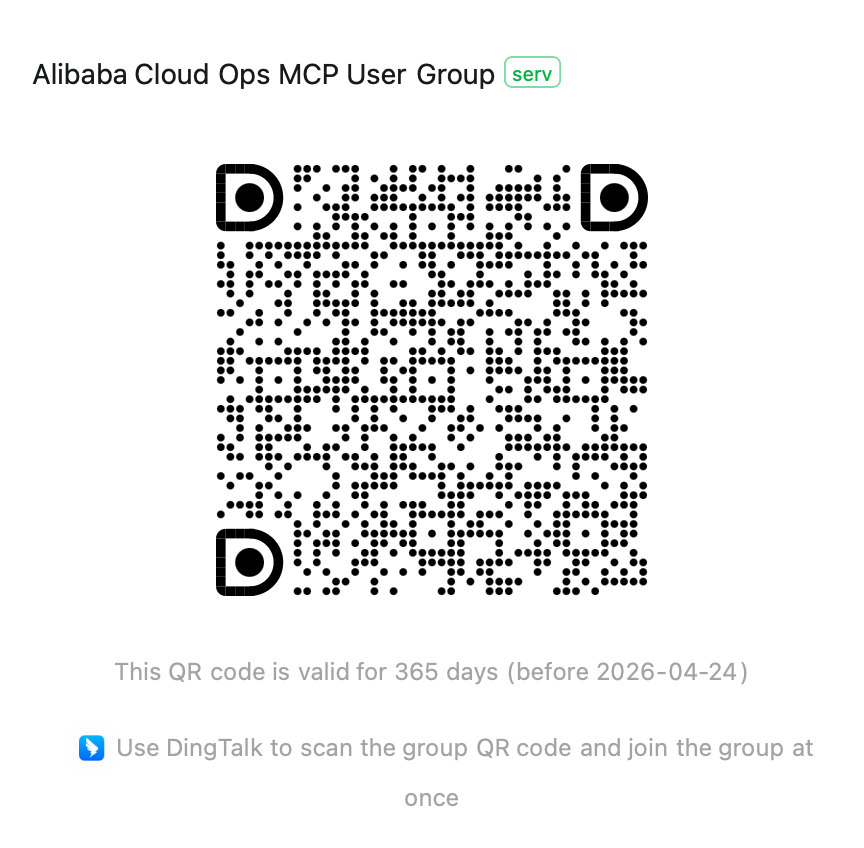
If you have any questions, please join the Alibaba Cloud Ops MCP discussion group (DingTalk group: 113455011677) for discussion.
Release history Release notifications | RSS feed


Download files
Download the file for your platform. If you're not sure which to choose, learn more about installing packages.
Source Distribution
Built Distribution
Filter files by name, interpreter, ABI, and platform.
If you're not sure about the file name format, learn more about wheel file names.
Copy a direct link to the current filters
File details
Details for the file alibaba_cloud_ops_mcp_server-0.9.14.tar.gz.
File metadata
- Download URL: alibaba_cloud_ops_mcp_server-0.9.14.tar.gz
- Upload date:
- Size: 333.2 kB
- Tags: Source
- Uploaded using Trusted Publishing? No
- Uploaded via: uv/0.6.14
File hashes
| Algorithm | Hash digest | |
|---|---|---|
| SHA256 |
209f5b7f41edccfe82e7c40912220fde9970b16163a13b9110a75e16df42e54e
|
|
| MD5 |
e3ea0e7021784711fc51d542bdec8bd6
|
|
| BLAKE2b-256 |
9ccc5cf10ab5d5f01d7d7f04b26edfe6d3990715ab52241b1d270d24eb1ef713
|
File details
Details for the file alibaba_cloud_ops_mcp_server-0.9.14-py3-none-any.whl.
File metadata
- Download URL: alibaba_cloud_ops_mcp_server-0.9.14-py3-none-any.whl
- Upload date:
- Size: 46.9 kB
- Tags: Python 3
- Uploaded using Trusted Publishing? No
- Uploaded via: uv/0.6.14
File hashes
| Algorithm | Hash digest | |
|---|---|---|
| SHA256 |
96b7187e6930080ca065587f8dc17cf77cc503c938c649821e2fdedba956923c
|
|
| MD5 |
f22a4e8bedd469b677a47630752e32f5
|
|
| BLAKE2b-256 |
e838a12c974f96d99a9a5f591f7e751ef8b2e6daa153696e43bba586db4ea649
|






