
Celery Task and Worker Analytics for Alliance Auth

Project description
celeryanalytics
celery task and worker analytics for Alliance Auth.
Installation
With your venv active,
-
Pip install
pip install -U allianceauth-celeryanalytics -
Add
celeryanalyticsto yourINSTALLED_APPSin yourlocal.py -
From terminal run migrations
python manage.py migrate celeryanalyticspython manage.py collectstatic -
Optional if you wish to havve the module cealup old tasks its self run
python manage.py ca_setup_task
Usage
This module has no permissions. it will start logging all completed and failed tasks on install using the celery signals. To view the UI you need to be superuser, and select Task Queues from the side menu
Task Menu
Toggle sections of the UI on/off here

Workers
Shows basic info on alll running workers
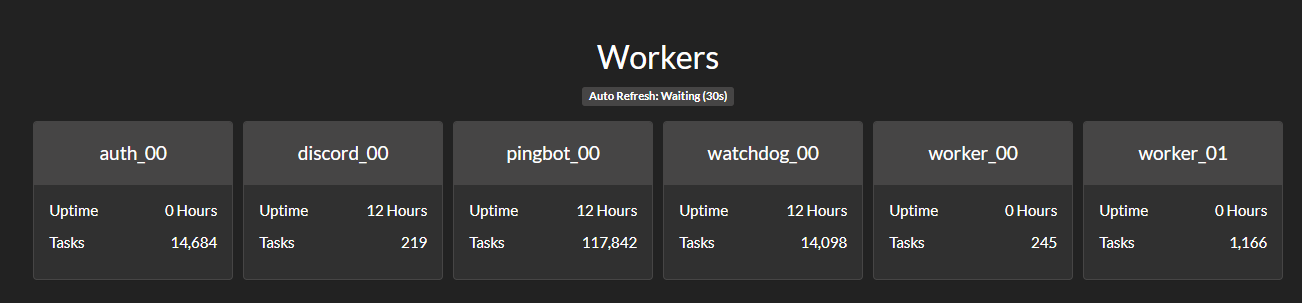
NOTE if you only have a single worker shown, you are probably missing the -n %(program_name)s_%(process_num)02d parameter in your the supervisor config commands.
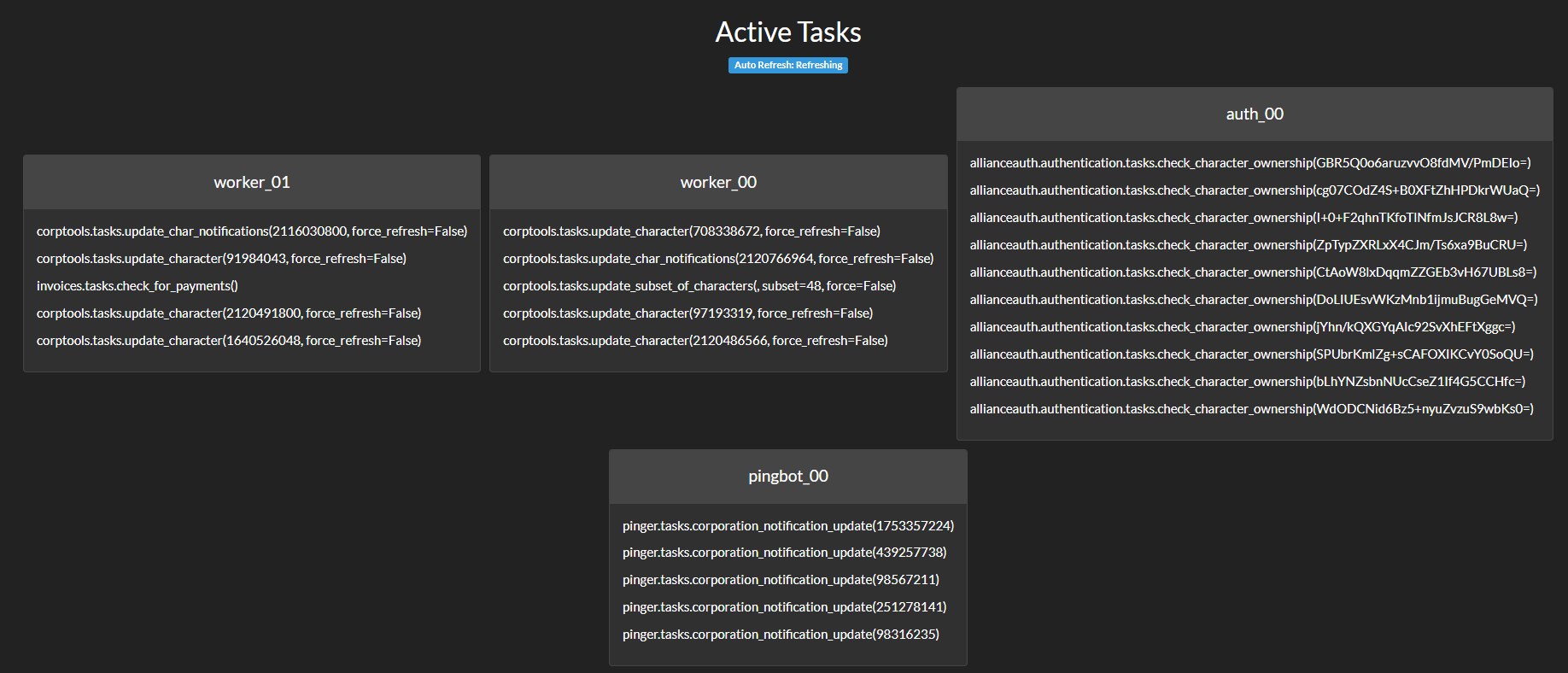
Active Tasks
Shows tasks that are running in the what workers
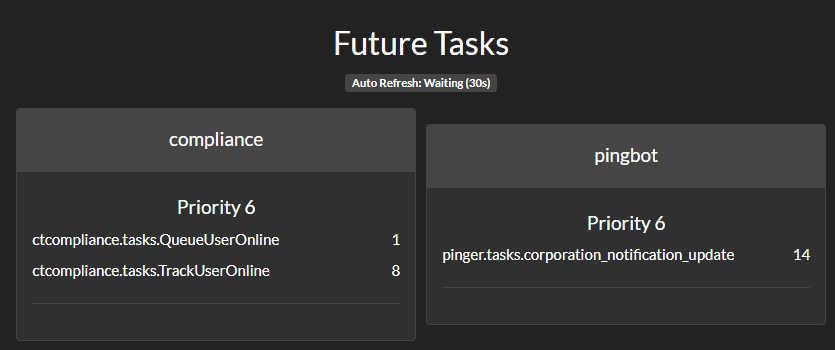
Future Tasks
Shows tasks that are held by workers with a future ETA. These may have been retries with a cool down or tasks scheduled to run in the future.
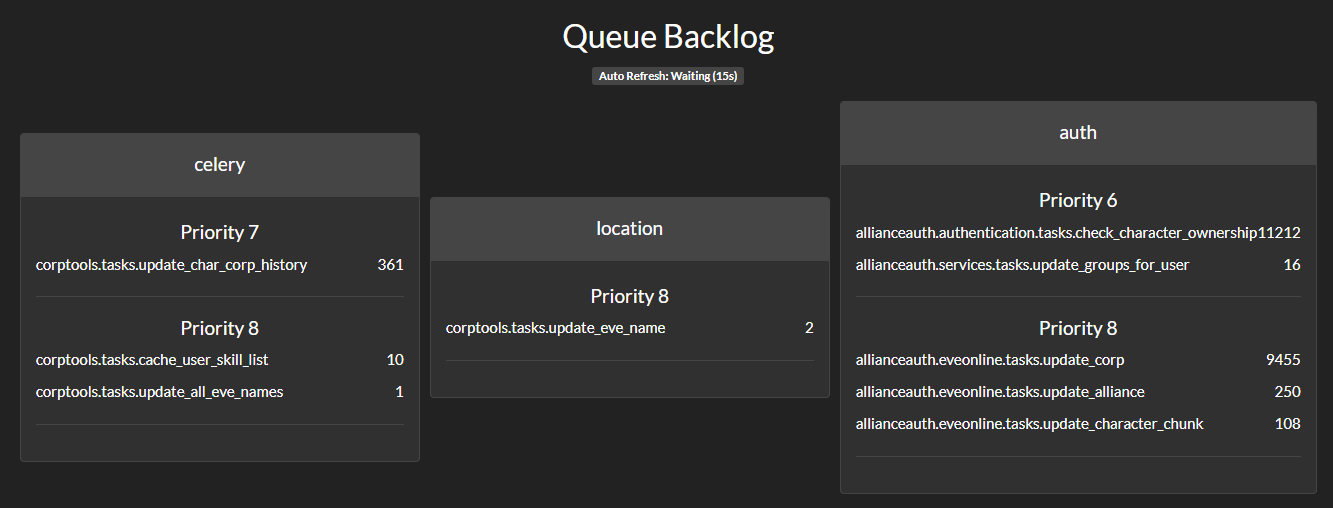
Queue Backlog
Shows tasks split by Queue and Priority that are still pending in the queue
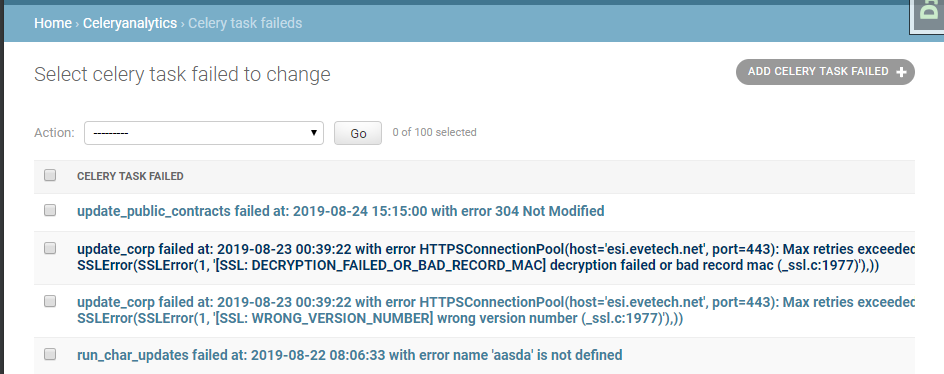
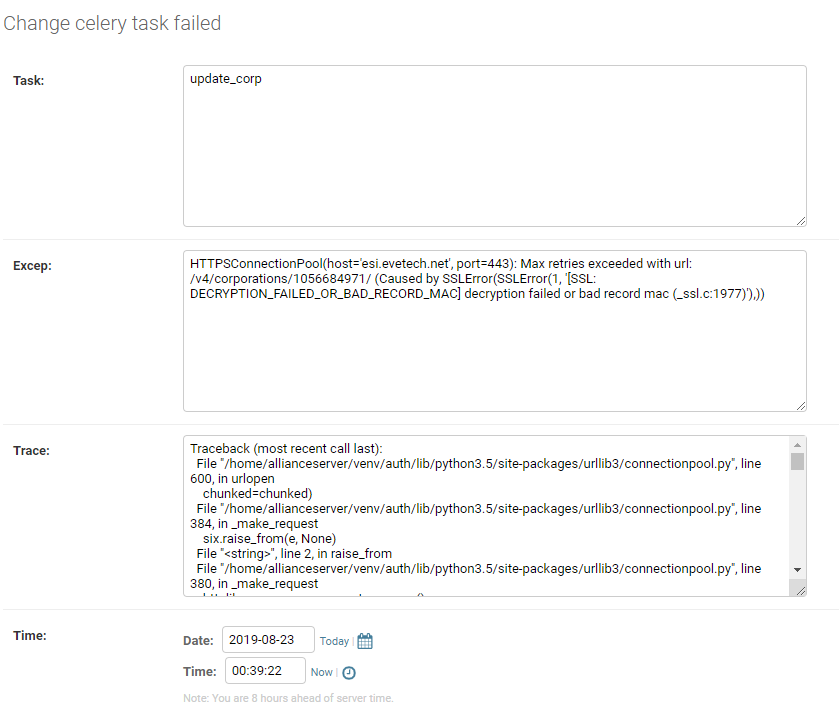
Specifics on failed/completed tasks
View the successful/failed tasks in admin of your auth. as below;

Cleanup
If you wish to perform a tidy-up of the database you can run the following command from your terminal
python manage.py ca_run_housekeeping
Settings
CA_HOUSEKEEPING_DB_BACKLOG defines how long (in days) records should be kept in
your database. Default is 14 days.
CA_RESULT_MAX_LEN if you are using a results fed app you may wish to limit the result spam to database.
in your local.py add the setting CA_RESULT_MAX_LEN=1000 set the integer to what ever you want as your max length. Default is -1 or unlimited.
CA_LOG_SUCCESS_TO_DB If you don't want the module to log Successful Tasks to database, set this to False. Default is True
CA_LOG_FAILURE_TO_DB If you don't want the module to log Failed Tasks to database, set this to False. Default is True
Issues
Please remember to report any celeryanalytics related issues using the issues on this repository.


Download files
Download the file for your platform. If you're not sure which to choose, learn more about installing packages.
Source Distribution
Built Distribution
Filter files by name, interpreter, ABI, and platform.
If you're not sure about the file name format, learn more about wheel file names.
Copy a direct link to the current filters
File details
Details for the file allianceauth_celeryanalytics-0.1.0.tar.gz.
File metadata
- Download URL: allianceauth_celeryanalytics-0.1.0.tar.gz
- Upload date:
- Size: 550.4 kB
- Tags: Source
- Uploaded using Trusted Publishing? No
- Uploaded via: twine/6.2.0 CPython/3.11.15
File hashes
| Algorithm | Hash digest | |
|---|---|---|
| SHA256 |
1afca656609c0e8805706d4703ee19c558d96341d237abf1dc9b7f139255d27a
|
|
| MD5 |
0bf1b4d257c06f5565f8c06f73fb0921
|
|
| BLAKE2b-256 |
e3b34a55038a2bf87eb0bd4ff565006189b9df15944eaa3633b4e7c77bd0a68f
|
File details
Details for the file allianceauth_celeryanalytics-0.1.0-py3-none-any.whl.
File metadata
- Download URL: allianceauth_celeryanalytics-0.1.0-py3-none-any.whl
- Upload date:
- Size: 563.8 kB
- Tags: Python 3
- Uploaded using Trusted Publishing? No
- Uploaded via: twine/6.2.0 CPython/3.11.15
File hashes
| Algorithm | Hash digest | |
|---|---|---|
| SHA256 |
51b8c128d8f86ec767067dee472d737c0631cfb05a7b815c00a20cfcfd9288b4
|
|
| MD5 |
715e44ea19053b9bb82767093991e545
|
|
| BLAKE2b-256 |
b52778a2a30d47141df579302efdd6d956551a0f411d395f0a1e0c8b3f0b251e
|






