
Always note
A note that is always on the screen.
I use it in workshops and presentations when I want to always display some information on the screen.
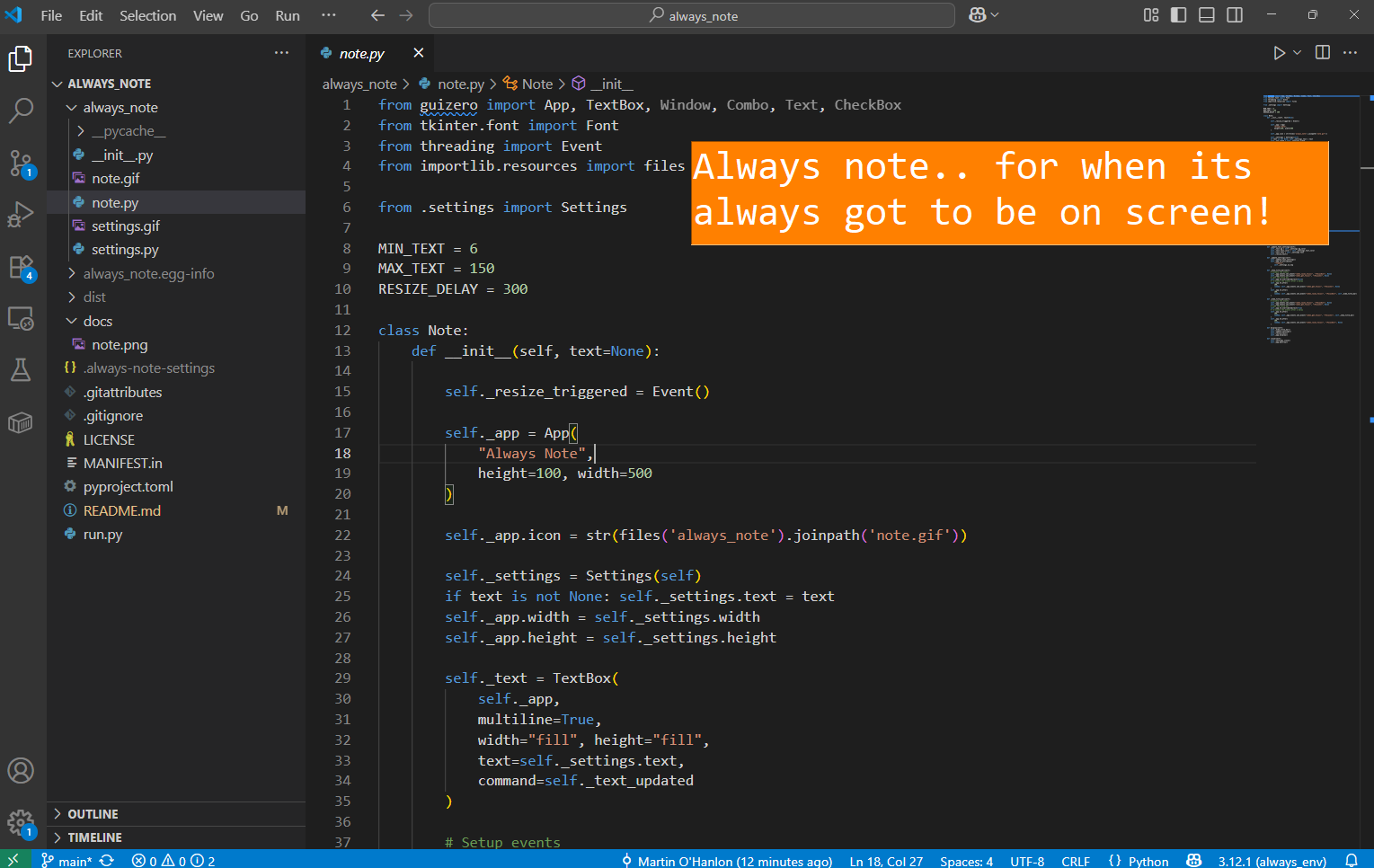
The text will automatically scale to the size of the note window.
You can modify the colors and font by right / two-finger clicking on the text.
Install
pip install always_note
Usage
Run:
always_note
Specify the text:
always_note -t "Your note here"
Get help:
always_note --help
Development
To run the code for development, clone the repository, and install the package in editable mode:
git clone https://github.com/martinohanlon/always_note
cd always_note
pip install -e .
Then run always_note:
python run.py --text "Your note here"
Build
Install the build tools:
pip install setuptools[core] build twine
To build the package, run:
python -m build
To deploy the package to PyPI, run:
twine upload dist/*
Status
Beta - Working. A bit "cobbled together". I use it tho!
Change log
- 0.0.1 - 2025-08-12 - Initial release
- 0.0.2 - 2025-08-13 - Updates for MacOS, improve settings window
1 maintainer

Metadata
1 maintainer
Release files for always-note 0.0.2
For a detailed explanation of source distributions (sdists) and built distributions (wheels), please see the package formats documentation.
Source distribution (sdist)
| File | Size | Uploaded | |
|---|---|---|---|
| always_note-0.0.2.tar.gz | 15.1 kB | Details |
Built distribution (wheel)
| File | Interpreter | ABI | Platform | Reset |
|---|---|---|---|---|
| always_note-0.0.2-py3-none-any.whl | Python 3 | none | any | Details |
Total release size: 29.7 kB
Release files / always_note-0.0.2.tar.gz
| Download URL | always_note-0.0.2.tar.gz |
|---|---|
| Size | 15.1 kB |
| Tags | Source |
|
SHA-256 checksum How to use checksums |
4071729efd36dc10baa6c15d54b1f13a1d8734876435eb69cd685ad218d83ca1
|
|
BLAKE2b-256 checksum How to use checksums |
acca0ef3691e956d874c36865f0bc146f96b390d1ea3fc88be902cce88da4aba
|
| Upload date | |
|
Uploaded using Trusted Publishing? What is trusted publishing? |
No |
| Uploaded via |
twine/6.1.0 CPython/3.12.0
|
Release files / always_note-0.0.2-py3-none-any.whl
| Download URL | always_note-0.0.2-py3-none-any.whl |
|---|---|
| Size | 14.6 kB |
| Tags | Python 3 |
|
SHA-256 checksum How to use checksums |
fc500e49080dbe4d0209274e7a5512e2b47d0c8b98825dc504bd7defaab8a4e0
|
|
BLAKE2b-256 checksum How to use checksums |
6275b605023b25b7966a18aee23f163f25cd3a6d95c3d1edc5b1df942a28a7ad
|
| Upload date | |
|
Uploaded using Trusted Publishing? What is trusted publishing? |
No |
| Uploaded via |
twine/6.1.0 CPython/3.12.0
|














