
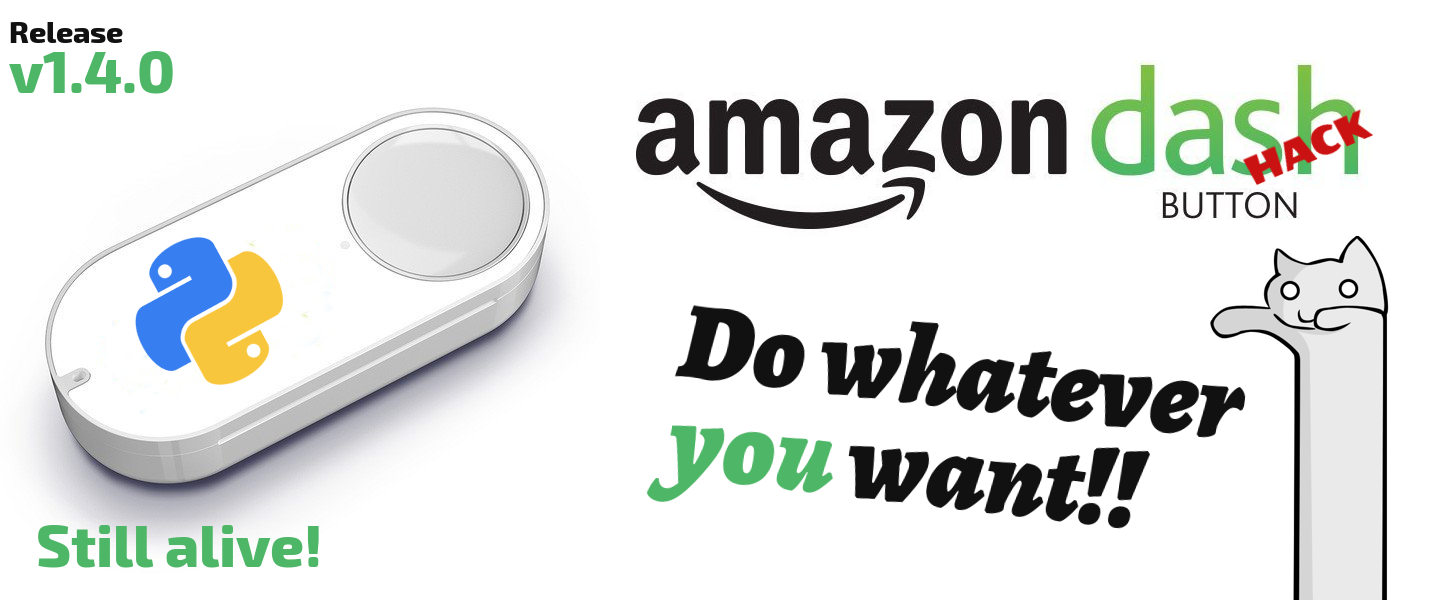





Amazon-dash is still alive
Amazon has abandoned the Amazon-dash buttons, but this project wants to keep them alive. However, we are looking for alternatives. If you have suggestions you are welcome to open an incident. All suggestions are welcome. You can open an issue with your suggestions.
Python Amazon Dash
Hack your Amazon Dash to run what you want. Without welders. For the entire family.
This program written in Python runs in daemon mode waiting for someone in the same network to press a configured Amazon Dash button. It is not necessary to know programming to use this program. Amazon-Dash executes commands by command line, calls a url and more. This program works well on a Raspberry PI or on computers with few resources.
Install Amazon Dash:
$ sudo pip3 install amazon-dash  # and after:
$ sudo python3 -m amazon_dash.install
Also available on AUR and FreeNAS. You can also use pip2 and python2 if your system only has Python2, but Python 3 is the recommended version. See other installation methods in the documentation.
Note: It may also be necessary to install tcpdump on your system (in Debian apt install tcpdump).
Use discovery mode to know the mac of your Dash (Run the program, and then press any button):
$ sudo amazon-dash discoveryEdit config file (/etc/amazon-dash.yml):
# amazon-dash.yml
# ---------------
settings:
  delay: 10
devices:
  0C:47:C9:98:4A:12: # Command example
    name: Hero
    user: nekmo
    cmd: spotify
  AC:63:BE:75:1B:6F: # SSH example
    name: Tassimo
    cmd: door --open
    ssh: 192.168.1.23:2222
  AC:63:BE:67:B2:F1: # Url Webhook example
    name: Kit Kat
    url: 'http://domain.com/path/to/webhook'
    method: post
    content-type: json
    body: '{"mac": "AC:63:BE:67:B2:F1", "action": "toggleLight"}'
    confirmation: send-tg
  40:B4:CD:67:A2:E1: # Home Assistant example
    name: Fairy
    homeassistant: hassio.local
    event: toggle_kitchen_light
  18:74:2E:87:01:F2: # OpenHAB example
    name: Doritos
    openhab: 192.168.1.140
    item: open_door
    state: "ON"
    confirmation: send-pb
  44:65:0D:75:A7:B2: # IFTTT example
    name: Pompadour
    ifttt: cdxxx-_gEJ3wdU04yyyzzz
    event: pompadour_button
    data: {"value1": "Pompadour button"}
confirmations:
  send-tg:
    service: telegram
    token: '402642618:QwGDgiKE3LqdkNAtBkq0UEeBoDdpZYw8b4h'
    to: 24291592
    is_default: false
  send-pb:
    service: pushbullet
    token: 'o.BbbPYjJizbPr2gSWgXGmqNTt6T9Rew51'
    is_default: false
UPGRADE from previous versions
The following execution methods are supported with your Amazon Dash button with this program:

|

|

|

|

|
|
Amazon-dash also allows you to send a confirmation after pressing a button. You will also receive a message in case of failure. Telegram and Pushbullet are supported.
For more information see the documentation of the configuration file.
Run the daemon:
If you use a Systemd system (Debian 8+, Fedora 15+, Ubuntu 15.04+, Arch Linux 2012+, OpenSUSE 12.1+, and more) execute:
$ sudo systemctl start amazon-dashTo run Amazon-dash at startup:
$ sudo systemctl enable amazon-dashTo run Amazon-dash manually look at the documentation.
Avoid a connection to Amazon servers
December 31 is the last day to block requests from your Amazon-dash buttons to Amazon servers. In 2020 your buttons can be bricked in an update from Amazon servers. To continue using your buttons you must configure your router to block Internet connections from the buttons. Alternatively you can block these domains: dash-button-na-aws-opf .amazon.com, 0.amazon.pool.ntp.org, 1.amazon.pool.ntp.org, 2.amazon.pool.ntp.org, 3.amazon.pool.ntp .org. However, it is recommended to block all requests from the buttons.
Docker
Using Amazon Dash within docker is easy! First, pull the Docker image:
$ docker pull nekmo/amazon-dash:latestThen, create a container and run Amazon Dash itself:
$ docker run -it --network=host \
             -v </full/path/path/to/amazon-dash.yml>:/config/amazon-dash.yml \
             nekmo/amazon-dash:latest \
             amazon-dash run --ignore-perms --root-allowed \
                             --config /config/amazon-dash.yml
Join the community
Do you need ideas on how to use Amazon Dash? See what the community does with this project. Some examples:
See all the examples in the community.
1 maintainer

Metadata
1 maintainer
Release files for amazon-dash 1.4.0
For a detailed explanation of source distributions (sdists) and built distributions (wheels), please see the package formats documentation.
Source distribution (sdist)
| File | Size | Uploaded | |
|---|---|---|---|
| amazon-dash-1.4.0.tar.gz | 47.8 kB | Details |
Release files / amazon-dash-1.4.0.tar.gz
| Download URL | amazon-dash-1.4.0.tar.gz |
|---|---|
| Size | 47.8 kB |
| Tags | Source |
|
SHA-256 checksum How to use checksums |
fc2956e417d54a163e13c4d19b7834c1507c7cafa9a6be7e4c900e4be7718440
|
|
BLAKE2b-256 checksum How to use checksums |
5b49d76216ba84f0271e99933b374bb692f6766578cd9f3b467d8555e15a43f5
|
| Upload date | |
|
Uploaded using Trusted Publishing? What is trusted publishing? |
No |
| Uploaded via |
Python-urllib/3.6
|














