
aMusing v0.1.1
Installation
pip install amusing
Introduction
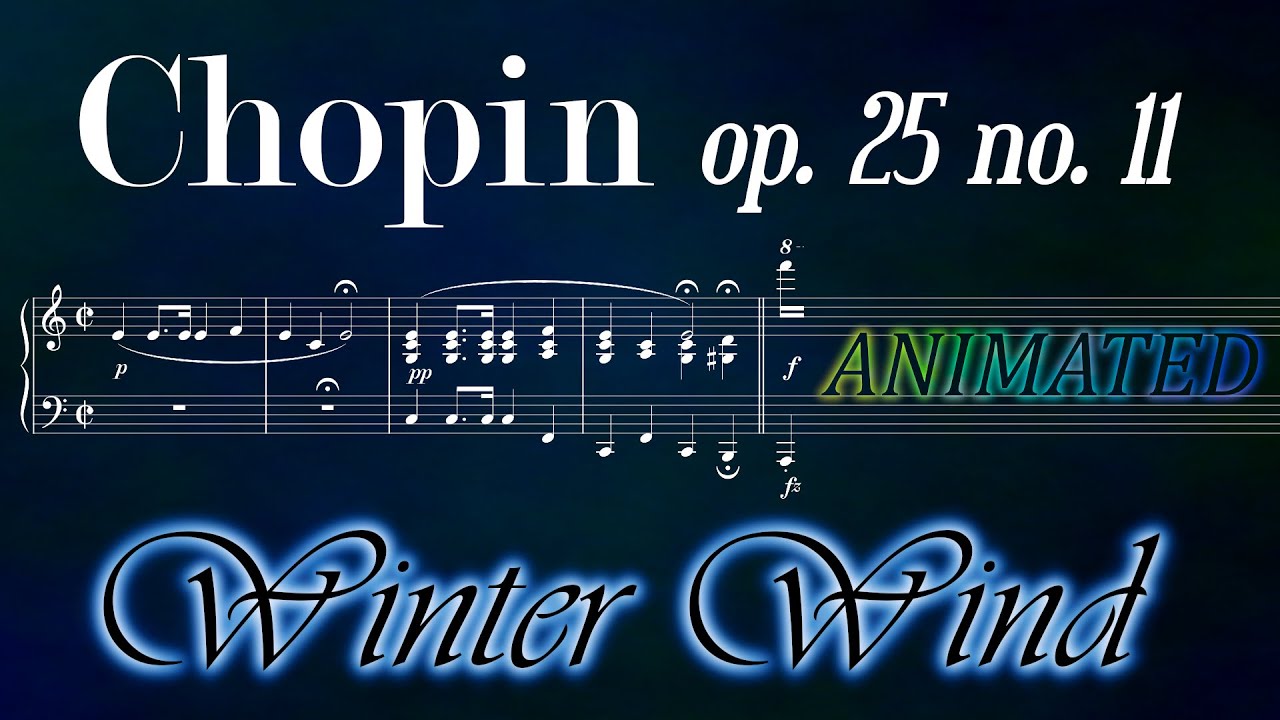
- programmatic animation of sheet music
- notes appearing consecutively
- uses MuseScore as notation software
Score
- generates full resolution frames of the video
- not synchronized to audio
Munim
spectogram.py- STFT
- linear spectrum
- Morlet (DWT)
- logarithmic spectrum
- STFT
oscilloscope.py- 2D Oscilloscope
Example Code
Score
Get the individual frames of the score into output directory outdir:
from amusing.score.animate import Amusing, Note


if __name__ == '__main__':
    WIDTH_IN_PIXELS: int = 1820
    NUMBER_OF_THREADS: int = 8

    MUSESCORE_FILEPATH: str = 'score.mscx'

    amusing = Amusing(width=WIDTH_IN_PIXELS,
                    outdir='frames',
                    threads=NUMBER_OF_THREADS)
    amusing.read_score(MUSESCORE_FILEPATH)
    amusing.add_job(measures=1,
                    subdivision=Note(16))
    amusing.add_job(measures=[2, 3],
                    subdivision=Note(4).triplet())
    amusing.add_job(measures=range(4, 7),
                    subdivision=Note(8).n_tuplet(5, 4))
    amusing.generate_frames()
Delete all jobs:
amusing.delete_jobs()
Munim
Music Animation
Render video of the frequency spectrum using Morlet wavelet
from amusing.munim.spectogram import Morlet

AUDIO_FILEPATH: str = 'example.mp3'
TO_VIDEO_FILEPATH: str = 'example.mp4'

morlet = Morlet(fps, width, height)
morlet.read_audio(AUDIO_FILEPATH)
morlet.transform()
morlet.render_video(TO_VIDEO_FILEPATH)
Using Short-time Fourier Transform (STFT)
from amusing.munim.spectogram import STFT

morlet = STFT(fps, width, height)
morlet.read_audio(AUDIO_FILEPATH)
morlet.transform()
morlet.render_video(TO_VIDEO_FILEPATH)
from amusing.munim.oscilloscope import Oscilloscope

oscilloscope = Oscilloscope(fps, width)
oscilloscope.read_audio(AUDIO_FILEPATH)
oscilloscope.render_video(TO_VIDEO_FILEPATH)
Inspiration

Examples
1 maintainer

Metadata
1 maintainer
Release files for amusing 0.1.1
For a detailed explanation of source distributions (sdists) and built distributions (wheels), please see the package formats documentation.
Source distribution (sdist)
| File | Size | Uploaded | |
|---|---|---|---|
| amusing-0.1.1.tar.gz | 14.0 kB | Details |
Built distribution (wheel)
| File | Interpreter | ABI | Platform | Reset |
|---|---|---|---|---|
| amusing-0.1.1-py3-none-any.whl | Python 3 | none | any | Details |
Total release size: 29.5 kB
Release files / amusing-0.1.1.tar.gz
| Download URL | amusing-0.1.1.tar.gz |
|---|---|
| Size | 14.0 kB |
| Tags | Source |
|
SHA-256 checksum How to use checksums |
4b12a32737a80034f4cb32b409526f4704dec176da654f126ccf6641639bd883
|
|
BLAKE2b-256 checksum How to use checksums |
96b8e2fc82745f29707da182b61de400213271bebbf837c6d4e0361d85da9e9f
|
| Upload date | |
|
Uploaded using Trusted Publishing? What is trusted publishing? |
No |
| Uploaded via |
twine/4.0.2 CPython/3.11.2
|
Release files / amusing-0.1.1-py3-none-any.whl
| Download URL | amusing-0.1.1-py3-none-any.whl |
|---|---|
| Size | 15.5 kB |
| Tags | Python 3 |
|
SHA-256 checksum How to use checksums |
281b977d5681792a7a70ff8f5348e0f32c5bd9357afaa692ab685d080e9bd6ba
|
|
BLAKE2b-256 checksum How to use checksums |
fba0cbace4880ebcd185d8eae75b325194146cf55d5bb1107b304e70816dc388
|
| Upload date | |
|
Uploaded using Trusted Publishing? What is trusted publishing? |
No |
| Uploaded via |
twine/4.0.2 CPython/3.11.2
|














