
Effortless data labeling with AI support
Verified details
These details have been verified by PyPIProject links
GitHub Statistics
Maintainers

Project description
🌟 AnyLabeling 🌟
Effortless data labeling with AI support from YOLO and Segment Anything!
AnyLabeling = LabelImg + Labelme + Improved UI + Auto-labeling








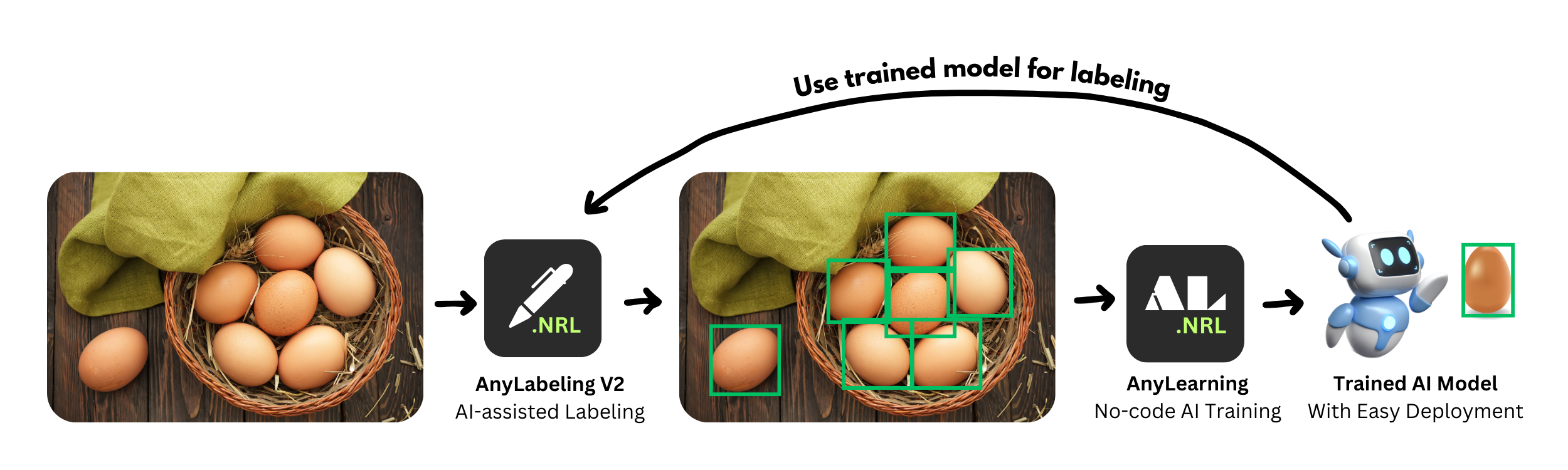
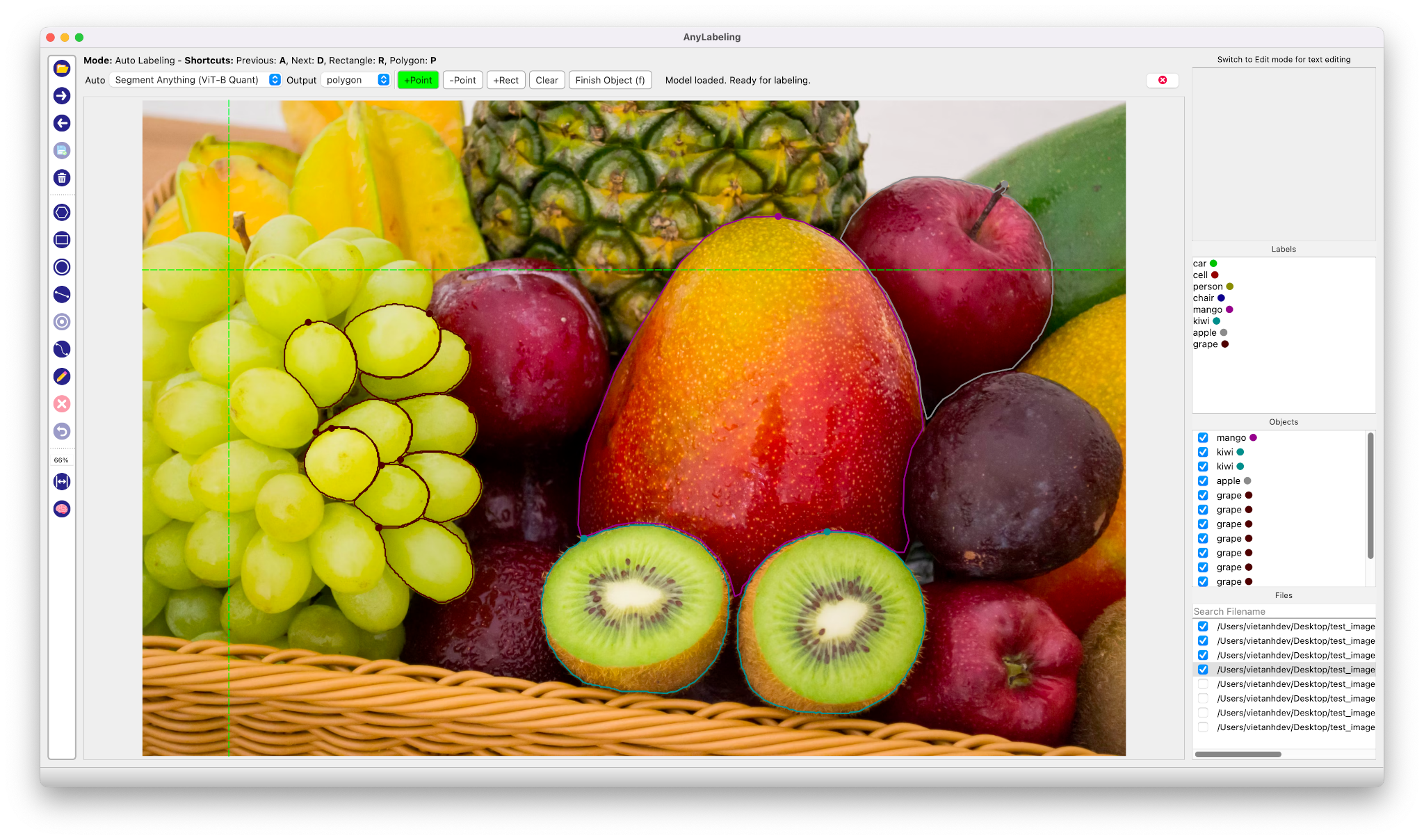
Auto Labeling with Segment Anything
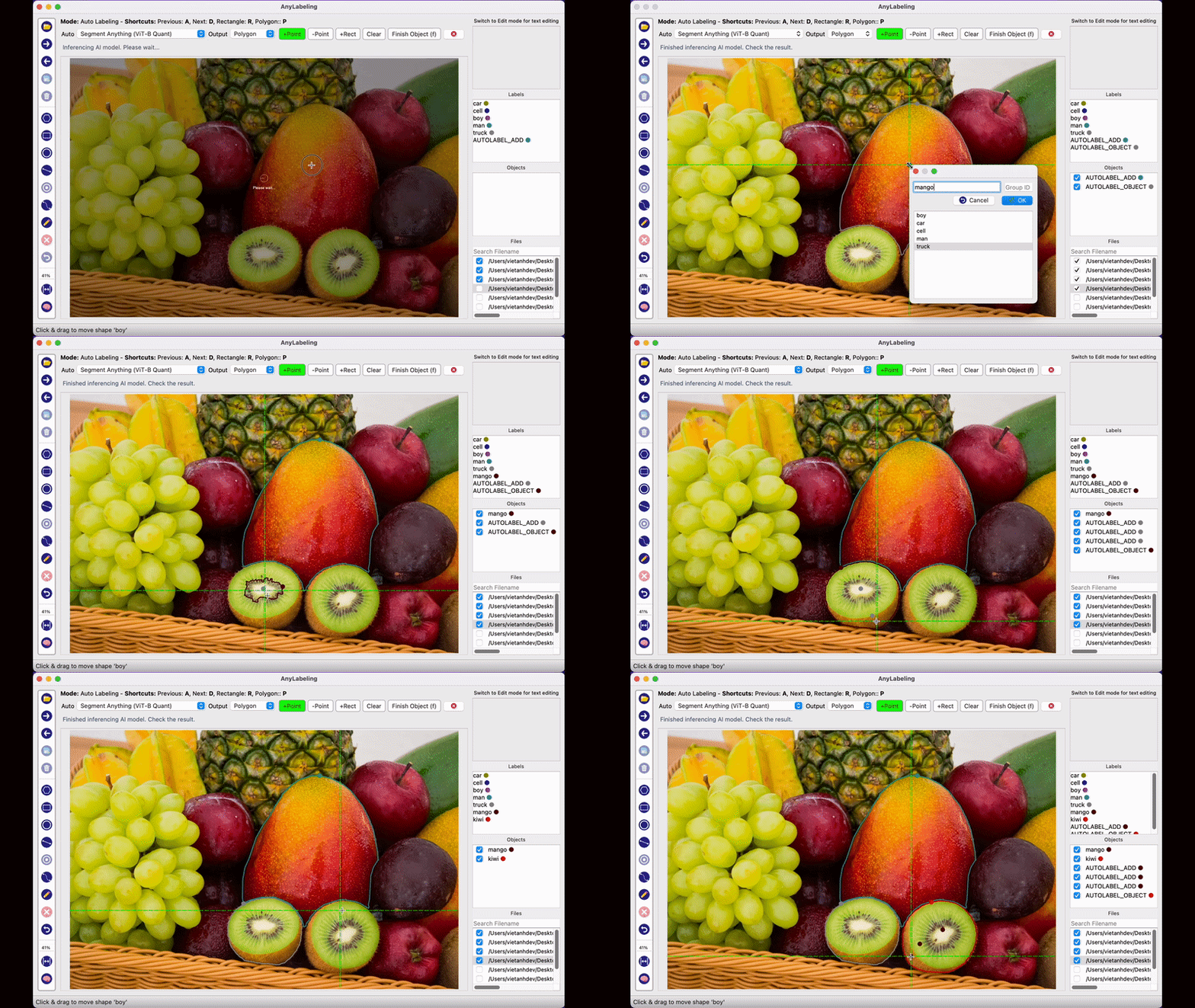
- Youtube Demo: https://www.youtube.com/watch?v=5qVJiYNX5Kk
- Documentation: https://anylabeling.nrl.ai
Features:
- Image annotation for polygon, rectangle, circle, line and point.
- Auto-labeling with YOLOv8 (object detection).
- Auto-labeling with Segment Anything family:
- SAM (ViT-B / ViT-L / ViT-H) and MobileSAM
- SAM 2 and SAM 2.1 (Hiera-Tiny / Small / Base+ / Large)
- SAM 3 (ViT-H) — open-vocabulary segmentation with text prompts
- Text detection, recognition and KIE (Key Information Extraction) labeling.
- Multiple languages availables: English, Vietnamese, Chinese.
Supported Models
| Model | Prompt Types | Notes |
|---|---|---|
| SAM ViT-B / ViT-L / ViT-H | Point, Rectangle | Original Segment Anything |
| MobileSAM | Point, Rectangle | Lightweight SAM |
| SAM 2 Hiera-Tiny / Small / Base+ / Large | Point, Rectangle | Meta SAM 2 |
| SAM 2.1 Hiera-Tiny / Small / Base+ / Large | Point, Rectangle | Improved SAM 2 |
| SAM 3 ViT-H | Text, Point, Rectangle | Open-vocabulary; text drives detection |
| YOLOv8n / s / m / l / x | — | Object detection & auto-labeling |
All models are downloaded automatically on first use from Hugging Face.
Install and Run
1. Download and run executable
- Download and run newest version from Releases.
- For MacOS:
- Download the folder mode build (
AnyLabeling-Folder.zip) from Releases - See macOS folder mode instructions for details
- Download the folder mode build (
Install from Pypi
-
Requirements: Python 3.10+. Recommended: Python 3.12.
-
Recommended: Miniconda/Anaconda.
-
Create environment:
conda create -n anylabeling python=3.12
conda activate anylabeling
- (For macOS only) Install PyQt6 using Conda:
conda install -c conda-forge pyqt=6
- Install anylabeling:
pip install anylabeling # or pip install anylabeling-gpu for GPU support
- Start labeling:
anylabeling
Documentation
Website: https://anylabeling.nrl.ai/
Applications
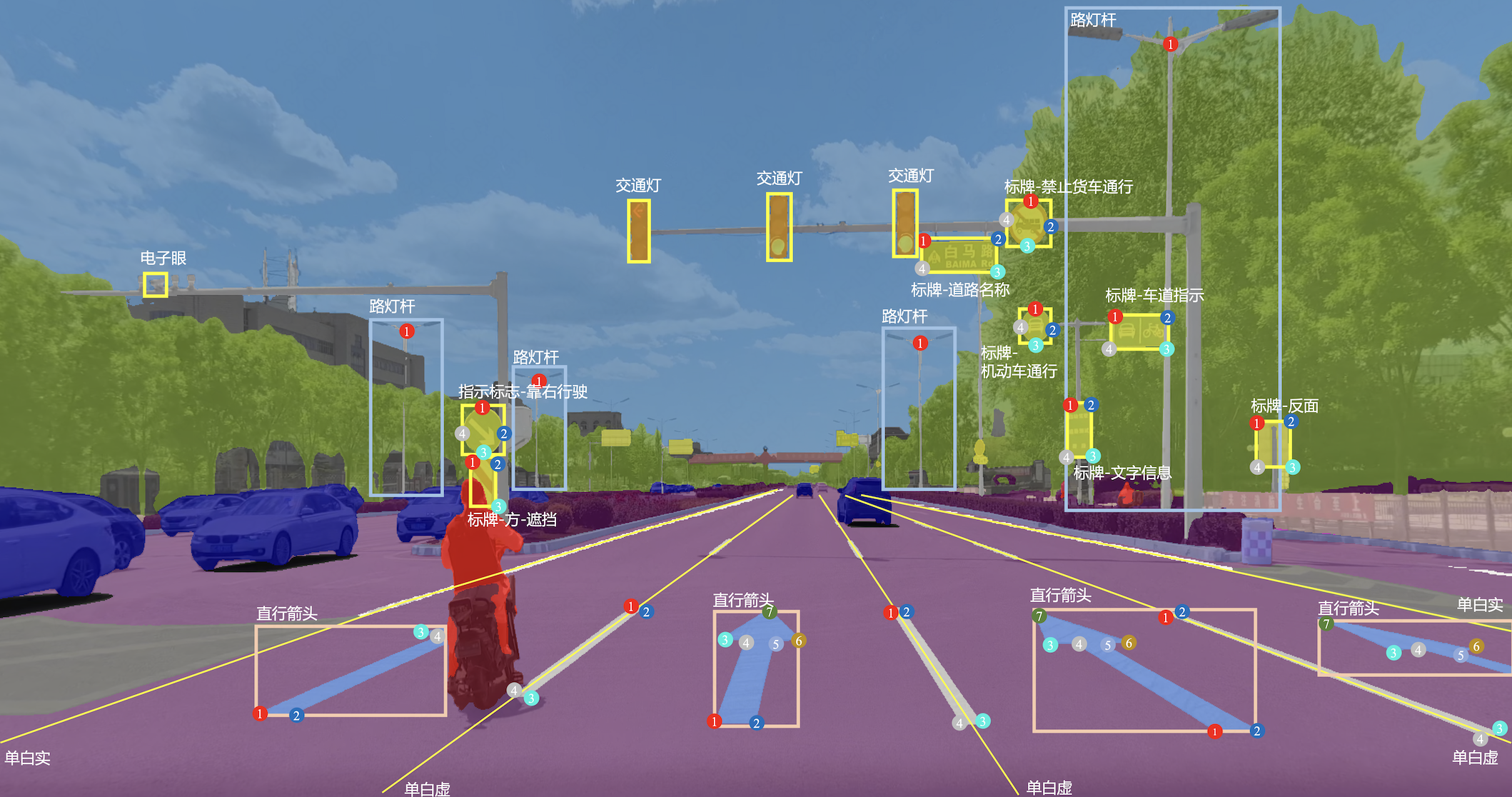
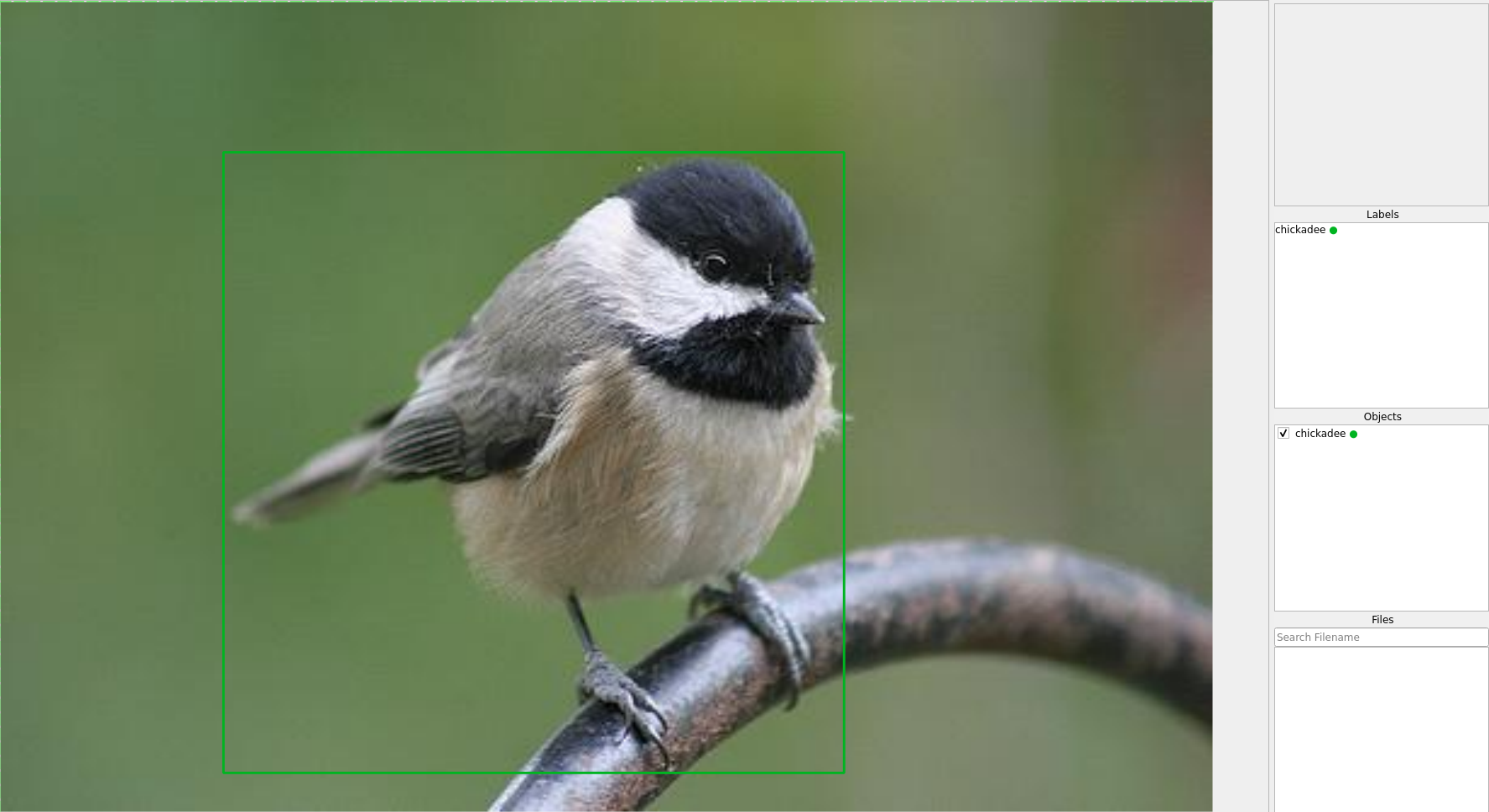
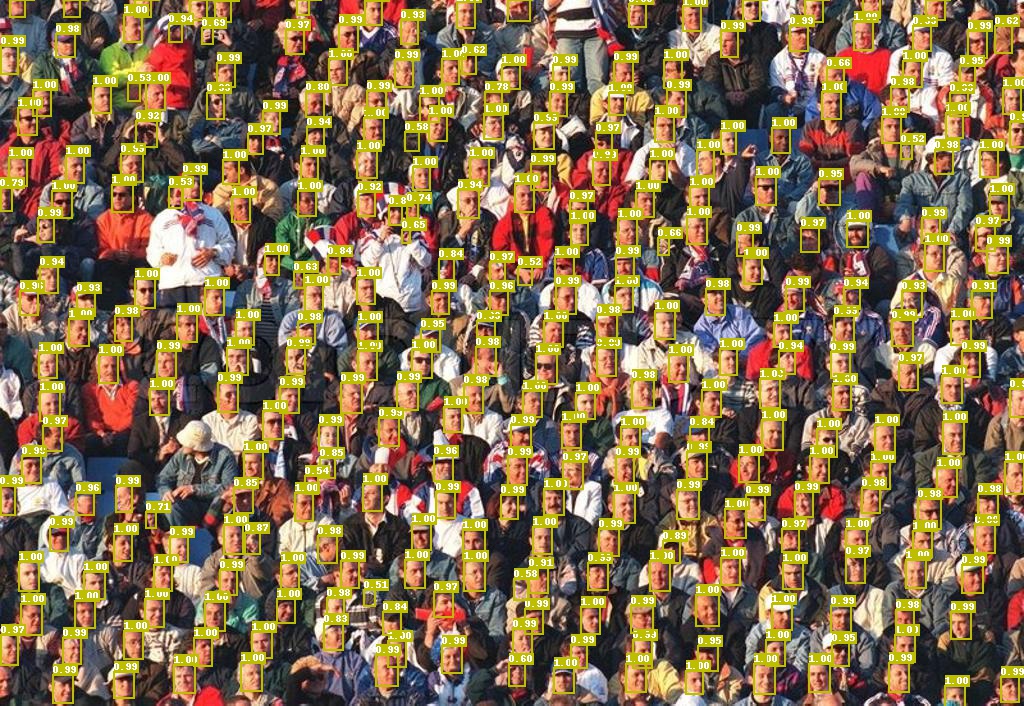
| Object Detection | Recognition | Facial Landmark Detection | 2D Pose Estimation |
|---|---|---|---|
 |
 |
 |
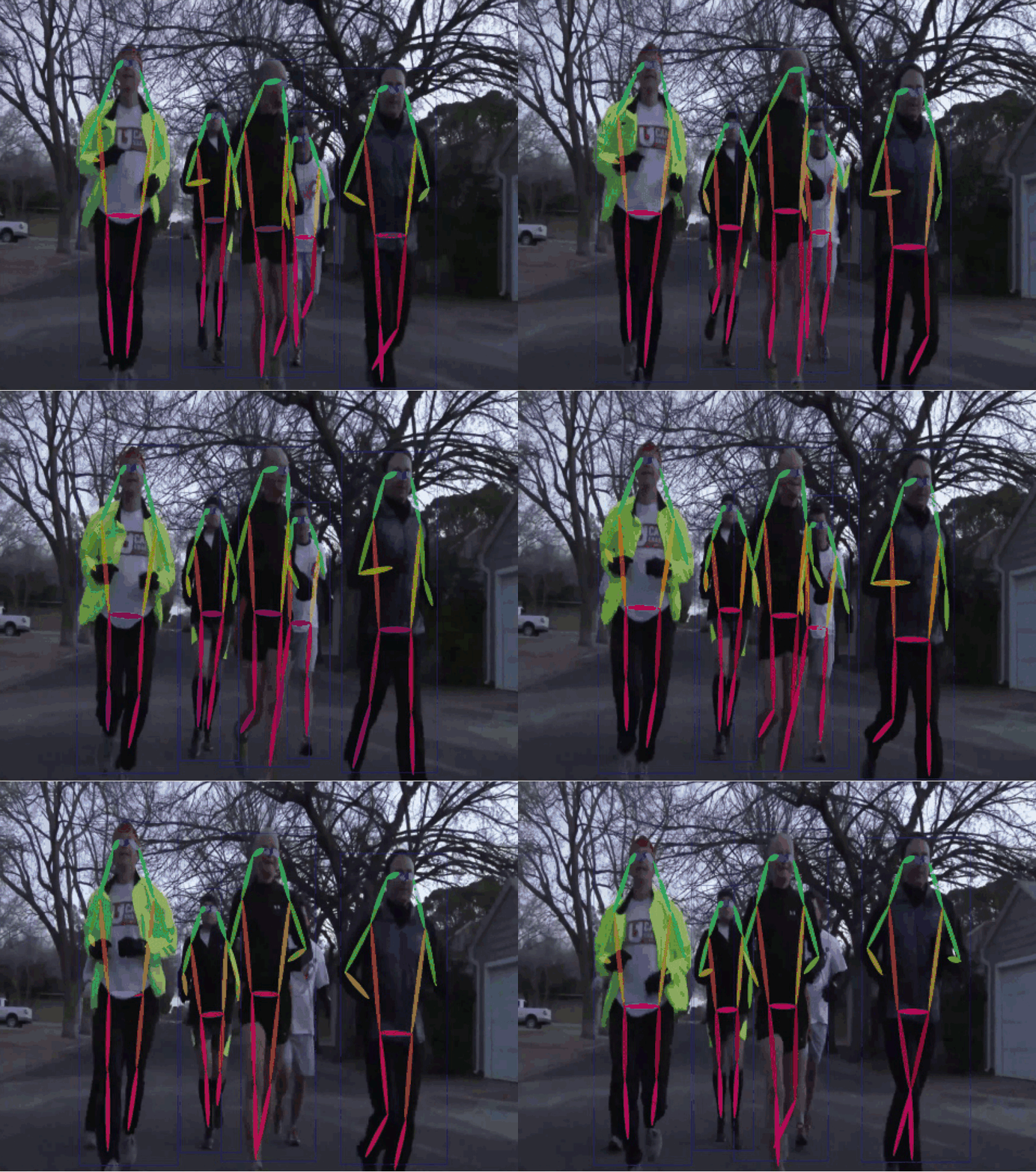 |
| 2D Lane Detection | OCR | Medical Imaging | Instance Segmentation |
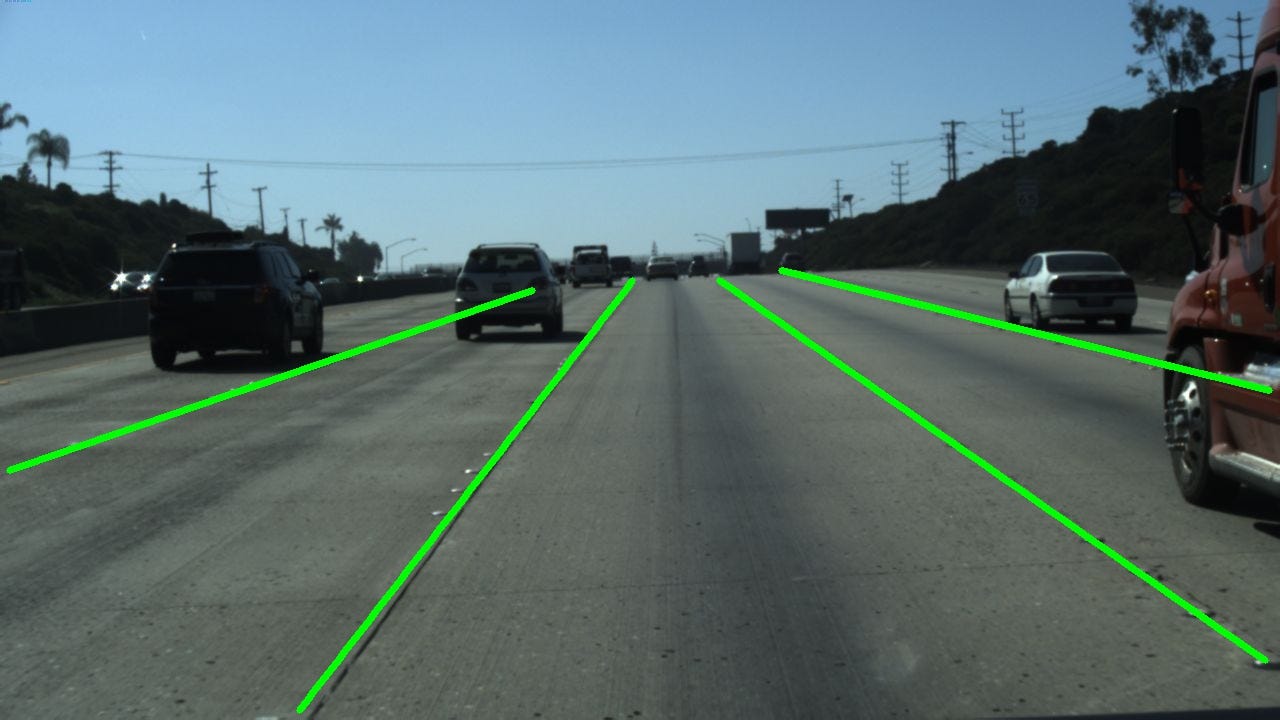 |
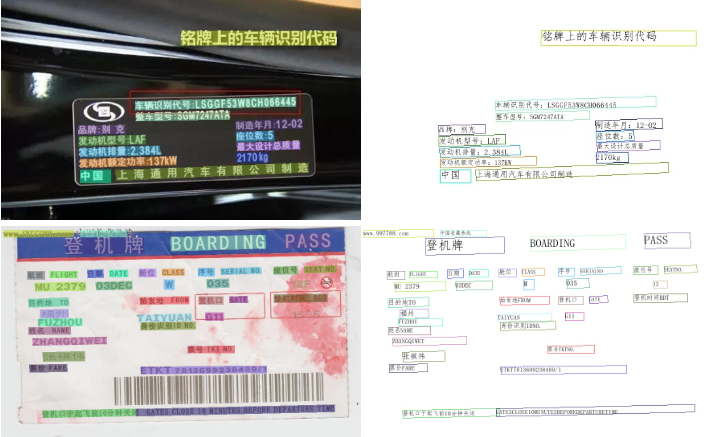 |
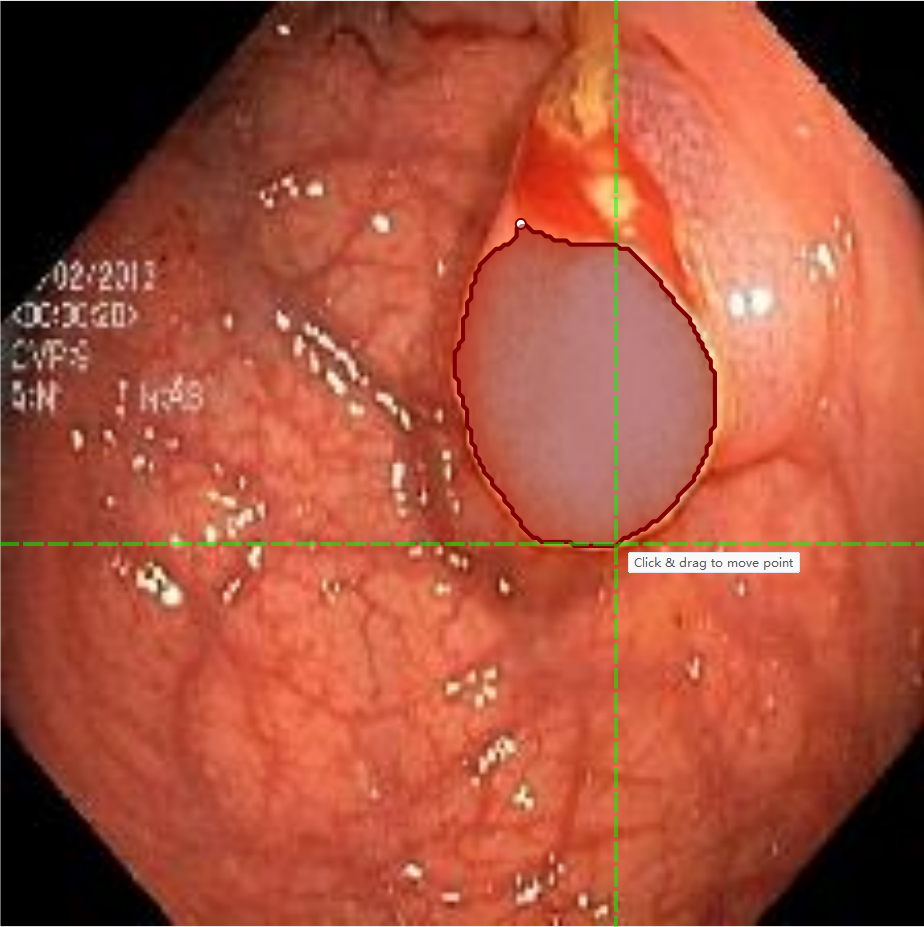 |
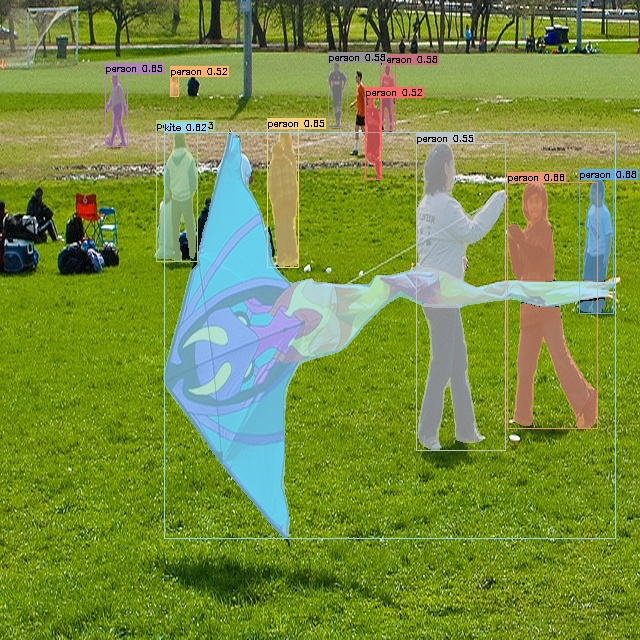 |
| Image Tagging | Rotation | And more! | |
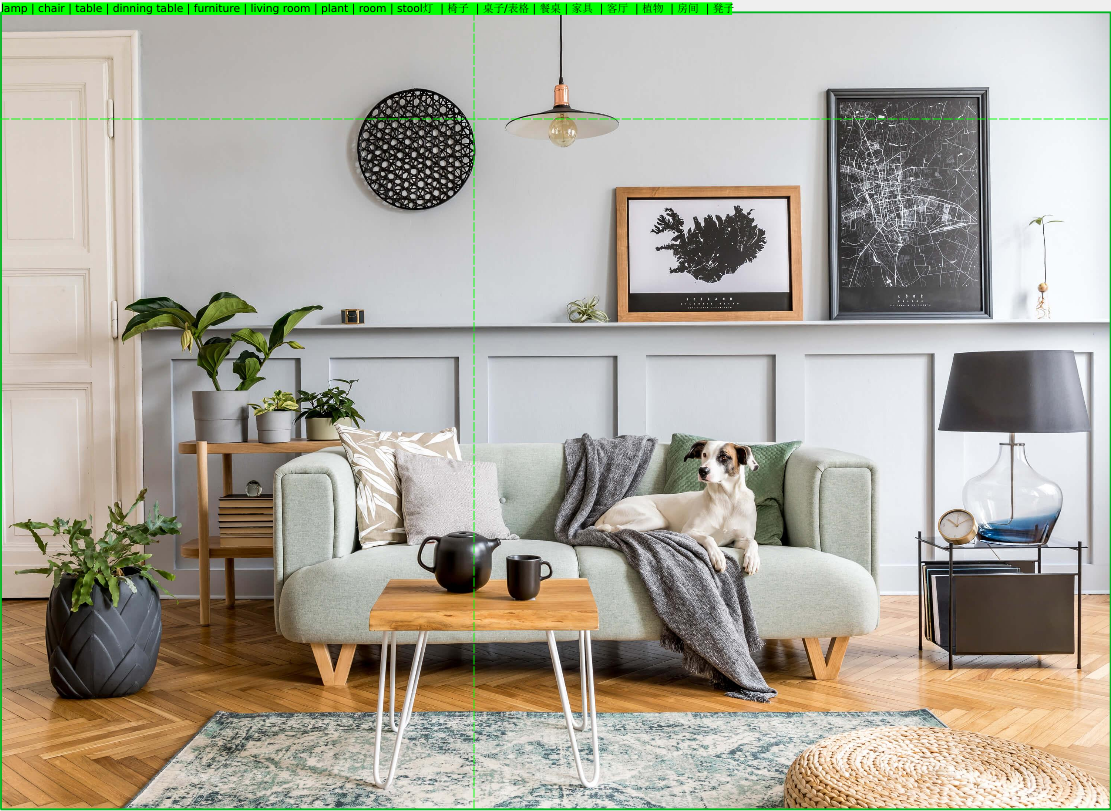 |
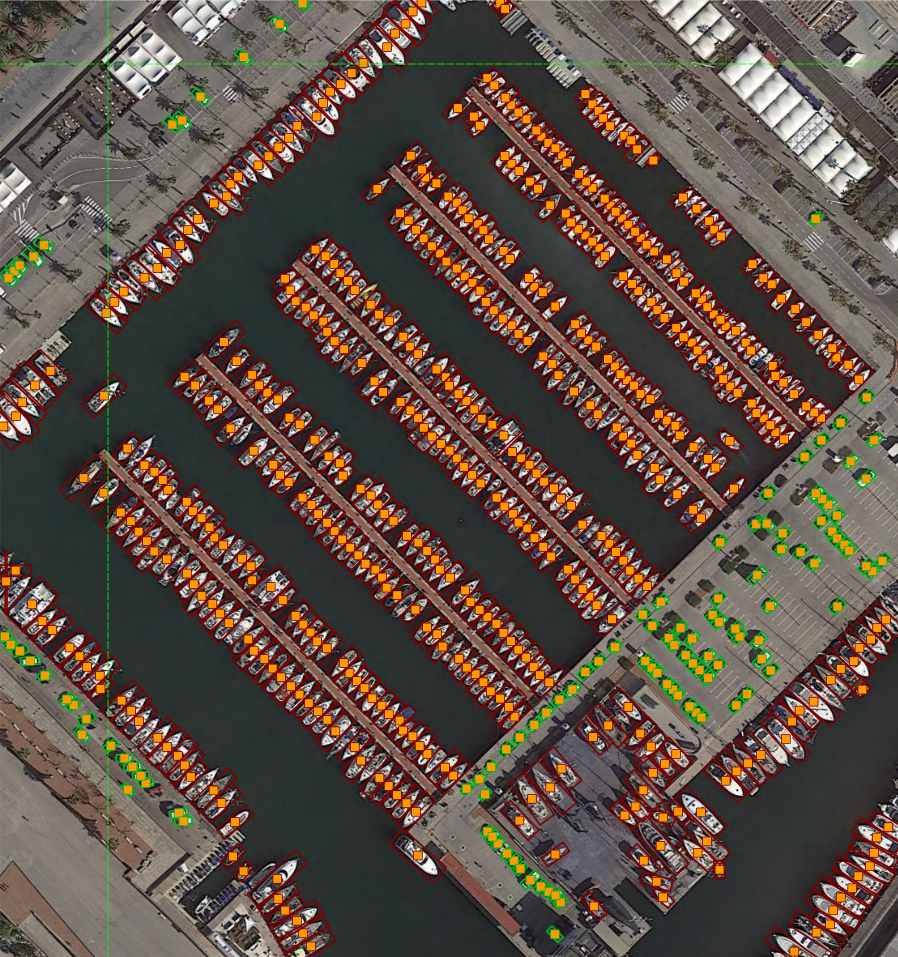 |
Your applications here! |
Development
- Install packages:
pip install -r requirements-dev.txt
# or pip install -r requirements-macos-dev.txt for MacOS
- Generate resources:
pyrcc5 -o anylabeling/resources/resources.py anylabeling/resources/resources.qrc
- Run app:
python anylabeling/app.py
Build executable
- Install PyInstaller:
pip install -r requirements-dev.txt
- Build:
bash build_executable.sh
- Check the outputs in:
dist/.
Contribution
If you want to contribute to AnyLabeling, please read Contribution Guidelines.
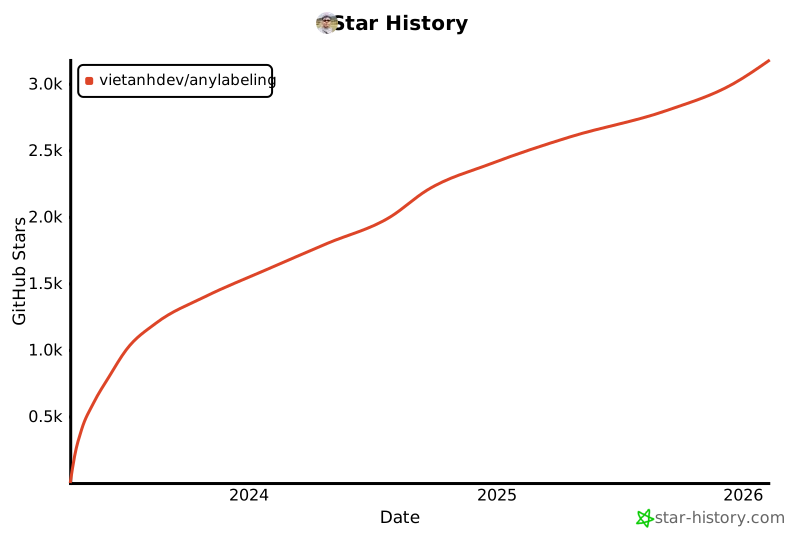
Star history
References
- Labeling UI built with ideas and components from LabelImg, LabelMe.
- Auto-labeling with Segment Anything (SAM, SAM 2, SAM 2.1, SAM 3), MobileSAM.
- Auto-labeling with YOLOv8.
- Icons from FlatIcon: DinosoftLabs, Freepik, Vectoricons, HideMaru.
Project details
Verified details
These details have been verified by PyPIProject links
GitHub Statistics
Maintainers
Release history Release notifications | RSS feed


Download files
Download the file for your platform. If you're not sure which to choose, learn more about installing packages.
Source Distributions
Built Distribution
Filter files by name, interpreter, ABI, and platform.
If you're not sure about the file name format, learn more about wheel file names.
Copy a direct link to the current filters
File details
Details for the file anylabeling_gpu-0.4.36-py3-none-any.whl.
File metadata
- Download URL: anylabeling_gpu-0.4.36-py3-none-any.whl
- Upload date:
- Size: 686.3 kB
- Tags: Python 3
- Uploaded using Trusted Publishing? Yes
- Uploaded via: twine/6.1.0 CPython/3.13.12
File hashes
| Algorithm | Hash digest | |
|---|---|---|
| SHA256 |
b7f09cbbd562782127e285de4b0112edafc7cded267ab394c15c16809b86abe8
|
|
| MD5 |
b8c7376137c82538ffd73b62f0ee55ae
|
|
| BLAKE2b-256 |
568edb96db1a88feceefcf21810444b3f64f3f62b4f25c87dd096fbe12243c40
|
Provenance
The following attestation bundles were made for anylabeling_gpu-0.4.36-py3-none-any.whl:
Publisher:
python-publish-gpu.yml on vietanhdev/anylabeling
-
Statement:
-
Statement type:
https://in-toto.io/Statement/v1 -
Predicate type:
https://docs.pypi.org/attestations/publish/v1 -
Subject name:
anylabeling_gpu-0.4.36-py3-none-any.whl -
Subject digest:
b7f09cbbd562782127e285de4b0112edafc7cded267ab394c15c16809b86abe8 - Sigstore transparency entry: 1377112687
- Sigstore integration time:
-
Permalink:
vietanhdev/anylabeling@1fd89a0bfb45f5cdfd31b970459d0b84e79ba68d -
Branch / Tag:
refs/tags/v0.4.36 - Owner: https://github.com/vietanhdev
-
Access:
public
-
Token Issuer:
https://token.actions.githubusercontent.com -
Runner Environment:
github-hosted -
Publication workflow:
python-publish-gpu.yml@1fd89a0bfb45f5cdfd31b970459d0b84e79ba68d -
Trigger Event:
push
-
Statement type:






