
Appwrite Console Python SDK





This SDK is compatible with Appwrite server version 1.9.x. For older versions, please check previous releases.
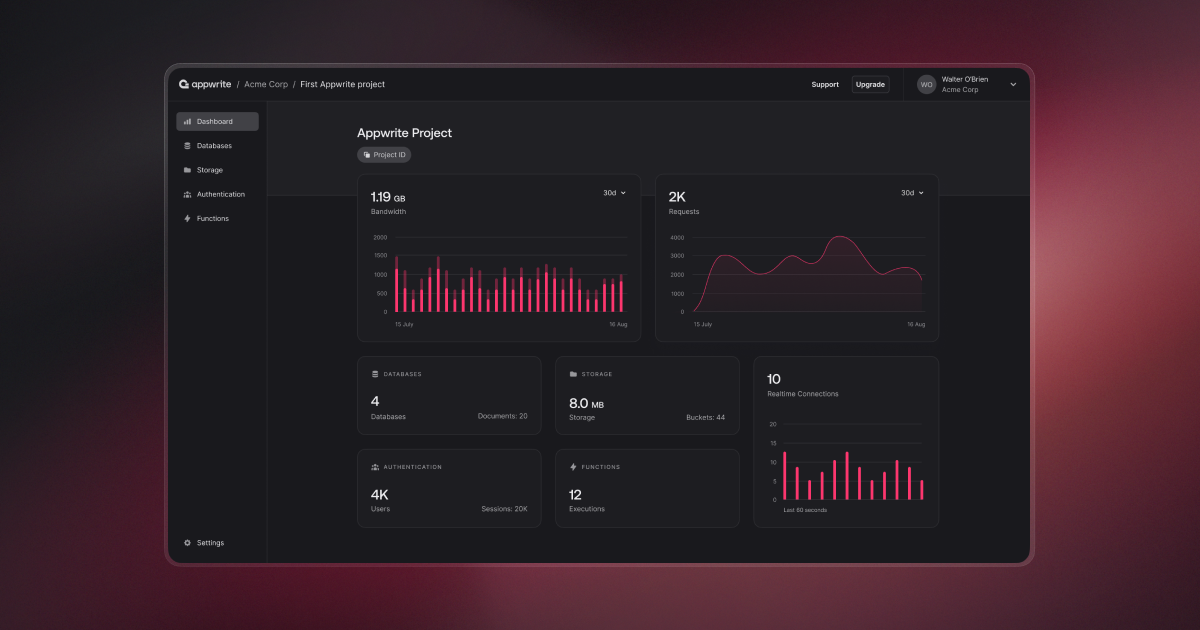
Appwrite is an open-source backend as a service server that abstracts and simplifies complex and repetitive development tasks behind a very simple to use REST API. Appwrite aims to help you develop your apps faster and in a more secure way. Use the Console Python SDK to integrate your app with the Appwrite server to easily start interacting with all of Appwrite backend APIs and tools. For full API documentation and tutorials go to https://appwrite.io/docs
Installation
To install via PyPI:
pip install appwrite-console
Or with uv:
uv add appwrite-console
Getting Started
The Appwrite Console SDK for Python drives the Console API — organizations, projects, billing, and everything else the Console itself calls. It is separate from sdk-for-python, which targets the public server API.
Installation
pip install appwrite-console
The package installs as appwrite-console and imports as appwrite_console, so it can
sit alongside appwrite in the same environment.
Requirements: Python 3.9+
Init your SDK
from appwrite_console.client import Client

client = Client()
client.set_endpoint('https://cloud.appwrite.io/v1')
client.set_project('console')
client.set_session('your-console-session')
Console endpoints authenticate as a Console user, not with a project API key. Use
set_session() with a Console session, or set_jwt() where you hold a token.
For a self-hosted instance with a self-signed certificate:
client.set_self_signed(True) # Dev only
Organizations
from appwrite_console.services.organizations import Organizations

organizations = Organizations(client)

result = organizations.list()
for organization in result.teams:
    print(organization.id, organization.name)
Projects
Projects are scoped to an organization:
from appwrite_console.services.organization import Organization

organization = Organization(client)
organization.client.set_organization('your-organization-id')

projects = organization.list_projects()
for project in projects.projects:
    print(project.id, project.name)

project = organization.get_project('your-project-id')
Queries
from appwrite_console.query import Query

result = organization.list_projects(queries=[
    Query.limit(25),
    Query.order_desc('$createdAt'),
])
Error handling
from appwrite_console.exception import AppwriteException

try:
    project = organization.get_project('missing-project')
except AppwriteException as error:
    print(error.message, error.code, error.type)
Full example
from appwrite_console.client import Client
from appwrite_console.services.organizations import Organizations
from appwrite_console.services.organization import Organization
from appwrite_console.exception import AppwriteException

client = Client()
client.set_endpoint('https://cloud.appwrite.io/v1')
client.set_project('console')
client.set_session('your-console-session')

organizations = Organizations(client)
organization = Organization(client)

try:
    for team in organizations.list().teams:
        client.set_organization(team.id)

        for project in organization.list_projects().projects:
            print(f'{team.name} / {project.name} ({project.id})')
except AppwriteException as error:
    print(f'Error: {error.message}')
Contribution
This library is auto-generated by Appwrite custom SDK Generator. To learn more about how you can help us improve this SDK, please check the contribution guide before sending a pull-request.
License
Please see the BSD-3-Clause license file for more information.
1 maintainer

Download files
Download the file for your platform. If you're not sure which to choose, learn more about installing packages.
Source Distribution
Built Distribution
Filter files by name, interpreter, ABI, and platform.
If you're not sure about the file name format, learn more about wheel file names.
Copy a direct link to the current filters
File details
Details for the file appwrite_console-0.6.0.tar.gz.
File metadata
- Download URL: appwrite_console-0.6.0.tar.gz
- Upload date:
- Size: 306.9 kB
- Tags: Source
- Uploaded using Trusted Publishing? Yes
- Uploaded via:
twine/7.0.0 CPython/3.13.14
File hashes
| Algorithm | Hash digest | |
|---|---|---|
| SHA256 |
c406909d319d4e91463d240a3fcd9f91589fea28cb460431b1e7b4b71d6b31f8
|
|
| MD5 |
df26a65940866a8844c3cd1005ce3a90
|
|
| BLAKE2b-256 |
f54e008876bbd6ee5d41663a7a190b5ff07f3ef135ec57341fc33e18dcdbf625
|
Provenance
The following attestation bundles were made for appwrite_console-0.6.0.tar.gz:
Publisher:
publish.yml on appwrite/sdk-for-console-python
-
Statement:
-
Statement type:
https://in-toto.io/Statement/v1 -
Predicate type:
https://docs.pypi.org/attestations/publish/v1 -
Subject name:
appwrite_console-0.6.0.tar.gz -
Subject digest:
c406909d319d4e91463d240a3fcd9f91589fea28cb460431b1e7b4b71d6b31f8 - Sigstore transparency entry: 2614842598
- Sigstore integration time:
-
Permalink:
appwrite/sdk-for-console-python@f4d5bbf932f3cd50bbd5feeb95d30dc9c04facf2 -
Branch / Tag:
refs/tags/0.6.0 - Owner: https://github.com/appwrite
-
Access:
public
-
Token Issuer:
https://token.actions.githubusercontent.com -
Runner Environment:
github-hosted -
Publication workflow:
publish.yml@f4d5bbf932f3cd50bbd5feeb95d30dc9c04facf2 -
Trigger Event:
release
-
Statement type:
File details
Details for the file appwrite_console-0.6.0-py3-none-any.whl.
File metadata
- Download URL: appwrite_console-0.6.0-py3-none-any.whl
- Upload date:
- Size: 536.2 kB
- Tags: Python 3
- Uploaded using Trusted Publishing? Yes
- Uploaded via:
twine/7.0.0 CPython/3.13.14
File hashes
| Algorithm | Hash digest | |
|---|---|---|
| SHA256 |
ae90fb5d7d89071739536d4cab48ab4563286dfdefebf803b5a67717a593ac3b
|
|
| MD5 |
a06a8e7459414aa1295216ce7c0ace1e
|
|
| BLAKE2b-256 |
253084db4c5096620ac1db9f1c6602ba49a972ce369f36f3bda0285953cab84e
|
Provenance
The following attestation bundles were made for appwrite_console-0.6.0-py3-none-any.whl:
Publisher:
publish.yml on appwrite/sdk-for-console-python
-
Statement:
-
Statement type:
https://in-toto.io/Statement/v1 -
Predicate type:
https://docs.pypi.org/attestations/publish/v1 -
Subject name:
appwrite_console-0.6.0-py3-none-any.whl -
Subject digest:
ae90fb5d7d89071739536d4cab48ab4563286dfdefebf803b5a67717a593ac3b - Sigstore transparency entry: 2614842708
- Sigstore integration time:
-
Permalink:
appwrite/sdk-for-console-python@f4d5bbf932f3cd50bbd5feeb95d30dc9c04facf2 -
Branch / Tag:
refs/tags/0.6.0 - Owner: https://github.com/appwrite
-
Access:
public
-
Token Issuer:
https://token.actions.githubusercontent.com -
Runner Environment:
github-hosted -
Publication workflow:
publish.yml@f4d5bbf932f3cd50bbd5feeb95d30dc9c04facf2 -
Trigger Event:
release
-
Statement type:














