
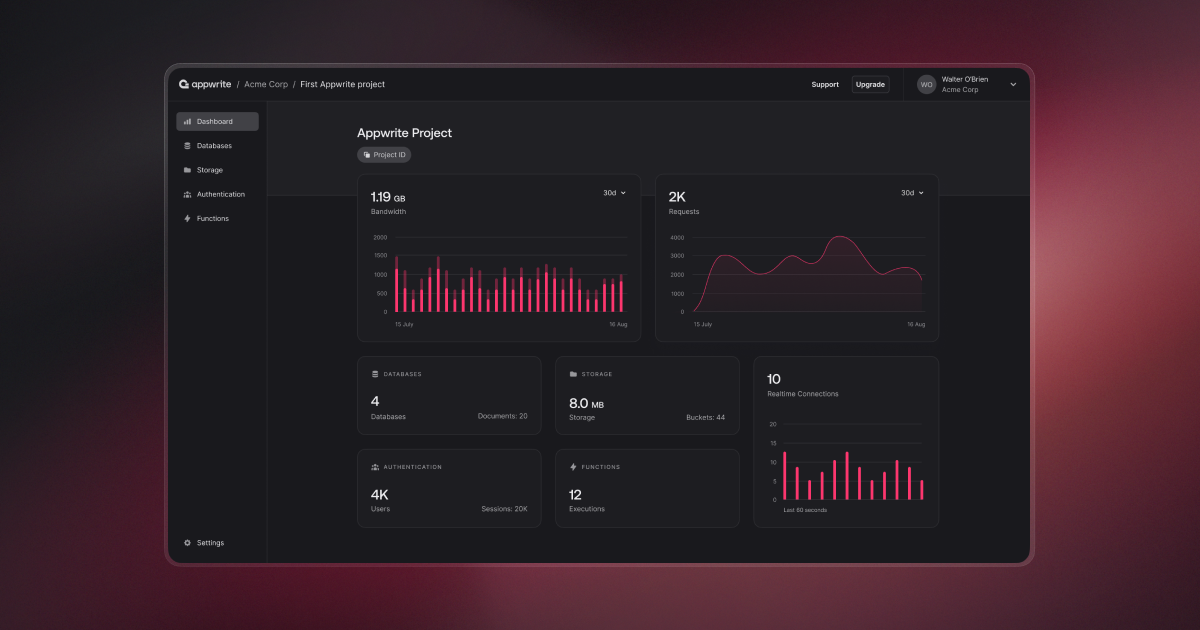
Appwrite is an open-source self-hosted backend server that abstracts and simplifies complex and repetitive development tasks behind a very simple REST API


Project description
Appwrite Python SDK





This SDK is compatible with Appwrite server version 1.8.x. For older versions, please check previous releases.
Appwrite is an open-source backend as a service server that abstracts and simplifies complex and repetitive development tasks behind a very simple to use REST API. Appwrite aims to help you develop your apps faster and in a more secure way. Use the Python SDK to integrate your app with the Appwrite server to easily start interacting with all of Appwrite backend APIs and tools. For full API documentation and tutorials go to https://appwrite.io/docs
Installation
To install via PyPI:
pip install appwrite
Or with uv:
uv add appwrite
Getting Started
Init your SDK
Initialize your SDK with your Appwrite server API endpoint and project ID which can be found on your project settings page and your new API secret Key from project's API keys section.
from appwrite.client import Client
from appwrite.services.users import Users

client = Client()

(client
  .set_endpoint('https://[HOSTNAME_OR_IP]/v1') # Your API Endpoint
  .set_project('5df5acd0d48c2') # Your project ID
  .set_key('919c2d18fb5d4...a2ae413da83346ad2') # Your secret API key
  .set_self_signed() # Use only on dev mode with a self-signed SSL cert
)
Make Your First Request
Once your SDK object is set, create any of the Appwrite service objects and choose any request to send. Full documentation for any service method you would like to use can be found in your SDK documentation or in the API References section.
All service methods return typed Pydantic models, so you can access response fields as attributes:
users = Users(client)

user = users.create(ID.unique(), email = "email@example.com", phone = "+123456789", password = "password", name = "Walter O'Brien")

print(user.name)   # "Walter O'Brien"
print(user.email)  # "email@example.com"
print(user.id)     # The generated user ID
Full Example
from appwrite.client import Client
from appwrite.services.users import Users
from appwrite.id import ID

client = Client()

(client
  .set_endpoint('https://[HOSTNAME_OR_IP]/v1') # Your API Endpoint
  .set_project('5df5acd0d48c2') # Your project ID
  .set_key('919c2d18fb5d4...a2ae413da83346ad2') # Your secret API key
  .set_self_signed() # Use only on dev mode with a self-signed SSL cert
)

users = Users(client)

user = users.create(ID.unique(), email = "email@example.com", phone = "+123456789", password = "password", name = "Walter O'Brien")

print(user.name)       # Access fields as attributes
print(user.to_dict())  # Convert to dictionary if needed
Type Safety with Models
The Appwrite Python SDK provides type safety when working with database rows through generic methods. Methods like get_row, list_rows, and others accept a model_type parameter that allows you to specify your custom Pydantic model for full type safety.
from pydantic import BaseModel
from datetime import datetime
from typing import Optional
from appwrite.client import Client
from appwrite.services.tables_db import TablesDB

# Define your custom model matching your table schema
class Post(BaseModel):
    postId: int
    authorId: int
    title: str
    content: str
    createdAt: datetime
    updatedAt: datetime
    isPublished: bool
    excerpt: Optional[str] = None

client = Client()
# ... configure your client ...

tables_db = TablesDB(client)

# Fetch a single row with type safety
row = tables_db.get_row(
    database_id="your-database-id",
    table_id="your-table-id",
    row_id="your-row-id",
    model_type=Post  # Pass your custom model type
)

print(row.data.title)     # Fully typed - IDE autocomplete works
print(row.data.postId)    # int type, not Any
print(row.data.createdAt) # datetime type

# Fetch multiple rows with type safety
result = tables_db.list_rows(
    database_id="your-database-id",
    table_id="your-table-id",
    model_type=Post
)

for row in result.rows:
    print(f"{row.data.title} by {row.data.authorId}")
Error Handling
The Appwrite Python SDK raises AppwriteException object with message, code and response properties. You can handle any errors by catching AppwriteException and present the message to the user or handle it yourself based on the provided error information. Below is an example.
users = Users(client)
try:
  user = users.create(ID.unique(), email = "email@example.com", phone = "+123456789", password = "password", name = "Walter O'Brien")
  print(user.name)
except AppwriteException as e:
  print(e.message)
Learn more
You can use the following resources to learn more and get help
Contribution
This library is auto-generated by Appwrite custom SDK Generator. To learn more about how you can help us improve this SDK, please check the contribution guide before sending a pull-request.
License
Please see the BSD-3-Clause license file for more information.
Release history Release notifications | RSS feed


Download files
Download the file for your platform. If you're not sure which to choose, learn more about installing packages.
Source Distribution
Built Distribution
Filter files by name, interpreter, ABI, and platform.
If you're not sure about the file name format, learn more about wheel file names.
Copy a direct link to the current filters
File details
Details for the file appwrite-16.0.0rc1.tar.gz.
File metadata
- Download URL: appwrite-16.0.0rc1.tar.gz
- Upload date:
- Size: 115.7 kB
- Tags: Source
- Uploaded using Trusted Publishing? No
- Uploaded via: twine/6.2.0 CPython/3.9.25
File hashes
| Algorithm | Hash digest | |
|---|---|---|
| SHA256 |
5b5d55e8b40cb7a6fee14a1b45c4e146a3b288a5d034ba66a1e3246d424c40f0
|
|
| MD5 |
bb3ce98a406a0c4f079d5803d076ad7f
|
|
| BLAKE2b-256 |
74705bdfc9139a23e988ee63cb66cb3a31c0fd6b5055bec5b5d6e4ea84163f81
|
File details
Details for the file appwrite-16.0.0rc1-py3-none-any.whl.
File metadata
- Download URL: appwrite-16.0.0rc1-py3-none-any.whl
- Upload date:
- Size: 197.3 kB
- Tags: Python 3
- Uploaded using Trusted Publishing? No
- Uploaded via: twine/6.2.0 CPython/3.9.25
File hashes
| Algorithm | Hash digest | |
|---|---|---|
| SHA256 |
4140db192525d4f2176ffddb6ffb0be0b7a07af1d5b3e43641d2d1838b5578cf
|
|
| MD5 |
87ff54a11706a6eb7df339dc9a6e3e69
|
|
| BLAKE2b-256 |
2512ac332e1181fdff8da68562b34265954f9cd32c1a9b22d551b5124e8aad38
|






