
Gallery
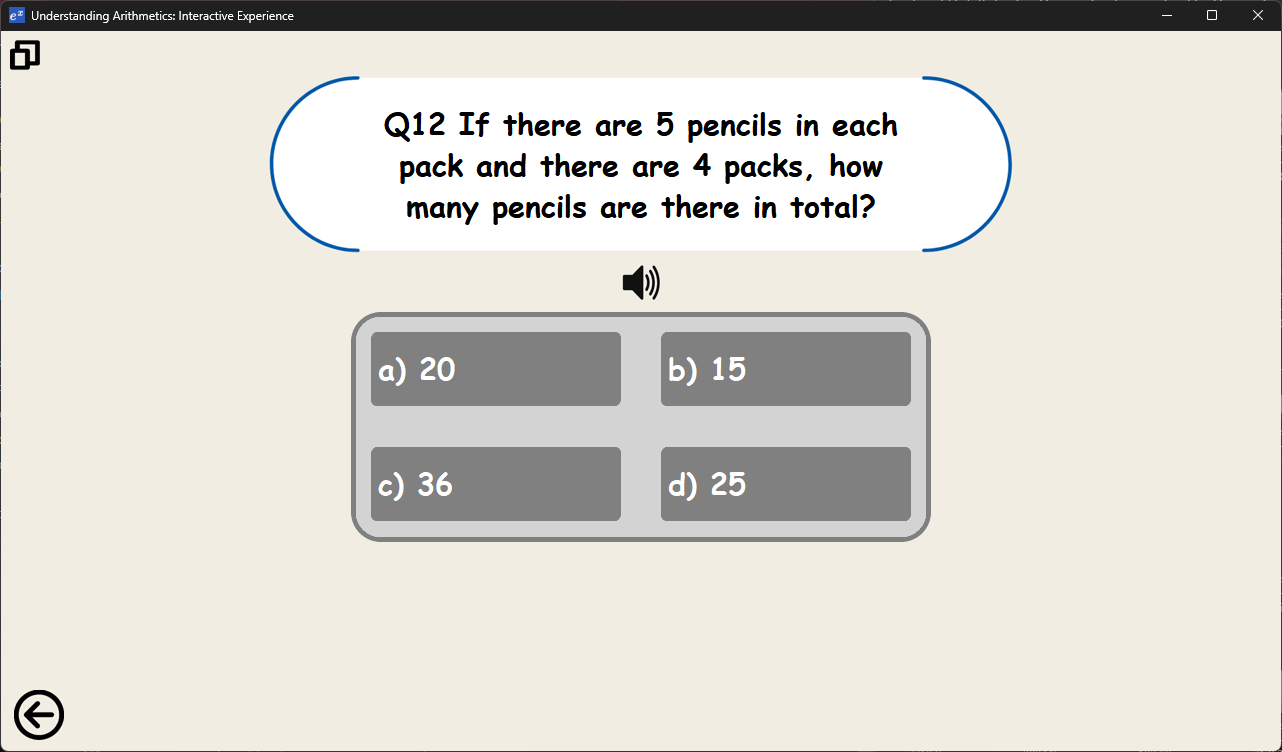
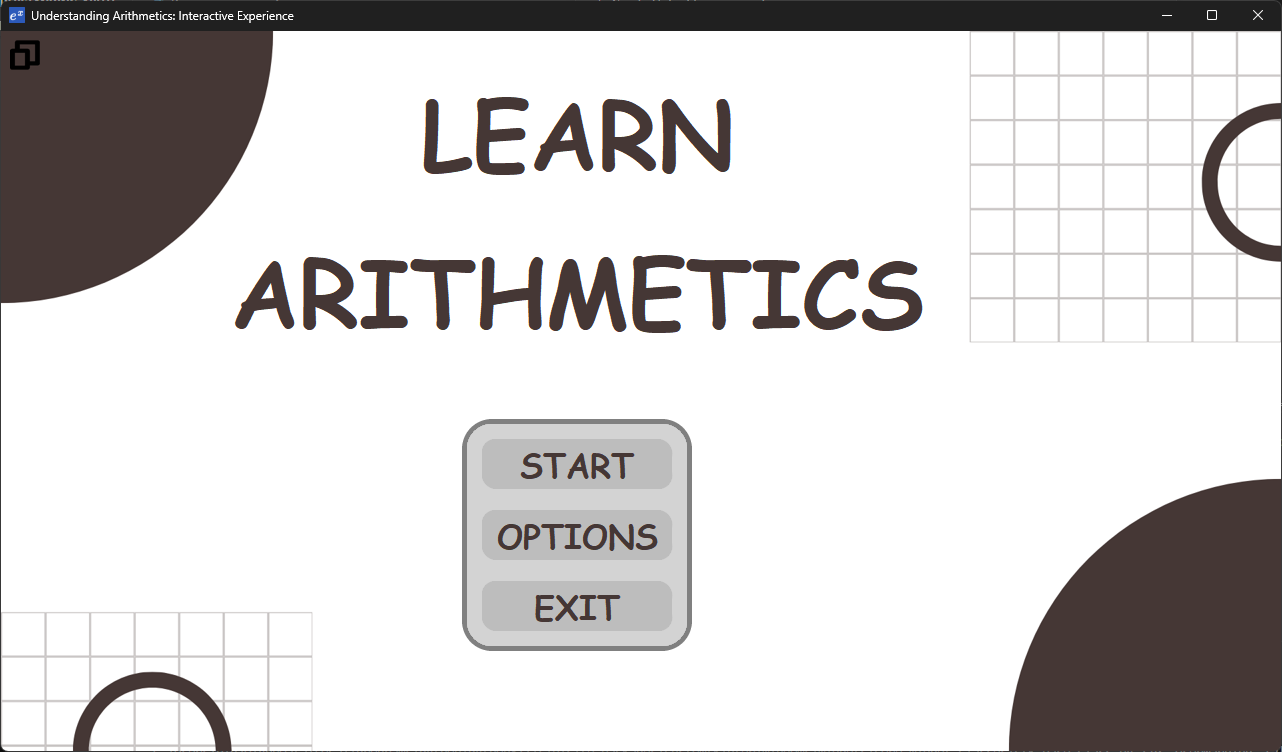
Description This program is intended for grades 1-2. Involves simple addition, subtraction, multiplication and division alongside worded problems
Includes:
- 20 questions - 5 multiple choice questions for each operation
- Way to track score and accuracy
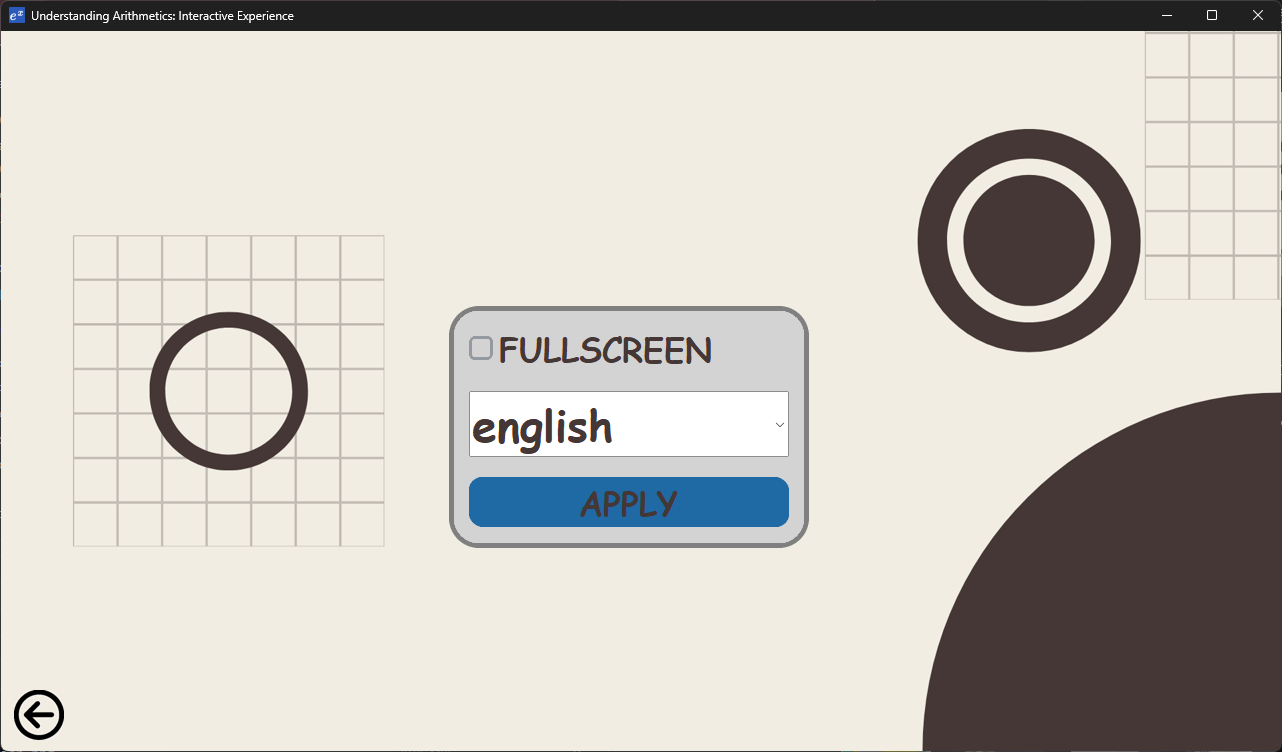
- 106 languages (default English)
- Text to speech
- 720p to max monitor resolution (including fullscreen)
- Full touchscreen support
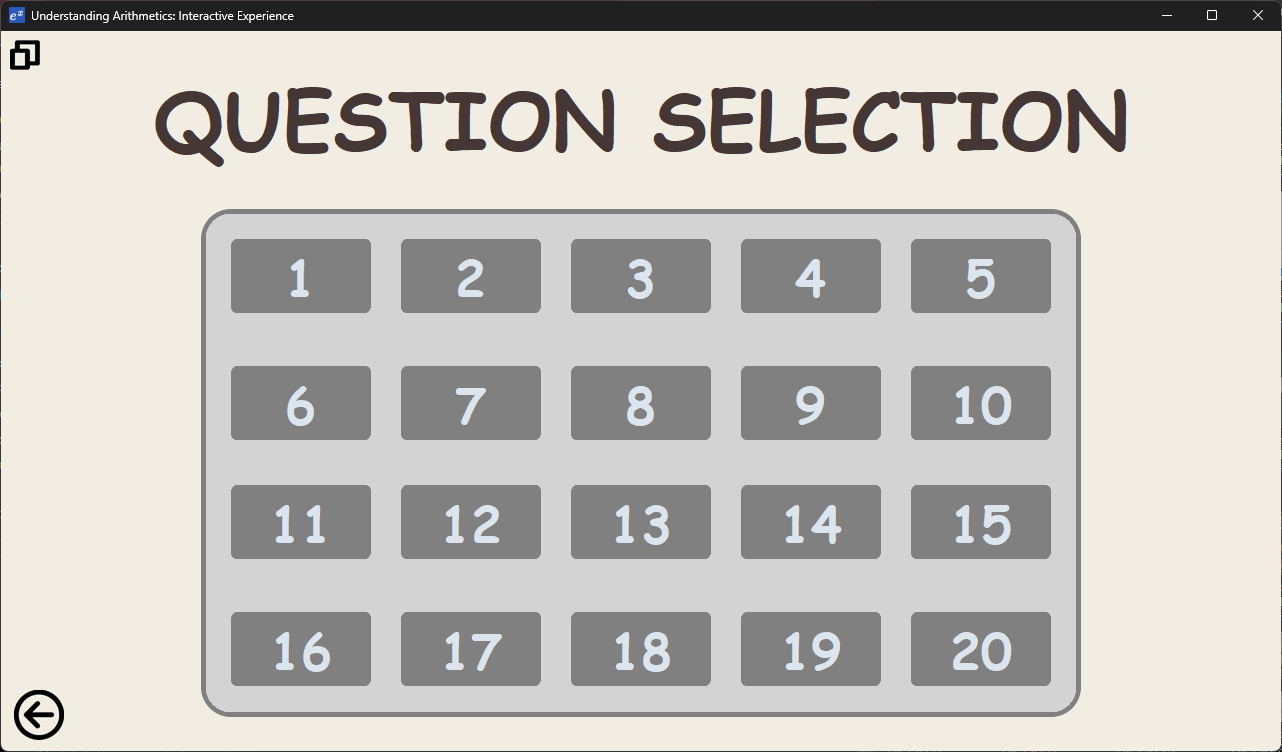
- Complete the quiz however you want, and check your results by finishing question 20
- Explanation of every question
Recommended requirements:
- CPU (any that supports Windows 10/11)
- GPU integrated or dedicated
- RAM 4 GB or more
- Storage: 110 Mb or more
- Monitor: 1280 by 720 or more
- Touchscreen or keyboard + mouse
- Operating system: Windows 10 or 11 (other operating systems may work)
Installation:
Automatic
- Download the zip and extract files
- Download by clicking: here
- Go to "Executable Program\dist\Program main\Program main.exe" and run normally
Manual
***Required pip-installations (requires pip)
*Copy and paste the text inside brackets and run in the terminal to install
- pyttsx3 (pip install pyttsx3) (pip install pywin32)
- PIL (pip install Pillow)
- customtkinter + tkinter (pip install customtkinter) (pip install tk)
Help:
-
Quiz: Click on the start button and select a level to start the quiz
-
Stuck on a question? Guess and the quiz will give you an explanation.
-
Stuck on what to do after clicking an option? If all options are greyed out you have finished the question, you may move on by clicking the next button in the bottom right corner.
-
Got kicked out after finishing a question? Click on a question you have not answered, you may not repeat questions until you finish the quiz.
-
Want to finish the quiz early? Complete question 20 and it will reset the quiz.
-
-
Settings/options: Click on "OPTIONS" to go to the options menu
-
Want to change languages? Click on options --> select language and click on apply. There are 106 translated languages using Google translate
-
Want fullscreen? Click on the button in the top left corner of any screen or click on the fullscreen checkbox in the options menu,
-
Want to resize the resolution? Drag any edge or side and expand as you wish, text will dynamically resize as well.
-
Want to listen to the question out loud? Click on the speaker icon in any level and it will read out any language that uses the Latin/English alphabet
-
Acknowledgements:
-
Google translate Python module and web service for providing an effective and relatively fast method of converting English to other languages
-
Tkinter and Customtkinter python module which is the primary library for the creation of the GUI
-
Pillow or PIL python module which is the primary library in configuring and setting up images within the program.
-
pyttsx3 python module which is the library required to use speech to text
-
Github for allowing me to store, update and maintain my code and for providing a license to my program
-
Codemy for explaining how to effectively code and debug my code https://www.youtube.com/@Codemycom
-
W3 schools for teaching me new methods of coding https://www.w3schools.com/
-
OS Python module for bulk handling dozens of files quickly and effectively
-
Python 3.11.4 64 bit for coding
-
UTF-8 encoder and decoder to store and retrieve complex characters
1 maintainer

Metadata
1 maintainer
Release files for arithmetics-sdd 1.1
For a detailed explanation of source distributions (sdists) and built distributions (wheels), please see the package formats documentation.
Source distribution (sdist)
| File | Size | Uploaded | |
|---|---|---|---|
| arithmetics_sdd-1.1.tar.gz | 366.9 kB | Details |
Built distribution (wheel)
| File | Interpreter | ABI | Platform | Reset |
|---|---|---|---|---|
| arithmetics_sdd-1.1-py3-none-any.whl | Python 3 | none | any | Details |
Total release size: 760.8 kB
Release files / arithmetics_sdd-1.1.tar.gz
| Download URL | arithmetics_sdd-1.1.tar.gz |
|---|---|
| Size | 366.9 kB |
| Tags | Source |
|
SHA-256 checksum How to use checksums |
37c1c5905dd90631993ac465de03ec61ab59711c25b2645cf37a83488230040f
|
|
BLAKE2b-256 checksum How to use checksums |
5910a59ce7fd3ecb41d131d0e8781d4269892cfba88314360005491fa6acd209
|
| Upload date | |
|
Uploaded using Trusted Publishing? What is trusted publishing? |
No |
| Uploaded via |
twine/5.0.0 CPython/3.12.4
|
Release files / arithmetics_sdd-1.1-py3-none-any.whl
| Download URL | arithmetics_sdd-1.1-py3-none-any.whl |
|---|---|
| Size | 393.9 kB |
| Tags | Python 3 |
|
SHA-256 checksum How to use checksums |
d9c97eeed218e10038f3b425c5a9922f48d6686d0f8b52bc3aabfadd3183923a
|
|
BLAKE2b-256 checksum How to use checksums |
7ea5a46da985d9a1c3cb31dd86a86fac870139a2751cb7847eb3e99ebc5e97b0
|
| Upload date | |
|
Uploaded using Trusted Publishing? What is trusted publishing? |
No |
| Uploaded via |
twine/5.0.0 CPython/3.12.4
|













