
Agnostic Robotic Manipulation Controller (armctl)

Project description



A unified Python interface for controlling a variety of industrial and hobbyist robots from different manufacturers.
Supported Manufacturers & Robot Series
The armctl library currently supports the following manufacturers and robot models:
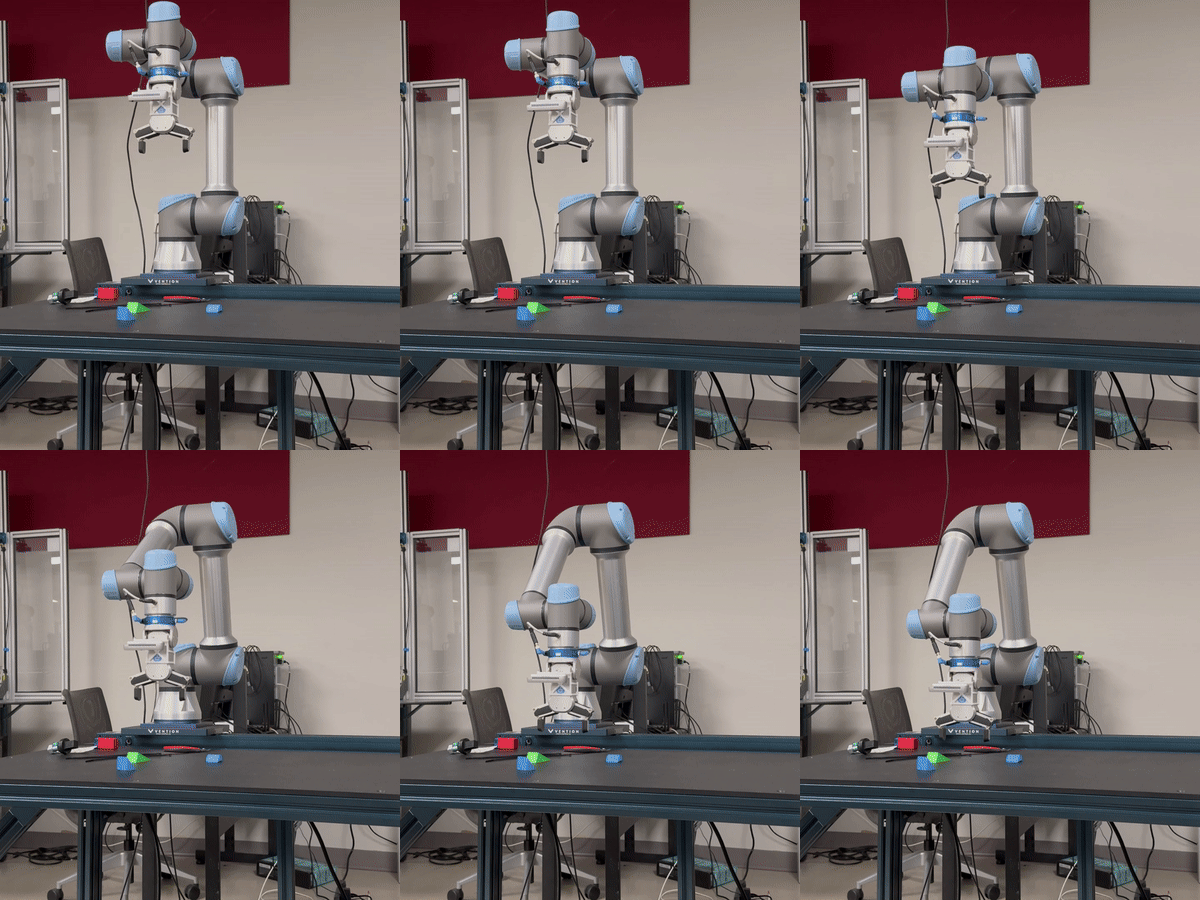
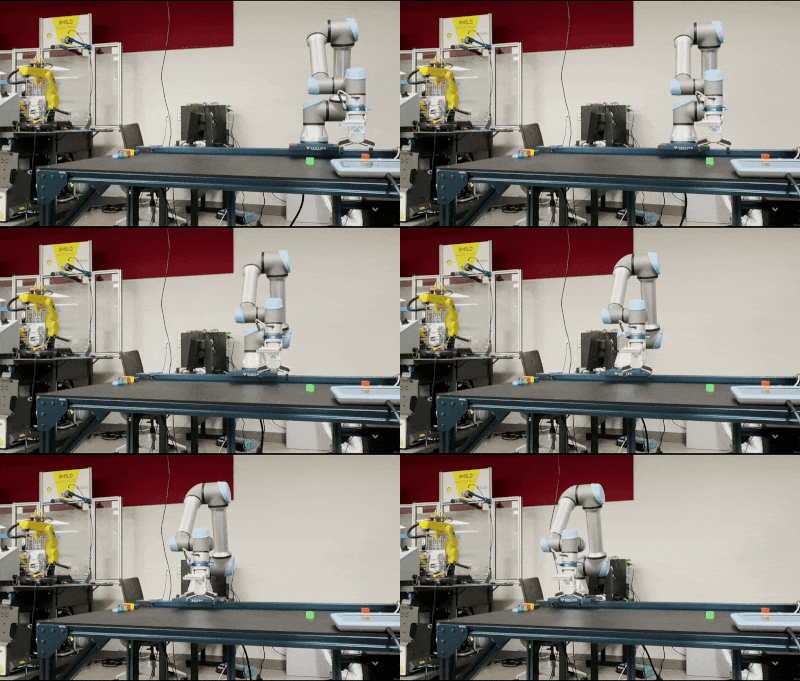
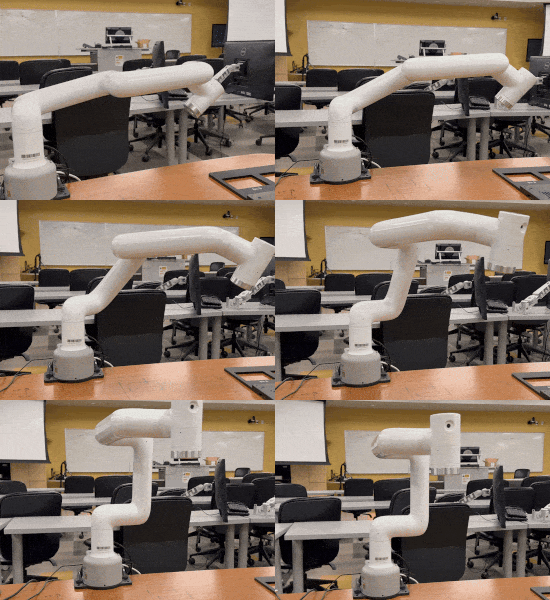
| Universal Robots | Vention | Elephant Robotics |
| UR3, UR5, UR5e, UR10, UR16 | 7th Axis Plate | myCobot Pro600 |
|
|
|
Want to see your robot supported?
Open an issue or contribute a pull request!
Quick Start
Installation
From PyPI:
pip install armctl
From GitHub:
pip install git+https://github.com/MGross21/armctl.git
Importing the Library
from armctl import *
Note:
For improved runtime performance and clarity, you may import specific manufacturers and robot series directly.
Simple Example with Manufacturer Defaults
with Manufacturer("ROBOT_IP_ADDRESS") as robot:
    robot.move_joints([...])
    robot.get_joint_positions()
    robot.move_cartesian([...])
    robot.get_cartesian_position(...)
    robot.sleep(...)
    robot.get_robot_state()
Simple Example with Specific Robot Series
with RobotSeries("ROBOT_IP_ADDRESS") as robot:
    robot.home()
    robot.move_joints([...])
    robot.get_joint_positions()
    robot.move_cartesian([...])
    robot.get_cartesian_position()
    robot.sleep(...)
    robot.get_robot_state()
Multi-Robot Control
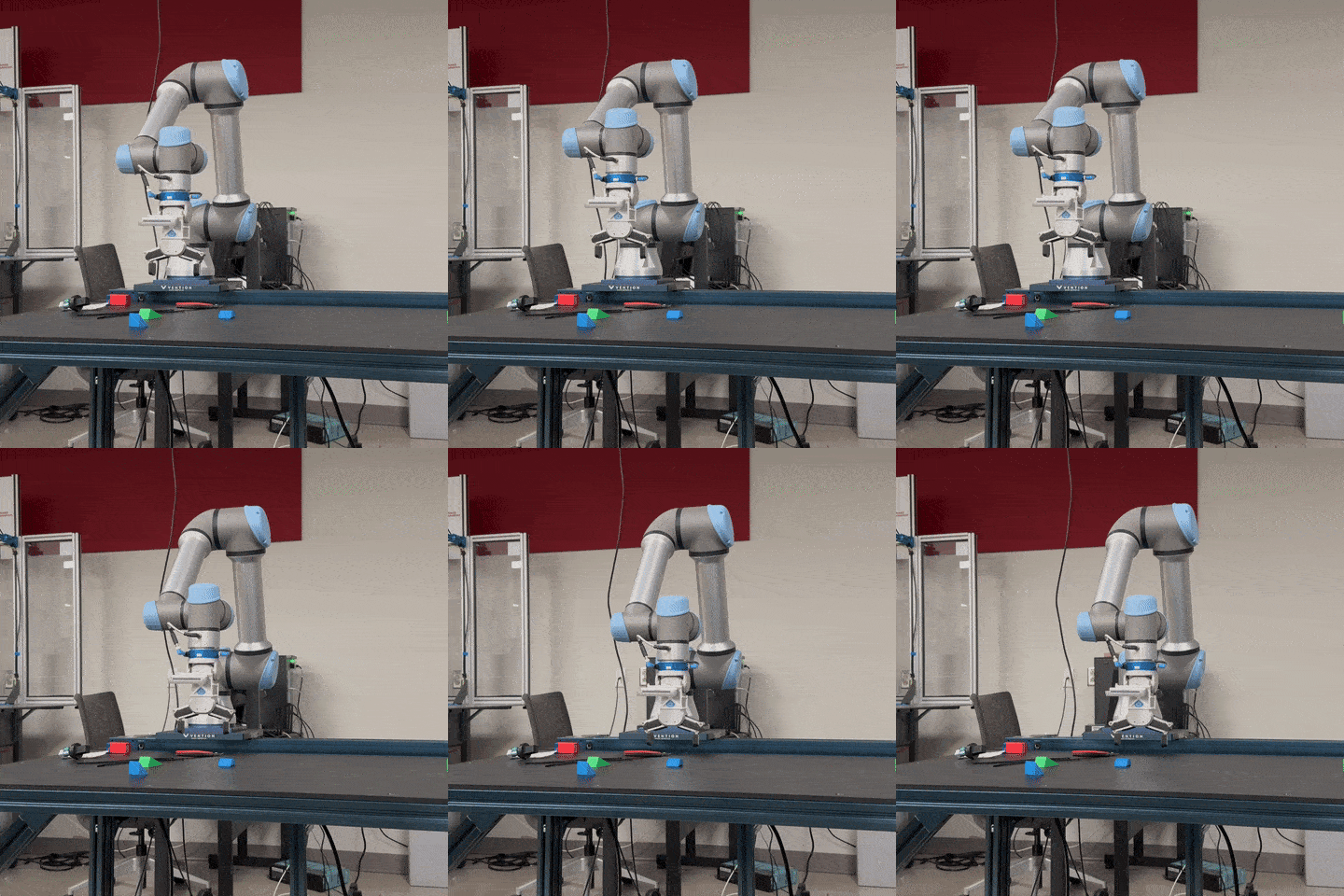
with (
  Robot1("ROBOT1_IP_ADDRESS") as r1,
  Robot2("ROBOT2_IP_ADDRESS") as r2,
):
    r1.home()
    r2.home()

    r1.move_joints([...])
    r2.move_joints([...])
Tip:
For more precise and synchronous control of two or more robots, it is recommended to manage each robot within its own thread or process.
Multithread Control
Replicating the prior example,
import threading

def control_robot(robot, ip):
  with robot(ip) as r:
    r.home()
    r.move_joints([0] * r.DOF)

threads = [
  threading.Thread(target=control_robot, args=(Robot1, "ROBOT1_IP")),
  threading.Thread(target=control_robot, args=(Robot2, "ROBOT2_IP"))
]

for t in threads:
  t.start()
for t in threads:
  t.join()
API Reference
Note:
The API has been designed for maximum compatibility across supported robots. Additional commands, such as gripper controls and other advanced features, are planned for future releases to further expand functionality.
Control Template
The following methods are available to users of the library to control various supported robots.
| Method Name | Description |
|---|---|
move_joints(pos) |
Move the robot to specified joint positions. |
get_joint_positions() |
Retrieve the current joint positions of the robot. |
move_cartesian(pose) |
Move the robot to a specified Cartesian pose. |
get_cartesian_position() |
Retrieve the current Cartesian position of the robot. |
stop_motion() |
Stop all robot motion immediately. |
get_robot_state() |
Retrieve the current state of the robot. |
sleep(seconds) |
Pause execution for a specified number of seconds. |
home() (Available only for specific robot series, not for generic manufacturer control) |
Move the robot to its home position. |
Robot Homing Behavior
The "home" position refers to a predefined, manufacturer-specific pose that is safe and repeatable for initialization and calibration.
⠀⠀⠀⠀⠀⠀⠀⠀⢀⢠⢰⢡⢣⢢⢀⠀⠀⠀⠀⠀⠀⠀⠀⠀⠀⠀⠀⠀⠀⠀⠀⠀⠀⠀⠀⠀⠀⠀⠀⠀
⠀⠀⠀⠀⠀⠀⢀⡶⣿⣺⢜⡜⡜⡜⡜⡜⡔⡄⡀⠀⠀⠀⠀⠀⠀⠀⠀⠀⠀⠀⠀⠀⠀⠀⠀⠀⠀⠀⠀⠀
⠀⠀⠀⠀⠀⠀⠈⢯⣯⡿⣗⣕⡗⡵⡱⡱⡱⡱⡱⡱⡠⣀⠀⠀⠀⠀⠀⠀⠀⠀⠀⠀⠀⠀⠀⠀⠀⠀⠀⠀
⠀⠀⠀⠀⠀⠀⠀⣻⢾⣿⠱⣲⢫⢞⢵⣳⡵⡱⣱⣵⣻⣟⣿⢶⡤⡀⠀⠀⠀⠀⠀⠀⠀⠀⠀⠀⠀⠀⠀⠀
⠀⠀⠀⠀⠀⠀⠀⢽⣟⣿⢘⣯⣿⡕⢹⢺⡽⡕⣯⣿⢷⢿⣽⣟⡿⡳⡠⡀⠀⠀⠀⠀⠀⠀⠀⠀⠀⠀⠀⠀
⠀⠀⠀⠀⠀⠀⠀⣻⣽⢿⢨⣷⢿⡇⠀⠀⠈⠣⢟⡷⡽⢽⡾⣅⢇⢇⢇⢇⢇⢆⢄⠀⠀⠀⠀⠀⠀⠀⠀⠀
⠀⠀⠀⠀⠀⠀⠀⣺⡿⣿⠰⣿⣻⡇⠀⠀⠀⠀⠀⠉⠛⢟⠿⣻⣯⡾⣜⢜⢜⢜⢜⢜⢔⢄⠀⠀⠀⠀⠀⠀
⠀⠀⠀⠀⠀⠀⠀⣺⣟⣿⠸⣯⣿⡇⠀⠀⠀⠀⠀⠀⠀⠀⠀⠈⠈⠛⠿⣷⢷⣕⣕⡵⣵⣟⠀⠀⠀⠀⠀⠀
⠀⠀⠀⠀⠀⠀⠀⣺⡿⣯⢎⢭⢓⢇⠀⠀⠀⠀⠀⠀⠀⠀⠀⠀⠀⠀⠀⠈⢙⣿⣾⣻⢷⢿⠀⠀⠀⠀⠀⠀
⠀⠀⠀⠀⠀⠀⢠⣟⣿⣿⢸⢸⢸⢸⢸⢰⢀⠀⠀⠀⠀⠀⠀⠀⠀⠀⠀⠀⠰⣿⣽⣳⢣⣿⠀⠀⠀⠀⠀⠀
⠀⠀⠀⠀⠀⣤⡾⣯⣻⡾⣏⡮⣪⢪⢪⢪⢪⢲⣄⠀⠀⠀⠀⠀⠀⠀⠀⠀⢸⣯⣟⡷⣿⣽⣦⠀⠀⠀⠀⠀
⠀⠀⠀⠀⢸⣷⢿⣽⢽⡻⡣⣣⢷⡣⡇⡇⡇⣇⡿⡇⠀⠀⠀⠀⠀⠀⠀⢀⣿⢾⣽⡿⢛⣷⢿⡇⠀⠀⠀⠀
⠀⠀⠀⠀⢸⣾⢿⡽⣯⡿⣵⢧⡫⡕⣇⣧⣗⣿⣻⡇⠀⠀⠀⠀⠀⠀⠀⣞⣯⣿⠁⠀⢐⣟⣿⡇⠀⠀⠀⠀
⠀⠀⠀⠀⠀⣹⢿⣻⣯⡿⣯⣟⣯⣿⣽⡷⣿⣽⡫⠀⠀⠀⠀⠀⠀⠀⠀⣯⣟⣾⠀⠀⠀⠋⠻⠃⠀⠀⠀⠀
⠀⠀⠀⠀⢠⢮⢺⡱⡫⡟⡯⣻⢝⢗⡟⣝⢝⢼⢸⡄⠀⠀⠀⠀⠀⠀⠀⢯⣿⣽⠀⠀⠀⠀⠀⠀⠀⠀⠀⠀
⠀⠀⠀⠀⢸⣗⡵⡣⡏⣞⢜⡕⡗⣝⢼⢪⡺⣱⢽⡇⠀⠀⠀⠀⠀⠀⠀⠈⠈⠁⠀⠀⠀⠀⠀⠀⠀⠀⠀⠀
⠀⠀⠀⠀⠘⢯⡿⣾⣳⢵⣝⣼⣱⣣⢯⣞⣾⣽⡿⠁⠀⠀⠀⠀⠀⠀⠀⠀⠀⠀⠀⠀⠀⠀⠀⠀⠀⠀⠀⠀
⠀⠀⠀⠀⠀⠀⠉⠻⠻⢿⢾⡷⣿⣽⢟⠿⠓⠋⠀⠀⠀⠀⠀⠀⠀⠀⠀⠀⠀⠀⠀⠀⠀⠀⠀⠀⠀⠀⠀⠀
Standard Units
All inputs and outputs use these standard units:
| Type | Unit |
|---|---|
| Joint Angle | radians |
| Cartesian Position | meters ([x, y, z]) |
| Cartesian Rotation | radians ([rx, ry, rz]) |
Connection Template
The following methods facilitate explicit connection management and low-level command execution. These are primarily intended for advanced scenarios, such as when not using Python's with/as context manager or when sending custom commands outside the standard API. Use with caution.
| Method Name | Description |
|---|---|
connect() |
Establish a connection to the robot controller. |
disconnect() |
Close the connection to the robot controller. |
send_command(cmd) |
Send a low-level command to the robot controller. |
Properties Template
The properties template exposes key robot class attributes as variables, allowing you to query important specifications programmatically. These include:
| Property Name | Description |
|---|---|
JOINT_RANGES |
List of allowed ranges for each joint (radians). |
DOF |
Number of degrees of freedom (joints). |
MAX_JOINT_VELOCITY |
Maximum joint velocity (radians/second). |
MAX_JOINT_ACCELERATION |
Maximum joint acceleration (radians/second²). |
HOME_POSITION (Available only for specific robot series, not for generic manufacturer control) |
Joint positions of robot home position (radians) |
Graphical Overview
Below is a high-level diagram illustrating the architecture of the armctl library. This design emphasizes the careful templatization of connection and control APIs, ensuring a consistent and extensible interface across different manufacturers and robot series.

System Logging
By default, the library will show the outgoing commands and incoming data. An example can be seen below:
2025-02-12 13:18:11,350 - INFO - Connected to ElephantRobotics(192.168.1.159:5001)(SEND/RECV)
2025-02-12 13:18:11,351 - SEND - Sending command:   power_on()
2025-02-12 13:18:11,954 - RECV - Received response: [ok]
2025-02-12 13:18:11,954 - SEND - Sending command:   state_on()
2025-02-12 13:18:12,647 - RECV - Received response: [ok]
2025-02-12 13:18:12,647 - SEND - Sending command:   get_angles()
2025-02-12 13:18:12,663 - RECV - Received response: get_angles:[0.290562,-95.891321,-74.804509,-162.949219,1.845703,12.041016]
2025-02-12 13:18:12,663 - SEND - Sending command:   task_stop()
2025-02-12 13:18:13,466 - RECV - Received response: [ok]
2025-02-12 13:18:13,466 - SEND - Sending command:   state_off()
2025-02-12 13:18:14,176 - RECV - Received response: [ok]
2025-02-12 13:18:14,176 - SEND - Sending command:   power_off()
2025-02-12 13:18:14,176 - RECV - Received response: [ok]
2025-02-12 13:18:14,176 - INFO - Disconnected from ElephantRobotics
Disabling Logging
To disable logging in your Python code:
from armctl import Logger
Logger.disable()
Or, set the environment variable before running your script:
export ARMCTL_LOG=0
Re-Enabling Logging
To re-enable logging in your code:
Logger.enable()
Or, remove the environment variable in your shell:
unset ARMCTL_LOG
CLI Tooling
To get started with the command-line interface, run:
armctl --help
Under Development
Future Development
- FANUC
- Models: LR Mate 200iD Series
- More manufacturers and robot series will be supported in future releases.
Contributing
Please feel free to submit a pull request or open an issue for any enhancements or bug fixes. See CONTRIBUTING for more details.
License
This project is licensed under the MIT License. See the LICENSE file for more details.
Notice
This package automatically installs the Universal Robots RTDE Python Client Library when needed.
The RTDE library is provided by Universal Robots and is subject to their licensing terms.


Download files
Download the file for your platform. If you're not sure which to choose, learn more about installing packages.
Source Distribution
Built Distribution
Filter files by name, interpreter, ABI, and platform.
If you're not sure about the file name format, learn more about wheel file names.
Copy a direct link to the current filters
File details
Details for the file armctl-0.4.0.tar.gz.
File metadata
- Download URL: armctl-0.4.0.tar.gz
- Upload date:
- Size: 29.5 kB
- Tags: Source
- Uploaded using Trusted Publishing? No
- Uploaded via: uv/0.10.7 {"installer":{"name":"uv","version":"0.10.7","subcommand":["publish"]},"python":null,"implementation":{"name":null,"version":null},"distro":{"name":"Arch Linux","version":null,"id":null,"libc":null},"system":{"name":null,"release":null},"cpu":null,"openssl_version":null,"setuptools_version":null,"rustc_version":null,"ci":null}
File hashes
| Algorithm | Hash digest | |
|---|---|---|
| SHA256 |
b9a1ef116df1bd68e4aef3e935a2a565abec26deaebf0025fb83291c396c868e
|
|
| MD5 |
baf8bef0c4f27b6737a4e57c2fae95f3
|
|
| BLAKE2b-256 |
0c6e8d8f42ebe77676f6a3340943096bf108551e7b24bf2061bceef42b2c5138
|
File details
Details for the file armctl-0.4.0-py3-none-any.whl.
File metadata
- Download URL: armctl-0.4.0-py3-none-any.whl
- Upload date:
- Size: 44.1 kB
- Tags: Python 3
- Uploaded using Trusted Publishing? No
- Uploaded via: uv/0.10.7 {"installer":{"name":"uv","version":"0.10.7","subcommand":["publish"]},"python":null,"implementation":{"name":null,"version":null},"distro":{"name":"Arch Linux","version":null,"id":null,"libc":null},"system":{"name":null,"release":null},"cpu":null,"openssl_version":null,"setuptools_version":null,"rustc_version":null,"ci":null}
File hashes
| Algorithm | Hash digest | |
|---|---|---|
| SHA256 |
52092190c916e979881597fa200f1c9dce4375c3caaf0f7c905093037243b5f0
|
|
| MD5 |
181170093d9af9096a6d850addfccab5
|
|
| BLAKE2b-256 |
3055e80ca26180750f5a9736d797ba2c8f5777d8b952f5922147d45fb2945c30
|






