
Converts pictures into ASCII art

Project description
ASCII Magic
Python package that converts images into ASCII art for terminals and HTML. Thanks to Colorama it's compatible with the Windows terminal.
Code based on ProfOak's Ascii Py.
Changelog
v2.0
- Complete rewrite, only supports OOP, no longer compatible with 1.x
- Added support for foreground color
- Test suite compatible with PyTest
v1.6
- OOP functionality
- to_file()
How to install
pip install ascii_magic
Quickstart
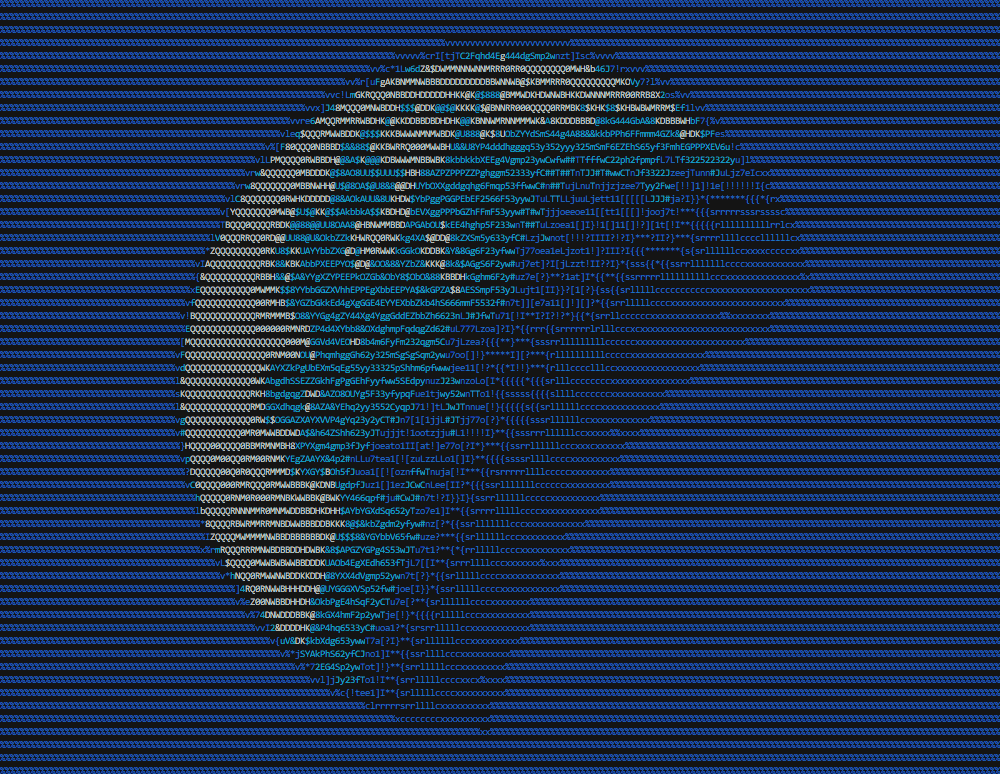
import ascii_magic

my_art = ascii_magic.from_image('images/moon.jpg')
my_art.to_terminal()
Result:
Available functions
quick_test()
Loads a random Unsplash picture with the default parameters and prints it to the terminal, allowing you to verify in a single line of code that everything is running O.K.
ascii_magic.quick_test() -> None
from_image()
Creates an AsciiArt object from an image file.
from_image(path: str) -> AsciiArt
Parameters:
path: an image file compatible with Pillow, such as a jpeg or png
Example:
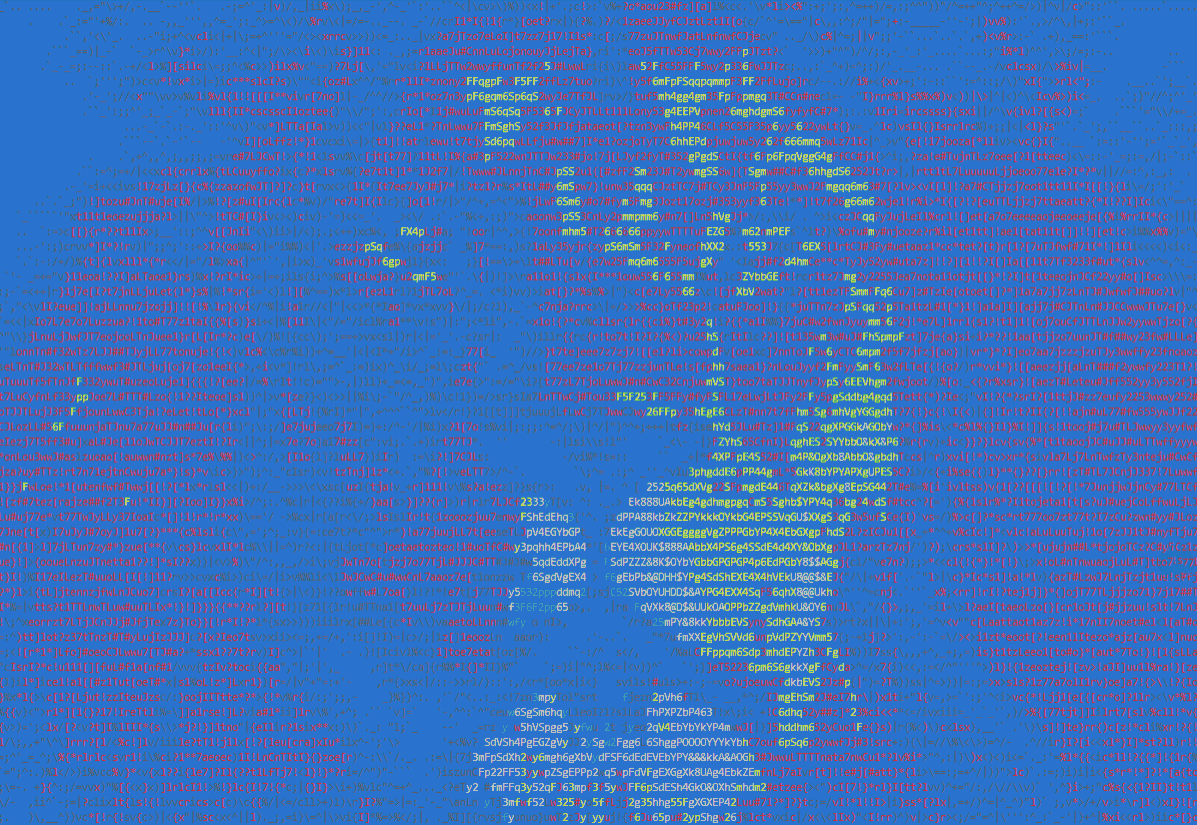
import ascii_magic

my_art = ascii_magic.from_image('images/lion.jpg')
my_art.to_terminal(columns=200, back=ascii_magic.Back.BLUE)
Result:
Example:
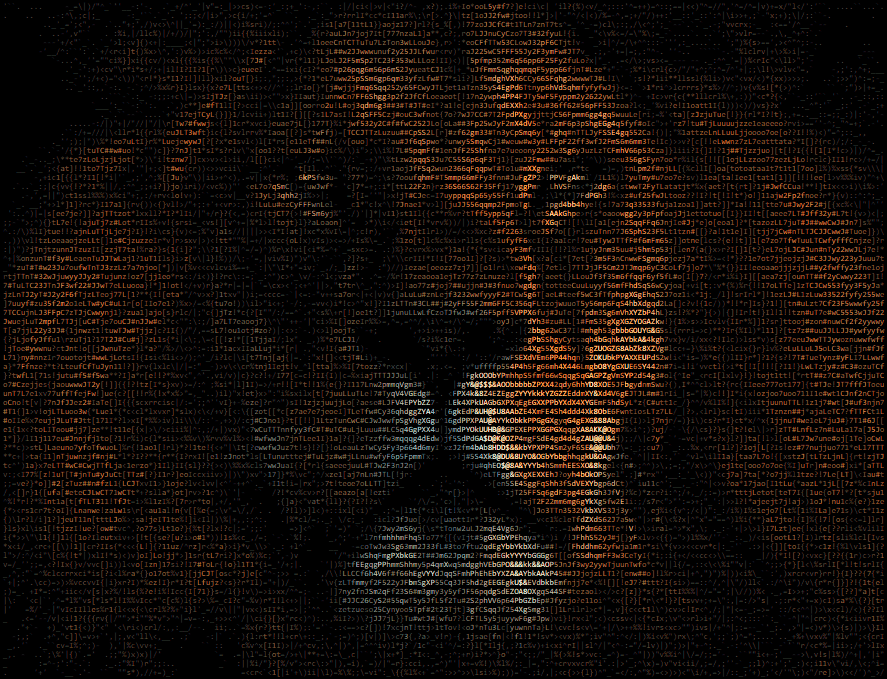
import ascii_magic

my_art = ascii_magic.from_image('images/lion.jpg')
my_art.to_html_file('ascii_art.html', columns=200, width_ratio=2)
Result:
Example:
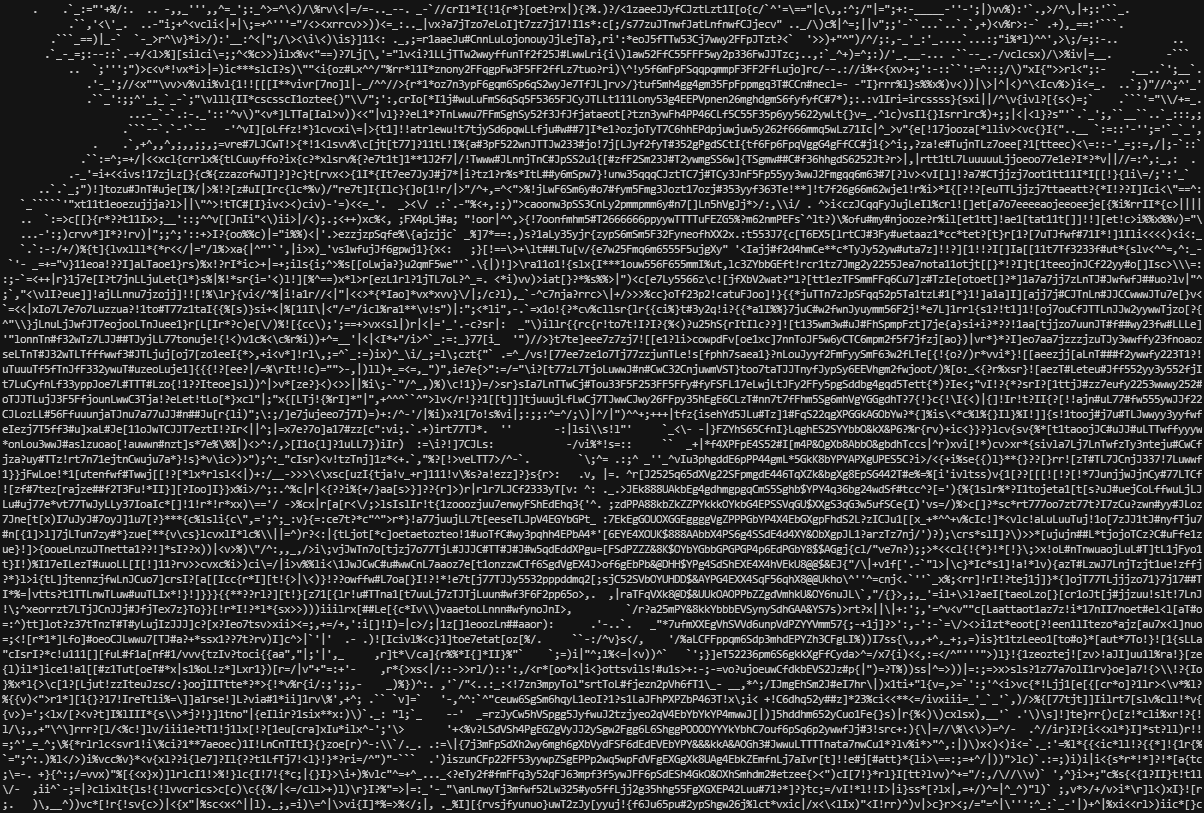
import ascii_magic

my_art = ascii_magic.from_image('images/lion.jpg')
my_art.to_terminal(columns=200, monochrome=True)
Result:
from_url()
Creates an AsciiArt object from an image URL. Raises an urllib.error.URLError if something goes wrong while requesting the image, but you can also catch it as an OSError if you don't want to import urllib into your project.
from_url(url: str) -> AsciiArt
Parameters:
url: an URL which will be loaded via urllib (supports redirects)
Example:
import ascii_magic

try:
    my_art = ascii_magic.from_url('https://source.unsplash.com/800x600?nature')
except OSError as e:
    print(f'Could not load the image, server said: {e.code} {e.msg}')
from_clipboard()
Creates an AsciiArt object from the contents of the clipboard. Raises a OSError if the clipboard doesn't contain an image. Requires PyGObject under Linux.
from_clipboard() -> AsciiArt
Example:
import ascii_magic

try:
    my_art = ascii_magic.from_clipboard()
except OSError:
    print('The clipboard does not contain an image')
from_pillow_image()
Creates an AsciiArt object from an image object created with Pillow. This allows you to handle the image loading yourself.
from_pillow_image(img: PIL.Image) -> AsciiArt
Parameters:
img: an image object created with Pillow
Example:
import ascii_magic
from PIL import Image

img = Image.open('images/lion.jpg')
my_art = ascii_magic.from_pillow_image(img)
The AsciiArt object
An AsciiArt object created by the functions explained above has the following methods: to_ascii(), to_terminal(), to_file(), to_html() and to_html_file(). These methods allow you to display the ASCII art in different ways.
AsciiArt.to_ascii()
Returns a string containing the art and, by default, control characters that allows most terminals (also known as shells) to display color.
AsciiArt.to_ascii(
    columns: int = 120,
    width_ratio: float = 2.2,
    char: Optional[str] = None,
    monochrome: bool = False,
    back: Optional[Back] = None,
    front: Optional[Front] = None
) -> str
Parameters:
columns (int, optional): the number of characters per row, more columns = wider artwidth_ratio (float, optional): ASCII characters are not squares, so this adjusts the width to height ratio during generationchar (str, optional): instead of using many different ASCII glyphs, you can use a single one, such as '#'monochrome (bool, optional): if set to True, disables the usage of control characters that display colorback (enum, optional): sets the background color to one of:ascii_magic.Back.BLACKascii_magic.Back.REDascii_magic.Back.GREENascii_magic.Back.YELLOWascii_magic.Back.BLUEascii_magic.Back.MAGENTAascii_magic.Back.CYANascii_magic.Back.WHITE
front (enum, optional): overrides the foreground color with one of:ascii_magic.Front.BLACKascii_magic.Front.REDascii_magic.Front.GREENascii_magic.Front.YELLOWascii_magic.Front.BLUEascii_magic.Front.MAGENTAascii_magic.Front.CYANascii_magic.Front.WHITE
Example:
import ascii_magic

my_art = ascii_magic.from_image('images/lion.jpg')
my_output = my_art.to_ascii(columns=200, back=ascii_magic.Back.BLUE)
print(my_output)
Result:
AsciiArt.to_terminal()
Identical to AsciiArt.to_ascii(), but it also does a print() of the result, saving you one line of code ;)
AsciiArt.to_file()
Identical to AsciiArt.to_ascii(), but it also saves the result to a text file.
AsciiArt.to_file(
    path: str,
    # ... same parameters as AsciiArt.to_ascii()
) -> str
Parameters:
path (str): the output file path
Example:
import ascii_magic

my_art = ascii_magic.from_image('images/lion.jpg')
my_art.to_file('lion.txt', monochrome=True)
AsciiArt.to_html()
Generates HTML markup of the ASCII art. Uses the same parameters as AsciiArt.to_ascii(), except back and front colors. By default the HTML ASCII art is generated with a 16-bit palette (16 million colors).
AsciiArt.to_html(
    full_color: bool = True,
    # ... same parameters as AsciiArt.to_ascii(), except back and front colors
) -> str
Parameters:
full_color (bool, optional): if set to False, limits color palette to 8 colors
Example:
import ascii_magic

my_art = ascii_magic.from_image('images/lion.jpg')
my_html_markup = ascii_magic.to_html(columns=200)
Result:
AsciiArt.to_html_file()
Identical to AsciiArt.to_html(), but it also saves the markup to a barebones HTML file inside a <pre> tag with a bunch of default CSS styles.
AsciiArt.to_html(
    path: str,
    styles: str = '...',  # See description below
    additional_styles: str = '',
    auto_open: bool = False
    # ... same parameters as AsciiArt.to_html()
) -> str
Parameters:
path (str): the output file pathstyles (str): a string with a bunch of CSS styles for the<pre>element, by default:- display: inline-block;
- border-width: 4px 6px;
- border-color: black;
- border-style: solid;
- background-color: black;
- font-size: 8px;
additional_styles (optional): use this to add your own CSS styles without removing the default onesauto_open (optional): if True,webbrowser.open()will be called on the HTML file
Example:
import ascii_magic

my_art = ascii_magic.from_image('images/lion.jpg')
ascii_magic.to_html_file('lion.html', columns=200, additional_styles='background: #222;', auto_open=True)
Licence
Copyright (c) 2020 Leandro Barone.
Usage is provided under the MIT License. See LICENSE for the full details.
Release history Release notifications | RSS feed


Download files
Download the file for your platform. If you're not sure which to choose, learn more about installing packages.
Source Distribution
Built Distribution
Filter files by name, interpreter, ABI, and platform.
If you're not sure about the file name format, learn more about wheel file names.
Copy a direct link to the current filters
File details
Details for the file ascii_magic-2.0.tar.gz.
File metadata
- Download URL: ascii_magic-2.0.tar.gz
- Upload date:
- Size: 11.1 kB
- Tags: Source
- Uploaded using Trusted Publishing? No
- Uploaded via: twine/3.2.0 pkginfo/1.6.1 requests/2.26.0 setuptools/60.5.0 requests-toolbelt/0.9.1 tqdm/4.53.0 CPython/3.9.5
File hashes
| Algorithm | Hash digest | |
|---|---|---|
| SHA256 |
04b7e36086d2f6b8385c1f7419baeb622f5ed5b49dad6aa9f03e15a5dab4f660
|
|
| MD5 |
eaebee7af9d722106a317dcdc0047b2b
|
|
| BLAKE2b-256 |
906174b1bbf4e3b71a5ad82537db4df10c8d396c821c0793a1db061e9235ee32
|
File details
Details for the file ascii_magic-2.0-py3-none-any.whl.
File metadata
- Download URL: ascii_magic-2.0-py3-none-any.whl
- Upload date:
- Size: 11.3 kB
- Tags: Python 3
- Uploaded using Trusted Publishing? No
- Uploaded via: twine/3.2.0 pkginfo/1.6.1 requests/2.26.0 setuptools/60.5.0 requests-toolbelt/0.9.1 tqdm/4.53.0 CPython/3.9.5
File hashes
| Algorithm | Hash digest | |
|---|---|---|
| SHA256 |
28521a504a5a9a3125eef43bb5a7bdb6499c7e988ffb6ede3398101421e98bb3
|
|
| MD5 |
3328de9a09920ad62ac610572038b10e
|
|
| BLAKE2b-256 |
4cd4a7b432da57f227a1beff0452eb215cbd158547fe004af57da8a30ad09da4
|






