
A terminal coding agent in Python — streaming agentic loop, 12 built-in tools, MCP servers, subagents, and a configurable approval layer.

Project description
AshCode
A terminal coding agent in Python — streaming agentic loop, 12 built-in tools, MCP servers, subagents, context compaction, and a configurable approval layer for shell and file operations.
AshCode reads and writes files, runs shell commands, searches the web, and delegates work to scoped subagents — driven by any OpenAI-compatible model endpoint.
Install
pip install ashcode
Requires Python 3.11+.
Configure
AshCode talks to any OpenAI-compatible endpoint — OpenRouter, OpenAI, Together, or a local llama.cpp or vLLM server. Create a .env in the directory you want to work in:
API_KEY=your-openrouter-api-key-here
BASE_URL=https://openrouter.ai/api/v1
The model must support tool calling.
Use
ashcode                                      # interactive session
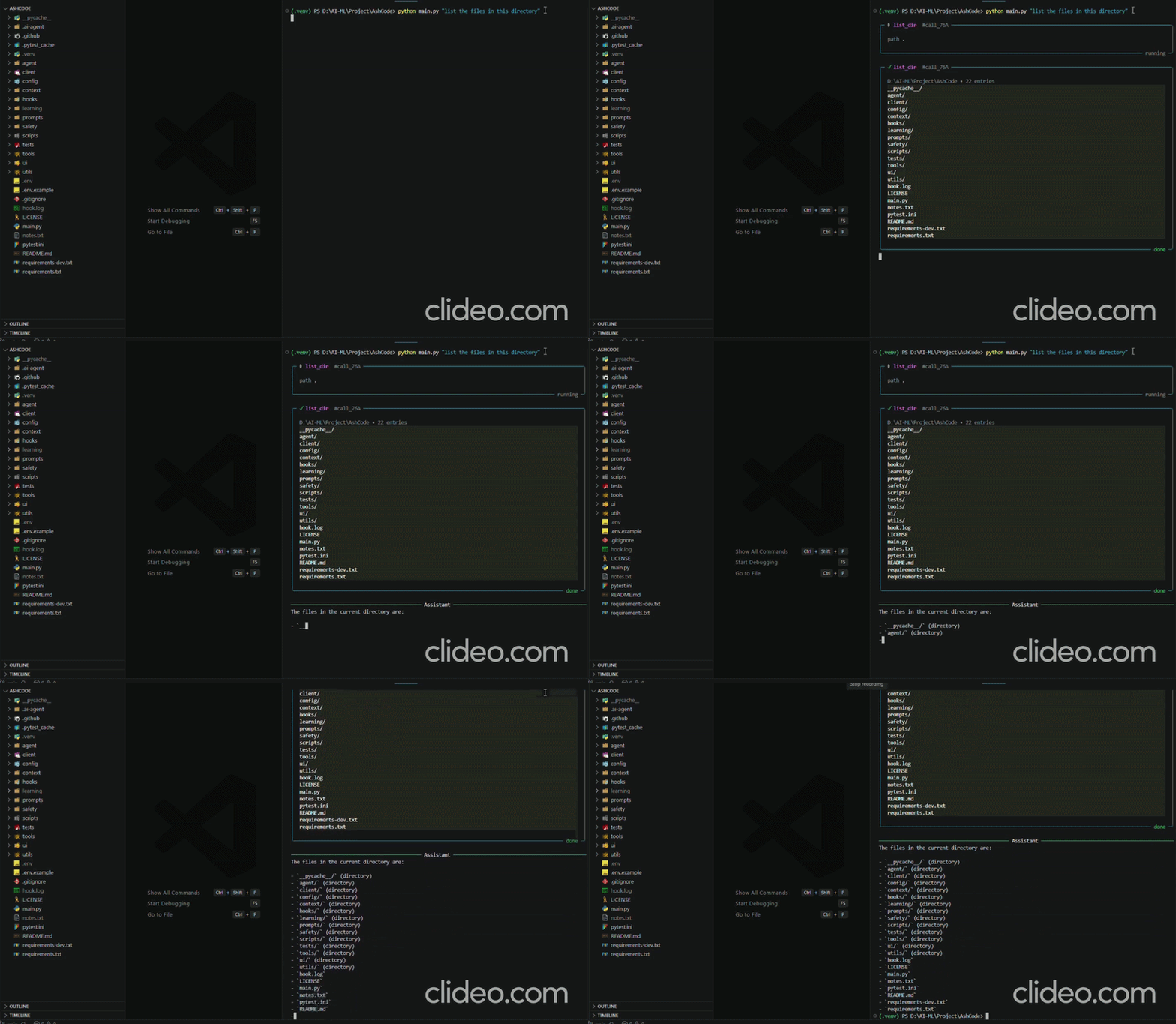
ashcode "explain the retry logic in this repo"   # single prompt
ashcode --cwd ../other-project               # point it somewhere else
Inside an interactive session, /help lists the slash commands — switching model or approval policy mid-session, inspecting token usage, saving and resuming sessions, and creating checkpoints.
What it does
Agent loop — fully streaming, parallel tool calls within a turn, a typed event stream that decouples the loop from any renderer, and a configurable turn budget.
12 built-in tools — read_file write_file edit_file apply_patch with unified-diff previews, list_dir glob grep for navigation, shell with timeout and env scrubbing, web_search web_fetch, and memory todo for cross-turn state.
Context management — automatic compaction into a structured summary at 80% of the window, tool-output pruning outside a protected recent window, and per-turn token accounting.
Safety — six approval policies from on-request through yolo, regex classification of shell commands, mandatory confirmation for writes outside the working directory, and secrets scrubbed from the subprocess environment.
Extensibility — MCP servers over stdio and HTTP/SSE, custom tools auto-discovered from .ai-agent/tools/*.py, lifecycle hooks around runs and tool calls, and AGENT.MD picked up as project instructions.
Configuration is TOML, merged from a user-level file and a project-level .ai-agent/config.toml. Secrets stay in .env and never enter the config file.
Writing a custom tool
Drop a Python file in .ai-agent/tools/ and subclass Tool. Note the import path is ashcode.tools.base when working against the installed package:
from ashcode.tools.base import Tool
Tools are self-describing — declare a Pydantic schema and it is converted to an OpenAI function schema automatically. No change to the agent loop or the prompt is needed.
Links
- Source, full documentation and engineering notes: github.com/AuthRan/AshCode
- Video demos: reading through a codebase · creating and deleting a file
- Issues: github.com/AuthRan/AshCode/issues
MIT licensed.
Release history Release notifications | RSS feed

Download files
Download the file for your platform. If you're not sure which to choose, learn more about installing packages.
Source Distribution
Built Distribution
Filter files by name, interpreter, ABI, and platform.
If you're not sure about the file name format, learn more about wheel file names.
Copy a direct link to the current filters
File details
Details for the file ashcode-0.1.0.tar.gz.
File metadata
- Download URL: ashcode-0.1.0.tar.gz
- Upload date:
- Size: 53.9 kB
- Tags: Source
- Uploaded using Trusted Publishing? No
- Uploaded via: twine/7.0.0 CPython/3.13.0
File hashes
| Algorithm | Hash digest | |
|---|---|---|
| SHA256 |
b96f3bb86e61ecdd275778fc846f21ecb8f1dfb91196fc278e325bc8d5b529b4
|
|
| MD5 |
8832e288daed2aba26a9d705d73b0290
|
|
| BLAKE2b-256 |
9741055b5f21a6d002a7fdaf8d56557869e295cd09056aaa51ebc9f1d37de633
|
File details
Details for the file ashcode-0.1.0-py3-none-any.whl.
File metadata
- Download URL: ashcode-0.1.0-py3-none-any.whl
- Upload date:
- Size: 68.6 kB
- Tags: Python 3
- Uploaded using Trusted Publishing? No
- Uploaded via: twine/7.0.0 CPython/3.13.0
File hashes
| Algorithm | Hash digest | |
|---|---|---|
| SHA256 |
6a8e49e1dc3b87eae2576cda5b51ca5dad1335d545de9798137913825b816a2b
|
|
| MD5 |
a49007a38a967019c019a4ac2db593a8
|
|
| BLAKE2b-256 |
04b924d13ed2486beb6ac36245c2c985835afbde8ebe47c9159292f606de2380
|






