

Atlas
Atlas lets you explore your Apple Health data.




Installation
Install Atlas using pip:
pip install atlas-db
Upgrade Atlas using pip:
pip install atlas-db --upgrade
Uninstall Expanse (old name) using pipx:
pipx uninstall expanse
Explore
First we create the .parquet file from the export.xml file.
atlas parquet export.xml -o ah.parquet
We can explore the data in many ways.
It is just a table/dataframe/parquet file with 5 columns.
But here we'll use clickhouse local:
clickhouse local
Let's take a look at the table.
DESCRIBE TABLE `ah.parquet`
┌─name────┬─type────────────────────┬─default_type─┬─default_expression─┬─comment─┬─codec_expression─┬─ttl_expression─┐
│ type    │ Nullable(String)        │              │                    │         │                  │                │
│ start   │ Nullable(DateTime64(6)) │              │                    │         │                  │                │
│ end     │ Nullable(DateTime64(6)) │              │                    │         │                  │                │
│ created │ Nullable(DateTime64(6)) │              │                    │         │                  │                │
│ value   │ Nullable(String)        │              │                    │         │                  │                │
└─────────┴─────────────────────────┴──────────────┴────────────────────┴─────────┴──────────────────┴────────────────┘
What kind of "types" do we have and how many?
SELECT
    type,
    COUNT(*) AS count
FROM `ah.parquet`
GROUP BY type
ORDER BY count DESC
┌─type───────────────────────────┬──count─┐
│ ActiveEnergyBurned             │ 879902 │
│ HeartRate                      │ 451854 │
│ BasalEnergyBurned              │ 289031 │
│ DistanceWalkingRunning         │ 260500 │
│ StepCount                      │ 217384 │
│ PhysicalEffort                 │  69747 │
│ AppleExerciseTime              │  61363 │
│ AppleStandTime                 │  58309 │
│ EnvironmentalAudioExposure     │  44535 │
│ SleepAnalysis                  │  36599 │
│ WalkingStepLength              │  28281 │
│ WalkingSpeed                   │  28281 │
│ RespiratoryRate                │  27829 │
│ AppleStandHour                 │  25877 │
│ FlightsClimbed                 │  22690 │
│ WalkingDoubleSupportPercentage │  21900 │
│ WalkingAsymmetryPercentage     │  13820 │
│ HeartRateVariabilitySDNN       │  11961 │
│ OxygenSaturation               │   4912 │
│ StairDescentSpeed              │   4718 │
│ StairAscentSpeed               │   4249 │
│ DistanceCycling                │   2890 │
│ TimeInDaylight                 │   2403 │
│ HeadphoneAudioExposure         │   2323 │
│ RestingHeartRate               │   1399 │
│ WalkingHeartRateAverage        │   1176 │
│ DistanceSwimming               │    455 │
│ SwimmingStrokeCount            │    455 │
│ AppleSleepingWristTemperature  │    442 │
│ RunningSpeed                   │    391 │
│ VO2Max                         │    366 │
│ RunningPower                   │    173 │
│ DietaryCaffeine                │    171 │
│ AppleWalkingSteadiness         │    138 │
│ SixMinuteWalkTestDistance      │    122 │
│ HeartRateRecoveryOneMinute     │     76 │
│ RunningVerticalOscillation     │     74 │
│ RunningGroundContactTime       │     67 │
│ RunningStrideLength            │     54 │
│ MindfulSession                 │     34 │
│ HighHeartRateEvent             │     18 │
│ AudioExposureEvent             │     14 │
│ BodyMass                       │     14 │
│ Height                         │      5 │
│ Fatigue                        │      1 │
│ HKDataTypeSleepDurationGoal    │      1 │
└────────────────────────────────┴────────┘
What's our total step count?
[!NOTE]
Thevaluecolumn is typeNullable(String)so we have to casttoFloat64to sum up the step values.
SELECT sum(toFloat64(value))
FROM `ah.parquet`
WHERE type = 'StepCount'
┌─sum(toFloat64(value))─┐
│              30295811 │
└───────────────────────┘
30.295.811 (30.29 million) steps. That's a lot of steps!
How to get the Apple Health export.xml file
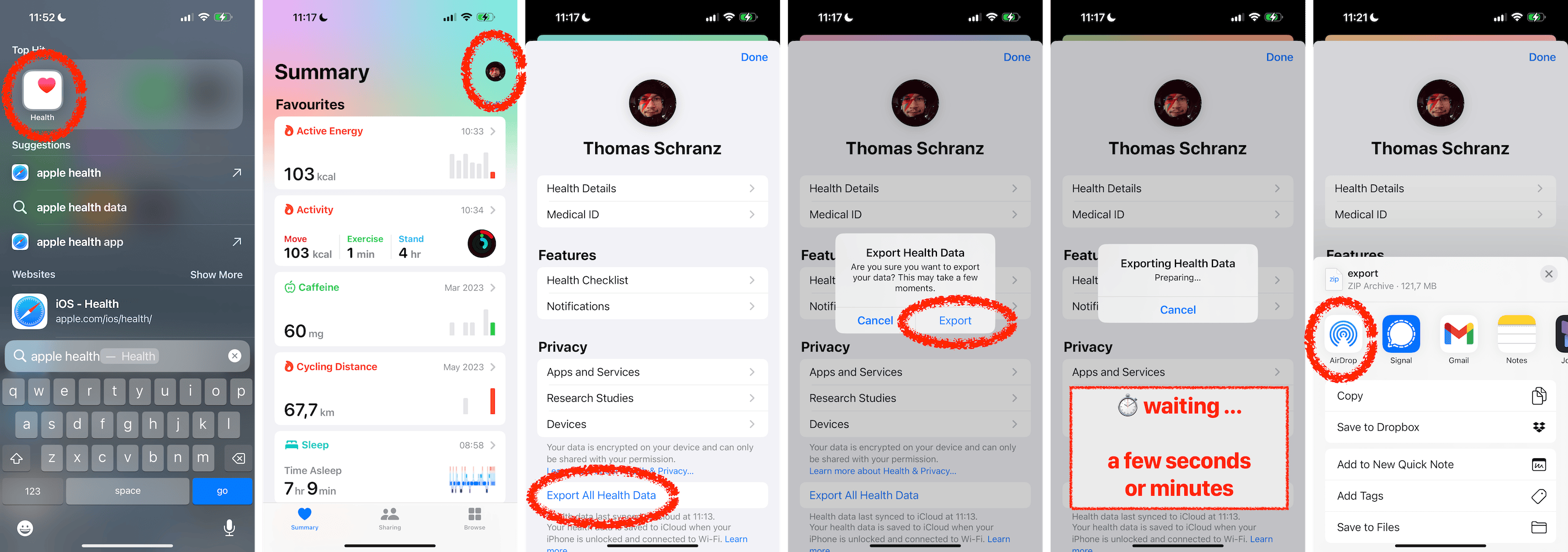
- open the Apple Health app on iOS
- tap on your profile picture (or initials) at the top right
- tap on Export All Health Data
- tap on Export
- wait a few seconds to a few minutes (~3min for 10 years of data)
- get the export.zip archive via Airdrop to a Mac (or save to Files)
[!NOTE]
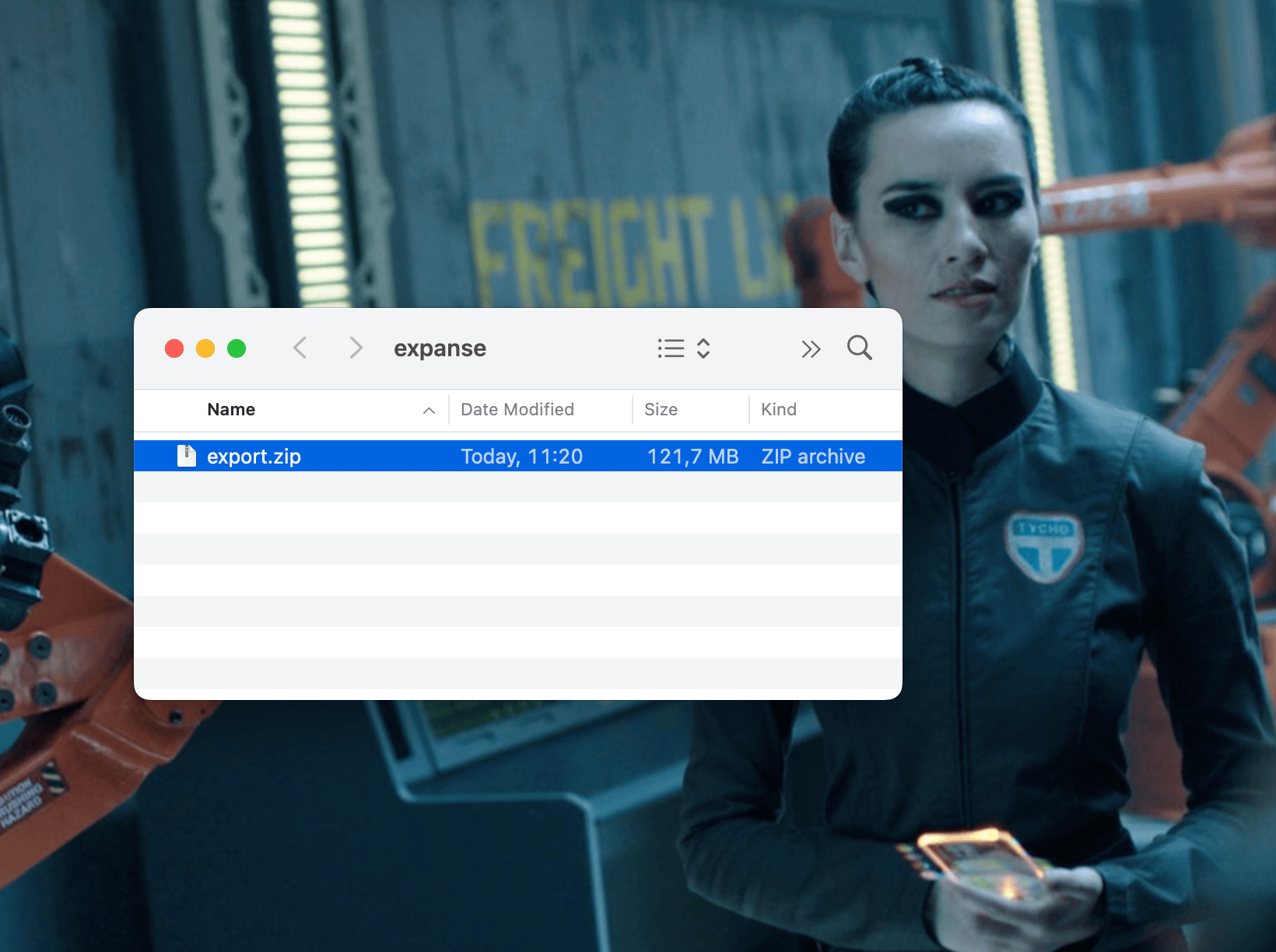
The export.xml file is in the export.zip archive.
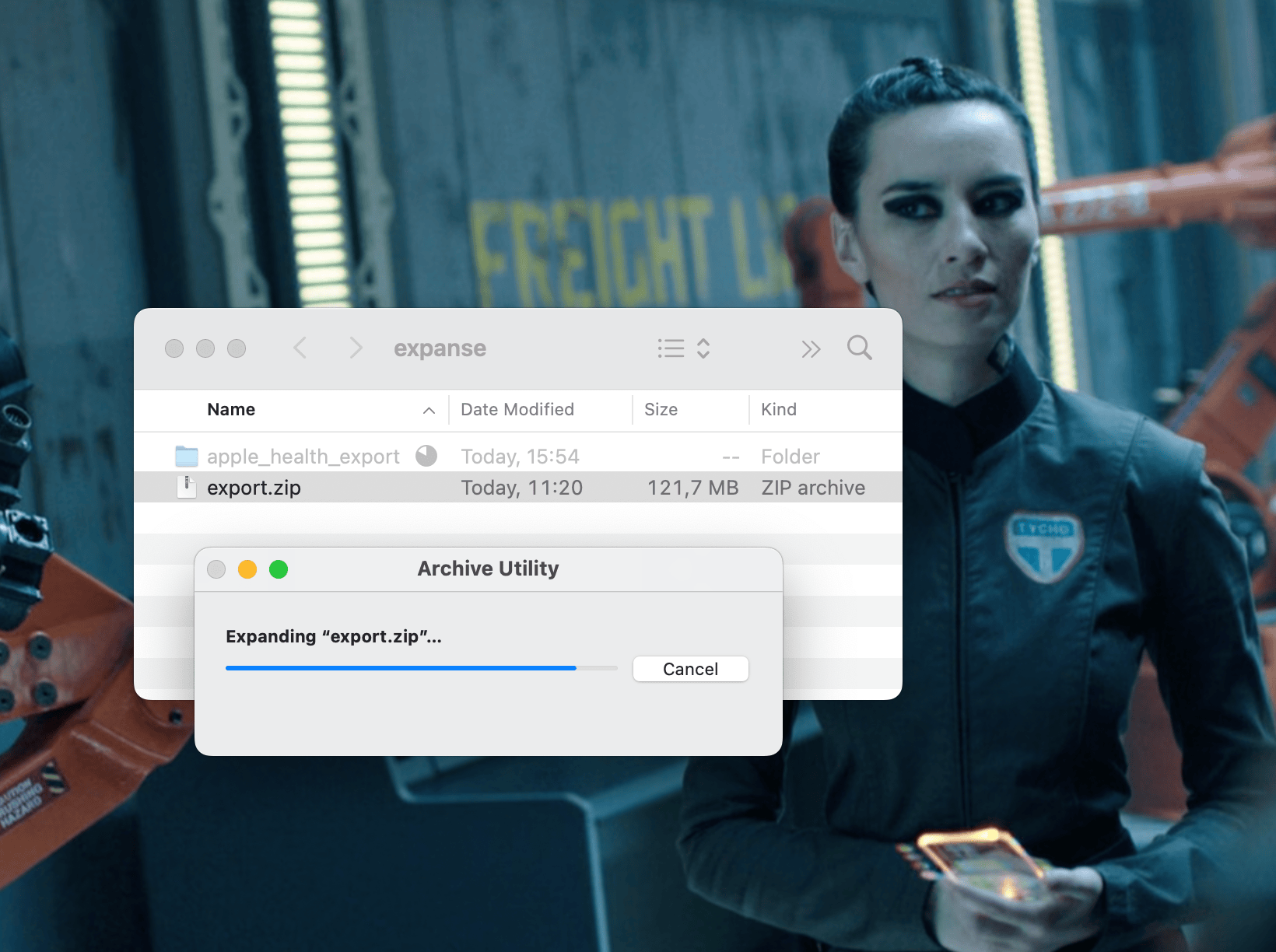
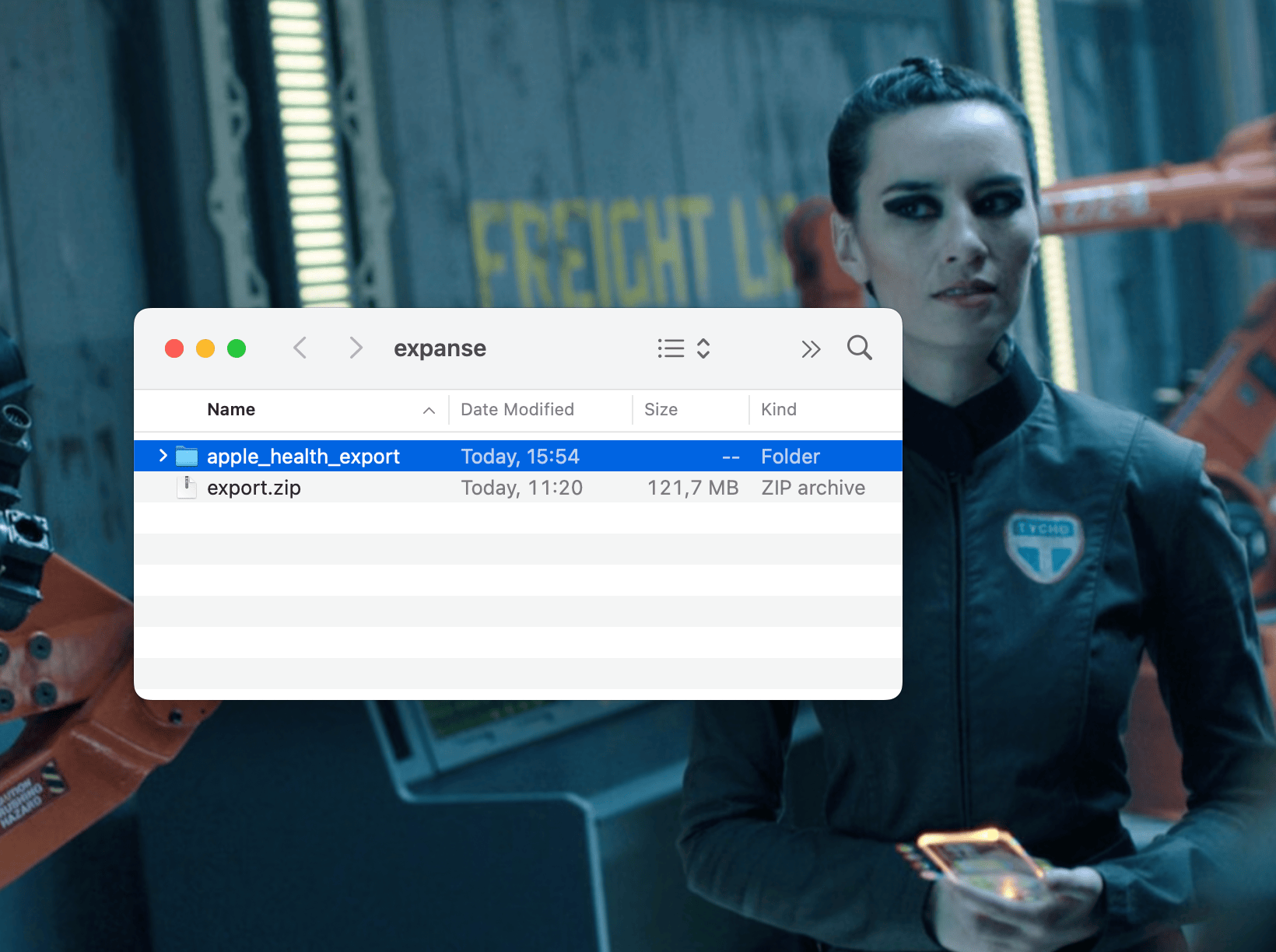
You can expand the export.zip file by double-clicking on it.
This creates a directory named apple_health_export and in it is the export.xml file.
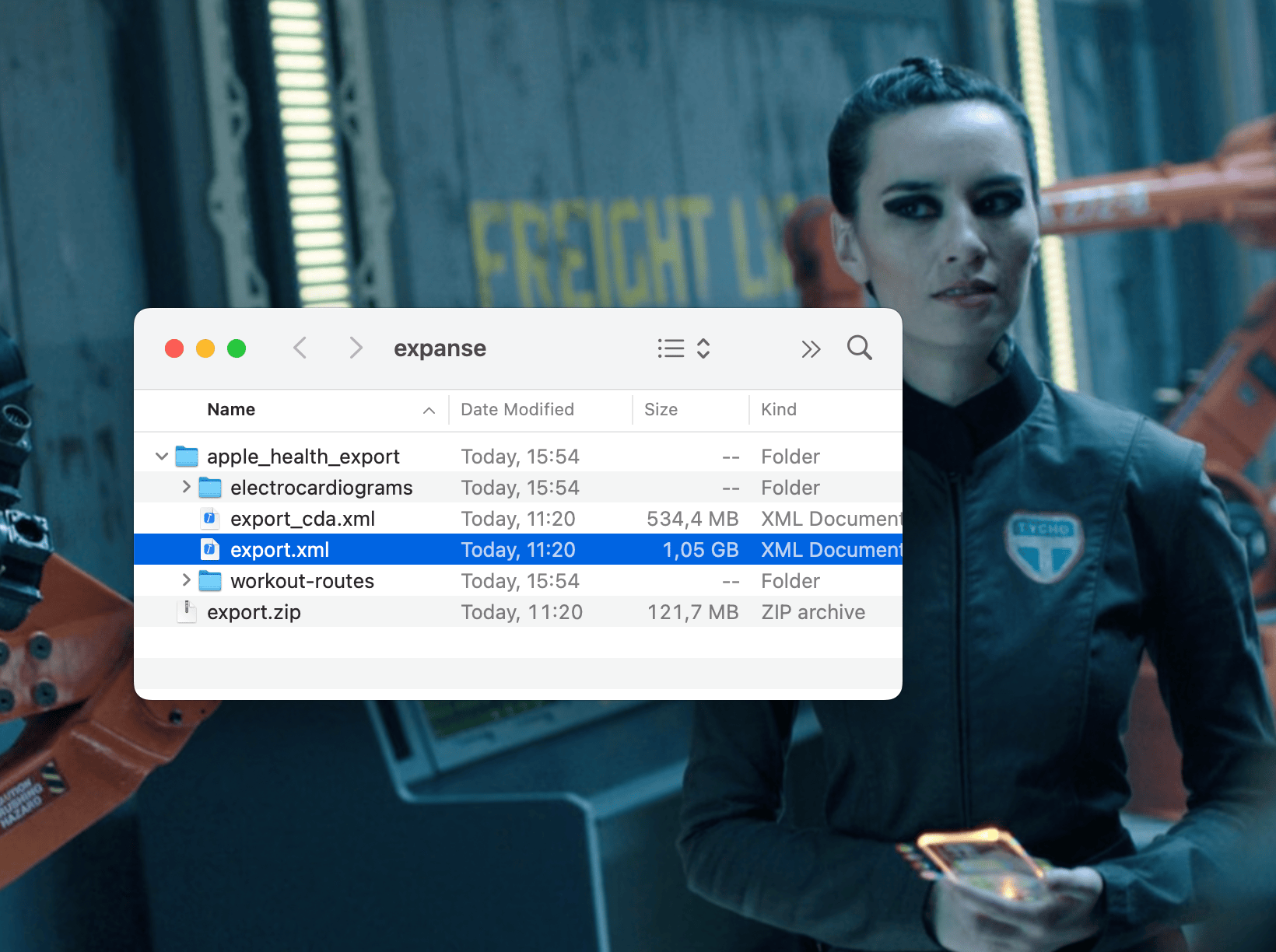
See: Apple Support on how to export Apple Health and Fitness in XML format
Usage
atlas parquet export.xml
Features
- turn export.xml into a simple parquet file
1 maintainer

Metadata
1 maintainer
Release files for atlas-db 0.2.11
For a detailed explanation of source distributions (sdists) and built distributions (wheels), please see the package formats documentation.
Source distribution (sdist)
| File | Size | Uploaded | Provenance | |
|---|---|---|---|---|
| atlas_db-0.2.11.tar.gz | 10.1 kB | Without provenance | Details |
Built distribution (wheel)
| File | Interpreter | ABI | Platform | Reset |
|---|---|---|---|---|
| atlas_db-0.2.11-py3-none-any.whl | Python 3 | none | any | Details |
Total release size: 20.5 kB
Release files / atlas_db-0.2.11.tar.gz
| Download URL | atlas_db-0.2.11.tar.gz |
|---|---|
| Size | 10.1 kB |
| Tags | Source |
|
SHA-256 checksum How to use checksums |
0793e681ee86e8d01068a34c550c0133a10285ba1391b251a22b1cd6e7b5c50e
|
|
BLAKE2b-256 checksum How to use checksums |
429386d9f73b3bf8994a273304666eb03c59578f449c3746225bbb84135cc70e
|
| Upload date | |
|
Uploaded using Trusted Publishing? What is trusted publishing? |
Yes |
| Uploaded via |
twine/5.0.0 CPython/3.12.3
|
Release files / atlas_db-0.2.11-py3-none-any.whl
| Download URL | atlas_db-0.2.11-py3-none-any.whl |
|---|---|
| Size | 10.4 kB |
| Tags | Python 3 |
|
SHA-256 checksum How to use checksums |
22650728c8a7534e3fd337258837f2ffa06da1cd0aa1b4c84965e4fa126ec3f9
|
|
BLAKE2b-256 checksum How to use checksums |
3fba2f868054481ca5864bf4fc82af45403a42c7ef646854c0692c51fd17a7db
|
| Upload date | |
|
Uploaded using Trusted Publishing? What is trusted publishing? |
Yes |
| Uploaded via |
twine/5.0.0 CPython/3.12.3
|
Security for atlas-db 0.2.11
Provenance
Provenance describes where a file came from. On PyPI, provenance is shared via attestations, which provide a verifiable record of the build or publishing details. View details, limitations and caveats.
No provenance found
None of the files in this release were uploaded with provenance metadata.
A note on package security
PyPI is a repository for distributing packages, not a service for auditing them. While third-party security researchers and our staff do their best to detect and remove malicious packages, PyPI cannot guarantee the quality, security or suitability of any given package.














