
Atombot: Atomic-lightweight personal AI assistant
🐙 A tiny but powerful personal AI assistant inspired by OpenClaw and nanobot.
⚛️ Core functionality in just ~500 lines of code — ~90% smaller than nanobot (~4k lines) and ~99.9% smaller than OpenClaw (400k+ lines).
✨ Features
- 🧠 Multiple LLM provider support: Supports OpenAI-compatible endpoints and Codex(CLI mode).
- 💬 Gateway: Chat with the same agent via Telegram with allowlist-based access control.
- 🧾 Persistent memory: Long-term memory with searchable daily history logs.
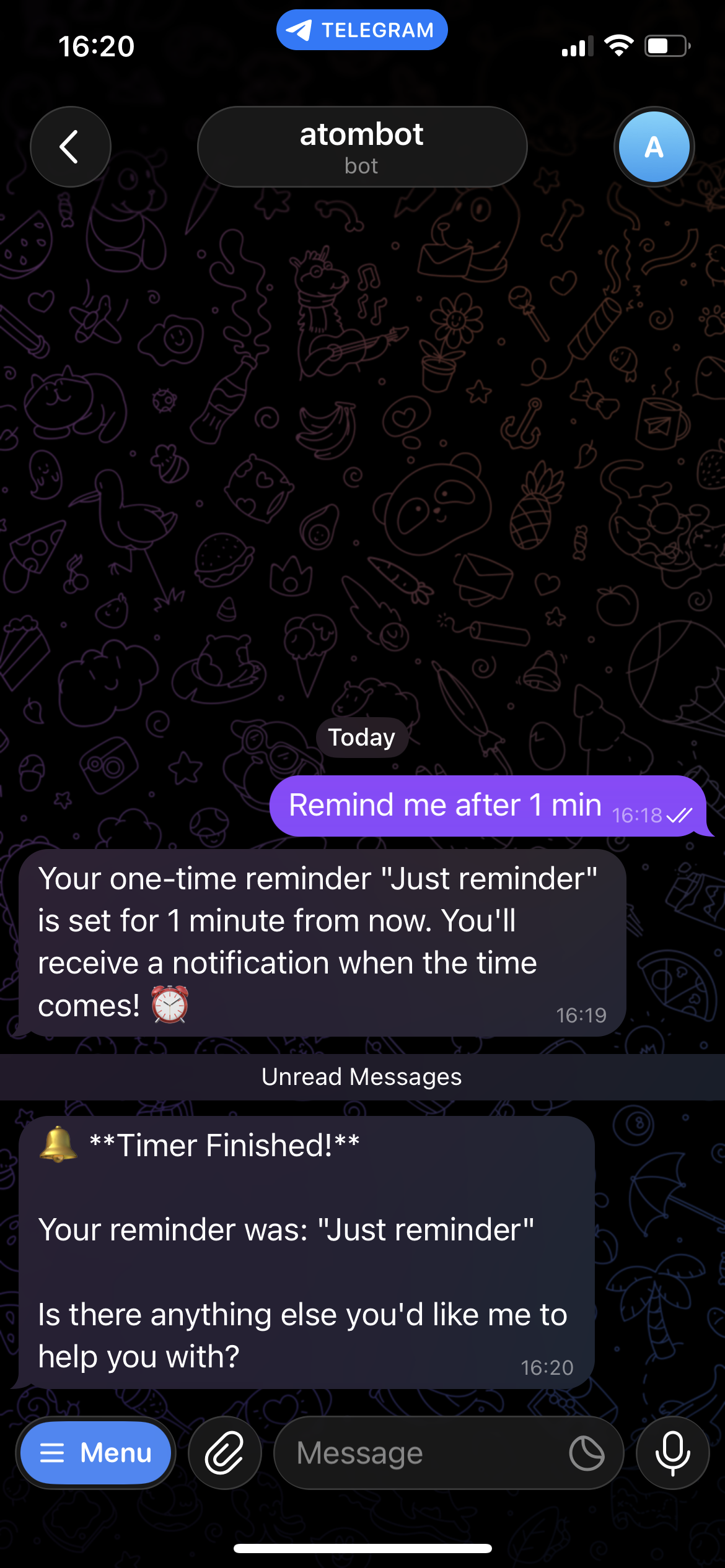
- ⏰ Scheduled reminders: Supports both one-time and recurring reminders.
- 🧩 Skills system: Compatible with OpenClaw
SKILL.mdformat with metadata support. - 🚀 Fast onboarding: Provider-first setup that auto-detects Codex, LM Studio, and Ollama models, then bootstraps config and workspace.
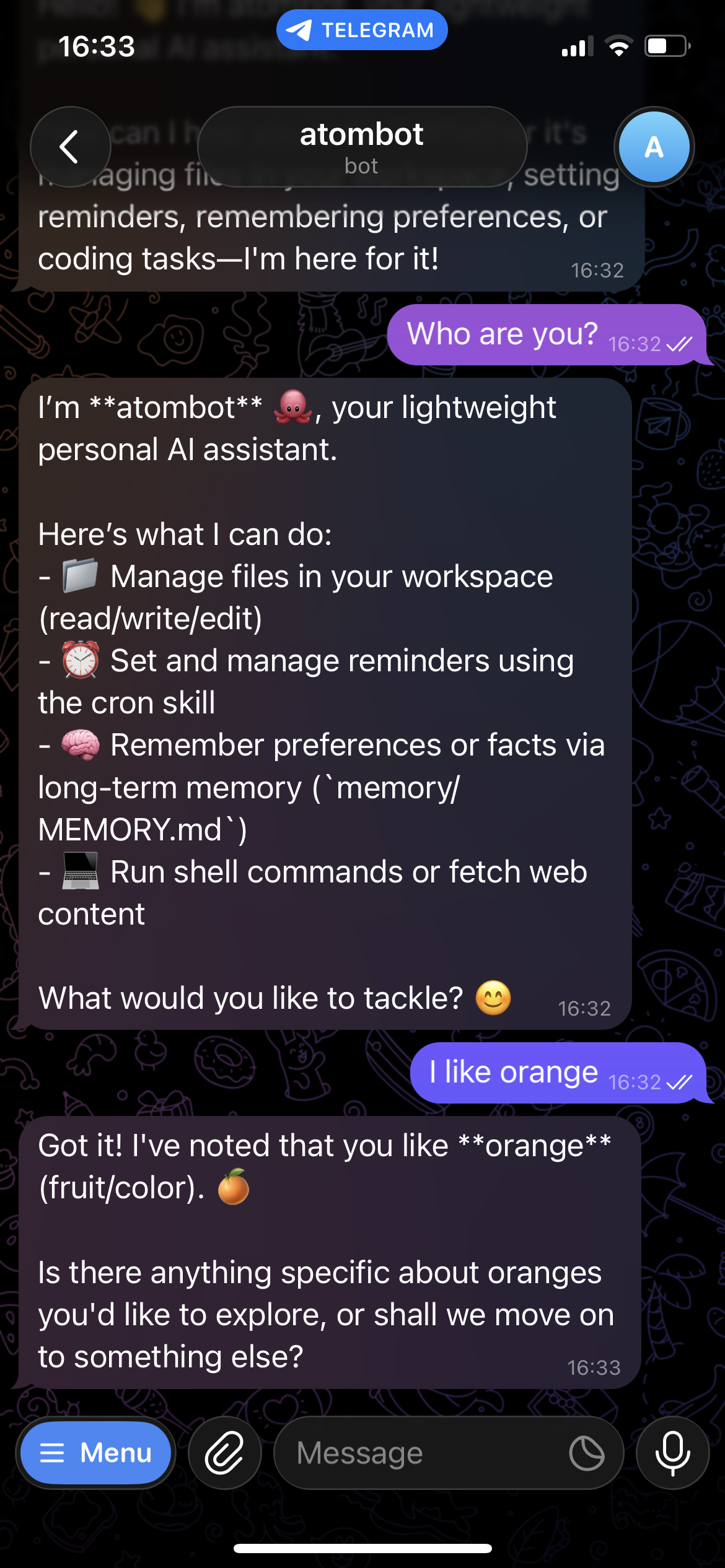
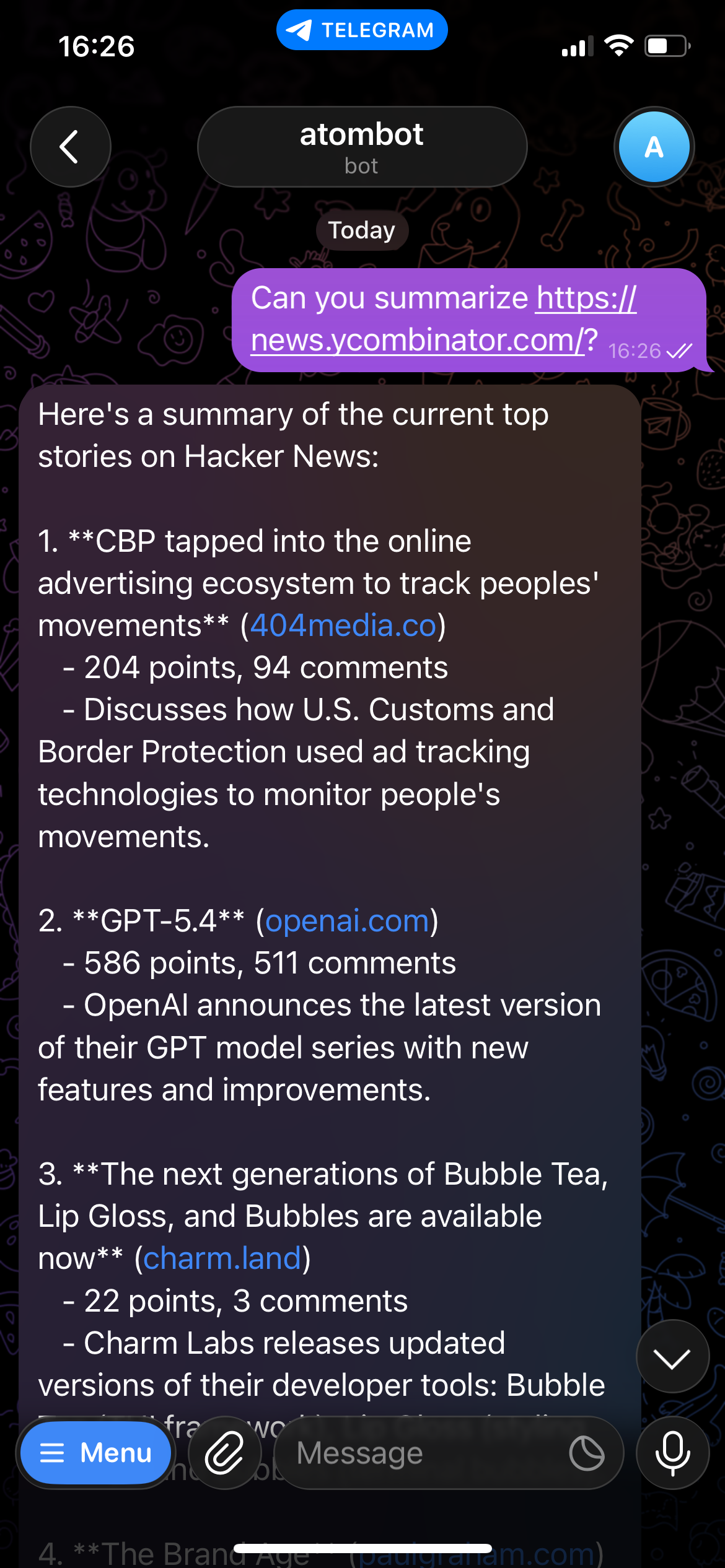
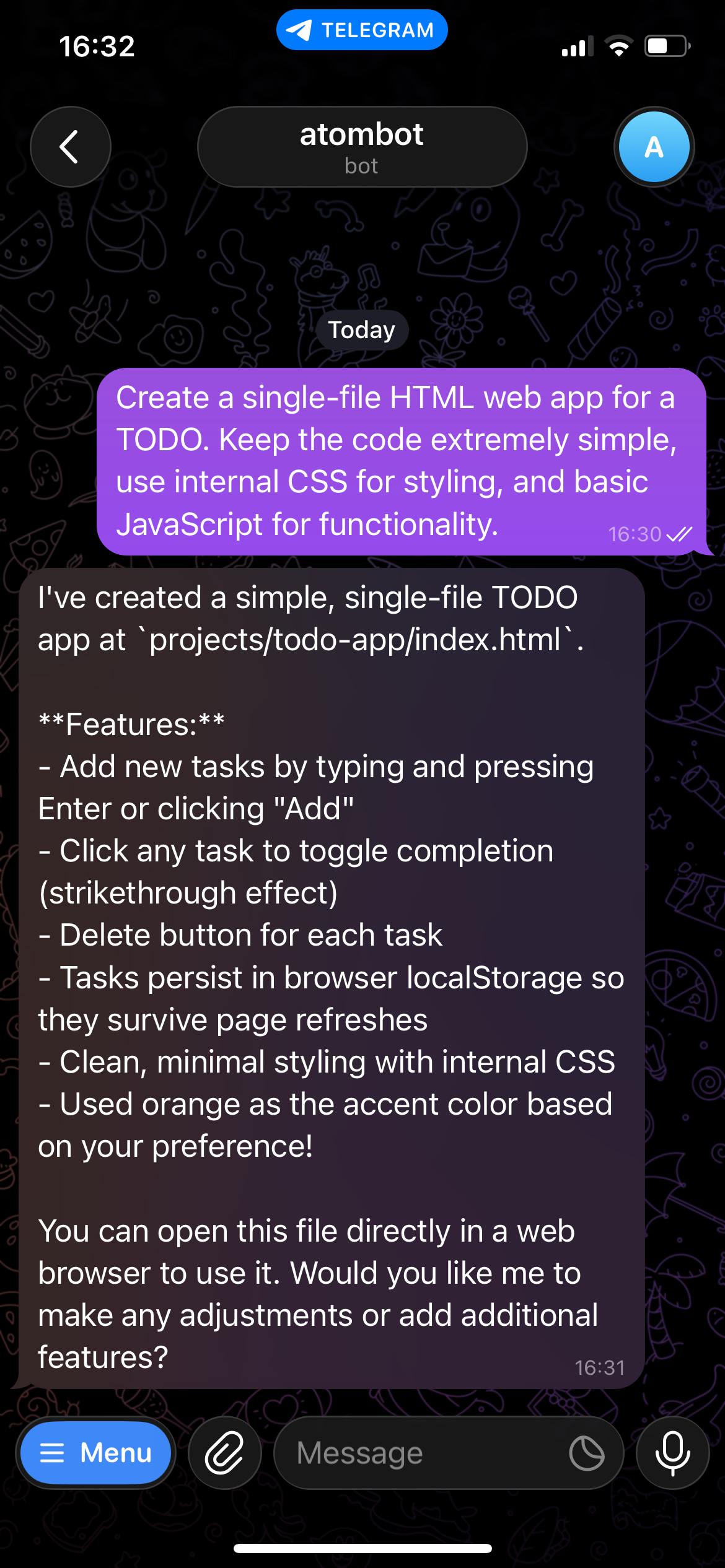
| 💬 Personal Assistant | 🌐 Web Fetch | 💻 Coding | ⏰ Schedule Manager |
 |
 |
 |
 |
📦 Installation
From source (recommended for development)
git clone https://github.com/daegwang/atombot.git
cd atombot
pip install -e .
From PyPI
pip install atombot
🚀 Quick Start
1. Initialize workspace
atombot onboard
The onboarding process:
- Selects provider → model
- Detects available providers and models (Codex / LM Studio / Ollama)
- Bootstraps config, workspace folders, prompts, and skills
- Optionally configures the Telegram gateway
2. Start Gateway (Telegram)
atombot gateway
This allows you to chat with your agent via Telegram.
3. Chat with Atombot
You can interact with Atombot via Telegram or the CLI.
Telegram
- Send a message to your configured bot.
CLI
atombot
Example:
Atombot ready. Type 'exit' to quit.
> hello
Hello! 👋 I'm Atombot, your lightweight personal AI assistant. How can I help you today?
>
The CLI provides an interactive chat interface for communicating with your agent directly from the terminal.
📁 Project Structure
atombot/
├── agent/        # agent runtime (loop, context, memory/skills/tool wiring)
│   ├── core.py   # main agent logic
│   ├── memory.py # memory read/write + recall
│   ├── skills.py # skill discovery + injection
│   └── tools.py  # local tools exposed to the model
├── prompts/      # base prompt files (AGENTS.md, MEMORY.md)
├── channels/     # chat channels (Telegram gateway)
├── provider/     # provider adapter (OpenAI-compatible + Codex CLI)
├── scheduler/    # cron storage and reminder trigger logic
└── skills/       # built-in skills (OpenClaw-compatible)
1 maintainer

Metadata
1 maintainer
Release files for atombot 0.1.1
For a detailed explanation of source distributions (sdists) and built distributions (wheels), please see the package formats documentation.
Source distribution (sdist)
| File | Size | Uploaded | Provenance | |
|---|---|---|---|---|
| atombot-0.1.1.tar.gz | 19.8 kB | Without provenance | Details |
Built distribution (wheel)
| File | Interpreter | ABI | Platform | Reset |
|---|---|---|---|---|
| atombot-0.1.1-py3-none-any.whl | Python 3 | none | any | Details |
Total release size: 42.5 kB
Release files / atombot-0.1.1.tar.gz
| Download URL | atombot-0.1.1.tar.gz |
|---|---|
| Size | 19.8 kB |
| Tags | Source |
|
SHA-256 checksum How to use checksums |
b9a7cbed9734a605a74ec83c817f3d59b274bdbd5c4cf22668c149a800a4dd18
|
|
BLAKE2b-256 checksum How to use checksums |
9deeb9a64631d7a169c9627425211a89a84e07f9393d386956c48b58f9d1258e
|
| Upload date | |
|
Uploaded using Trusted Publishing? What is trusted publishing? |
No |
| Uploaded via |
twine/6.2.0 CPython/3.9.6
|
Release files / atombot-0.1.1-py3-none-any.whl
| Download URL | atombot-0.1.1-py3-none-any.whl |
|---|---|
| Size | 22.6 kB |
| Tags | Python 3 |
|
SHA-256 checksum How to use checksums |
0b16a88f7dbef53ced847edf658ee05400dcdf8c17aa8f30fc7655bd1c3ee5ab
|
|
BLAKE2b-256 checksum How to use checksums |
41b6c37384ce33208ce7bf8efdef7d40682316a75bd7f73b9be236f36d07503b
|
| Upload date | |
|
Uploaded using Trusted Publishing? What is trusted publishing? |
No |
| Uploaded via |
twine/6.2.0 CPython/3.9.6
|
Security for atombot 0.1.1
Provenance
Provenance describes where a file came from. On PyPI, provenance is shared via attestations, which provide a verifiable record of the build or publishing details. View details, limitations and caveats.
No provenance found
None of the files in this release were uploaded with provenance metadata.
A note on package security
PyPI is a repository for distributing packages, not a service for auditing them. While third-party security researchers and our staff do their best to detect and remove malicious packages, PyPI cannot guarantee the quality, security or suitability of any given package.













