
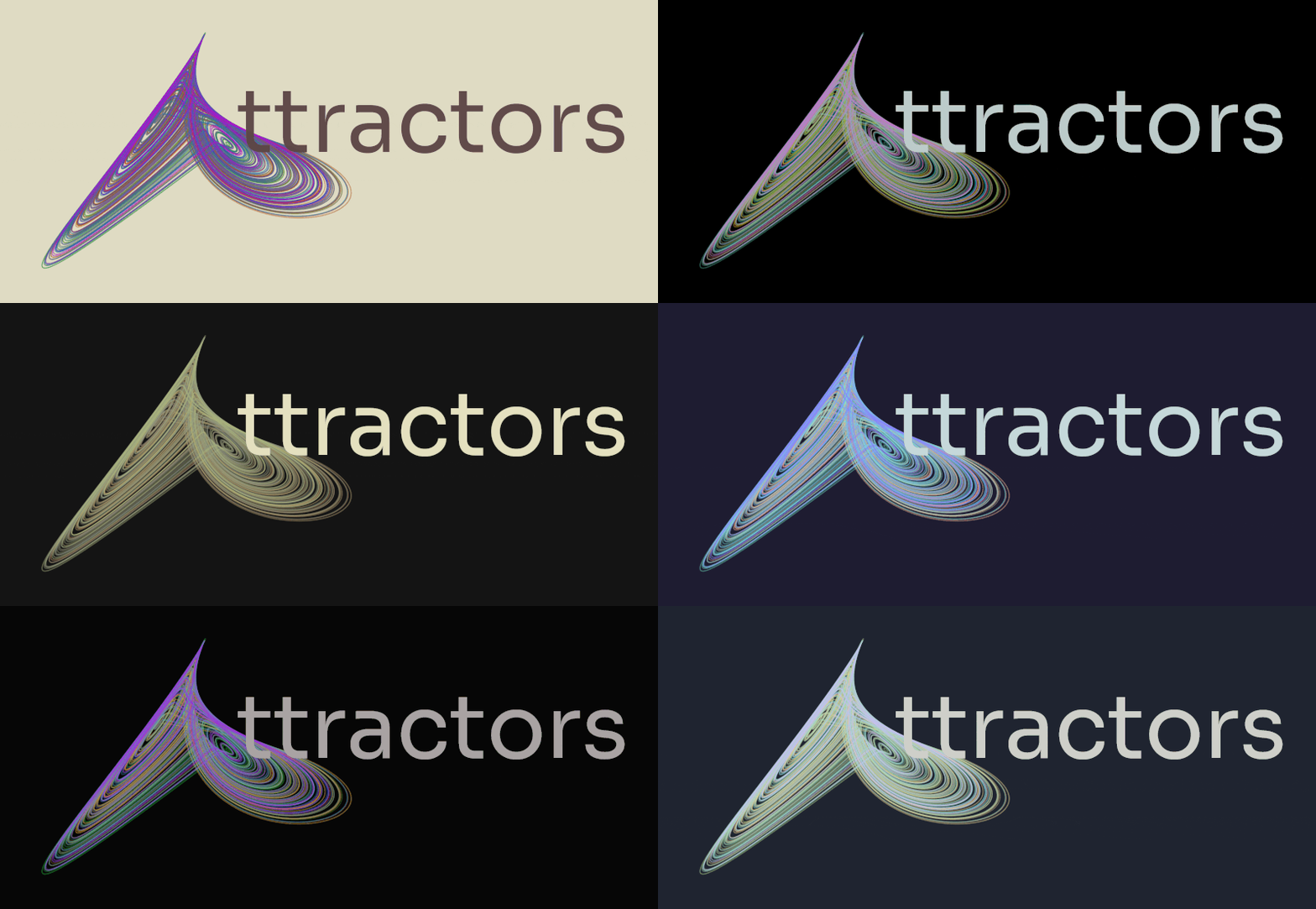
attractors
in chaos, emerges beauty
A package for simulation and visualization of strange attractors.




Core Features
- A curated collection of 20+ strange attractors including classics and rare gems
- High-performance numerical solving using Numba-accelerated Runge-Kutta solvers
- Stunning visualizations with various themes and color mappings
- Modular design that welcomes extensions and experimentation
Read the full creator's note here
[!NOTE] The version 2.x of attractors is a complete rewrite and is not backward compatible with the previous versions. Especially the API has been completely revamped, and the CLI support has been removed (though it might be added back in the future). If you are looking for the older version, you can find it in the v1-legacy branch and its related documentation
Setup
For end user, it is just a pip installation
pip install attractors
Requirements: Python 3.11+ with NumPy 2.2+, Numba 0.63+, and Matplotlib 3.10+
Note that attractors depends on numba, so the system must be able to compile it. If any issues arise, look at numba installation docs.
Basic Usage
In v2.x of attractors, registries are introduced to facilitate easier creation and usage of existing as well as new, custom systems solvers and themes. The following simple script demonstrates that well:
from attractors import SystemRegistry, SolverRegistry, integrate_system
import matplotlib.pyplot as plt
from attractors.visualizers import StaticPlotter
from attractors.themes import ThemeManager

# Get system and solver from registry
system = SystemRegistry.get("lorenz")  # Using default parameters
solver = SolverRegistry.get("rk4")     # 4th order Runge-Kutta

# Generate trajectory
trajectory, time = integrate_system(system, solver, steps=10000, dt=0.01)

# Create visualization
theme = ThemeManager.get("nord")  # Using Nord color theme
plotter = StaticPlotter(system, theme)
plotter.visualize(trajectory)
plt.show()
Check out some examples for more inspiration. The banner.py for example was the code used to generate the README banner!
For a deeper dive into the package's capabilities, explore the complete documentation.
License
In spirit of open source code - MIT License
1 maintainer

Metadata
1 maintainer
Release files for attractors 2.0.1
For a detailed explanation of source distributions (sdists) and built distributions (wheels), please see the package formats documentation.
Source distribution (sdist)
| File | Size | Uploaded | |
|---|---|---|---|
| attractors-2.0.1.tar.gz | 24.8 kB | Details |
Built distribution (wheel)
| File | Interpreter | ABI | Platform | Reset |
|---|---|---|---|---|
| attractors-2.0.1-py3-none-any.whl | Python 3 | none | any | Details |
Total release size: 65.0 kB
Release files / attractors-2.0.1.tar.gz
| Download URL | attractors-2.0.1.tar.gz |
|---|---|
| Size | 24.8 kB |
| Tags | Source |
|
SHA-256 checksum How to use checksums |
73cd3101326a013a12f5e1837fe325547bf0a8027286ecefc48eba8b9332413e
|
|
BLAKE2b-256 checksum How to use checksums |
e5cdacc8257cfde047ca239f0e0187c0cdde86870d7d0290a014a9f831540fb3
|
| Upload date | |
|
Uploaded using Trusted Publishing? What is trusted publishing? |
Yes |
| Uploaded via |
twine/6.1.0 CPython/3.13.7
|
Provenance
Provenance describes where a file came from. On PyPI, provenance is shared via attestations, which provide a verifiable record of the build or publishing details. View details, limitations and caveats.


PyPI Publish Attestation
PyPI verified that this artifact, at this checksum, originated from the publisher listed below.
Signed by GitHub Actions, verified by PyPI on Feb 8, 2026.
Transparency logRelease files / attractors-2.0.1-py3-none-any.whl
| Download URL | attractors-2.0.1-py3-none-any.whl |
|---|---|
| Size | 40.2 kB |
| Tags | Python 3 |
|
SHA-256 checksum How to use checksums |
1f76d47a60c98115afb658f1e8977ce4bac1d529b5b4adcd9b6041866aabd3f7
|
|
BLAKE2b-256 checksum How to use checksums |
a9ebadc0143c0531fc2c747297f48c46b352d8ff5b40169cf1fe6bf8e4b2da5f
|
| Upload date | |
|
Uploaded using Trusted Publishing? What is trusted publishing? |
Yes |
| Uploaded via |
twine/6.1.0 CPython/3.13.7
|
Provenance
Provenance describes where a file came from. On PyPI, provenance is shared via attestations, which provide a verifiable record of the build or publishing details. View details, limitations and caveats.
PyPI Publish Attestation
PyPI verified that this artifact, at this checksum, originated from the publisher listed below.
Signed by GitHub Actions, verified by PyPI on Feb 8, 2026.
Transparency log













