
Interactive SAXS pipeline core: calibration, integration, subtraction, ATSAS descriptors, plots, shape fitting, reports. After install, run `autosaxs --help`: epilog lists get-docs, get-skills, get-default-config (export docs and default config into your workspace).

Project description
autoSAXS
autoSAXS is a Python toolkit for reproducible small-angle X-ray scattering (SAXS) pipelines — from detector images to subtracted curves, size distributions, and shape models — usable from a CLI, from Python, from desktop GUIs or through your favourite AI agent.
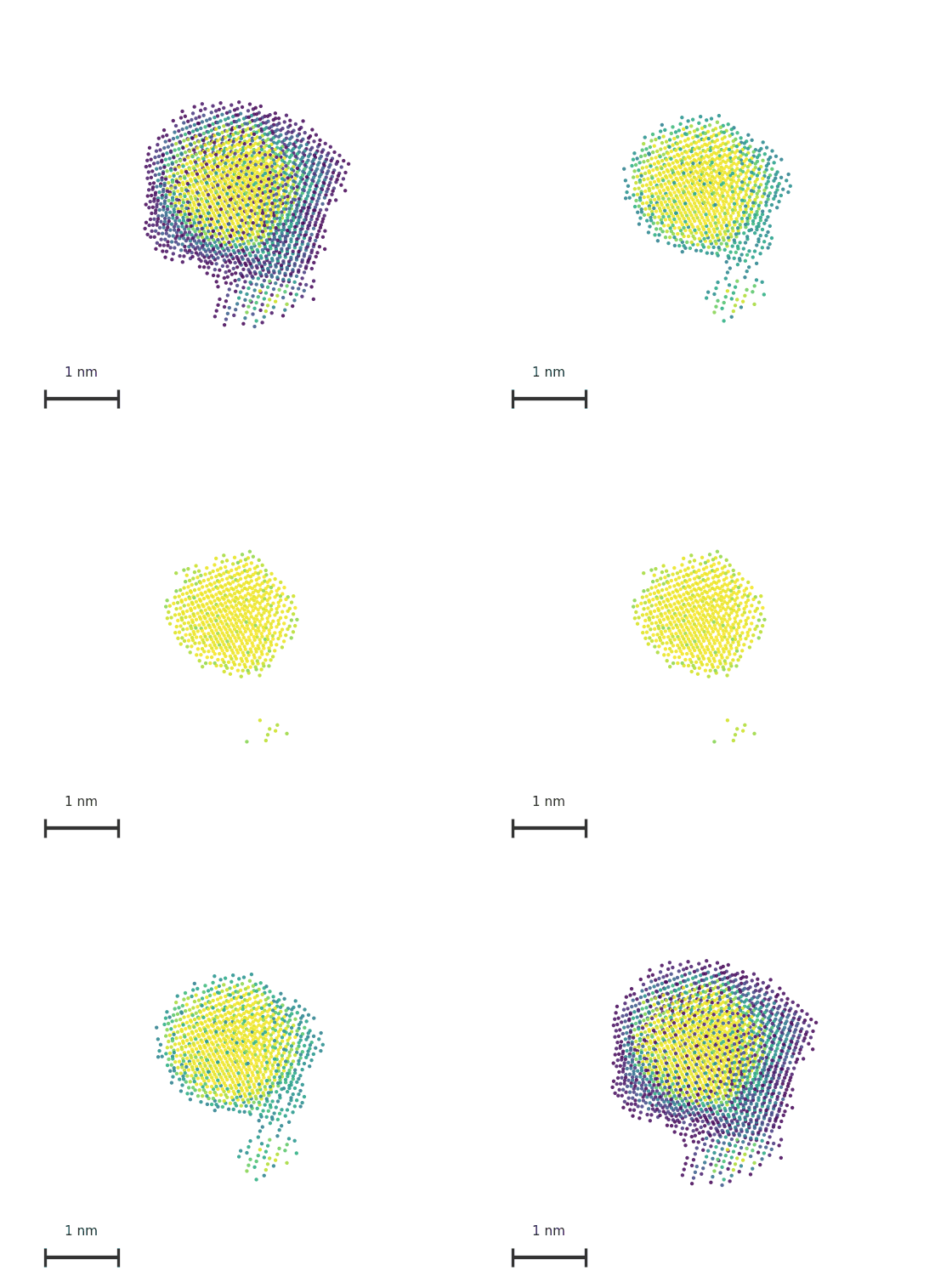
Why autoSAXS
- One skills API for everything — the same processing steps run as
autosaxs <skill> …or as Python functions with stable signatures, so scripts, GUIs, and agents share one surface. - Unique algorithms — automatic calibration from calibrant frames and automatic buffer scaling for robust sample−buffer subtraction, reducing manual tuning at the beamline.
- Flexible inputs — path expressions (file, directory, or glob) instead of “one file only,” with consistent expansion rules.
- Opt-in caching — re-run interactive work without recomputing unchanged steps.
- GUIs when you want them —
guisaxs-skills(form-driven skill runner) andguisaxs-liveview(watch-folder live processing with optional monodisperse / polydisperse analysis). - Built for automation — designed for reproducible beamline-to-analysis workflows and LLM/agent-driven runs via the CLI.
- Seamless AI integration — ship a built-in
saxs-processingCursor/agent skill (autosaxs get-skills) so assistants can orchestrate the pipeline from documented procedures.
Use cases
- Synchrotron or lab SAXS: calibrate geometry, integrate TIFF stacks, average frames, and subtract buffer.
- Monodisperse analysis: Guinier → pair-distance distribution p(r) → optional ab initio shape recovery, 3d primitives modeling or electron density inference.
- Polydisperse analysis: Guinier → size distribution D(R) → optional McSAS or ATSAS MIXTURE.
- Live experiments: watch a folder for new detector images and process them as they arrive.
- Scripting and agents: drive the full pipeline from Python or
autosaxswithout reimplementing I/O conventions.
Install
Core + CLI:
python -m pip install autosaxs
autosaxs --help
With desktop GUIs (guisaxs-skills, guisaxs-liveview):
python -m pip install "autosaxs[gui]"
Optional LLM helper stack (openai / httpx / requests):
python -m pip install "autosaxs[llm]"
Helper commands (export docs and defaults into a directory):
autosaxs get-docs— write the shortREADME.mdand detailedautosaxs-docs/skills_reference.mdautosaxs get-skills— write Cursor-stylesaxs-processing/skillautosaxs get-default-config— copy bundledconfig_base.conf
From git main (development): python -m pip install "autosaxs @ git+https://github.com/MikhailLifar/autoSAXS.git" or autosaxs -U
Main features
Pipeline stages exposed as skills: calibrate → integrate / average → subtract → analyze → model → report, including Guinier, Kratky, fit-distances (p(r)), fit-sizes (D(R)), model-dam, model-bodies, model-density (DENSS), model-dr-mc (McSAS), model-mixture, and reporting helpers.
Apps: guisaxs-skills (catalog + forms + isolated CLI runs, beta version) guisaxs-liveview (queued live integration, buffer subtraction, optional analysis wizards).
Full per-skill documentation: autosaxs-docs/skills_reference.md.
Quick start
Monodisperse protein walkthrough using examples/monodisperse_protein/ (AgBh calibrant, mask, sample + buffer TIFFs). --q-min / --q-max are the buffer-matching window in nm⁻¹ — pick them from the sample+buffer overlay; 4.8–5.8 fits this example.
Python
from pathlib import Path
from autosaxs.skill import calibrate, integrate, subtract, process_monodisperse

ex = Path("examples/monodisperse_protein")

calibrate(
    ex / "AgBh700_96.9_calib.tif",
    output_dir=str(ex / "calibration"),
    mask=ex / "mask-20260706_133745.txt",
    wavelength=1.445,
)
integrate(
    f"{ex / 'ihs27_buffer.tif'}, {ex / 'ihs27_sample.tif'}",
    ex / "calibration" / "integrator",
    output_dir=str(ex / "integrated"),
)
subtract(
    ex / "integrated" / "int_ihs27_sample.dat",
    ex / "integrated" / "int_ihs27_buffer.dat",
    output_dir=str(ex / "subtracted"),
    q_min=4.8,
    q_max=5.8,
)
process_monodisperse(ex / "subtracted" / "sub_ihs27_sample.dat")
CLI
cd examples/monodisperse_protein

autosaxs calibrate AgBh700_96.9_calib.tif \
  --mask mask-20260706_133745.txt --wavelength 1.445 -o calibration/

autosaxs integrate "ihs27_buffer.tif, ihs27_sample.tif" \
  calibration/integrator/ -o integrated/

autosaxs subtract integrated/int_ihs27_sample.dat integrated/int_ihs27_buffer.dat \
  --q-min 4.8 --q-max 5.8 -o subtracted/

autosaxs process-monodisperse subtracted/sub_ihs27_sample.dat
Online GUI
guisaxs-liveview
Acknowledgements
autoSAXS builds on the SAXS ecosystem rather than replacing it:
- pyFAI — detector geometry, calibration, and 1D integration.
- ATSAS — tools such as
autorg,datgnom,gnom,dammif,mixture, andbodies(external install; recommended ATSAS 3.2.1). Importing autoSAXS warns if ATSAS is missing; skills that shell out to ATSAS raise immediately when it is unavailable. - DENSS — electron-density reconstruction (
model_density); pulled in via thedenssPyPI dependency. - McSAS / McSAS3 — Monte Carlo polydisperse sizing (
model_dr_mc).
Contacts
- Mikhail S. Lifar —
mikhailkulkov11@gmail.com - Affiliation: The Smart Materials Research Institute, Southern Federal University (Rostov-on-Don)
- Project: github.com/MikhailLifar/autoSAXS
Contributing
Issues and pull requests are welcome on GitHub. Bug reports, clearer docs, and new skill coverage all help. Licensed under the Apache License 2.0.
Release history Release notifications | RSS feed

Download files
Download the file for your platform. If you're not sure which to choose, learn more about installing packages.
Source Distribution
Built Distribution
Filter files by name, interpreter, ABI, and platform.
If you're not sure about the file name format, learn more about wheel file names.
Copy a direct link to the current filters
File details
Details for the file autosaxs-3.0.0.tar.gz.
File metadata
- Download URL: autosaxs-3.0.0.tar.gz
- Upload date:
- Size: 4.7 MB
- Tags: Source
- Uploaded using Trusted Publishing? No
- Uploaded via: twine/7.0.0 CPython/3.13.14
File hashes
| Algorithm | Hash digest | |
|---|---|---|
| SHA256 |
dda820200aa3dfda46b3c1fae135dd980dcd42b588a21faa8d574ff604566fc5
|
|
| MD5 |
e7c6c0fdd7004744b34ac1cee3da9053
|
|
| BLAKE2b-256 |
7b5848445fa42c2424bfb4d4824e2efe91d62abf7346ea93a6bba3a5d0b62b9e
|
File details
Details for the file autosaxs-3.0.0-py3-none-any.whl.
File metadata
- Download URL: autosaxs-3.0.0-py3-none-any.whl
- Upload date:
- Size: 4.7 MB
- Tags: Python 3
- Uploaded using Trusted Publishing? No
- Uploaded via: twine/7.0.0 CPython/3.13.14
File hashes
| Algorithm | Hash digest | |
|---|---|---|
| SHA256 |
5137c62ba557655f7f5968169e40ed352c0c5130fe0f7beff19e814ce76ae94b
|
|
| MD5 |
3b2fbb989272c7f84ff8dd90bff24d50
|
|
| BLAKE2b-256 |
3e1f89f50eba099a76900b7a4e42ca857250e62b71834cf9a4d0f3bd846db413
|






