
Aviation Chart Server
A Python service for processing and serving FAA aviation charts as tile pyramids.
Objective
The Aviation Chart Server was originally created for displaying FAA aeronautical charts in the National General Aviation Flight Information Database (NGAFID) https://ngafid.org
Aviation applications require the ability to overlay aeronautical charts to visualize flight paths and airspace information. However, when charts are combined into a single raster covering the entire United States territory, they become extremely large files that are impractical to render in web browsers or mobile applications. The Aviation Chart Server solves this by implementing a tile pyramid system that breaks large charts into manageable, zoomable tiles for efficient web delivery.
The FAA publishes digital aeronautical charts on a regular schedule (every 28/56 days) at: https://www.faa.gov/air_traffic/flight_info/aeronav/digital_products/vfr/
This server automates the update process to ensure charts are always current.
Chart Source and Processing
The Aviation Chart Server
- Downloads individual chart files from FAA servers according to the published schedule
- Combines multiple individual charts into unified chart layers
- Processes the combined charts into optimized tile pyramids for web serving
- Serves the processed tiles through standard web mapping APIs
- Checks for Updates nightly and if an update is due, downloads new chart files from the FAA's website.
Consuming tiles:
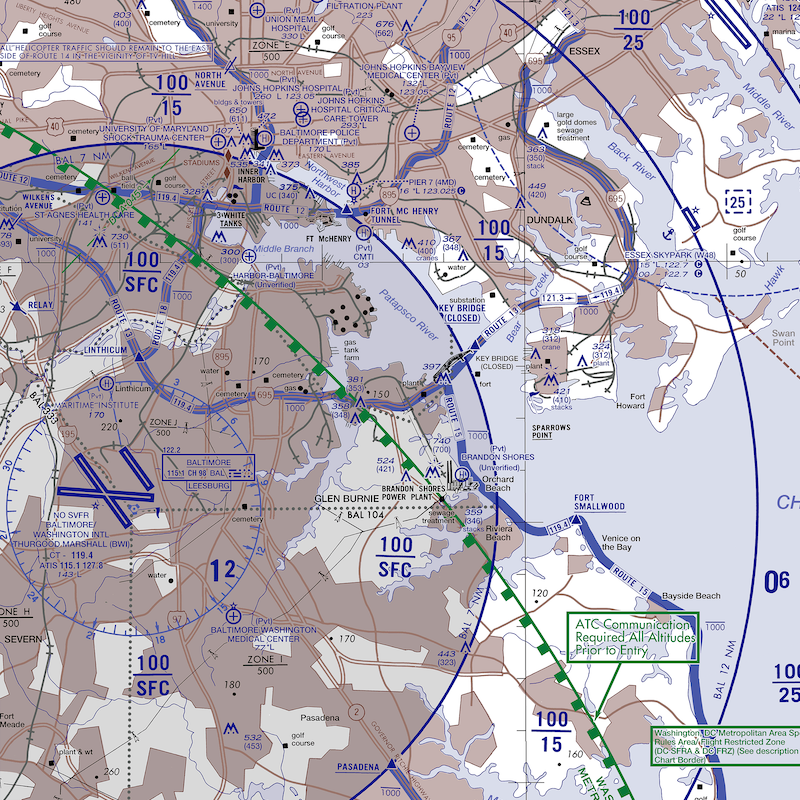
To consume tiles,use the url with z x y arguments as below: E.g: http://localhost:8187/terminal-area/{z}/{x}/{-y}.png (host and port are configurable values, see below)
Chart Types Supported:
Sectional Charts
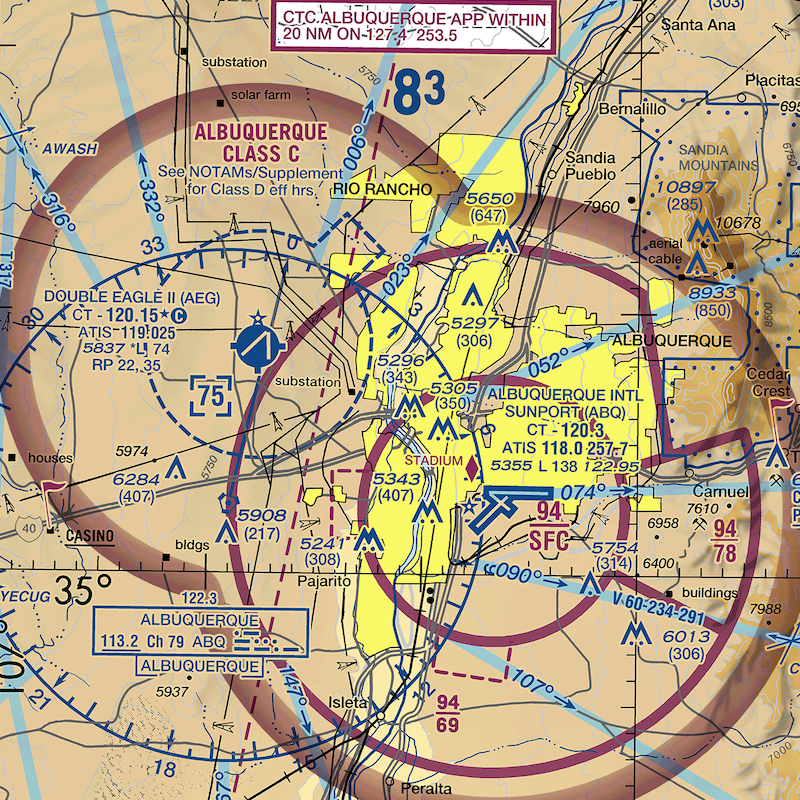
Terminal Area Charts (TAC)
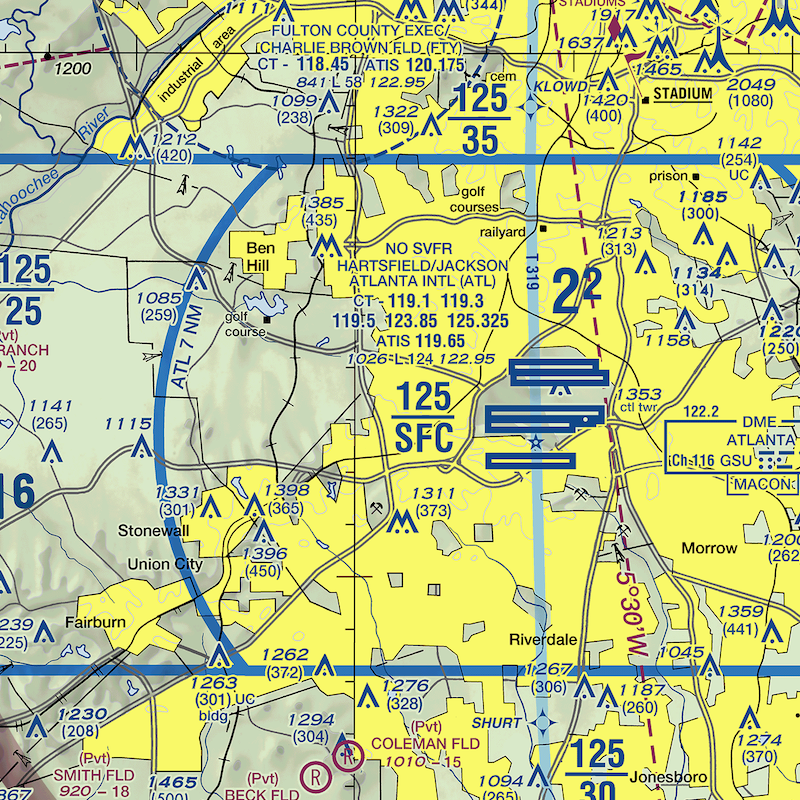
IFR Enroute Charts(Low and High)
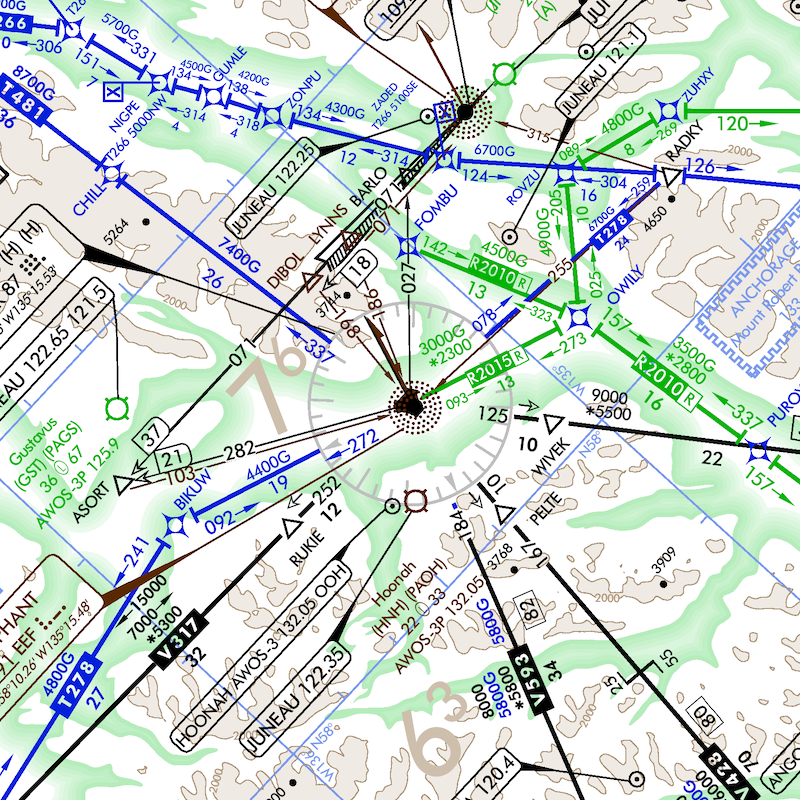
Helicopter Charts
Installation
Prerequisites: GDAL Installation
This package requires GDAL to be installed first. GDAL is a geospatial library used for processing aviation charts.
macOS
The easiest way to install gdal for mac is Homebrew
brew install gdal
pip install aviation-chart-server
Using Conda
Step 1: Install Miniconda Download and install Miniconda from: https://docs.conda.io/en/latest/miniconda.html
Step 2: Install GDAL and the package
# Create a new environment with GDAL
conda create -n aviation-charts -c conda-forge python gdal
conda activate aviation-charts

# Install the package
pip install aviation-chart-server
Alternative: If you already have conda
# Just install GDAL in your current environment
conda install -c conda-forge gdal
pip install aviation-chart-server
Ubuntu/Debian:
sudo apt-get install gdal-bin libgdal-dev python3-gdal
pip install aviation-chart-server
CentOS/RHEL:
sudo yum install gdal-devel python3-gdal
pip install aviation-chart-server
Windows: For Windows, we strongly recommend using conda as system GDAL installation is complex. If you must use system GDAL:
- Download GDAL from: https://gdal.org/download.html#windows
- Install OSGeo4W or use pre-compiled binaries
- Add GDAL to your PATH
- Run:
pip install aviation-chart-server
Quick Start
Building the Package
Run the installation command from terminal:
pip install aviation-chart-server
After installing GDAL and the package, you can start the server:
# Start the server (default: localhost:8187)
aviation-chart-server

# Custom port and host
aviation-chart-server --port 3000 --host 0.0.0.0

# Test mode for a specific date
aviation-chart-server --test-date 12-26-2024

# Process with custom zoom level (default: 8)
aviation-chart-server --zoom 10

# Process specific chart types only
aviation-chart-server --chart-type sectional terminal-area

# Combined options
aviation-chart-server --port 3000 --zoom 12 --chart-type helicopter ifr-enroute-low
The server will start and be available at http://localhost:8187 (or your specified port).
Instalation guide for developers who want to build the package from source or contribute to the project.
Getting the Source Code
git clone https://github.com/eightspokes/chart_processor_package.git
Prerequisites
- Python 3.8 or higher
buildpackage:pip install build
Build Commands
# Clean previous builds
rm -rf dist/ aviation_chart_server.egg-info/ build/

# Build both wheel and source distributions
python -m build

# Install locally for development
pip install -e .

# Or install the built wheel
pip install dist/aviation_chart_server-1.0.0-py3-none-any.whl
Rebuilding After Changes
# Clean and rebuild
rm -rf dist/ aviation_chart_server.egg-info/ build/
python -m build

# Force reinstall the updated package
pip install --force-reinstall dist/aviation_chart_server-1.0.0-py3-none-any.whl
Publishing New Version to PyPI
1. Update Version Number
Edit the version in pyproject.toml:
[project]
name = "aviation-chart-server"
version = "1.0.5"  # Bump version here
2. Clean and Build
# Clean previous builds
rm -rf dist/ aviation_chart_server.egg-info/ build/

# Build the package
python -m build
3. Install Required Tools
# Install twine for uploading to PyPI
pip install twine
4. Upload to PyPI
# Test upload to TestPyPI first (optional but recommended)
twine upload --repository testpypi dist/*

# Upload to production PyPI
twine upload dist/*
5. Verify Installation
# Test the new version installs correctly
pip install --upgrade aviation-chart-server
Version Numbering Guide
- Patch version (1.0.4 → 1.0.5): Bug fixes, small improvements
- Minor version (1.0.5 → 1.1.0): New features, backward compatible
- Major version (1.1.0 → 2.0.0): Breaking changes
1 maintainer

Metadata
1 maintainer
Release files for aviation-chart-server 1.0.5
For a detailed explanation of source distributions (sdists) and built distributions (wheels), please see the package formats documentation.
Source distribution (sdist)
| File | Size | Uploaded | Provenance | |
|---|---|---|---|---|
| aviation_chart_server-1.0.5.tar.gz | 5.5 MB | Without provenance | Details |
Built distribution (wheel)
| File | Interpreter | ABI | Platform | Reset |
|---|---|---|---|---|
| aviation_chart_server-1.0.5-py3-none-any.whl | Python 3 | none | any | Details |
Total release size: 5.8 MB
Release files / aviation_chart_server-1.0.5.tar.gz
| Download URL | aviation_chart_server-1.0.5.tar.gz |
|---|---|
| Size | 5.5 MB |
| Tags | Source |
|
SHA-256 checksum How to use checksums |
2aa84402bbdcc3702476c6d73d6b0a49da3ce53c4f1df9cd3cf727cbaaf2cf9f
|
|
BLAKE2b-256 checksum How to use checksums |
1eb96608315d80d8970ec60ca6015791b9d89a7af483a4d85e088670c68d991c
|
| Upload date | |
|
Uploaded using Trusted Publishing? What is trusted publishing? |
No |
| Uploaded via |
twine/6.1.0 CPython/3.13.5
|
Release files / aviation_chart_server-1.0.5-py3-none-any.whl
| Download URL | aviation_chart_server-1.0.5-py3-none-any.whl |
|---|---|
| Size | 319.6 kB |
| Tags | Python 3 |
|
SHA-256 checksum How to use checksums |
49b58285b42aaf9c52d5a0de56cc223fcdcc223095c36eb82061e82b9da45fe4
|
|
BLAKE2b-256 checksum How to use checksums |
49113ef9c578db4f166c8b5eec701ae9278301ddac303368dece56891d4c2cbc
|
| Upload date | |
|
Uploaded using Trusted Publishing? What is trusted publishing? |
No |
| Uploaded via |
twine/6.1.0 CPython/3.13.5
|
Security for aviation-chart-server 1.0.5
Provenance
Provenance describes where a file came from. On PyPI, provenance is shared via attestations, which provide a verifiable record of the build or publishing details. View details, limitations and caveats.
No provenance found
None of the files in this release were uploaded with provenance metadata.
A note on package security
PyPI is a repository for distributing packages, not a service for auditing them. While third-party security researchers and our staff do their best to detect and remove malicious packages, PyPI cannot guarantee the quality, security or suitability of any given package.














