
beets based mitm of your torrent client and music player

Project description

beets.io based man-in-the-middle of your torrent client and music player




workflow

notifiers
betanin uses apprise for notifications. so anything supported there will work. but some include
- discord
- telegram
- emby
installation
$ pip install --user betanin
usage
$ # start server
$ betanin
$ # a config file will be created, add your credentials to it
$ # start again
$ betanin [--port=<port>]
$ # ui will be available at port

$ # optionally start cli (for db operations, debugging)
$ betanin-shell
$ # or if docker
$ docker exec -it <container_id> betanin-shell
screenshots
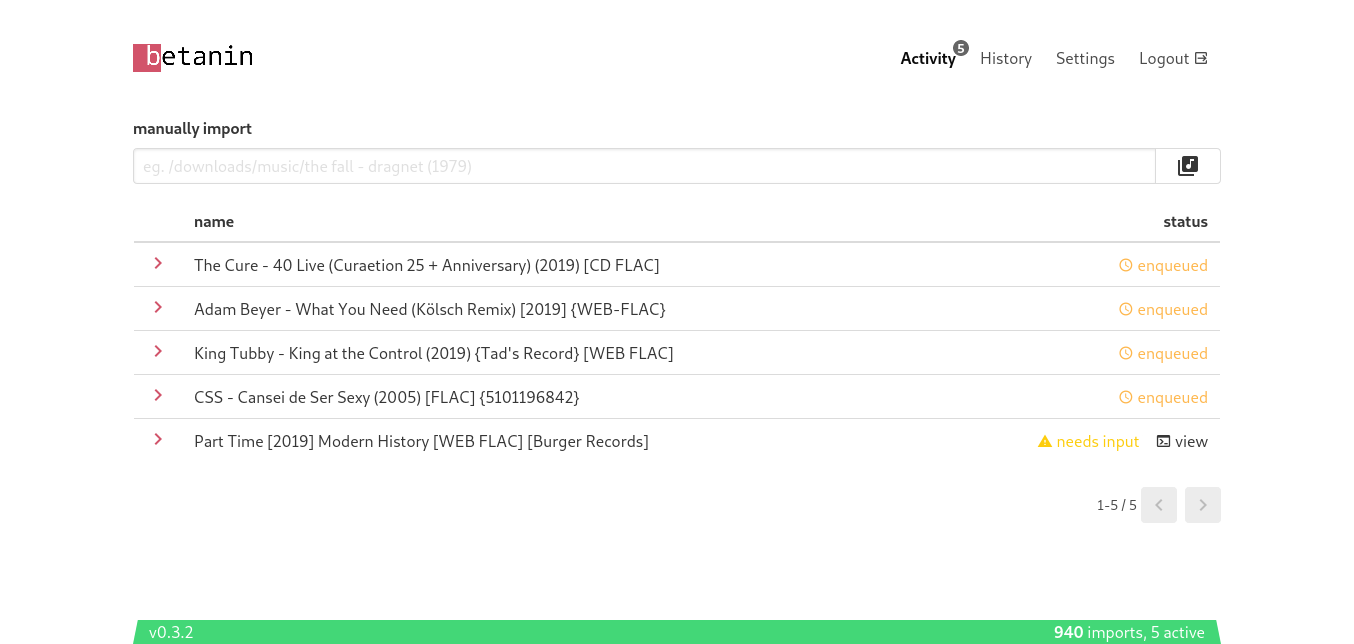
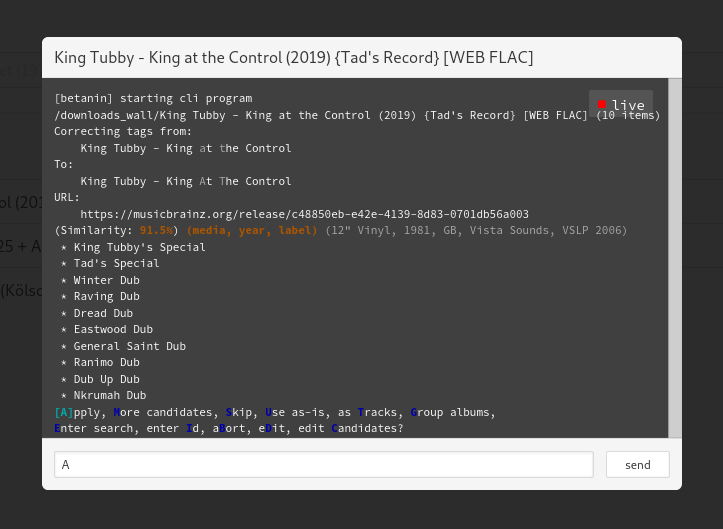
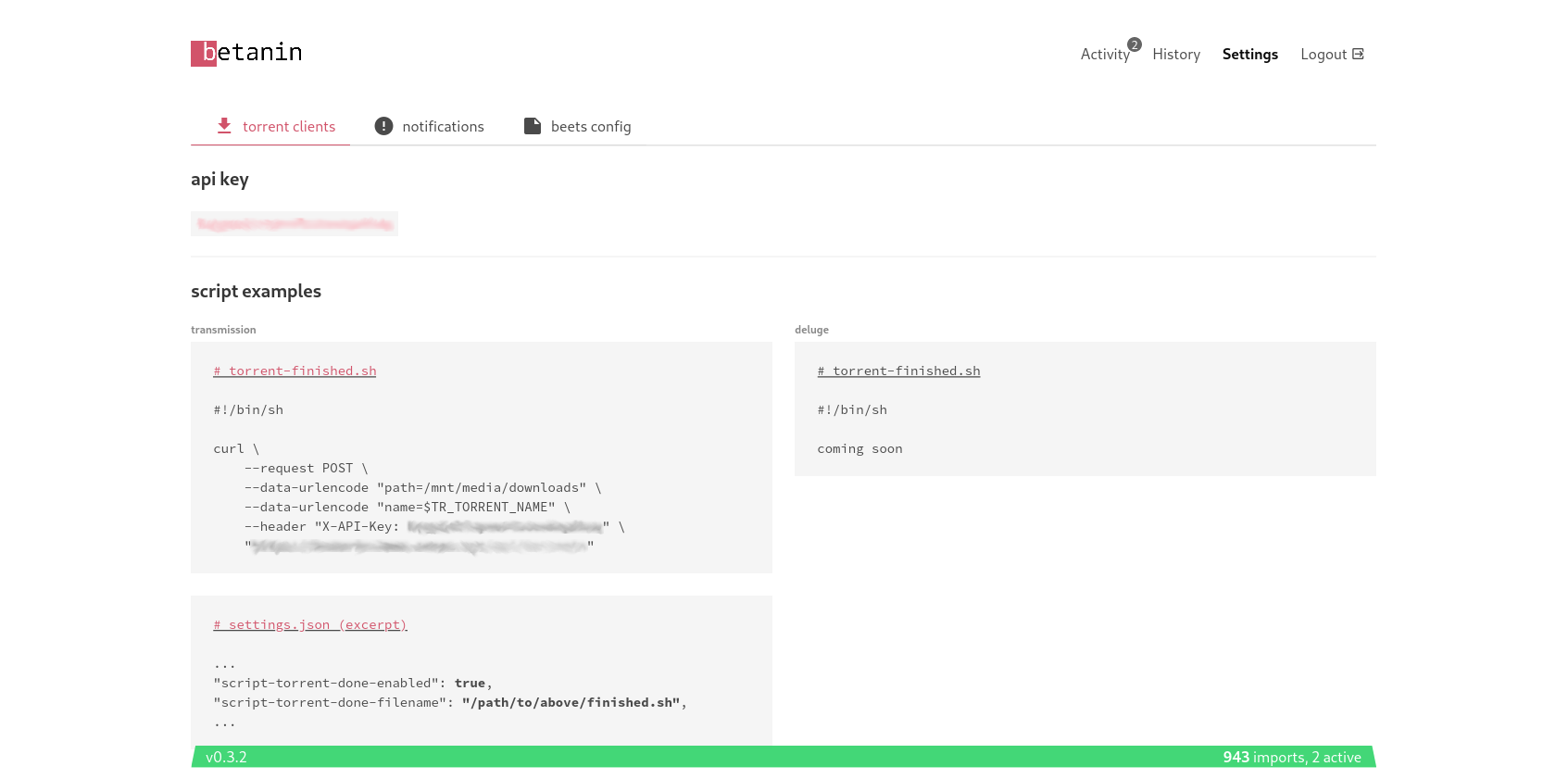
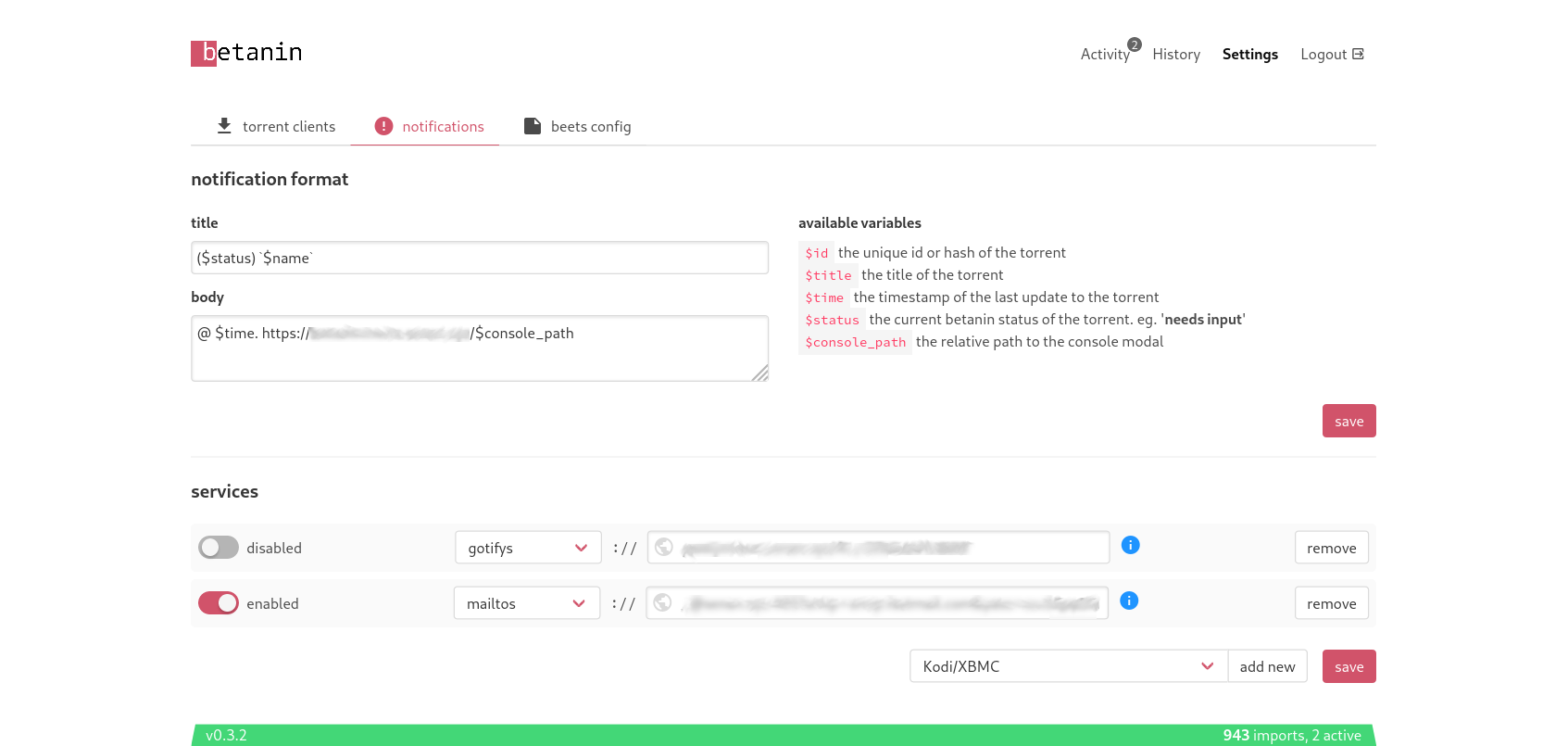
docker
image
docker pull sentriz/betanin
volumes
/root/.local/share/betanin/ for a persistent database
/root/.config/betanin/ for a persistent betanin config
/root/.config/beets/ for a persistent beets home (point this to your current beets home if you have one)
/music/ so beets can access your music
/downloads/ so beets can access your downloads
compose
betanin:
    image: sentriz/betanin
    ports:
    - 9393:9393
    restart: unless-stopped
    volumes:
    - ${DATA}/betanin/data:/root/.local/share/betanin/
    - ${DATA}/betanin/config:/root/.config/betanin/
    - ${DATA}/betanin/beets:/root/.config/beets/
    - ${MEDIA}/music:/music/
    - ${MEDIA}/downloads:/downloads/
transmission
settings.json (example excerpt)
...
"script-torrent-done-enabled": true,
"script-torrent-done-filename": "/scripts/done",
...
done script
#!/bin/sh

curl \
    --request POST \
    --data-urlencode "path=<path_to_transmission_downloads>" \
    --data-urlencode "name=$TR_TORRENT_NAME" \
    --header "X-API-Key: <your_api_key>" \
    "https://betanin.example.com/api/torrents"
docker compose (excerpt)
volumes:
- ${DATA}/transmission/config:/config
- ${DATA}/transmission/scripts:/scripts
- ${MEDIA}/download:/downloads
developing
working on the backend
there is not much else to do, write your code, python -m betanin.entry_betanin, kill it, write your code, etc.
the webserver will be available at http://localhost:9393/. the static frontend is served at /, and the api is served at /api. (there is a swagger ui there too)
also see python -m betanin.entry_shell.
if you need to do a manual migration do env FLASK_APP='betanin.application:create' flask db migrate --directory betanin_migrations/ (then upgrades are automatically done on betanin start)
working on the frontend
start the backend with python -m betanin.entry_betanin, but don't use the static frontend served at http://localhost:9393/. Instead, in a new shell, do npm --prefix betanin_client/ run serve and use the frontend served at http://localhost:8081/. it will look for a backend listening on port 9393 locally. after that you can edit anything in betanin_client/src, it will be linted and automatically reflected in your web browser.
Release history Release notifications | RSS feed


Download files
Download the file for your platform. If you're not sure which to choose, learn more about installing packages.
Source Distribution
Built Distribution
Filter files by name, interpreter, ABI, and platform.
If you're not sure about the file name format, learn more about wheel file names.
Copy a direct link to the current filters
File details
Details for the file betanin-0.3.11.tar.gz.
File metadata
- Download URL: betanin-0.3.11.tar.gz
- Upload date:
- Size: 2.1 MB
- Tags: Source
- Uploaded using Trusted Publishing? No
- Uploaded via: twine/3.0.0 pkginfo/1.5.0.1 requests/2.22.0 setuptools/41.2.0 requests-toolbelt/0.9.1 tqdm/4.38.0 CPython/3.7.4
File hashes
| Algorithm | Hash digest | |
|---|---|---|
| SHA256 |
9291679401549ff09c50a8e481b8d527f6baeec374737627a93c31f4f591fe52
|
|
| MD5 |
a08f656b2095e414cb9f1cca2f953a70
|
|
| BLAKE2b-256 |
f09065dc6bbfb69450c59d1d58a0f6d6294fb123f3b390098969cb91c20e2275
|
File details
Details for the file betanin-0.3.11-py3-none-any.whl.
File metadata
- Download URL: betanin-0.3.11-py3-none-any.whl
- Upload date:
- Size: 4.6 MB
- Tags: Python 3
- Uploaded using Trusted Publishing? No
- Uploaded via: twine/3.0.0 pkginfo/1.5.0.1 requests/2.22.0 setuptools/41.2.0 requests-toolbelt/0.9.1 tqdm/4.38.0 CPython/3.7.4
File hashes
| Algorithm | Hash digest | |
|---|---|---|
| SHA256 |
b5e910304266447174b81f27eb025f4aa711af2f94e1394ea4cdc8f13ce5138b
|
|
| MD5 |
9af63a577d1c7c34ec85835f374c224a
|
|
| BLAKE2b-256 |
8a3f06d76c71fe06166934c3df613e03af11741ca8039cd68965b5b5a340cf39
|






