
Remove image backgrounds locally - no uploads, no account, no fees

Project description
Background Remover
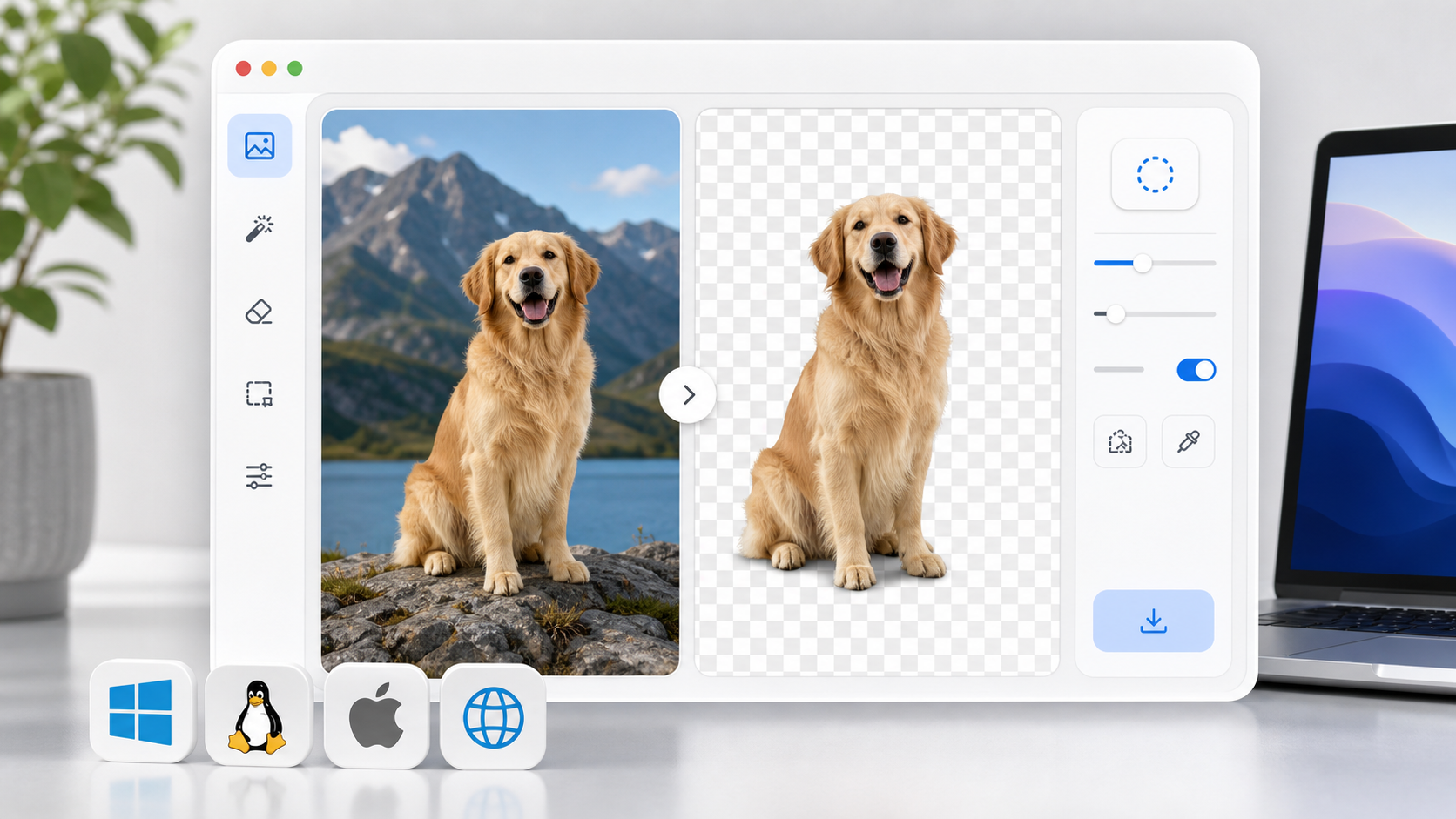
A small local utility for removing image backgrounds and exporting transparent PNGs. It runs as a lightweight Flask app and uses rembg with ONNX Runtime for the actual segmentation work.
Features
- Local browser UI for before/after previews
- Alpha matting for softer edges
- Mask-only export mode
- Disk-backed previews and direct PNG downloads
- Recent job metadata through
/api/jobs - Health and identity endpoints for local service checks
- Cross-platform Python install path for Linux, macOS, and Windows
Quick Start
The fastest path is the bootstrap script. It creates a local virtual environment, upgrades packaging tools, and installs the Python dependencies.
Linux and macOS:
python3 scripts/bootstrap.py
. .venv/bin/activate
background-remover
Windows PowerShell:
py scripts/bootstrap.py
.venv\Scripts\Activate.ps1
background-remover
Open http://localhost:5050 in your browser.
Manual Install
python3 -m venv .venv
. .venv/bin/activate
python -m pip install --upgrade pip setuptools wheel
python -m pip install -e .
background-remover
Windows PowerShell:
py -m venv .venv
.venv\Scripts\Activate.ps1
python -m pip install --upgrade pip setuptools wheel
python -m pip install -e .
background-remover
Runtime Dependencies
The Python package installs:
FlaskPillowrembgonnxruntime
rembg fetches model assets on first use. The default model is u2net; override it with BACKGROUND_REMOVER_MODEL if you want to use another model supported by rembg.
See docs/DEPENDENCIES.md for platform notes and troubleshooting.
Configuration
Environment variables:
HOST: bind host, defaults to127.0.0.1PORT: bind port, defaults to5050BACKGROUND_REMOVER_MODEL: rembg model name, defaults tou2net
Example:
HOST=127.0.0.1 PORT=7860 background-remover
Windows PowerShell:
$env:HOST = "127.0.0.1"
$env:PORT = "7860"
background-remover
Verify
python scripts/preflight.py
python -m unittest discover -s tests -v
Project Status
This is intentionally small: one loopback-only local web app by default, local filesystem outputs, and no hosted service dependency. The main platform-sensitive dependency is onnxruntime, which must provide a wheel for the target OS and CPU architecture.
License
MIT License. See LICENSE.


Download files
Download the file for your platform. If you're not sure which to choose, learn more about installing packages.
Source Distribution
Built Distribution
Filter files by name, interpreter, ABI, and platform.
If you're not sure about the file name format, learn more about wheel file names.
Copy a direct link to the current filters
File details
Details for the file bgvanish-0.4.2.tar.gz.
File metadata
- Download URL: bgvanish-0.4.2.tar.gz
- Upload date:
- Size: 13.5 kB
- Tags: Source
- Uploaded using Trusted Publishing? No
- Uploaded via: twine/6.1.0 CPython/3.13.12
File hashes
| Algorithm | Hash digest | |
|---|---|---|
| SHA256 |
ff1ae5b03ae06b4dbdab6192e995bd79ed39528f1dd3fc4b391b0c10384c42ee
|
|
| MD5 |
473b1c4b5009194227b213abfbaf6e1f
|
|
| BLAKE2b-256 |
605b32a77d0d78225c23e649afe0f80f48ecffbba5f056acea5075af692f9500
|
File details
Details for the file bgvanish-0.4.2-py3-none-any.whl.
File metadata
- Download URL: bgvanish-0.4.2-py3-none-any.whl
- Upload date:
- Size: 12.0 kB
- Tags: Python 3
- Uploaded using Trusted Publishing? No
- Uploaded via: twine/6.1.0 CPython/3.13.12
File hashes
| Algorithm | Hash digest | |
|---|---|---|
| SHA256 |
692fb9538b8619afb9569b7611657e043d2d684b8dd5b0d0e2ae87350450fdd6
|
|
| MD5 |
4ee1e660960b62c7f711674e0744c852
|
|
| BLAKE2b-256 |
5f76f4d23463341e5d45283907a3fa13e5b5f835a1d7845b8a9991c3e7911c61
|






