
# BibleMate AI GUI
BibleMate AI Web Application - Web GUI
BibleMate AI Web Version is designed to combine the most valuable features from the following two projects into a single, unified web interface:
https://github.com/eliranwong/biblemate
and
https://github.com/eliranwong/UniqueBible
## Recent Updates
[Hebrew & Greek Tooltips](https://youtu.be/qCMku8-UZ3I)
[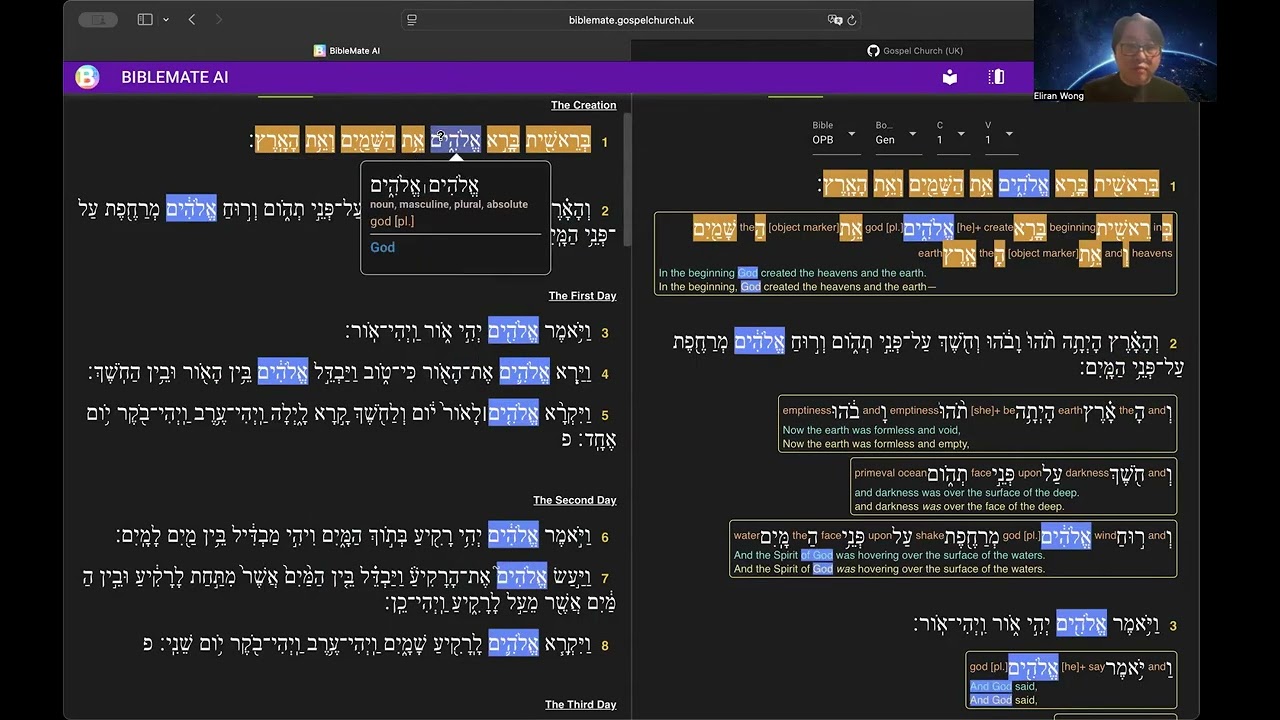](https://youtu.be/qCMku8-UZ3I)
[User Customization](https://youtu.be/QMJ2oo1qkjY)
[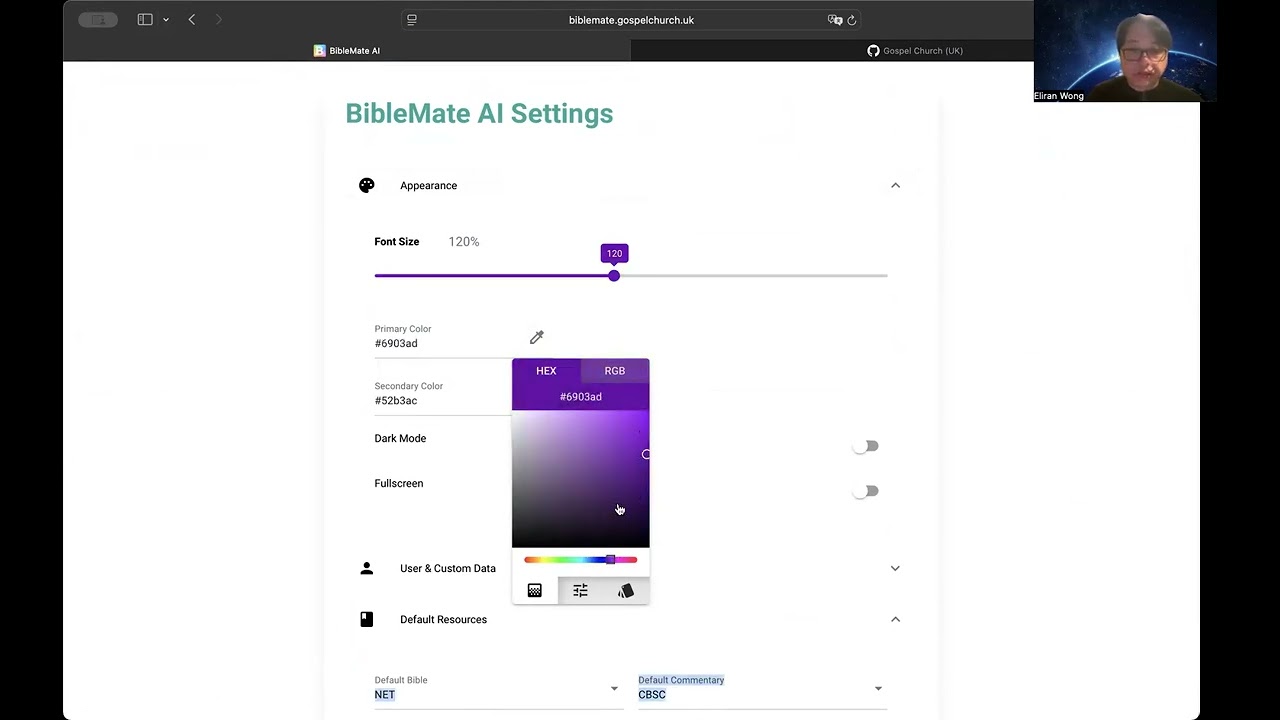](https://youtu.be/QMJ2oo1qkjY)
[Bible Audio](https://youtu.be/GL98FaJlYUQ)
[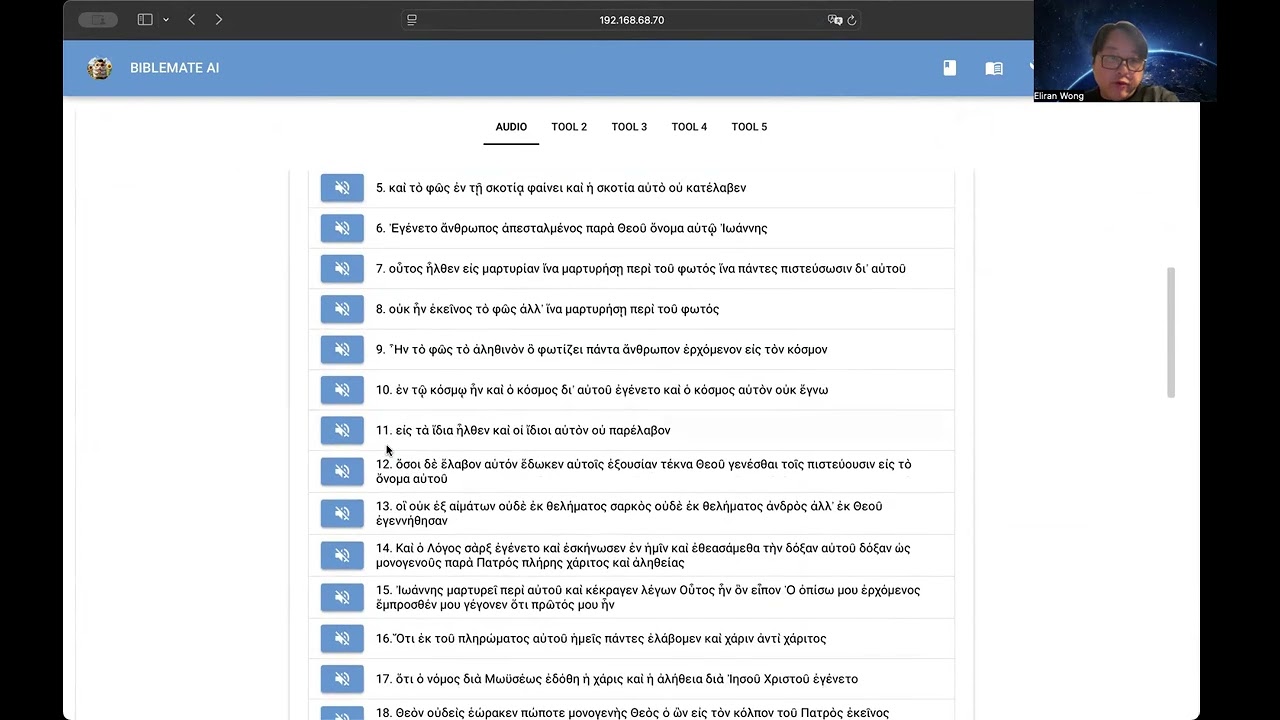](https://youtu.be/GL98FaJlYUQ)
[Cross-Highlighting & Synchronized Scrolling](https://youtu.be/TDyT1ioesmY)
[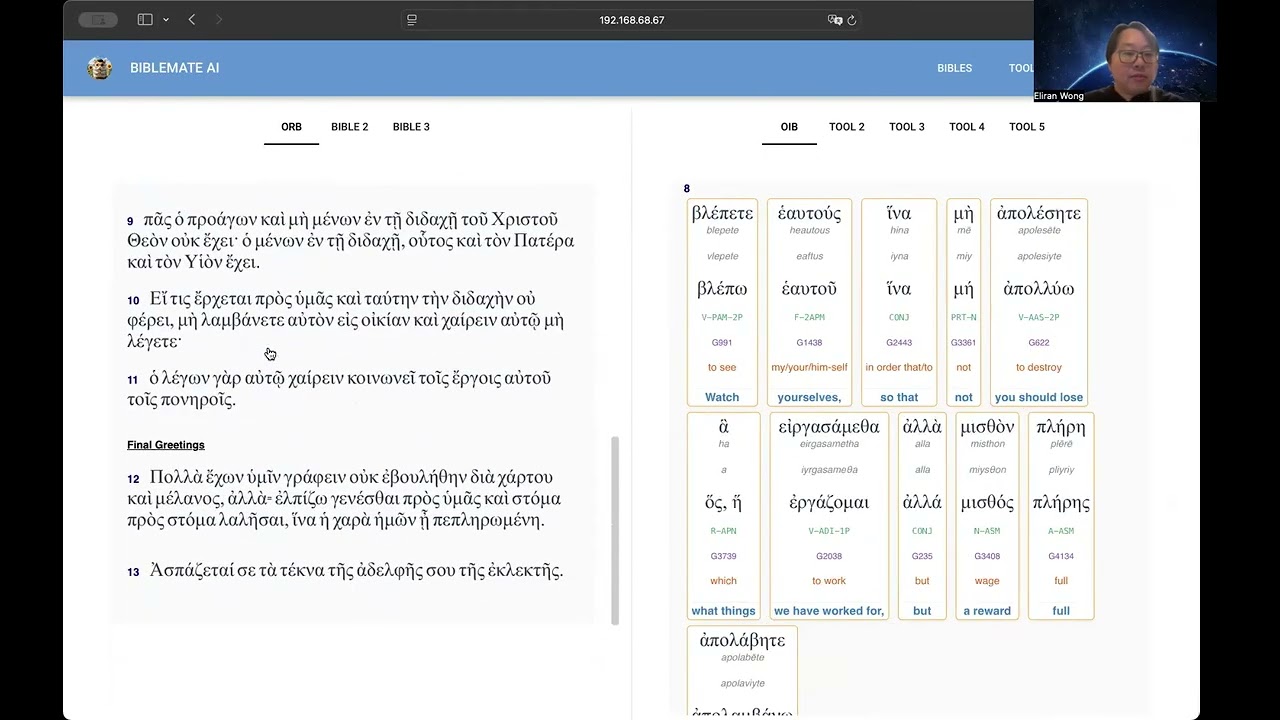](https://youtu.be/TDyT1ioesmY)
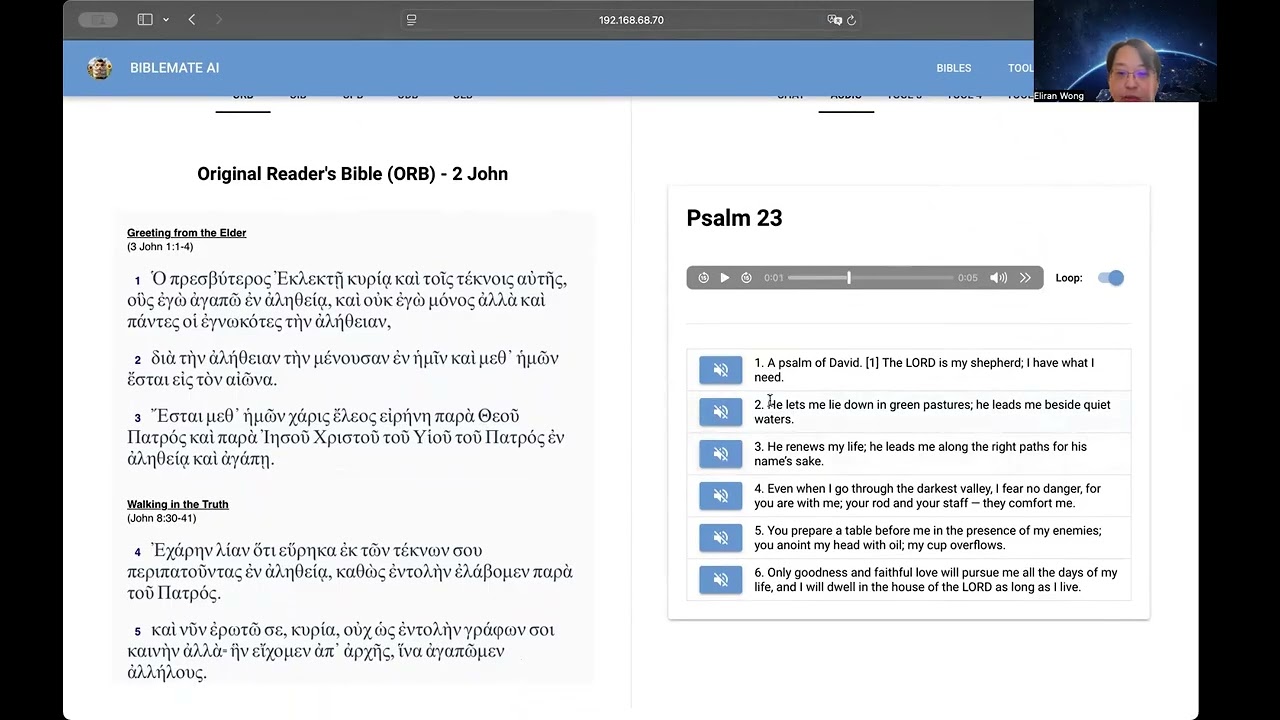
[UI Overview](https://youtu.be/UL8b1O97560)
[](https://youtu.be/UL8b1O97560)
# Supported Platforms
Web Mode to run on popular web browsers
Desktop Mode on Windows/macOS/Linux
# Development in Progress …
## Public Testing
https://biblemate.gospelchurch.uk
## Local Testing:
> pip install –upgrade biblemategui
Run:
> biblemategui
Open:
## Customization
Server Side:
Save changes of avatar, port and storage_secret key in ~/biblemate/biblemategui.config, then restart biblemategui.
User Preferences:
http://localhost:33355/settings
## Storage Secret Key
A Storage Secret Key is necessary for deployment.
You may generate a random key by running openssl rand -hex 32 or openssl rand -base64 32
Save it as the value of config.storage_secret in ~/biblemate/biblemategui.config, then restart biblemategui.
## Use Existing UniqueBible App Data
Run the following command first before the first launch of biblemategui
` cd mkdir biblemate cd biblemate ln -s ../UniqueBible/marvelData data cd data ln -s ../../UniqueBible/audio/ audio mkdir original cd original ln -s ~/UniqueBible/marvelData/bibles/MOB.bible ORB.bible ln -s ~/UniqueBible/marvelData/bibles/MIB.bible OIB.bible ln -s ~/UniqueBible/marvelData/bibles/MPB.bible OPB.bible ln -s ~/UniqueBible/marvelData/bibles/MTB.bible ODB.bible ln -s ~/UniqueBible/marvelData/bibles/MAB.bible OLB.bible ln -s ~/agentmake/biblemate/data vectors `
## Server Setup
Please read https://nicegui.io/documentation/section_configuration_deployment#server_hosting
1 maintainer

Metadata
1 maintainer
Release files for biblemategui 0.2.63
For a detailed explanation of source distributions (sdists) and built distributions (wheels), please see the package formats documentation.
Source distribution (sdist)
| File | Size | Uploaded | Provenance | |
|---|---|---|---|---|
| biblemategui-0.2.63.tar.gz | 1.0 MB | Without provenance | Details |
Built distribution (wheel)
| File | Interpreter | ABI | Platform | Reset |
|---|---|---|---|---|
| biblemategui-0.2.63-py3-none-any.whl | Python 3 | none | any | Details |
Total release size: 2.1 MB
Release files / biblemategui-0.2.63.tar.gz
| Download URL | biblemategui-0.2.63.tar.gz |
|---|---|
| Size | 1.0 MB |
| Tags | Source |
|
SHA-256 checksum How to use checksums |
4ddcface40bf1bd98234b5f5d9d5a65408c7e1e6ab4e0fa30fbeaf7d4376fa04
|
|
BLAKE2b-256 checksum How to use checksums |
17d31011b6b6571a3bae73a11f34ebfbe410da04eea3c03f984ea072663b69ad
|
| Upload date | |
|
Uploaded using Trusted Publishing? What is trusted publishing? |
No |
| Uploaded via |
twine/5.0.0 CPython/3.12.3
|
Release files / biblemategui-0.2.63-py3-none-any.whl
| Download URL | biblemategui-0.2.63-py3-none-any.whl |
|---|---|
| Size | 1.1 MB |
| Tags | Python 3 |
|
SHA-256 checksum How to use checksums |
51cd186564db634e85d8e8e0ed1efcf8a4efd7cbf47b5697728e22121698b604
|
|
BLAKE2b-256 checksum How to use checksums |
bb3c78c7def4f99471fea511c0180db98f9f71f0839a1b7c6bb2566a1dfdda35
|
| Upload date | |
|
Uploaded using Trusted Publishing? What is trusted publishing? |
No |
| Uploaded via |
twine/5.0.0 CPython/3.12.3
|
Security for biblemategui 0.2.63
Provenance
Provenance describes where a file came from. On PyPI, provenance is shared via attestations, which provide a verifiable record of the build or publishing details. View details, limitations and caveats.
No provenance found
None of the files in this release were uploaded with provenance metadata.
A note on package security
PyPI is a repository for distributing packages, not a service for auditing them. While third-party security researchers and our staff do their best to detect and remove malicious packages, PyPI cannot guarantee the quality, security or suitability of any given package.
To learn more about protecting yourself from malicious actors, visit our package security documentation.















](https://youtu.be/qCMku8-UZ3I)
](https://youtu.be/QMJ2oo1qkjY)
](https://youtu.be/GL98FaJlYUQ)
](https://youtu.be/TDyT1ioesmY)
](https://youtu.be/UL8b1O97560)