
Small utility/daemon which is intended to help human to maintain their SSH configs

Project description

bignole is a small utility/daemon which is intended to help humans to maintain their SSH configs.
It’s a fork of concierge. “Bignole” is an old french slang term for “concierge”.
Why forking?
Concierge was unmaintained for quite a long time, the dependencies where outdated, pull requests where unmerged or unanswered…
To simplify the maintenance, some choices were made like:
dropping libnotify support
integrating mako and jinja2 templates engines as optional dependencies instead of separate packages
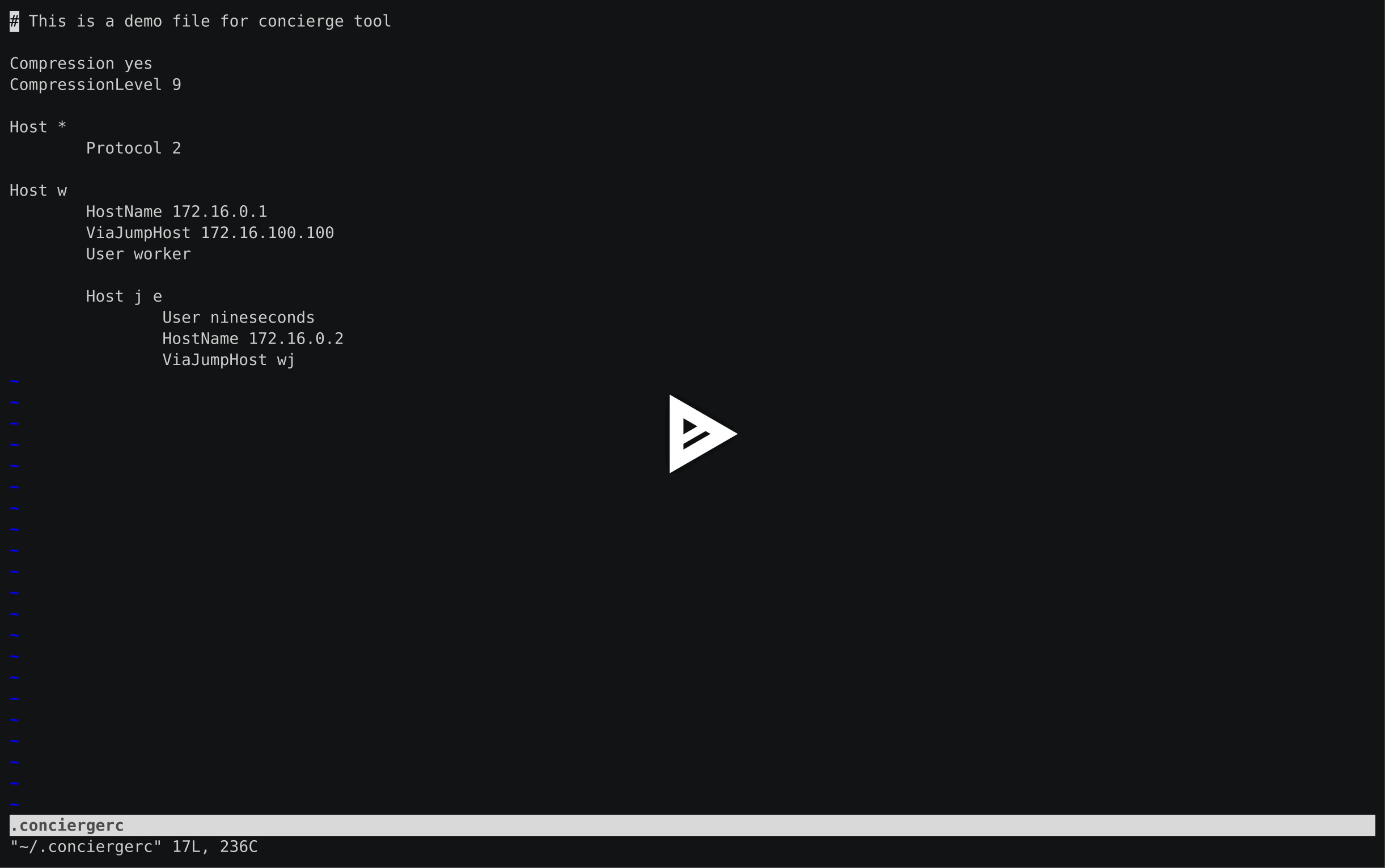
Demo
Installation
Installation is quite trivial:
$ pip install bignoleor if you want to install it manually, do following:
$ git clone https://framagit.org/fiat-tux/bignole
$ cd bignole
$ pip install .
By default, no template support is going to be installed. If you want to use Mako or Jinja2, please refer to Templaters section.
Please be noticed, that bignole is Python 3 only tool. It should work on cPython >= 3.11 without any problems.
After installation, 2 utilities will be available:
bignole-check
bignole
Templaters
bignole comes with support of additional templaters, you may plug them in installing the optional dependencies from PyPI. At the time of writing, support of following templaters was done:
To install them just do
$ pip install 'bignole[mako]'
$ pip install 'bignole[jinja]'
And bignole will automatically recognizes support of Mako and now one may use bignole -u mako or bignole -u jinja for her ~/.bignolerc.
bignole-check
bignole-check is a tool to verify syntax of your ~/.bignolerc file. Please check Syntax description to get on speed.
Also, it supports a number of options but they are pretty trivial.
Please remember, that both bignole-check and bignole use syslog for logging data in process. Options like --debug or --verbose will affect only stderr logging, syslog will have only errors.
bignole
bignole is intended to work in daemon mode. It converts between your ~/.bignolerc and destination ~/.ssh/config (so Installation magic work in that way).
I use systemd so bignole is bundled to support it. To get an instructions of how to use the tool with systemd, please run following:
$ bignole --systemdIt will printout an instructions. If you do not care, please run following:
$ eval "$(bignole --systemd --pipesh)"It will install systemd user unit and run bignole daemon automatically.
bignole supports the same options and behavior as bignole-check so please track your syslog for problems.
Syntax description
Well, there is no big difference between plain old ssh_config(5) and bignole style. Base is the same so please check the table with examples to understand what is going to be converted and how.
Syntax came from the way I structure my SSH configs for a long time. Basically I am trying to keep it in the way it looks like hierarchical.
Let’s grow the syntax. Consider following config
Host m
    HostName 127.0.0.1

Host me0
    HostName 10.10.0.0

Host me1
    HostName 10.10.0.1

Host m me0 me1
    Compression no
    ProxyCommand ssh -W %h:%p env1
    User nineseconds

Host *
    Compression yes
    CompressionLevel 9
So far so good. Now let’s… indent!
Host m
    HostName 127.0.0.1

    Host me0
        HostName 10.10.0.0
        ProxyCommand ssh -W %h:%p env1

    Host me1
        HostName 10.10.0.1
        ProxyCommand ssh -W %h:%p env1

    Host m me0 me1
        Compression no
        User nineseconds

Host *
    Compression yes
    CompressionLevel 9
It is still valid SSH config. And valid bignole config. Probably you already do similar indentation to visually differ different server groups. Let’s check what do we have here: we have prefixes, right. And most of options are quite common to the server groups (environments).
Now let’s eliminate Host m me0 me1 block. This would be invalid SSH config but valid bignolerc config. Also I am going to get rid of useless prefixes and use hierarchy to determine full name (fullname = name + parent_name).
Please be noticed that all operations maintain effectively the same bignolerc config.
Host m
    Compression no
    HostName 127.0.0.1
    User nineseconds

    Host e0
        HostName 10.10.0.0
        ProxyCommand ssh -W %h:%p env1

    Host e1
        HostName 10.10.0.1
        ProxyCommand ssh -W %h:%p env1

Host *
    Compression yes
    CompressionLevel 9
Okay. Do we need rudiment Host * section? No, let’s move everything on the top. Idea is the same, empty prefix is *.
Compression yes
CompressionLevel 9

Host m
    Compression no
    HostName 127.0.0.1
    User nineseconds

    Host e0
        HostName 10.10.0.0
        ProxyCommand ssh -W %h:%p env1

    Host e1
        HostName 10.10.0.1
        ProxyCommand ssh -W %h:%p env1
By the way, you may see, that indentation defines parent is the same way as Python syntax is organized. So following config is absolutely equivalent.
Compression yes

Host m
    Compression no
    HostName 127.0.0.1
    User nineseconds

    Host e0
        HostName 10.10.0.0
        ProxyCommand ssh -W %h:%p env1

    Host e1
        HostName 10.10.0.1
        ProxyCommand ssh -W %h:%p env1

CompressionLevel 9
You can also work the other way around with a star. In this example, I remove the first Host line from being generated and add that domain information to other host. Also, ProxyJump is available
Compression yes

-Host *.my.domain
    Compression no
    User tr4sk
    ProxyJump gateway

    Host server1
        User root
    Host server2
This is a basic. But if you install bignole with support of Mako or Jinja2 templates, you may use them in your ~/.bignolerc.
Compression yes
CompressionLevel 9

Host m
    Compression no
    HostName 127.0.0.1
    User nineseconds

    % for i in range(2):
    Host e${i}
        HostName 10.10.0.${i}
        ProxyCommand ssh -W %h:%p env1
    % endfor
This is a Mako template I use. Please refer Mako and Jinja2 documentation for details.
By the way, if you want to hide some host you are using for grouping only, please prefix it with - (-Host).
Examples
Here are some examples. Please do not hesitate to check Demo, pause it, look around.
Source, converted from (~/.bignole) |
Destination, converted to (~/.ssh/config) |
|---|---|
Host name
    HostName 127.0.0.1
|
Host name
    HostName 127.0.0.1
|
Compression yes

Host name
    HostName 127.0.0.1
|
Host name
    HostName 127.0.0.1

Host *
    Compression yes
|
Compression yes

Host name
    HostName 127.0.0.1

Host *
    CompressionLevel 9
|
Host name
    HostName 127.0.0.1

Host *
    Compression yes
    CompressionLevel 9
|
Compression yes

Host name
    HostName 127.0.0.1

    Host q
        ViaJumpHost env1
        HostName node-1
|
Host name
    HostName 127.0.0.1

Host nameq
    HostName node-1
    ProxyCommand ssh -W %h:%p env1

Host *
    Compression yes
|
Compression yes

-Host name
    HostName 127.0.0.1

    Host q
        ViaJumpHost env1
        HostName node-1
|
Host nameq
    HostName node-1
    ProxyCommand ssh -W %h:%p env1

Host *
    Compression yes
|
Compression yes

Host m
    User nineseconds

    % for i in range(2):
    Host e${i}
        HostName 10.10.0.${i}
        ViaJumpHost gw2
    % endfor

    Protocol 2

Host blog
    User sa
|
Host blog
    User sa

Host me0
    HostName 10.10.0.0
    Protocol 2
    ProxyCommand ssh -W %h:%p gw2
    User nineseconds

Host me1
    HostName 10.10.0.1
    Protocol 2
    ProxyCommand ssh -W %h:%p gw2
    User nineseconds

Host *
    Compression yes
|
 Compression yes

-Host \*.my.domain
     User nineseconds

     Host first
     Host second
         HostName 10.10.10.1


     Protocol 2

 Host blog
     User sa
|
Host blog
    User sa

Host first.my.domain
    Protocol 2
    User nineseconds
Host second.my.domain
    User nineseconds
    Protocol 2
    HostName 10.10.10.1

Host *
    Compression yes
|


Download files
Download the file for your platform. If you're not sure which to choose, learn more about installing packages.
Source Distribution
Built Distribution
Filter files by name, interpreter, ABI, and platform.
If you're not sure about the file name format, learn more about wheel file names.
Copy a direct link to the current filters
File details
Details for the file bignole-0.2.0.tar.gz.
File metadata
- Download URL: bignole-0.2.0.tar.gz
- Upload date:
- Size: 22.4 kB
- Tags: Source
- Uploaded using Trusted Publishing? No
- Uploaded via: python-httpx/0.28.1
File hashes
| Algorithm | Hash digest | |
|---|---|---|
| SHA256 |
38ee12d7c53c141b2060a20d5b379e7ff9d209b51236a292f1c443478aa0d02b
|
|
| MD5 |
01e3d088deb3459b14093c4dcf93a885
|
|
| BLAKE2b-256 |
e89cb2236e68f34df650522bb1d47352fe51dd864191c52828d19264c1c569e0
|
File details
Details for the file bignole-0.2.0-py3-none-any.whl.
File metadata
- Download URL: bignole-0.2.0-py3-none-any.whl
- Upload date:
- Size: 19.7 kB
- Tags: Python 3
- Uploaded using Trusted Publishing? No
- Uploaded via: python-httpx/0.28.1
File hashes
| Algorithm | Hash digest | |
|---|---|---|
| SHA256 |
1439e5b8995d0bae84ecbc12d39035b5ee571067568dc57cf8d0e876844a5d42
|
|
| MD5 |
de8d2bc44f961db9cb5540600786b939
|
|
| BLAKE2b-256 |
6ae41aa7fe2e2fb58699786a11bd90cd191e7ff89782fe57d187f41a4283727d
|






