









Bare Metal Development Environment (BMDE) CLI
CLI wrapping the Bare Metal Development Environment (BMDE)
Explore the docs »
Report Bug
·
Request Feature
Table of Contents
About The Project
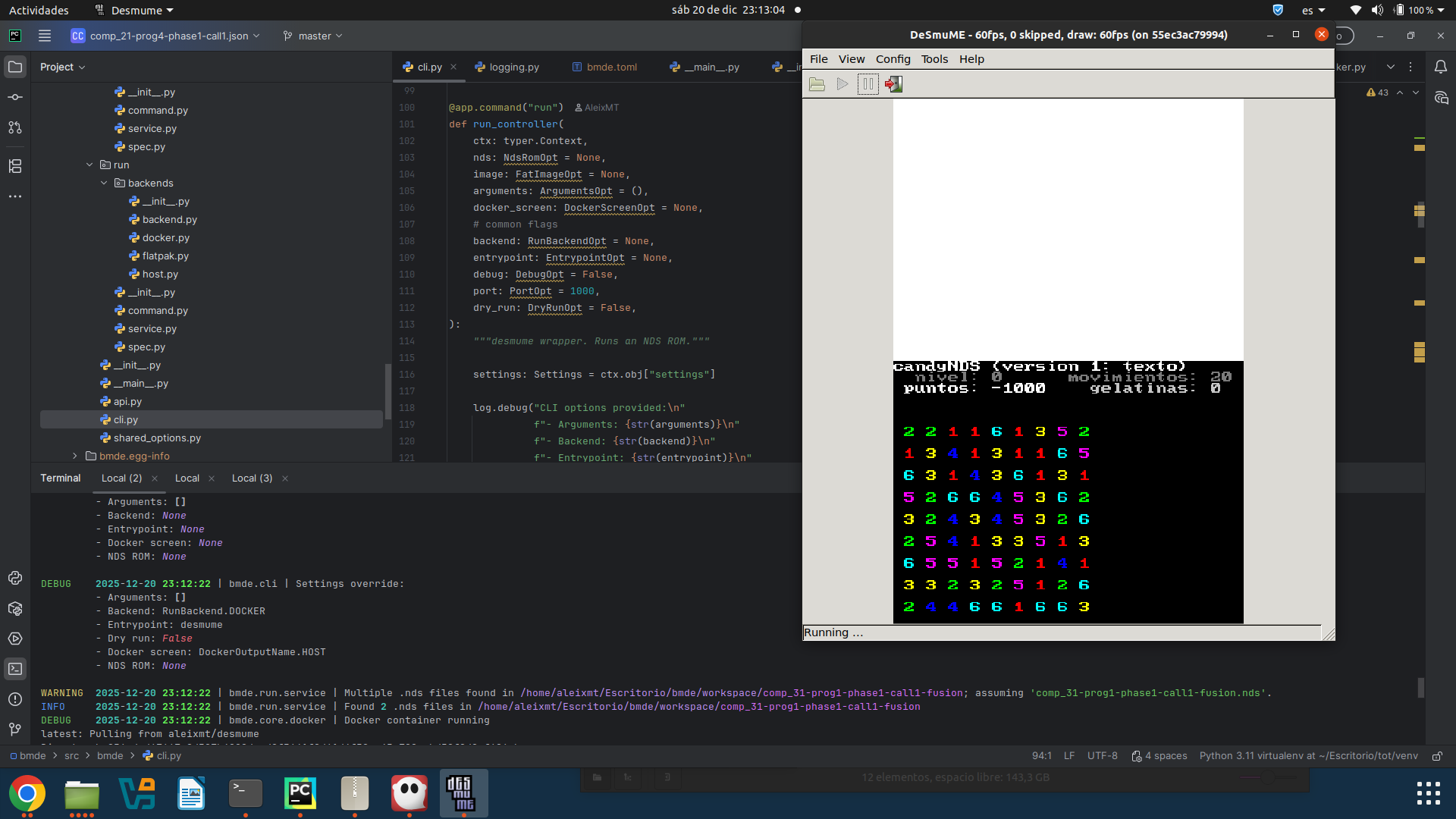
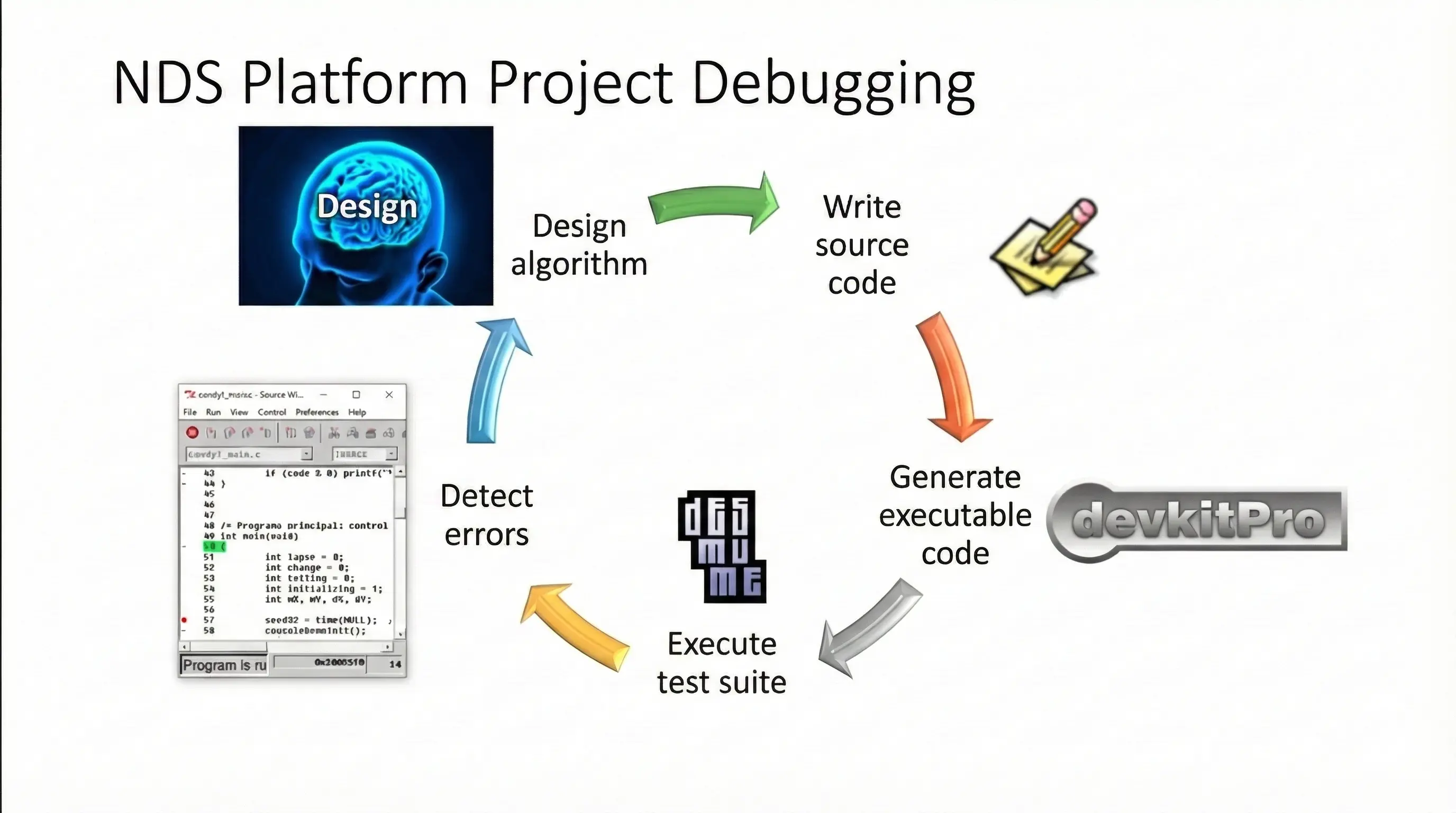
Operating system agnostic CLI wrapping the Bare Metal Development Environment (BMDE) and other related utilities to manage the complete software life-cycle of a NDS C and / or assembly project using either host or Dockerized installations of the software components of the BMDE, plus opinionated features to be used in the development of the practical exercises from the subject Computers, Operating Systems Structure and in minor cases Computer Fundamentals from the university degree of Computer Engineering in the University Rovira i Virgili (URV).
General features
Naive components
Each component is independent and can be used individually without using bmde.
One module wraps one software
Each module corresponds to a wrapper around one software and its environment.
Flexibility using backend: Docker vs host (or others)
Each module can be executed using as entrypoint the corresponding binary in your machine (host) or a binary provided by Docker embedded in bmde. This allows using bmde but either using a Docker installation that is already provided, or your own host installations. You can do this for each module (WIP).
In the same sense, some additional backends may be provided, for example, the run command which wraps desmume, also
provides the FlatHub (flathub) backend.
Config and arguments
A native toml schema is included to provide default values to arguments to bmde. bmde also reads configuration from various sources with different priority, allowing for fine-grained control over each repository. The priority is the following, with later mentioned sources overriding previous:
- Environment variables.
/etc/bmde/bmde.toml~/.config/bmde/bmde.toml- Closest
bmde.tomlupward in the tree - Explicit configuration via arguments pointing to a valid .toml file.
The configuration files allows an easy usage to bmde: Provided arguments via config files can be omitted from the arguments of the CLI call to bmde, allowing shorter commands and skipping the need to provide things like credentials for authentication in each call to bmde.
Run bmde config (or bmde config <command>, e.g. bmde config git) to create or update a configuration file
interactively, and bmde --show-default-config to print a documented template with every option and its default value
(see examples/bmde.toml).
Default arguments can be customized via (from less to more priority) system variables, global configuration file, specific configuration file of the repo, specific configuration args for the execution.
Built With
This section lists any major languages/frameworks/libraries/tools used in this project.













Getting Started
Prerequisites
To run bmde you will need Python 3.11 installed in your system.
To run a command you will need either Docker with permissions for the user executing bmde COMMAND or the
software that the command wraps directly installed in your system. For simplicity, we recommend sticking to Docker.
Check out the docs for a full explanation on the prerequisites.
Installation
Install the command by using:
pip install bmde
You may add an alias to your binary to shorten up the command from python -m bmde to bmde:
echo "alias bmde=python -m bmde" >> ~/.bashrc
Check out the docs for a full explanation on the installation.
Usage
You can start using BMDE by cloning a NDS project:
bmde git clone 12345678-A@git.deim.urv.cat:comp_20
Then, enter the directory of the repository you just cloned:
cd comp_20
And build the project with:
bmde build
If the building is successful you will be able to run the project with:
bmde run
Check out the docs for a full explanation on the usage.
Roadmap
See the project roadmap for a full list of proposed features, and known issues and its implementation state).
Contributing
Check out our CONTRIBUTING.md to know how to make a contribution.
Top contributors:

License
Proudly distributed with love under the GNU GPLv3 License. See LICENSE for more information.
Contact
@AleixMT - aleix.marine@urv.cat
Acknowledgments
The teachers of URV who have collaborated.
1 maintainer

Metadata
1 maintainer
Release files for bmde 1.13.0
For a detailed explanation of source distributions (sdists) and built distributions (wheels), please see the package formats documentation.
Source distribution (sdist)
| File | Size | Uploaded | Provenance | Actions |
|---|---|---|---|---|
| bmde-1.13.0.tar.gz | 119.0 kB | With provenance | Details for bmde-1.13.0.tar.gz |
Built distribution (wheel)
| File | Interpreter | ABI | Platform | Actions Reset |
|---|---|---|---|---|
| bmde-1.13.0-py3-none-any.whl | Python 3 | none | any | Details for bmde-1.13.0-py3-none-any.whl |
Total release size: 195.6 kB
Release files / bmde-1.13.0.tar.gz
| Download URL | bmde-1.13.0.tar.gz |
|---|---|
| Size | 119.0 kB |
| Tags | Source |
|
SHA-256 checksum How to use checksums |
87262ffd52f8a29ac5fd7f40c2f4c60d72c975935e92d934caa42f8538440de7
|
|
BLAKE2b-256 checksum How to use checksums |
2590999f97df7df3cfd64aa82929531633c729d1d759b4cedb761b83998738a2
|
| Upload date | |
|
Uploaded using Trusted Publishing? What is trusted publishing? |
Yes |
| Uploaded via |
twine/7.0.0 CPython/3.13.16
|
Provenance
Provenance describes where a file came from. On PyPI, provenance is shared via attestations, which provide a verifiable record of the build or publishing details. View details, limitations and caveats.


PyPI Publish Attestation
PyPI verified that this artifact, at this checksum, originated from the publisher listed below.
Signed by GitHub Actions, verified by PyPI on Oct 30, 2026.
Transparency logRelease files / bmde-1.13.0-py3-none-any.whl
| Download URL | bmde-1.13.0-py3-none-any.whl |
|---|---|
| Size | 76.6 kB |
| Tags | Python 3 |
|
SHA-256 checksum How to use checksums |
c90204f85befdbc112d8626ca9da0740cb0e9efee1b521a7fba6677f03a8e7b0
|
|
BLAKE2b-256 checksum How to use checksums |
3d771cf1989aea1d737a2198c8cda130abc4ee8afd60d5ccba44b79023d19cff
|
| Upload date | |
|
Uploaded using Trusted Publishing? What is trusted publishing? |
Yes |
| Uploaded via |
twine/7.0.0 CPython/3.13.16
|
Provenance
Provenance describes where a file came from. On PyPI, provenance is shared via attestations, which provide a verifiable record of the build or publishing details. View details, limitations and caveats.
PyPI Publish Attestation
PyPI verified that this artifact, at this checksum, originated from the publisher listed below.
Signed by GitHub Actions, verified by PyPI on Oct 30, 2026.
Transparency logSecurity for bmde 1.13.0
Provenance
Provenance describes where a file came from. On PyPI, provenance is shared via attestations, which provide a verifiable record of the build or publishing details. View details, limitations and caveats.
Full provenance
Both files in this release have been uploaded with provenance metadata.
Attestation for bmde-1.13.0.tar.gz
PyPI Publish Attestation
PyPI verified that this artifact, at this checksum, originated from the publisher listed below.
Signed by GitHub Actions, verified by PyPI on Oct 30, 2026.
Transparency logA note on package security
PyPI is a repository for distributing packages, not a service for auditing them. While third-party security researchers and our staff do their best to detect and remove malicious packages, PyPI cannot guarantee the quality, security or suitability of any given package.
To learn more about protecting yourself from malicious actors, visit our package security documentation.














