
A Panda3D voxel .box editor.

Project description
box-editor-view
Author: GGN_2015
Box-Editor-View is a Panda3D visual editor for sparse .box voxel maps. At its core, it is a box editor: every editable element is a 1x1x1 cube with RGBA color.
This software is part of the future NekoMouseCraft project. NekoMouseCraft is planned as a Minecraft-like creative-mode game, and Box-Editor-View is the tool for building the reusable cube structures that will live inside it. Each .box file can become a small model, prop, landmark, or scene fragment, and those pieces can later be used to construct larger game worlds.
Showcase
This repository includes piano.box, a hand-built voxel piano scene created with the editor.
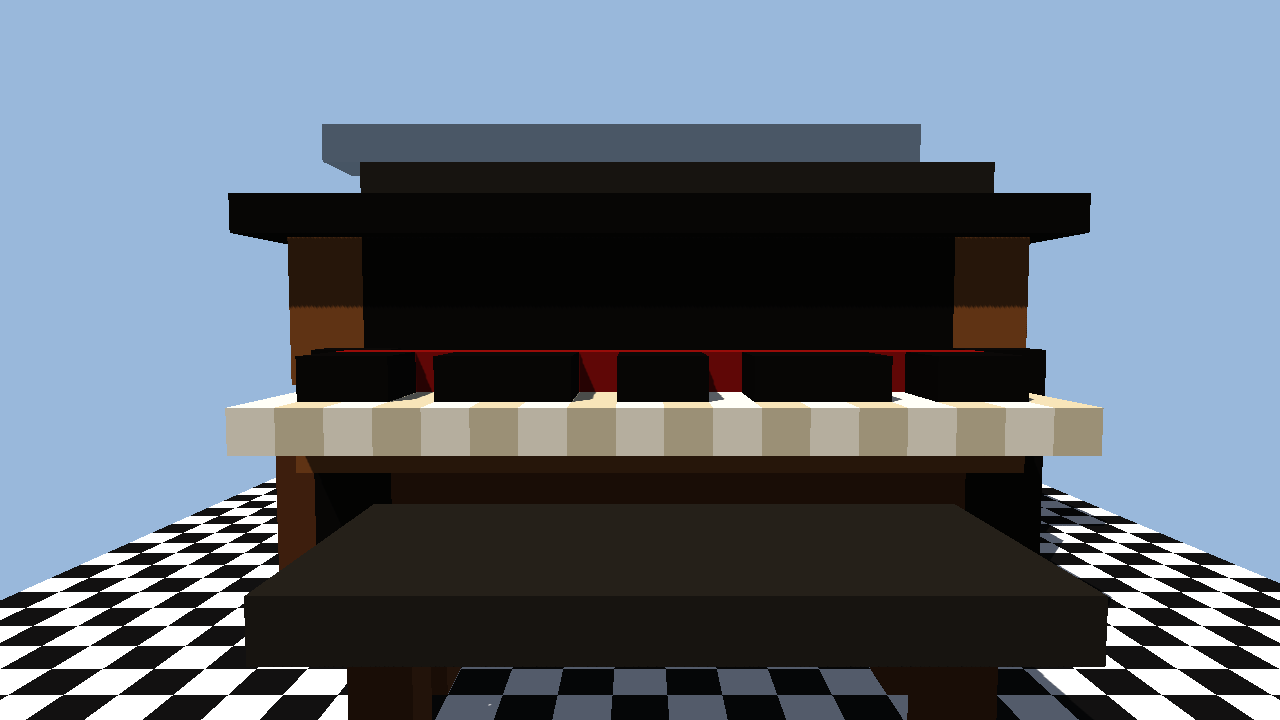
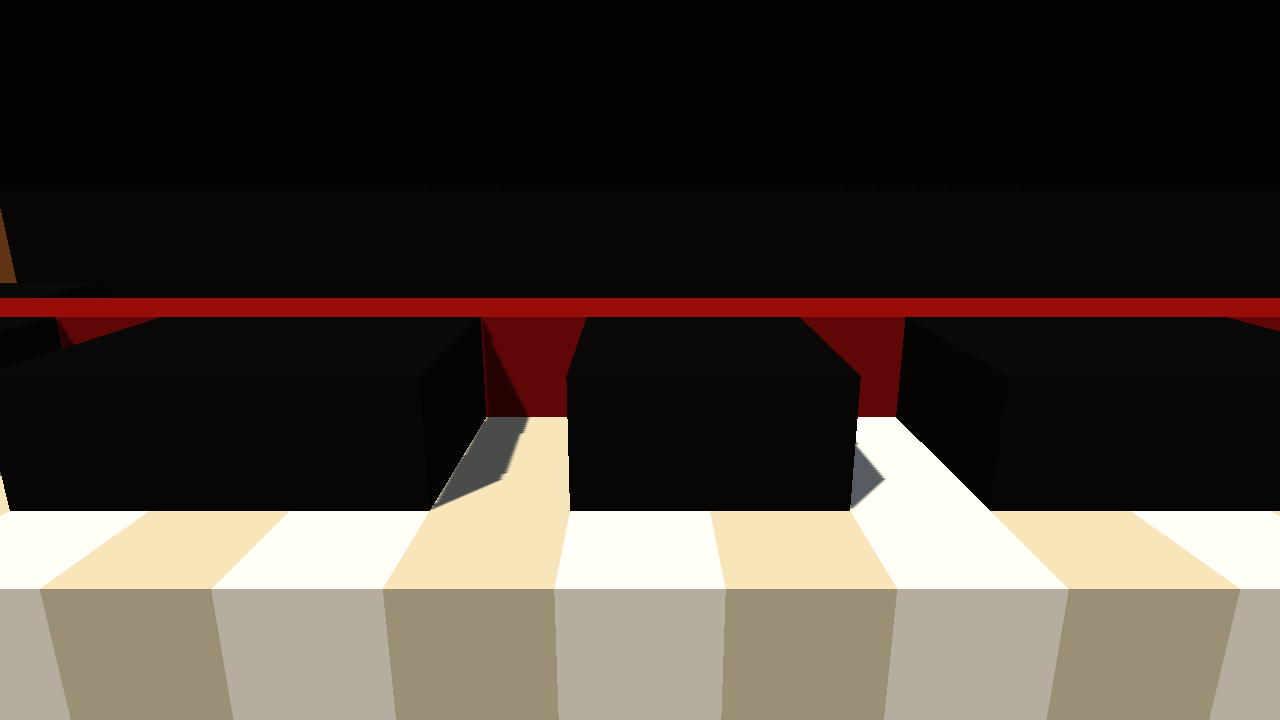
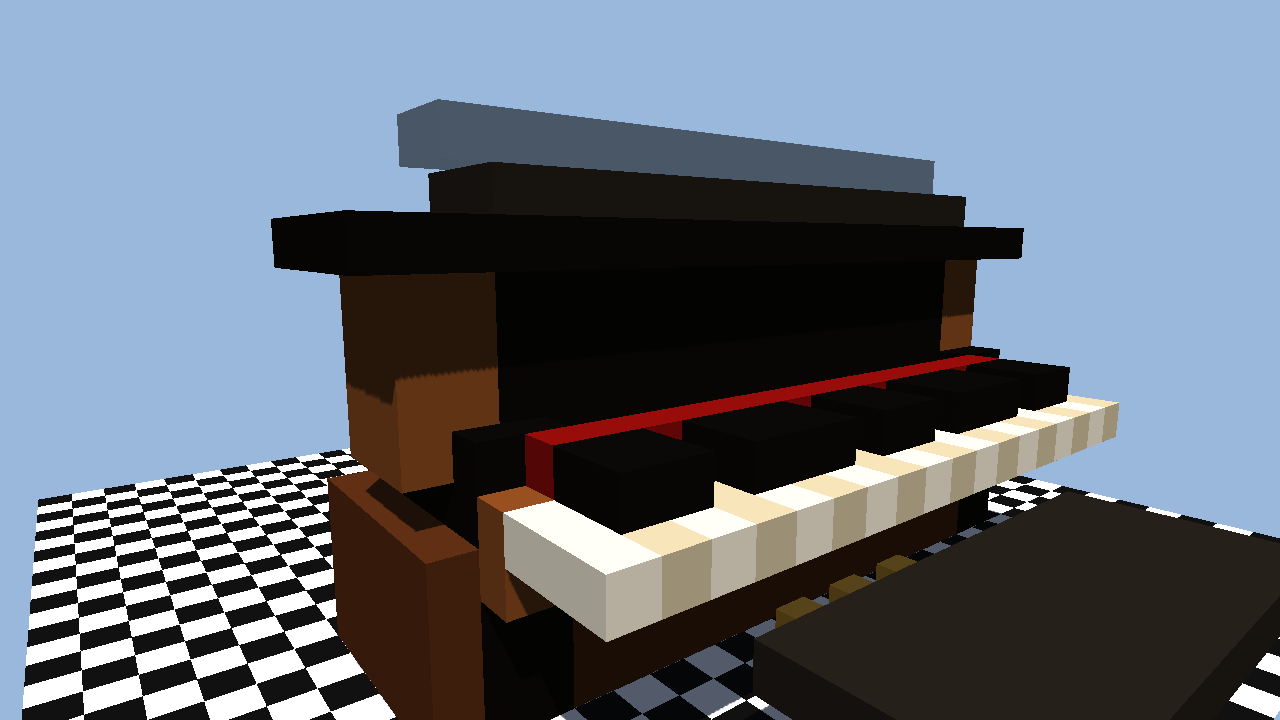
Open the demo scene:
source venv/bin/activate
python -m box_editor_view piano.box
There is also pikachu.box, a cute voxel creature model with ears, cheeks, tail, and stubby feet:
source venv/bin/activate
python -m box_editor_view pikachu.box
File Format
.box files are SQLite databases, not JSON text files. The editor stores sparse voxels with a compact palette schema:
CREATE TABLE metadata (
    key TEXT PRIMARY KEY,
    value TEXT NOT NULL
) WITHOUT ROWID;

CREATE TABLE palette (
    color_id INTEGER PRIMARY KEY,
    r INTEGER NOT NULL CHECK (r BETWEEN 0 AND 255),
    g INTEGER NOT NULL CHECK (g BETWEEN 0 AND 255),
    b INTEGER NOT NULL CHECK (b BETWEEN 0 AND 255),
    a INTEGER NOT NULL CHECK (a BETWEEN 1 AND 255),
    UNIQUE (r, g, b, a)
) WITHOUT ROWID;

CREATE TABLE boxes (
    x INTEGER NOT NULL,
    y INTEGER NOT NULL,
    z INTEGER NOT NULL,
    color_id INTEGER NOT NULL REFERENCES palette(color_id),
    PRIMARY KEY (x, y, z)
) WITHOUT ROWID;
metadata contains schema_version and N. N must be from 0 to 5, and the editable map size is (2^N)^3. Empty cells are not written to the boxes table. Each cube references a palette.color_id; RGBA values are stored once per distinct color, and unused palette colors are removed on save.
Setup
Use the project venv:
source venv/bin/activate
python -m pip install -r requirements.txt
Run tests:
source venv/bin/activate
python -m pytest
Run
Create or open a file:
source venv/bin/activate
python -m box_editor_view my_map.box
Create a new empty file with a chosen N:
source venv/bin/activate
python -m box_editor_view my_map.box --new -n 5
If no path is given, the editor uses untitled.box in the current directory.
Print a stable content hash without opening the editor:
source venv/bin/activate
python -m box_editor_view --hash my_map.box
The hash is based on N plus each cube coordinate and RGBA value. Palette IDs and unused palette entries do not affect it. Invalid .box files print FormatError to stderr.
Scripts
The scripts/ directory contains repository maintenance and demo-generation tools. These scripts are not packaged into the installable Python project.
scripts/make_piano_demo.py: rebuildspiano.boxand refreshes the showcase screenshots indocs/images/.scripts/make_pikachu_demo.py: rebuildspikachu.box, a compact character model useful for testing colorful organic shapes.scripts/measure_fps.py: runs an offscreen render benchmark and reports FPS plus chunk mesh statistics.
Run it from the repository root:
source venv/bin/activate
python scripts/make_piano_demo.py
Measure the piano demo performance:
source venv/bin/activate
python scripts/measure_fps.py piano.box --frames 600 --warmup 120
Performance
The editor batches cubes into chunk meshes, renders only visible faces, greedily merges same-color coplanar faces, and uses a voxel raycast for mouse picking instead of one collision object per cube. It also detects the active Panda3D renderer and enables conservative GPU settings when hardware acceleration is available. Opaque chunk meshes cast shadows; transparent chunk meshes keep real alpha blending and do not cast shadows.
Controls
- Click the window: capture the mouse.
- Mouse look: look around after the mouse is captured.
WASD: move horizontally.Space: move upward.Shift: move downward.- Right click: place a cube on the ground or on the clicked cube face.
- Left click: delete the clicked cube.
- Middle click: pick the clicked cube RGBA as the current placement color.
E: edit the RGBA values of the cube under the crosshair.- Set alpha to
0: delete that cube instead of saving it. N: change the map size exponent. Shrinking the map asks for confirmation if cubes would be removed.C: look at the editor center, or the centroid of all cubes when cubes exist.F5: switch first-person and third-person view.F2orCtrl+S: save.H: show the help page.Esc: release the mouse and show exit choices.
The hovered cube is outlined. The player has an approximately 1x1x1.8 body, with the camera near eye height. RGBA values are entered as 0..255; the color editor accepts either R G B A or R,G,B,A. The default placement color is gray with alpha 255. After editing a cube color, newly placed cubes use that last edited RGBA color.
While the color editor is open, movement keys are disabled and keyboard input is reserved for color fields. The combined RGBA field is focused by default; click R, G, B, or A to edit one channel, or use Tab, Shift+Tab, or the left/right arrow keys to switch fields. The active field is highlighted yellow.
Block placement and deletion sounds are generated automatically as MP3 files under %USERPROFILE%\.box_editor_view\sounds.
The help page disables editing and movement until you click OK or press Enter.
When you leave the editor, it asks whether to Save and Quit, Quit without Saving, or Cancel. Use Tab, Shift+Tab, or the left/right arrow keys to switch the highlighted button.
Release history Release notifications | RSS feed


Download files
Download the file for your platform. If you're not sure which to choose, learn more about installing packages.
Source Distribution
Built Distribution
Filter files by name, interpreter, ABI, and platform.
If you're not sure about the file name format, learn more about wheel file names.
Copy a direct link to the current filters
File details
Details for the file box_editor_view-0.1.5.tar.gz.
File metadata
- Download URL: box_editor_view-0.1.5.tar.gz
- Upload date:
- Size: 30.1 kB
- Tags: Source
- Uploaded using Trusted Publishing? No
- Uploaded via: poetry/2.4.1 CPython/3.11.15 Windows/10
File hashes
| Algorithm | Hash digest | |
|---|---|---|
| SHA256 |
18fae686533f5058b1d2dafac30b6a2daea82efecc523eb7037cf05fe3d98bad
|
|
| MD5 |
2dd5050cad888f3e475e9c94285350d6
|
|
| BLAKE2b-256 |
4fe34b082cea8be2dc16e6fe4b22edb4cd48c63209343d6a72d0bd347051a7e3
|
File details
Details for the file box_editor_view-0.1.5-py3-none-any.whl.
File metadata
- Download URL: box_editor_view-0.1.5-py3-none-any.whl
- Upload date:
- Size: 29.8 kB
- Tags: Python 3
- Uploaded using Trusted Publishing? No
- Uploaded via: poetry/2.4.1 CPython/3.11.15 Windows/10
File hashes
| Algorithm | Hash digest | |
|---|---|---|
| SHA256 |
56307de803cf871e52f6ca2229c3f25ecc94755ef0b5b759c32aadde7214d0ae
|
|
| MD5 |
97888e32a1b7db9376beac725138e4d0
|
|
| BLAKE2b-256 |
7fadb6036b4b7ff0e2dddf7574aed0434f12abf3ef0ee1f43b6953c4906bfd16
|






