
Bounding box clustering: group overlapped box into a large box

Project description
boxjoin
Install
pip install boxjoin
How it works
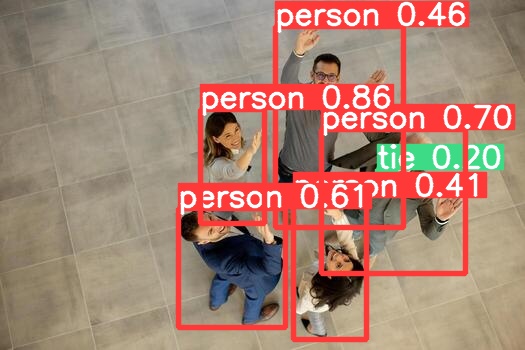
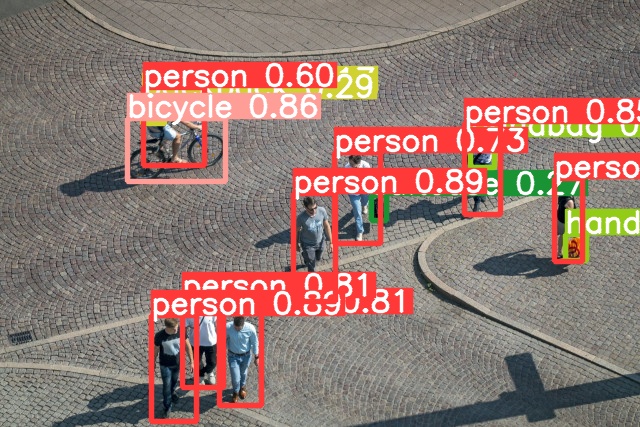
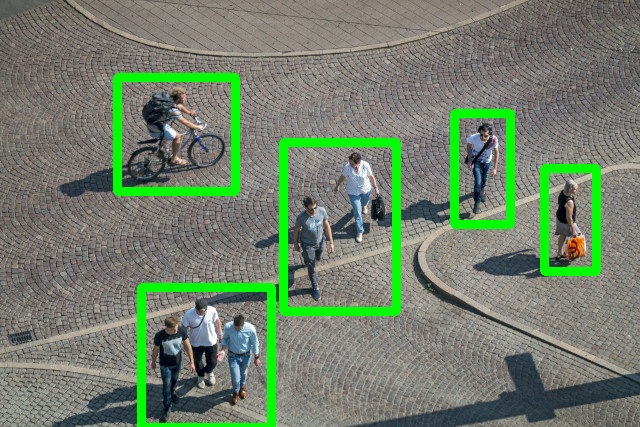
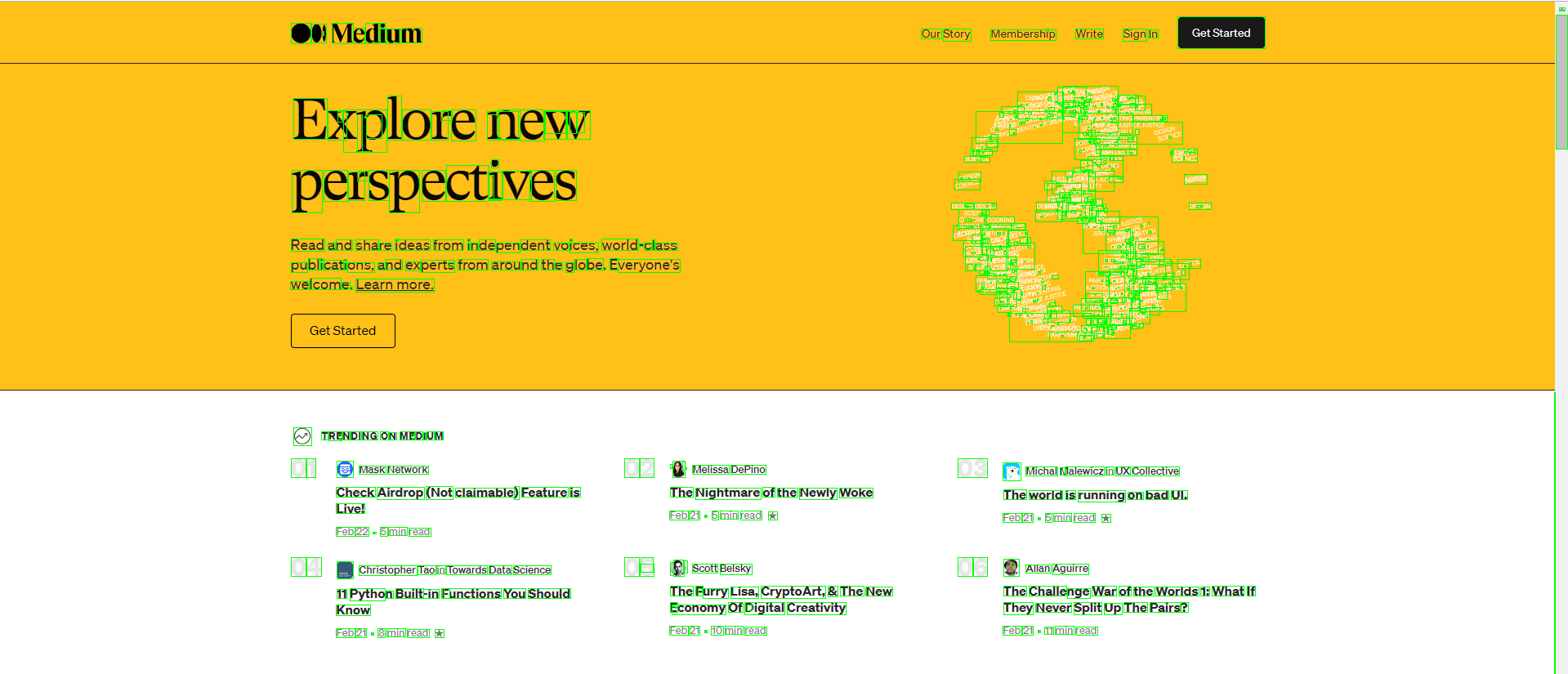
It works by detecting overlapped bounding box. Overlapped box will be grouped as one large bouding box. It is useful for grouping some bounding box (from YOLO, etc). But, currently it is not label aware and working based on coordinate.
Showcase
Group of people

Walking at the park
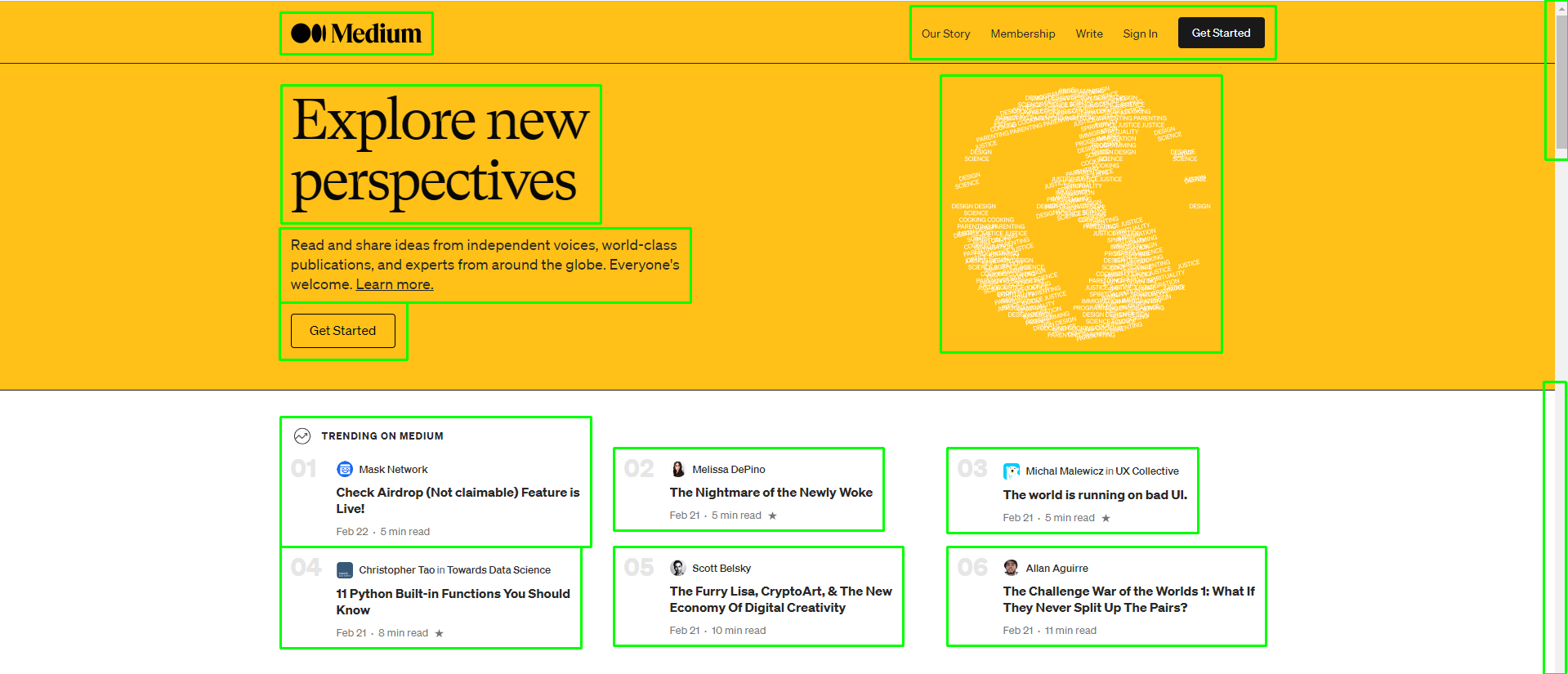
Group of text from Medium
Source: https://stackoverflow.com/questions/66490374/how-to-merge-nearby-bounding-boxes-opencv
Example
import boxjoin
import cv2

filename = "people-walking-original.jpg"
save_path = "people-walking-original-grouped.jpg"

img = cv2.imread(filename)

# Each box is in the format of [x1, y1, x2, y2]
# They can be extracted from YOLO output.
# This example is simply for demonstration
boxes = [
    [143, 91, 174, 118],
    [142, 98, 164, 123],
    [143, 87, 204, 165],
    [127, 118, 225, 181],
    [371, 195, 386, 220],
    [334, 152, 380, 243],
    [293, 193, 335, 301],
    [470, 136, 494, 167],
    [464, 123, 500, 214],
    [565, 234, 586, 260],
    [554, 178, 582, 261],
    [219, 313, 261, 405],
    [182, 297, 223, 387],
    [151, 315, 196, 421]
]

clusters = boxjoin.BoxClustering(boxes=boxes, img=img, save_path=save_path)

for i, cluster in enumerate(clusters):
    print(f"Cluster {i}: {cluster}")
    # The output should look like this:
    # Cluster 0: [[143, 91, 174, 118], [142, 98, 164, 123], [143, 87, 204, 165], [127, 118, 225, 181]]
    # Cluster 1: [[371, 195, 386, 220], [334, 152, 380, 243], [293, 193, 335, 301]]
    # Cluster 2: [[470, 136, 494, 167], [464, 123, 500, 214]]
    # Cluster 3: [[565, 234, 586, 260], [554, 178, 582, 261]]
    # Cluster 4: [[219, 313, 261, 405], [182, 297, 223, 387], [151, 315, 196, 421]]
Full example can be found in example directory
Release history Release notifications | RSS feed


Download files
Download the file for your platform. If you're not sure which to choose, learn more about installing packages.
Source Distribution
Built Distribution
Filter files by name, interpreter, ABI, and platform.
If you're not sure about the file name format, learn more about wheel file names.
Copy a direct link to the current filters
File details
Details for the file boxjoin-0.3.3.tar.gz.
File metadata
- Download URL: boxjoin-0.3.3.tar.gz
- Upload date:
- Size: 5.0 kB
- Tags: Source
- Uploaded using Trusted Publishing? No
- Uploaded via: twine/6.2.0 CPython/3.10.19
File hashes
| Algorithm | Hash digest | |
|---|---|---|
| SHA256 |
83e19fb3cadc915092cb03ff2b536545f58ef18e54b7b9601d05f53bc2d4ced4
|
|
| MD5 |
6bb0f342ed25108d0630dd16d23d81f7
|
|
| BLAKE2b-256 |
fed343b813886ca2a177caf5bfc3982332caa5d5483013e34691b191e9e918a8
|
File details
Details for the file boxjoin-0.3.3-py3-none-any.whl.
File metadata
- Download URL: boxjoin-0.3.3-py3-none-any.whl
- Upload date:
- Size: 5.3 kB
- Tags: Python 3
- Uploaded using Trusted Publishing? No
- Uploaded via: twine/6.2.0 CPython/3.10.19
File hashes
| Algorithm | Hash digest | |
|---|---|---|
| SHA256 |
ca7a9c40f0796488fb644386a791107f2f5665348c4b6605fd7b4f5c3d1357f3
|
|
| MD5 |
7a1fe0d5b2d83e8cdefb0acbe518c26b
|
|
| BLAKE2b-256 |
c7885f5204564ed5709283e61414caedc568ddbeb7da4785ffc20335933ed666
|






