
browser-use-mcp-server


An MCP server that enables AI agents to control web browsers using browser-use.
Prerequisites
- uv - Fast Python package manager
- Playwright - Browser automation
- mcp-proxy - Required for stdio mode
# Install prerequisites
curl -LsSf https://astral.sh/uv/install.sh | sh
uv tool install mcp-proxy
uv tool update-shell
Environment
Create a .env file:
OPENAI_API_KEY=your-api-key
CHROME_PATH=optional/path/to/chrome
PATIENT=false  # Set to true if API calls should wait for task completion
Installation
# Install dependencies
uv sync
uv pip install playwright
uv run playwright install --with-deps --no-shell chromium
Usage
SSE Mode
# Run directly from source
uv run server --port 8000
stdio Mode
# 1. Build and install globally
uv build
uv tool uninstall browser-use-mcp-server 2>/dev/null || true
uv tool install dist/browser_use_mcp_server-*.whl

# 2. Run with stdio transport
browser-use-mcp-server run server --port 8000 --stdio --proxy-port 9000
Client Configuration
SSE Mode Client Configuration
{
  "mcpServers": {
    "browser-use-mcp-server": {
      "url": "http://localhost:8000/sse"
    }
  }
}
stdio Mode Client Configuration
{
  "mcpServers": {
    "browser-server": {
      "command": "browser-use-mcp-server",
      "args": [
        "run",
        "server",
        "--port",
        "8000",
        "--stdio",
        "--proxy-port",
        "9000"
      ],
      "env": {
        "OPENAI_API_KEY": "your-api-key"
      }
    }
  }
}
Config Locations
| Client | Configuration Path |
|---|---|
| Cursor | ./.cursor/mcp.json |
| Windsurf | ~/.codeium/windsurf/mcp_config.json |
| Claude (Mac) | ~/Library/Application Support/Claude/claude_desktop_config.json |
| Claude (Windows) | %APPDATA%\Claude\claude_desktop_config.json |
Features
- Browser Automation: Control browsers through AI agents
- Dual Transport: Support for both SSE and stdio protocols
- VNC Streaming: Watch browser automation in real-time
- Async Tasks: Execute browser operations asynchronously
Local Development
To develop and test the package locally:
-
Build a distributable wheel:
# From the project root directory
uv build
-
Install it as a global tool:
uv tool uninstall browser-use-mcp-server 2>/dev/null || true
uv tool install dist/browser_use_mcp_server-*.whl
-
Run from any directory:
# Set your OpenAI API key for the current session
export OPENAI_API_KEY=your-api-key-here

# Or provide it inline for a one-time run
OPENAI_API_KEY=your-api-key-here browser-use-mcp-server run server --port 8000 --stdio --proxy-port 9000
-
After making changes, rebuild and reinstall:
uv build
uv tool uninstall browser-use-mcp-server
uv tool install dist/browser_use_mcp_server-*.whl
Docker
Using Docker provides a consistent and isolated environment for running the server.
# Build the Docker image
docker build -t browser-use-mcp-server .

# Run the container with the default VNC password ("browser-use")
# --rm ensures the container is automatically removed when it stops
# -p 8000:8000 maps the server port
# -p 5900:5900 maps the VNC port
docker run --rm -p8000:8000 -p5900:5900 browser-use-mcp-server

# Run with a custom VNC password read from a file
# Create a file (e.g., vnc_password.txt) containing only your desired password
echo "your-secure-password" > vnc_password.txt
# Mount the password file as a secret inside the container
docker run --rm -p8000:8000 -p5900:5900 \
  -v $(pwd)/vnc_password.txt:/run/secrets/vnc_password:ro \
  browser-use-mcp-server
Note: The :ro flag in the volume mount (-v) makes the password file read-only inside the container for added security.
VNC Viewer
# Browser-based viewer
git clone https://github.com/novnc/noVNC
cd noVNC
./utils/novnc_proxy --vnc localhost:5900
Default password: browser-use (unless overridden using the custom password method)

Example
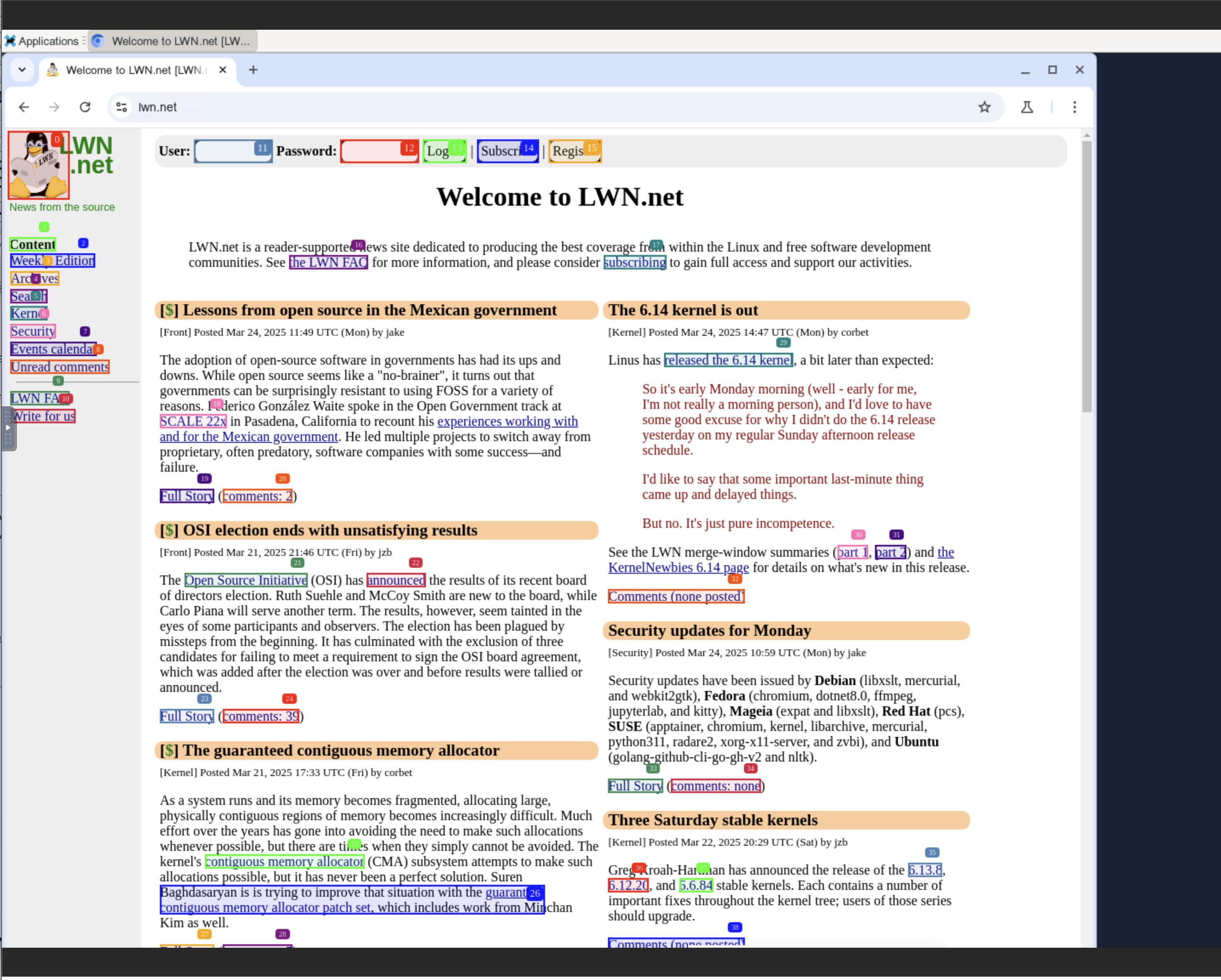
Try asking your AI:
open https://news.ycombinator.com and return the top ranked article
Support
For issues or inquiries: cobrowser.xyz
Star History

1 maintainer

Metadata
1 maintainer
Release files for browser-use-mcp-server 1.0.3
For a detailed explanation of source distributions (sdists) and built distributions (wheels), please see the package formats documentation.
Source distribution (sdist)
| File | Size | Uploaded | |
|---|---|---|---|
| browser_use_mcp_server-1.0.3.tar.gz | 13.9 kB | Details |
Built distribution (wheel)
| File | Interpreter | ABI | Platform | Reset |
|---|---|---|---|---|
| browser_use_mcp_server-1.0.3-py3-none-any.whl | Python 3 | none | any | Details |
Total release size: 29.8 kB
Release files / browser_use_mcp_server-1.0.3.tar.gz
| Download URL | browser_use_mcp_server-1.0.3.tar.gz |
|---|---|
| Size | 13.9 kB |
| Tags | Source |
|
SHA-256 checksum How to use checksums |
f741ab76203558836d98e411de551a747ed819ffc097de6c0a7b1734cffd92fa
|
|
BLAKE2b-256 checksum How to use checksums |
c4c62f2ab1b79819f0b8c0c87efa6eda14c8825d1fb29eaa1115367a336e0850
|
| Upload date | |
|
Uploaded using Trusted Publishing? What is trusted publishing? |
Yes |
| Uploaded via |
twine/6.1.0 CPython/3.12.9
|
Provenance
Provenance describes where a file came from. On PyPI, provenance is shared via attestations, which provide a verifiable record of the build or publishing details. View details, limitations and caveats.


PyPI Publish Attestation
PyPI verified that this artifact, at this checksum, originated from the publisher listed below.
Signed by GitHub Actions, verified by PyPI on Apr 15, 2025.
Transparency logRelease files / browser_use_mcp_server-1.0.3-py3-none-any.whl
| Download URL | browser_use_mcp_server-1.0.3-py3-none-any.whl |
|---|---|
| Size | 15.9 kB |
| Tags | Python 3 |
|
SHA-256 checksum How to use checksums |
4467752309572c3b5553f24916e0381a31538603dc21b026cc9e89379e3446cb
|
|
BLAKE2b-256 checksum How to use checksums |
e8d5515a87acdc05f1d5dfc2e71a6b70f8b0d0d2a0a7b8515d8562f8291a13ab
|
| Upload date | |
|
Uploaded using Trusted Publishing? What is trusted publishing? |
Yes |
| Uploaded via |
twine/6.1.0 CPython/3.12.9
|
Provenance
Provenance describes where a file came from. On PyPI, provenance is shared via attestations, which provide a verifiable record of the build or publishing details. View details, limitations and caveats.
PyPI Publish Attestation
PyPI verified that this artifact, at this checksum, originated from the publisher listed below.
Signed by GitHub Actions, verified by PyPI on Apr 15, 2025.
Transparency log













