
Self-hosted Error Tracking

Project description
Bugsink: Self-hosted Error Tracking
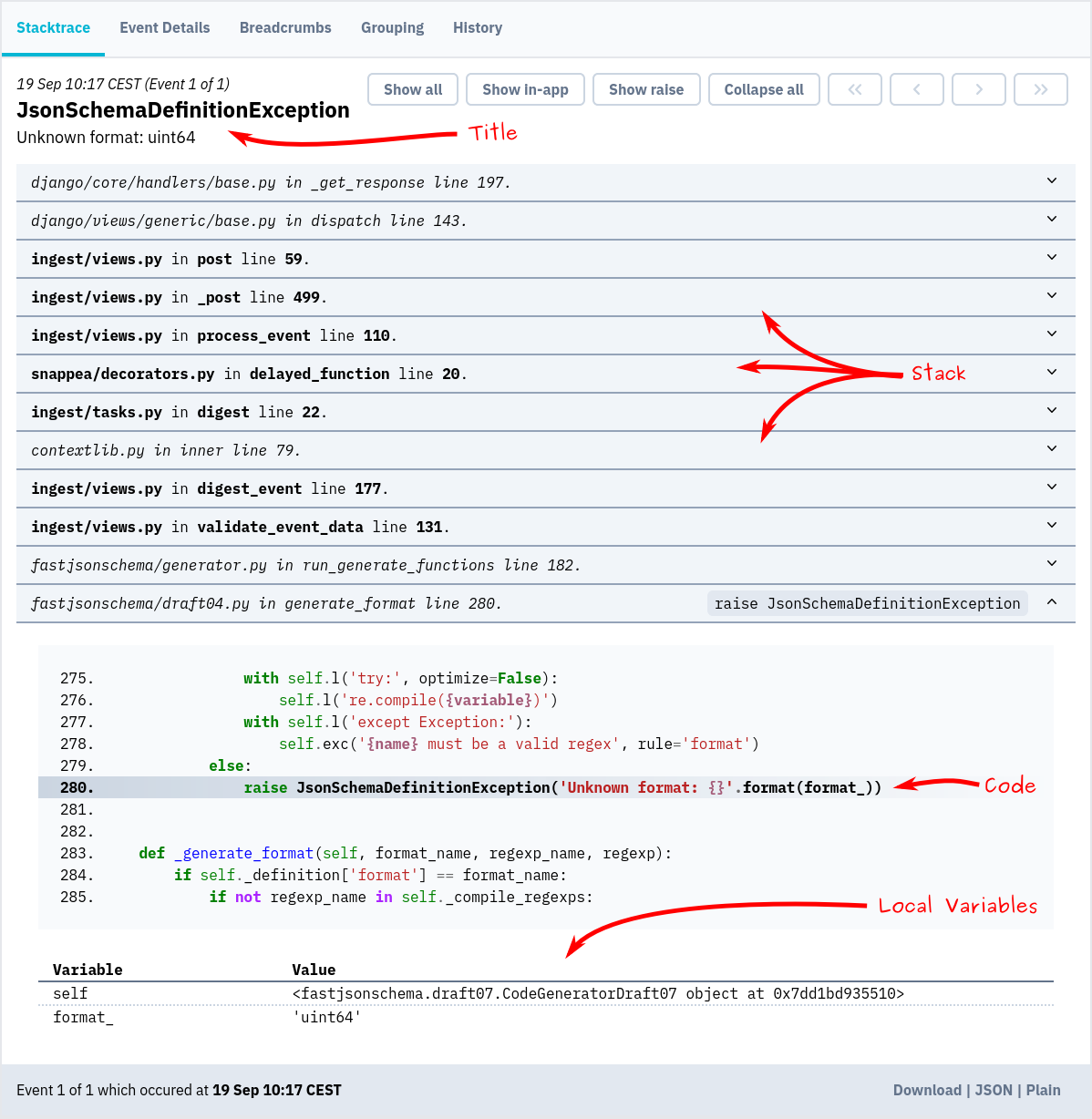
Screenshot
Installation & docs
The quickest way to evaluate Bugsink is to spin up a throw-away instance using Docker:
docker pull bugsink/bugsink:latest

docker run \
  -e SECRET_KEY=PUT_AN_ACTUAL_RANDOM_SECRET_HERE_OF_AT_LEAST_50_CHARS \
  -e CREATE_SUPERUSER=admin@example.org:admin \
  -e PORT=8000 \
  -p 8000:8000 \
  bugsink/bugsink
Visit http://localhost:8000/, where you'll see a login screen. The default username and password
are admin.
Now, you can set up your first project and start tracking errors.
Detailed installation instructions are on the Bugsink website.
Release history Release notifications | RSS feed


Download files
Download the file for your platform. If you're not sure which to choose, learn more about installing packages.
Source Distribution
Built Distribution
Filter files by name, interpreter, ABI, and platform.
If you're not sure about the file name format, learn more about wheel file names.
Copy a direct link to the current filters
File details
Details for the file bugsink-2.3.1.tar.gz.
File metadata
- Download URL: bugsink-2.3.1.tar.gz
- Upload date:
- Size: 1.2 MB
- Tags: Source
- Uploaded using Trusted Publishing? No
- Uploaded via: twine/6.1.0 CPython/3.10.12
File hashes
| Algorithm | Hash digest | |
|---|---|---|
| SHA256 |
770d50948774e553c9831816c05275415c6a6dbda61495fde6dcbdcdc716cd6a
|
|
| MD5 |
55805ac8b17557dc4a827a07e22b88bb
|
|
| BLAKE2b-256 |
a03a11e855680101323961df6d0d7a563589d4d4448b2c1901b7d8b276b608b0
|
File details
Details for the file bugsink-2.3.1-py3-none-any.whl.
File metadata
- Download URL: bugsink-2.3.1-py3-none-any.whl
- Upload date:
- Size: 1.3 MB
- Tags: Python 3
- Uploaded using Trusted Publishing? No
- Uploaded via: twine/6.1.0 CPython/3.10.12
File hashes
| Algorithm | Hash digest | |
|---|---|---|
| SHA256 |
535adafdfded4c7a49dd107fbac64eb48860653f267b616b47045e6e03c97da1
|
|
| MD5 |
5ac1b4c2729abe43c2aca90f081d87dc
|
|
| BLAKE2b-256 |
49fe98d7534786f9e75c96ea19cb57c0a4208f54525ffdbf5423c2f896228c35
|






