
Bugsink: Self-hosted Error Tracking
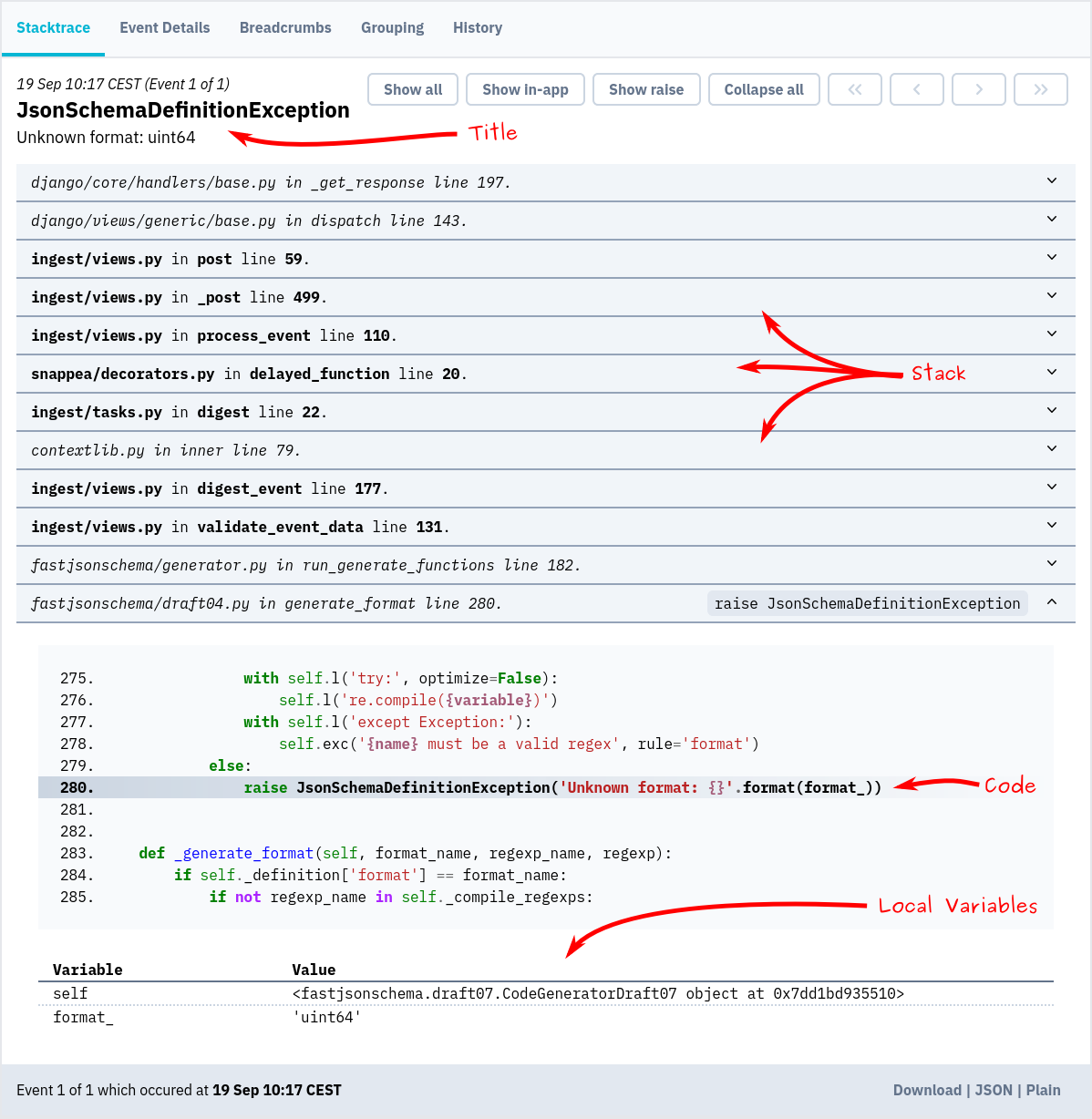
Screenshot
Installation & docs
The quickest way to evaluate Bugsink is to spin up a throw-away instance using Docker:
docker pull bugsink/bugsink:latest

docker run \
  -e SECRET_KEY=PUT_AN_ACTUAL_RANDOM_SECRET_HERE_OF_AT_LEAST_50_CHARS \
  -e CREATE_SUPERUSER=admin@example.org:admin \
  -e PORT=8000 \
  -p 8000:8000 \
  bugsink/bugsink
Visit http://localhost:8000/, where you'll see a login screen. The default username and password
are admin.
Now, you can set up your first project and start tracking errors.
Detailed installation instructions are on the Bugsink website.
1 maintainer

Metadata
1 maintainer
Release files for bugsink 2.6.2
For a detailed explanation of source distributions (sdists) and built distributions (wheels), please see the package formats documentation.
Source distribution (sdist)
| File | Size | Uploaded | Provenance | |
|---|---|---|---|---|
| bugsink-2.6.2.tar.gz | 1.3 MB | Without provenance | Details |
Built distribution (wheel)
| File | Interpreter | ABI | Platform | Reset |
|---|---|---|---|---|
| bugsink-2.6.2-py3-none-any.whl | Python 3 | none | any | Details |
Total release size: 2.8 MB
Release files / bugsink-2.6.2.tar.gz
| Download URL | bugsink-2.6.2.tar.gz |
|---|---|
| Size | 1.3 MB |
| Tags | Source |
|
SHA-256 checksum How to use checksums |
72bb40d7ce6e3c70ccd1e6ac07e9ecfa9521bd1719cdb768799c3b287fc9333e
|
|
BLAKE2b-256 checksum How to use checksums |
c2b39a59754dfab766442881dac55ca1b7b50bfb12513ee1cf75182f701973ed
|
| Upload date | |
|
Uploaded using Trusted Publishing? What is trusted publishing? |
No |
| Uploaded via |
twine/6.1.0 CPython/3.10.12
|
Release files / bugsink-2.6.2-py3-none-any.whl
| Download URL | bugsink-2.6.2-py3-none-any.whl |
|---|---|
| Size | 1.5 MB |
| Tags | Python 3 |
|
SHA-256 checksum How to use checksums |
752ce5712f8f8be98d5c33bce9a79cb8b9998361ef90077ed7a926cf59092e7c
|
|
BLAKE2b-256 checksum How to use checksums |
27ae09aff3a5c7a61dadba3561150fd3934d6065696f6fd8767f36f219b3905c
|
| Upload date | |
|
Uploaded using Trusted Publishing? What is trusted publishing? |
No |
| Uploaded via |
twine/6.1.0 CPython/3.10.12
|
Security for bugsink 2.6.2
Provenance
Provenance describes where a file came from. On PyPI, provenance is shared via attestations, which provide a verifiable record of the build or publishing details. View details, limitations and caveats.
No provenance found
None of the files in this release were uploaded with provenance metadata.
A note on package security
PyPI is a repository for distributing packages, not a service for auditing them. While third-party security researchers and our staff do their best to detect and remove malicious packages, PyPI cannot guarantee the quality, security or suitability of any given package.














