
Control and monitor your system.

Project description


Bunga
Control and monitor your system.
Project homepage: https://github.com/eerimoq/bunga
Installation
$ pip install bungaThe shell subcommand
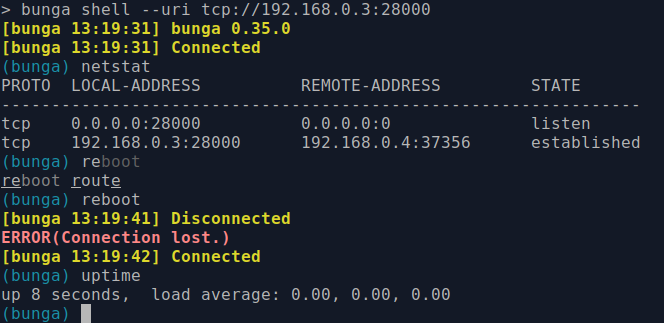
Connect to your system (in this case the Monolinux example project) and execute the df command.
The log subcommand
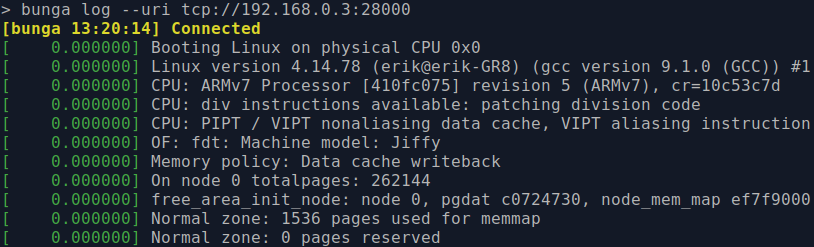
Stream logs from your system to your PC.
The plot subcommand
Plot any command output over time. The plot below shows the CPU load.
$ bunga plot cpu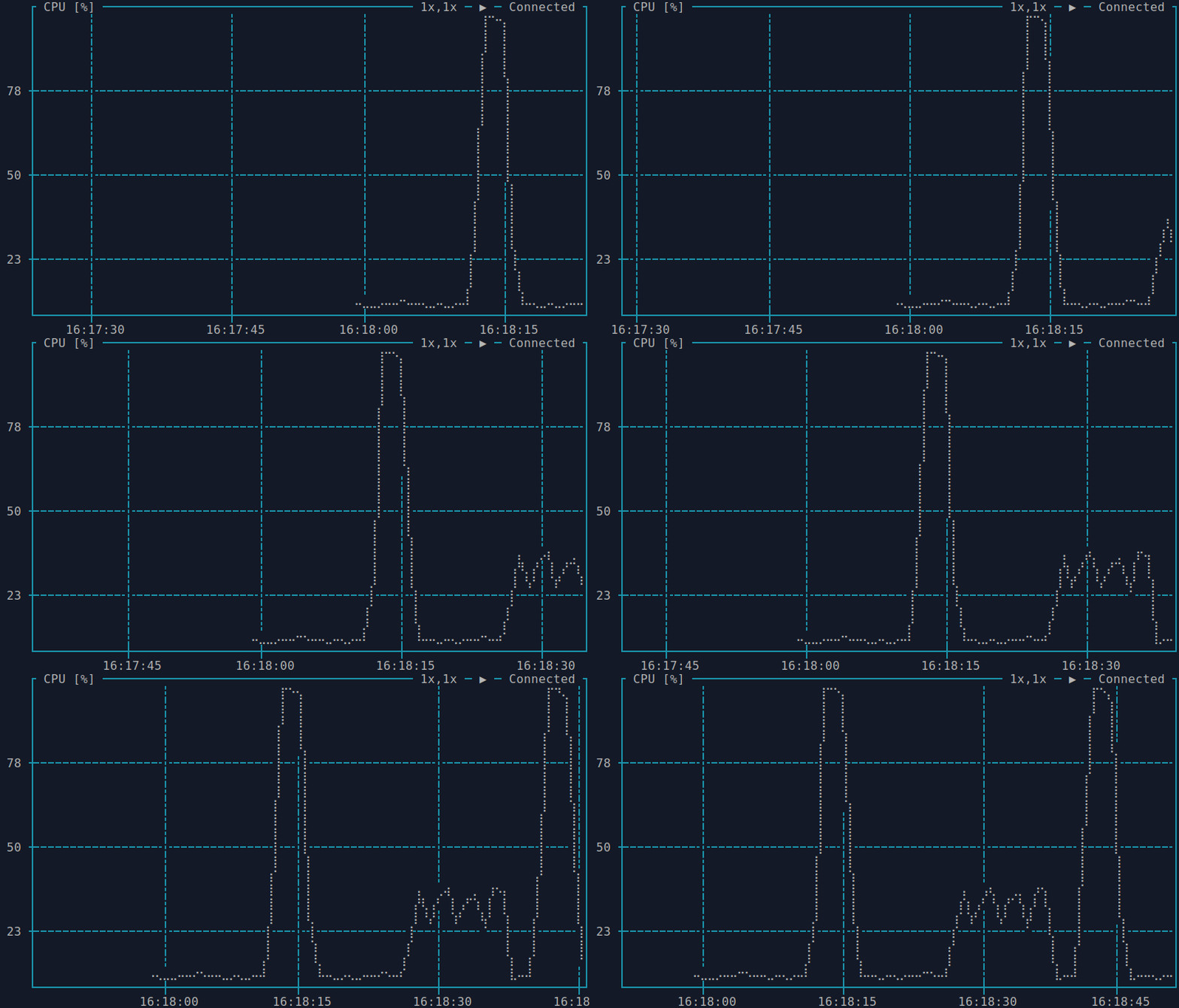
Press h or ? to show the help.
Define plots in ~/.bunga-plot.json.
{
    "cpu": {
        "title": "CPU [%]",
        "command": "cat proc/stat",
        "pattern": "cpu\\s+\\d+\\s+\\d+\\s+\\d+\\s+(\\d+)",
        "algorithm": "delta",
        "interval": 2,
        "timespan": 60
        "scale": -1,
        "offset": 100,
        "y-min": 0,
        "y-max": 100
    },
    "uptime": {
        "title": "Uptime [s]",
        "command": "cat proc/uptime",
        "max-age": 600
    }
}
The execute subcommand
Execute given command, ls in the example below, and print its output.
$ bunga execute ls
mnt etc proc init root dev
The get_file subcommand
Get a file from your system.
$ bunga get_file README.rst
100%|█████████████████████████████████████| 1.19k/1.19k [00:00<00:00, 74.1kB/s]
The put_file subcommand
Put a file on your system.
$ bunga put_file README.rst
100%|█████████████████████████████████████| 1.19k/1.19k [00:00<00:00, 24.1kB/s]Release history Release notifications | RSS feed


Download files
Download the file for your platform. If you're not sure which to choose, learn more about installing packages.
Source Distribution
bunga-0.51.0.tar.gz
(25.3 kB
view details)
File details
Details for the file bunga-0.51.0.tar.gz.
File metadata
- Download URL: bunga-0.51.0.tar.gz
- Upload date:
- Size: 25.3 kB
- Tags: Source
- Uploaded using Trusted Publishing? No
- Uploaded via: twine/3.2.0 pkginfo/1.5.0.1 requests/2.24.0 setuptools/49.2.0 requests-toolbelt/0.9.1 tqdm/4.48.0 CPython/3.8.0
File hashes
| Algorithm | Hash digest | |
|---|---|---|
| SHA256 |
ebb3c45d50369c4824c533cf78d7faa6c9bb80b5f666f7394a3d91d559484961
|
|
| MD5 |
3a6d1899b2231cc2107351c6cf63e4ed
|
|
| BLAKE2b-256 |
5cc2e984877068a3b53e342da8f1e479e87d56965b4281ad7149237f868e4d65
|






