
[简体中文] <- 点击查看中文页面。
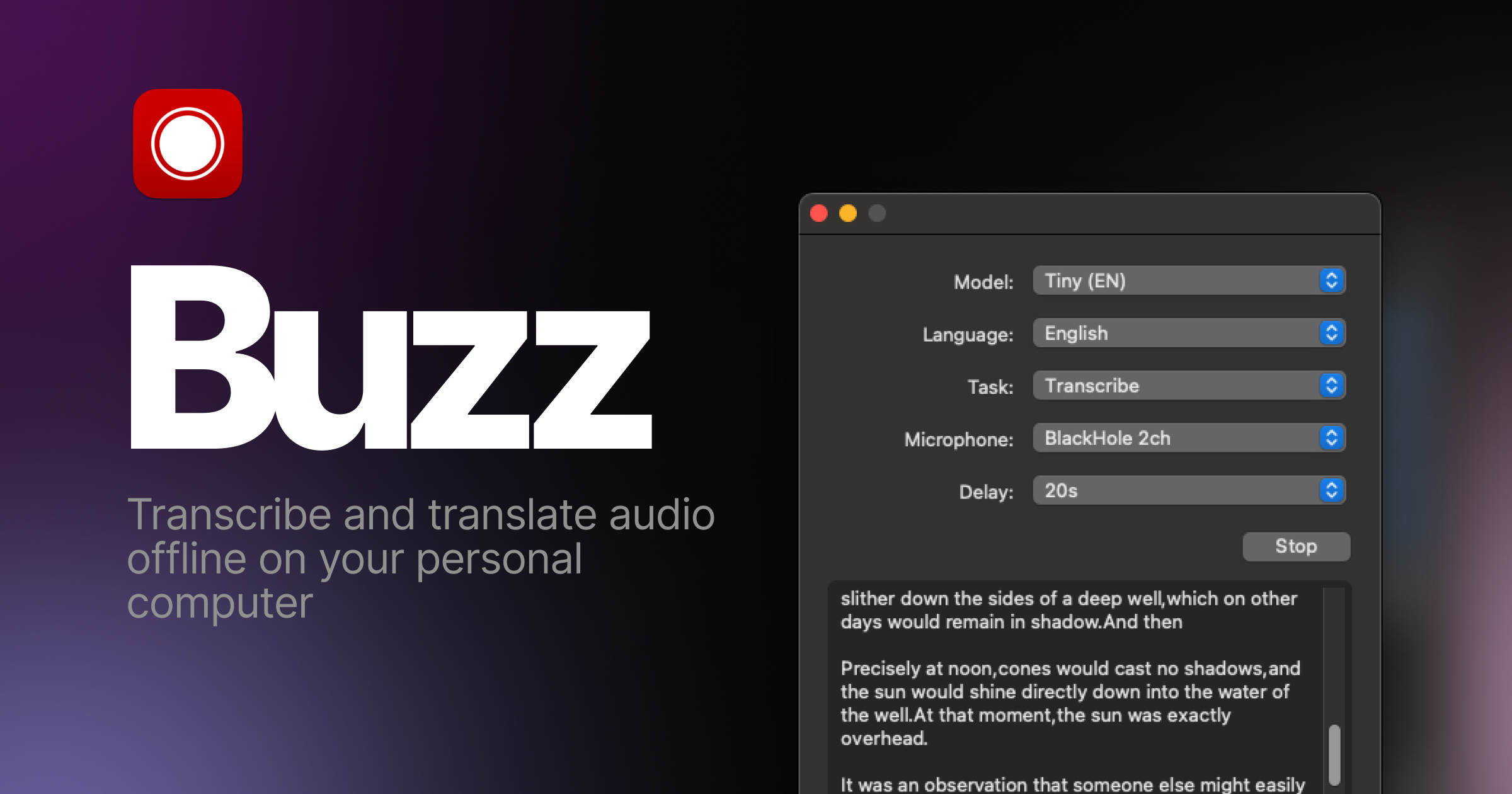
Buzz
Transcribe and translate audio offline on your personal computer. Powered by OpenAI's Whisper.





Features
- Transcribe audio and video files or Youtube links
- Live realtime audio transcription from microphone
- Presentation window for easy accessibility during events and presentations
- Speech separation before transcription for better accuracy on noisy audio
- Speaker identification in transcribed media
- Multiple whisper backend support
- CUDA acceleration support for Nvidia GPUs
- Apple Silicon support for Macs
- Vulkan acceleration support for Whisper.cpp on most GPUs, including integrated GPUs
- Multiple Transformer model family support via Huggingface whisper type
- Export transcripts to TXT, SRT, and VTT
- Advanced Transcription Viewer with search, playback controls, and speed adjustment
- Keyboard shortcuts for efficient navigation
- Watch folder for automatic transcription of new files
- Command-Line Interface for scripting and automation
- Plugin system with plugins like AI summary generation and automated transcript resizing
Installation
macOS
Download the .dmg from the SourceForge.
Windows
Get the installation files from the SourceForge.
App is not signed, you will get a warning when you install it. Select More info -> Run anyway.
Linux
Buzz is available as a Flatpak or a Snap.
To install flatpak, run:
flatpak install flathub io.github.chidiwilliams.Buzz

To install snap, run:
sudo apt-get install libportaudio2 libcanberra-gtk-module libcanberra-gtk3-module
sudo snap install buzz

PyPI
Install ffmpeg
Ensure you use Python 3.12 environment.
Install Buzz
pip install buzz-captions
python -m buzz
GPU support for PyPI
To have GPU support for Nvidia GPUS on Windows, for PyPI installed version ensure, CUDA support for torch
pip3 install -U torch==2.8.0+cu129 torchaudio==2.8.0+cu129 --index-url https://download.pytorch.org/whl/cu129
pip3 install nvidia-cublas-cu12==12.9.1.4 nvidia-cuda-cupti-cu12==12.9.79 nvidia-cuda-runtime-cu12==12.9.79 --extra-index-url https://pypi.nvidia.com
Latest development version
For info on how to get latest development version with latest features and bug fixes see FAQ.
Support Buzz
You can help the Buzz by starring 🌟 the repo and sharing it with your friends.
Screenshots
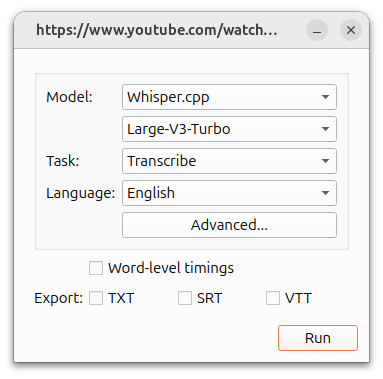
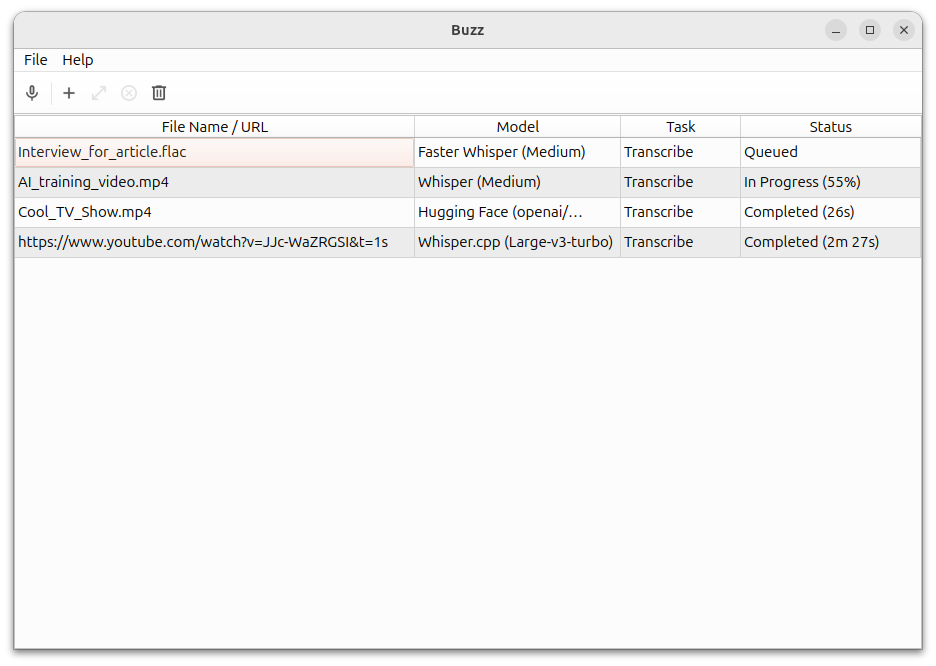
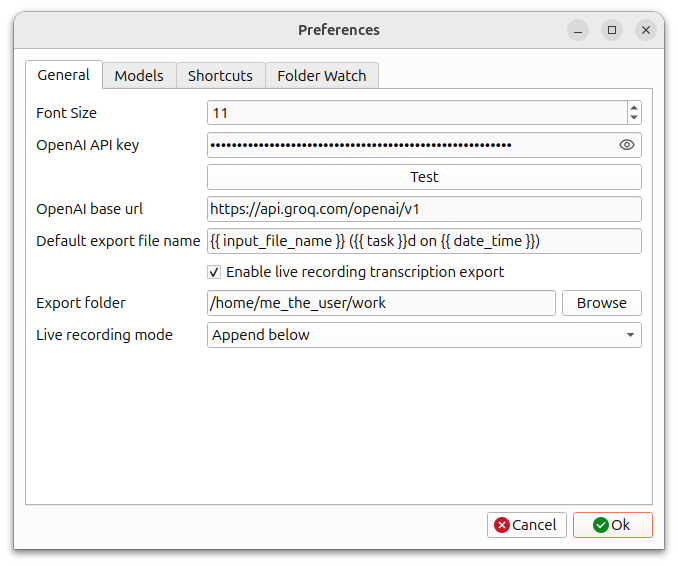
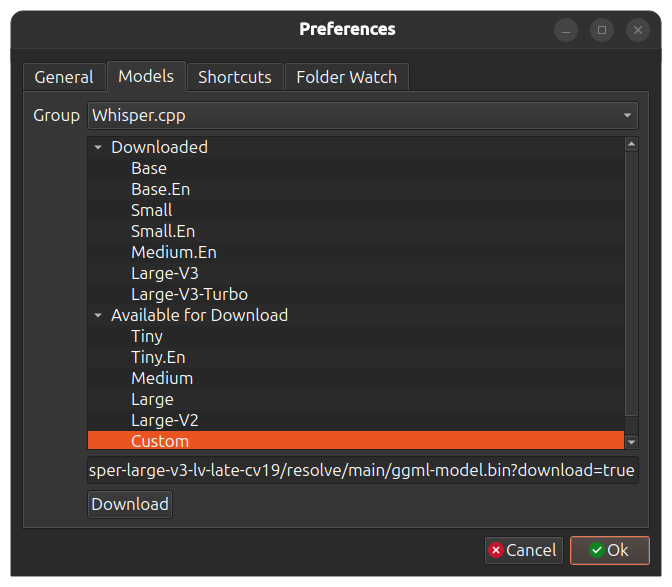
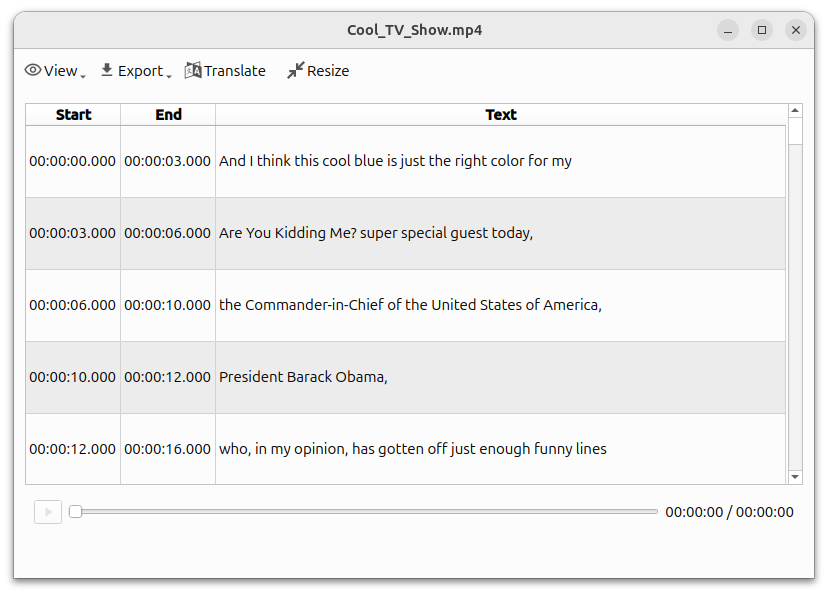
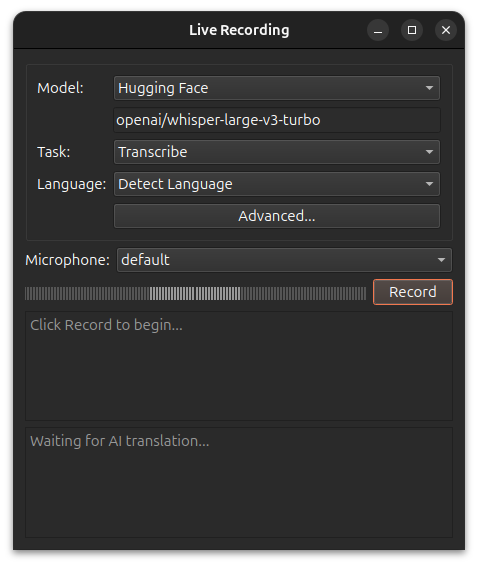
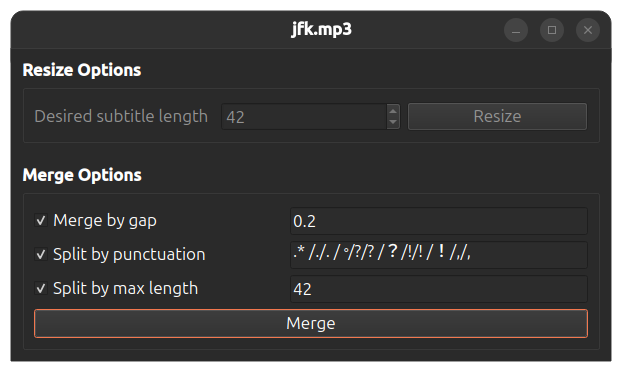
1 maintainer

Metadata
1 maintainer
Release files for buzz-captions 1.4.5
For a detailed explanation of source distributions (sdists) and built distributions (wheels), please see the package formats documentation.
Built distributions (wheels)
| File | Reset | |||
|---|---|---|---|---|
| buzz_captions-1.4.5-py3-none-win_amd64.whl | Python 3 | none | Windows x86-64 | Details |
| buzz_captions-1.4.5-py3-none-manylinux_2_34_x86_64.whl | Python 3 | none | Linux glibc 2.34+ x86-64 | Details |
| buzz_captions-1.4.5-py3-none-macosx_11_0_arm64.whl | Python 3 | none | macOS 11.0+ ARM64 | Details |
| buzz_captions-1.4.5-py3-none-macosx_10_9_x86_64.whl | Python 3 | none | macOS 10.9+ x86-64 | Details |
Total release size: 115.3 MB
Release files / buzz_captions-1.4.5-py3-none-win_amd64.whl
| Download URL | buzz_captions-1.4.5-py3-none-win_amd64.whl |
|---|---|
| Size | 41.0 MB |
| Tags | Python 3 Windows x86-64 |
|
SHA-256 checksum How to use checksums |
4dd7da5be7f9a791b7fc25528d1f37d224eba18e16876a59dc61c78c04d1590d
|
|
BLAKE2b-256 checksum How to use checksums |
767c10c16d7f1eeedeca1a6d8c1c7c171873a312325d9cc18e697ec7763ff1de
|
| Upload date | |
|
Uploaded using Trusted Publishing? What is trusted publishing? |
No |
| Uploaded via |
twine/7.0.0 CPython/3.13.14
|
Release files / buzz_captions-1.4.5-py3-none-manylinux_2_34_x86_64.whl
| Download URL | buzz_captions-1.4.5-py3-none-manylinux_2_34_x86_64.whl |
|---|---|
| Size | 60.6 MB |
| Tags | Linux glibc 2.34+ x86-64 Python 3 |
|
SHA-256 checksum How to use checksums |
80b671902f54d822e1c25faa6b4ab1f973f602a816cbc26eddcd1bd14d7bc5bd
|
|
BLAKE2b-256 checksum How to use checksums |
6b293d5a527a0b97f1324b38a43cf33272d068b79fc972b2f1a483dc58c20326
|
| Upload date | |
|
Uploaded using Trusted Publishing? What is trusted publishing? |
No |
| Uploaded via |
twine/7.0.0 CPython/3.13.14
|
Release files / buzz_captions-1.4.5-py3-none-macosx_11_0_arm64.whl
| Download URL | buzz_captions-1.4.5-py3-none-macosx_11_0_arm64.whl |
|---|---|
| Size | 6.7 MB |
| Tags | Python 3 macOS 11.0+ ARM64 |
|
SHA-256 checksum How to use checksums |
765c9a3138349685700fcb4b1ca283ff9cf2fd68b5232748b9d0d90aeb7f7042
|
|
BLAKE2b-256 checksum How to use checksums |
d9b8791b235f3ea27d3f7824f4ca29de82763e164c06cacd409d506e1e981533
|
| Upload date | |
|
Uploaded using Trusted Publishing? What is trusted publishing? |
No |
| Uploaded via |
twine/7.0.0 CPython/3.13.14
|
Release files / buzz_captions-1.4.5-py3-none-macosx_10_9_x86_64.whl
| Download URL | buzz_captions-1.4.5-py3-none-macosx_10_9_x86_64.whl |
|---|---|
| Size | 7.1 MB |
| Tags | Python 3 macOS 10.9+ x86-64 |
|
SHA-256 checksum How to use checksums |
e6227bdf89666f9dfab3ed9afaa36d757d938c7725c0273392bce0cf915b462b
|
|
BLAKE2b-256 checksum How to use checksums |
271460f8877e2eefb6b24025ed8920fdc2ecd0ee0fa5377b486aea83def30c6b
|
| Upload date | |
|
Uploaded using Trusted Publishing? What is trusted publishing? |
No |
| Uploaded via |
twine/7.0.0 CPython/3.13.14
|














