

Run and deploy complex robot actions with a simple Python SDK.
Robots • Quickstart • Docs • Deploy
Cadenza lets you write complex motion-targeted code and run it in MuJoCo or on hardware. Three robots are supported out of the box.
Website: www.cadenzalabs.xyz • pip package: cadenza-lab • Deploy to hardware: DEPLOY.md
🤖 Supported robots
| Robot | Type | Actions | Control model |
|---|---|---|---|
| Go1 | Unitree quadruped | 21 | Gaits + phases (walk, trot, turn, jump, sit, …) |
| G1 | Unitree humanoid | 20 | Bipedal locomotion + arms |
| Arm | 6-axis articulated arm | 6 | Cartesian move_to / pick / place (IK + grasp) |
Go1 and G1 deploy to real hardware (see DEPLOY.md); the arm is simulation-only today. Want drones, other arms, or custom hardware? Reach out — acparekh@stanford.edu.
⚡ Quickstart
pip install cadenza-lab
Each robot follows the same shape: create a controller, build a list of actions,
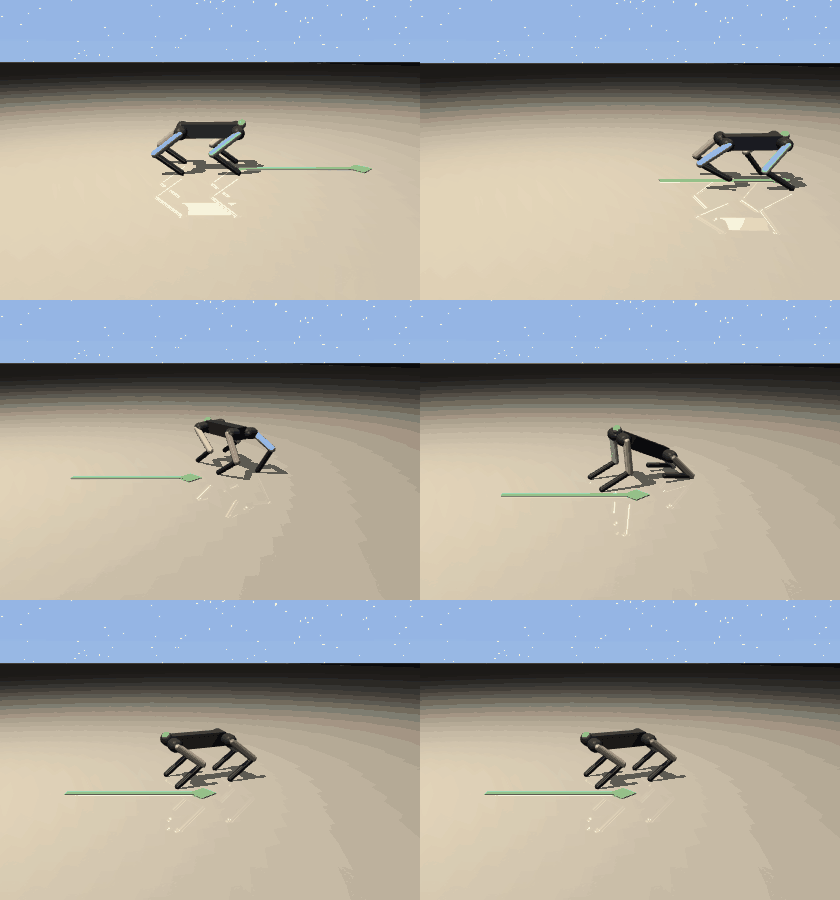
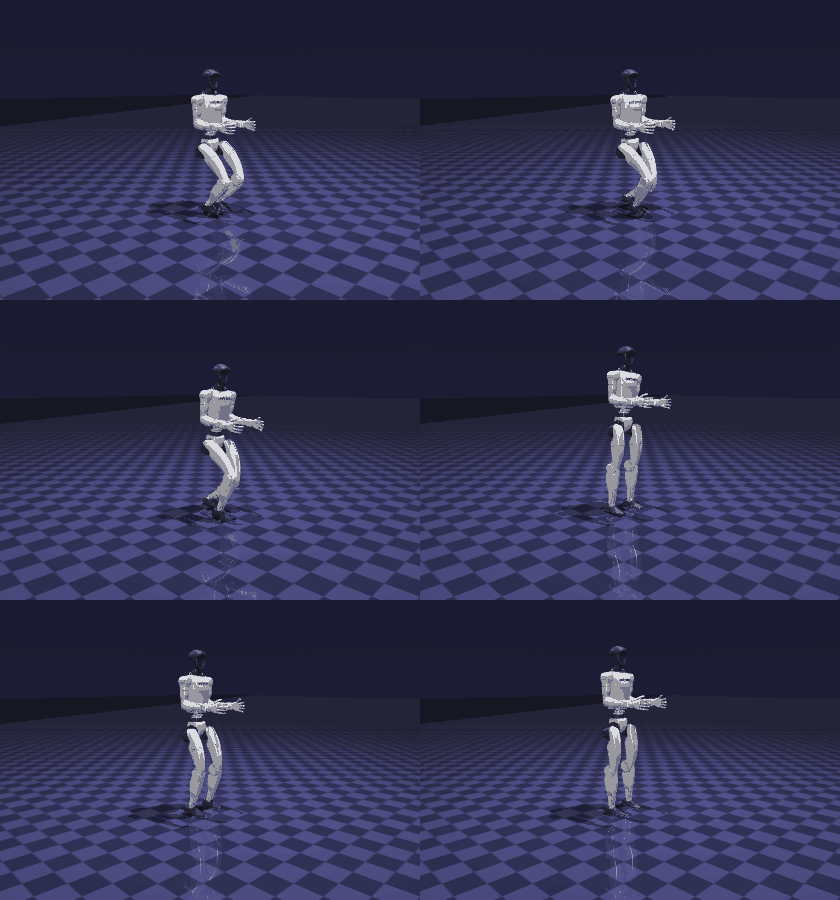
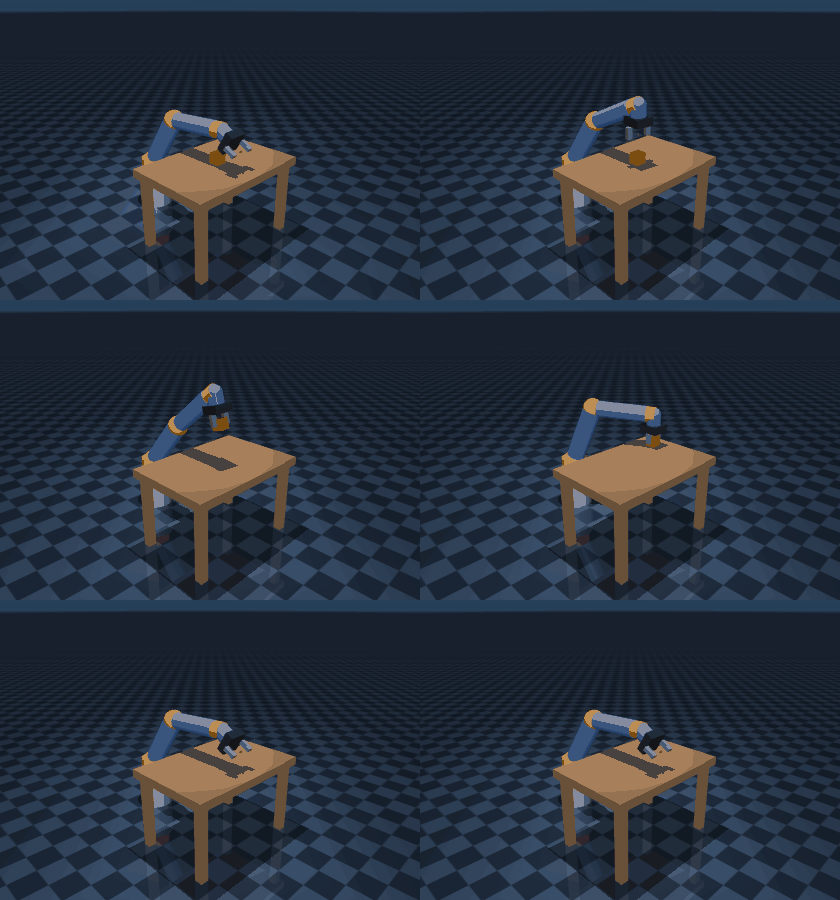
run(). The clips below are each rendered straight from the snippet above them.
🐾 Go1 — quadruped
The Go1 stands, walks 2 m, arcs through a turn (nested list = concurrent), jumps, and sits.
import cadenza_lab as cadenza

go1 = cadenza.go1()
go1.run([
    go1.stand(),
    go1.walk_forward(speed=1.5, distance_m=2.0),
    [go1.turn_left(), go1.walk_forward()],   # concurrent: walking arc
    go1.jump(speed=2.0, extension=1.2),
    go1.sit(),
])
🦾 G1 — humanoid
The G1 walks forward with a trajectory-optimized bipedal gait, comes to a balanced stop, then jumps — all under active balance stabilization.
import cadenza_lab as cadenza

g1 = cadenza.g1()
g1.run([
    g1.walk_forward(distance_m=1.0),  # walk, then settle to a stand
    g1.jump(),                        # jump from the balanced stop
])
🤖 Arm — 6-axis pick & place
The arm homes, picks the cube off the table, places it to the side, and returns
home. Targets are Cartesian (x, y, z); motion is IK-driven and the grasp is a
weld the controller activates when the gripper closes.
import cadenza_lab as cadenza

arm = cadenza.arm()
arm.run([
    arm.home(),
    arm.pick((0.50, 0.00, 0.43)),   # grab the cube on the table
    arm.place((0.40, 0.22, 0.43)),  # set it down to the side
    arm.home(),
])
📚 Next steps
| Full SDK docs | www.cadenzalabs.xyz — robots, actions, scenes, gym adapter, inference stack, multi-robot coordination |
| Deploy to hardware | DEPLOY.md — SSH, DDS direct, and bridge modes for Go1 / G1 |
| CLI | cadenza list go1 · cadenza sim go1 "walk forward then jump" · cadenza list arm |
| Examples | example.py, examples/ |
💚 Community
| Links | |
|---|---|
| GitHub | aparekh02/cadenza |
| Issues | Report a bug or request a feature |
| License | Apache 2.0 |
1 maintainer

Metadata
1 maintainer
Release files for cadenza-lab 1.7.1
For a detailed explanation of source distributions (sdists) and built distributions (wheels), please see the package formats documentation.
Source distribution (sdist)
| File | Size | Uploaded | |
|---|---|---|---|
| cadenza_lab-1.7.1.tar.gz | 193.8 kB | Details |
Built distribution (wheel)
| File | Interpreter | ABI | Platform | Reset |
|---|---|---|---|---|
| cadenza_lab-1.7.1-py3-none-any.whl | Python 3 | none | any | Details |
Total release size: 410.4 kB
Release files / cadenza_lab-1.7.1.tar.gz
| Download URL | cadenza_lab-1.7.1.tar.gz |
|---|---|
| Size | 193.8 kB |
| Tags | Source |
|
SHA-256 checksum How to use checksums |
8925ac5561806e6f781cd5c2dddb6378ffb5413915ed3f2973ba4416d23d5a57
|
|
BLAKE2b-256 checksum How to use checksums |
9faea4f080b7726b6b6dc5ceddb1ea278d8ba1558849ec486b6ef5068d77e4f1
|
| Upload date | |
|
Uploaded using Trusted Publishing? What is trusted publishing? |
No |
| Uploaded via |
twine/6.2.0 CPython/3.12.13
|
Release files / cadenza_lab-1.7.1-py3-none-any.whl
| Download URL | cadenza_lab-1.7.1-py3-none-any.whl |
|---|---|
| Size | 216.7 kB |
| Tags | Python 3 |
|
SHA-256 checksum How to use checksums |
41a5a1c5ffa90b748b98d5ad98350e81b7a2b52129dfc0df0cda360d14138e8e
|
|
BLAKE2b-256 checksum How to use checksums |
62b39932bb9bf9fd4182444b6f219f4882678d5b7bf7930c115fe79e81abb614
|
| Upload date | |
|
Uploaded using Trusted Publishing? What is trusted publishing? |
No |
| Uploaded via |
twine/6.2.0 CPython/3.12.13
|














