
callai
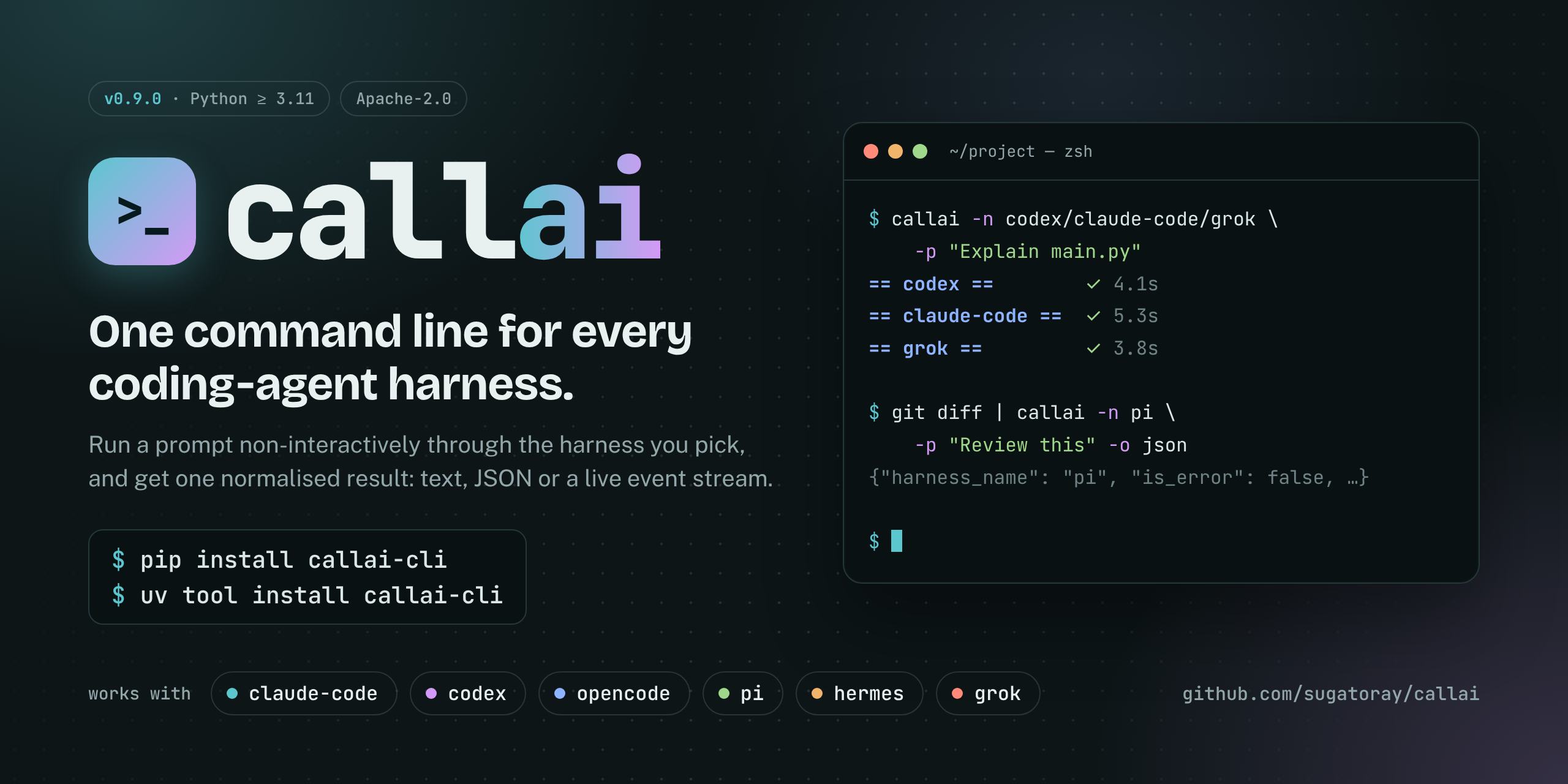
callai is one command line for every coding-agent harness. It runs a single prompt non-interactively, like claude -p, through the harness you pick and prints the result:
callai -n {claude-code,codex,opencode,pi,hermes,grok} -p "PROMPT" [-m MODEL]
User documentation: docs/callai/ has a tutorial, how-to guides, concepts and a full reference, with llms.txt for AI agents.
Status: Python implementation, version 0.9.0 (Red/Green TDD). All six harnesses work: claude-code, codex, opencode, pi, grok and hermes. The shared test suite is in conformance/. PyPI distribution name: callai-cli (command callai). See SCOPE.md for scope, language/distribution decisions and the roadmap. See docs/DESIGN.md for the CLI surface, adapter architecture, output schema and open decisions, and docs/.scrolls/PLAN.md for the build order.
Usage
callai -n claude-code -p "Summarise README.md"            # prints the answer
callai -n codex -p "Fix the failing test" --permission auto
git diff | callai -n grok -p "Review this diff" -o json   # piped stdin is appended to the prompt
callai -n codex -p "Fix the test" -o stream-json          # JSON-lines events (tool calls, text) as they happen
callai -n pi -p "hello" -m stub/stub-model --dry-run      # show the harness command, don't run it
callai -n opencode -p "hello" -- --agent build            # args after -- go to the harness unchanged
callai -n codex -p "hello" -m fast                        # a model alias from the config file
callai -n claude-code -p "and the tests?" --resume SESSION_ID   # continue a session (-o json reports session_id)
callai -n pi -p "and now?" --continue                     # continue the harness's most recent session
callai -n codex/claude-code/grok -p "Explain main.py"     # several harnesses at the same time ('/' = parallel)
callai -n codex,pi -p "Explain main.py"                   # one after another (',' = sequential)
callai -n all -p "Explain main.py" -o json                # every installed harness, at the same time
callai --list-harnesses                                   # which harnesses are installed, and their versions
Harnesses: claude-code, codex, opencode, pi, grok, hermes. -o text|json|stream-json|raw
(json is one normalised object: harness_name, text, is_error, session_id, usage, cost_usd, model, ...;
stream-json is one event per line, start, then text/tool_use/tool_result as they happen, then result,
the json object; hermes has no event stream, so it gives only start and result; see DESIGN §5).
With several harnesses, each answer is printed under a == name == header (-o json: {"results": [...]};
stream-json events carry harness_name). One failure doesn't stop the others; the exit code is the first
failure's. -n all skips harnesses that can't honour the options, with a note. Parallel runs share the
working directory, so prefer , for tasks that edit files. See DESIGN §3 "Fan-out".
Exit codes: the harness's own; 1 if it reported an error but exited 0; 2 usage error; 124 timeout;
127 harness not installed; 130 interrupted.
Stdin: with -p TEXT, piped stdin is optional. If it's a pipe that stays open with nothing on it
(common when an agent or script runs callai), callai waits 3 seconds (CALLAI_STDIN_WAIT), warns and
runs with the prompt alone, like claude -p. Use < /dev/null to skip the wait. With -p - or no
-p, stdin is the prompt, so callai waits for it to close.
Defaults: environment and config file
Each option comes from the first of: command-line flag, CALLAI_* environment variable, config
file, built-in default.
| setting | flag | environment | config file |
|---|---|---|---|
| harness | -n/--name |
CALLAI_HARNESS_NAME |
default_harness |
| model | -m/--model |
CALLAI_MODEL |
[harnesses.<name>] model, then top-level model |
| timeout | --timeout |
CALLAI_TIMEOUT |
timeout |
| stdin wait | CALLAI_STDIN_WAIT |
The config file is ~/.config/callai/config.toml (or $XDG_CONFIG_HOME/callai/config.toml, or the
path in CALLAI_CONFIG). It is optional; unknown keys are an error (exit 2), so a typo never
silently does nothing.
default_harness = "claude-code"
model = "fast"                       # default model for every harness (here an alias)
timeout = 600

[harnesses.codex]
binary = "~/bin/codex"               # run this instead of `codex` from PATH
model = "gpt-5-codex"                # codex's default; beats the top-level model
extra_args = ["--skip-git-repo-check"]   # passed before anything after --

[aliases]                            # -m fast / -m smart, resolved per harness
fast  = { claude-code = "haiku", codex = "gpt-5-codex-mini", opencode = "anthropic/claude-haiku-4-5" }
smart = { claude-code = "opus",  codex = "gpt-5-codex" }
Any model that isn't an alias goes to the harness unchanged. An alias with no entry for the chosen
harness is an error (model alias 'smart' has no entry for pi) rather than passing smart on.
callai --list-harnesses shows each harness's binary (including a configured one), where it is on
PATH and its --version, or where to install it; -o json gives the same as JSON.
--permission default|read-only|auto|bypass is translated per harness; a level a harness can't honour
is refused (exit 2) rather than run with more access. What each level really allows was checked with
scripted tool calls; see DESIGN.md §7:
| level | claude-code | codex | opencode | pi | grok | hermes |
|---|---|---|---|---|---|---|
read-only |
plan mode: no writes, no shell | read-only sandbox | refused | read tools only | read tools only | refused |
auto |
edits inside the workspace | writes inside the workspace (sandboxed shell) | refused | file writes/edits, no shell | file writes/edits, no shell | file writes/edits, no shell |
bypass |
everything | everything | everything | everything | everything | everything |
With default, opencode, pi and hermes already write files and run shell commands without asking;
claude-code, codex and grok don't. bypass prints a warning on stderr. As root, claude refuses
bypass unless IS_SANDBOX=1 is set (callai never sets it).
A few prompts are refused because the harness would not send them as text: pi reads a prompt starting
with @ as a file, and grok runs one starting with / as a slash command.
From Python
import callai

result = callai.run("codex", "Fix the failing test", permission="auto", timeout=600)
print(result.text, result.is_error, result.session_id, result.usage)

# Continue that session, and watch tool calls as they happen
callai.run("codex", "Now add a test for it", resume=result.session_id, on_event=print)
run() takes the CLI's options as keyword arguments (model, cwd, timeout, permission,
system_prompt, extra_args, resume, continue_session, binary, on_event) and returns the same
result as -o json. It ignores CALLAI_* variables and the config file: pass what you want. A harness
that fails gives a result with is_error=True; callai.CallaiError subclasses (UsageError,
HarnessNotFound, HarnessTimeout, Interrupted) mean the run couldn't start or finish.
Development
make install.harnesses             # all harness CLIs at their verified versions (or make install.<tool>)
make docs.html                     # the docs as one HTML page with tabs and a theme toggle -> build/docs.html
uv sync --extra test --extra dev   # Python >= 3.11, no runtime dependencies; develops on the pinned 3.11 (.python-version)
make test                          # tests + coverage gate (95%) on the pinned Python (same as: uv run pytest)
make test.matrix                   # the same on every supported Python, 3.11-3.14 (or PYTHON_VERSIONS=3.13)
make pkg.build                     # sdist + wheel -> dist/ (uv build)
make pkg.publish                   # build, then upload to PyPI (uv publish; set UV_PUBLISH_TOKEN)
make pkg.install.e                 # editable install of this checkout into .venv
make pkg.install.local             # install callai-cli from the built dist/
make pkg.install.pypi              # install callai-cli from PyPI (PKG_VERSION=0.9.0 to pin)
uv run ruff check . && uv run ruff format --check .
uv run interrogate src             # docstring coverage (100%)
uv run callai --version
CALLAI_LIVE=claude-code uv run pytest -m live   # live smoke test: real harness, real model (or CALLAI_LIVE=all)
Development follows Red/Green TDD. Shared behaviour cases live in conformance/.
Layout
docs/— the user documentation indocs/callai/,DESIGN.md, plus the project's owndocs/.scrolls/working-memory system..trash/— scratch/disposable files local to this repository (git-ignored).conformance/— language-agnostic test cases (argv, parse, CLI) shared by every implementation, plustools/: a local stub model (with scripted tool calls) and the permission probe.src/—src/callai/(CLI, runner, one adapter per harness inadapters/) andsrc/tests/.CHANGELOG.md— notable changes to callai, Keep a Changelog style with SemVer versions.
See SCROLLS.md for how the memory system works.
License
1 maintainer

Metadata
1 maintainer
Release files for callai-cli 0.9.0
For a detailed explanation of source distributions (sdists) and built distributions (wheels), please see the package formats documentation.
Source distribution (sdist)
| File | Size | Uploaded | Provenance | Actions |
|---|---|---|---|---|
| callai_cli-0.9.0.tar.gz | 70.2 kB | Without provenance | Details for callai_cli-0.9.0.tar.gz |
Built distribution (wheel)
| File | Interpreter | ABI | Platform | Actions Reset |
|---|---|---|---|---|
| callai_cli-0.9.0-py3-none-any.whl | Python 3 | none | any | Details for callai_cli-0.9.0-py3-none-any.whl |
Total release size: 123.5 kB
Release files / callai_cli-0.9.0.tar.gz
| Download URL | callai_cli-0.9.0.tar.gz |
|---|---|
| Size | 70.2 kB |
| Tags | Source |
|
SHA-256 checksum How to use checksums |
2012181218311d2d4675b698535856519b73222c30ea4e775b2a644fe829e096
|
|
BLAKE2b-256 checksum How to use checksums |
f52d762674f8d02278a03c67033c944d2b9fa9f5e06d6134439505cade9fa61e
|
| Upload date | |
|
Uploaded using Trusted Publishing? What is trusted publishing? |
No |
| Uploaded via |
uv/0.13.7 {"installer":{"name":"uv","version":"0.13.7","subcommand":["publish"]},"python":null,"implementation":{"name":null,"version":null},"distro":{"name":"macOS","version":null,"id":null,"libc":null},"system":{"name":null,"release":null},"cpu":null,"openssl_version":null,"setuptools_version":null,"rustc_version":null,"ci":null}
|
Release files / callai_cli-0.9.0-py3-none-any.whl
| Download URL | callai_cli-0.9.0-py3-none-any.whl |
|---|---|
| Size | 53.2 kB |
| Tags | Python 3 |
|
SHA-256 checksum How to use checksums |
dd4a778b85731a1bceb30be9ca12209fe3408eec5fc394aa8ecc21fc87397406
|
|
BLAKE2b-256 checksum How to use checksums |
4d830e5fe9907faa5c1cec8cb71b109b3c0800b0e742a49de6754b153ee5f376
|
| Upload date | |
|
Uploaded using Trusted Publishing? What is trusted publishing? |
No |
| Uploaded via |
uv/0.13.7 {"installer":{"name":"uv","version":"0.13.7","subcommand":["publish"]},"python":null,"implementation":{"name":null,"version":null},"distro":{"name":"macOS","version":null,"id":null,"libc":null},"system":{"name":null,"release":null},"cpu":null,"openssl_version":null,"setuptools_version":null,"rustc_version":null,"ci":null}
|
Security for callai-cli 0.9.0
Provenance
Provenance describes where a file came from. On PyPI, provenance is shared via attestations, which provide a verifiable record of the build or publishing details. View details, limitations and caveats.
No provenance found
None of the files in this release were uploaded with provenance metadata.
A note on package security
PyPI is a repository for distributing packages, not a service for auditing them. While third-party security researchers and our staff do their best to detect and remove malicious packages, PyPI cannot guarantee the quality, security or suitability of any given package.
To learn more about protecting yourself from malicious actors, visit our package security documentation.













