
CarConnectivity Plugin for Homekit






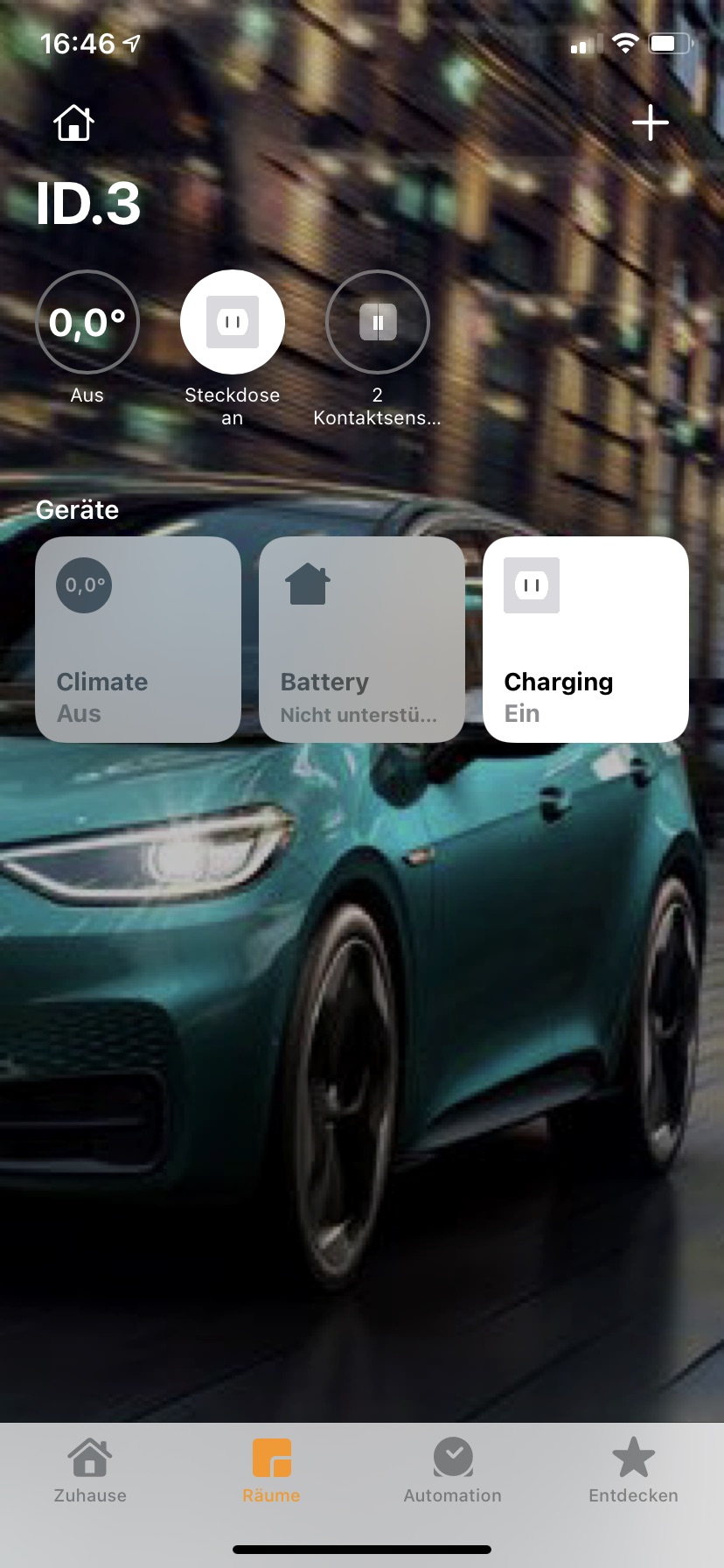
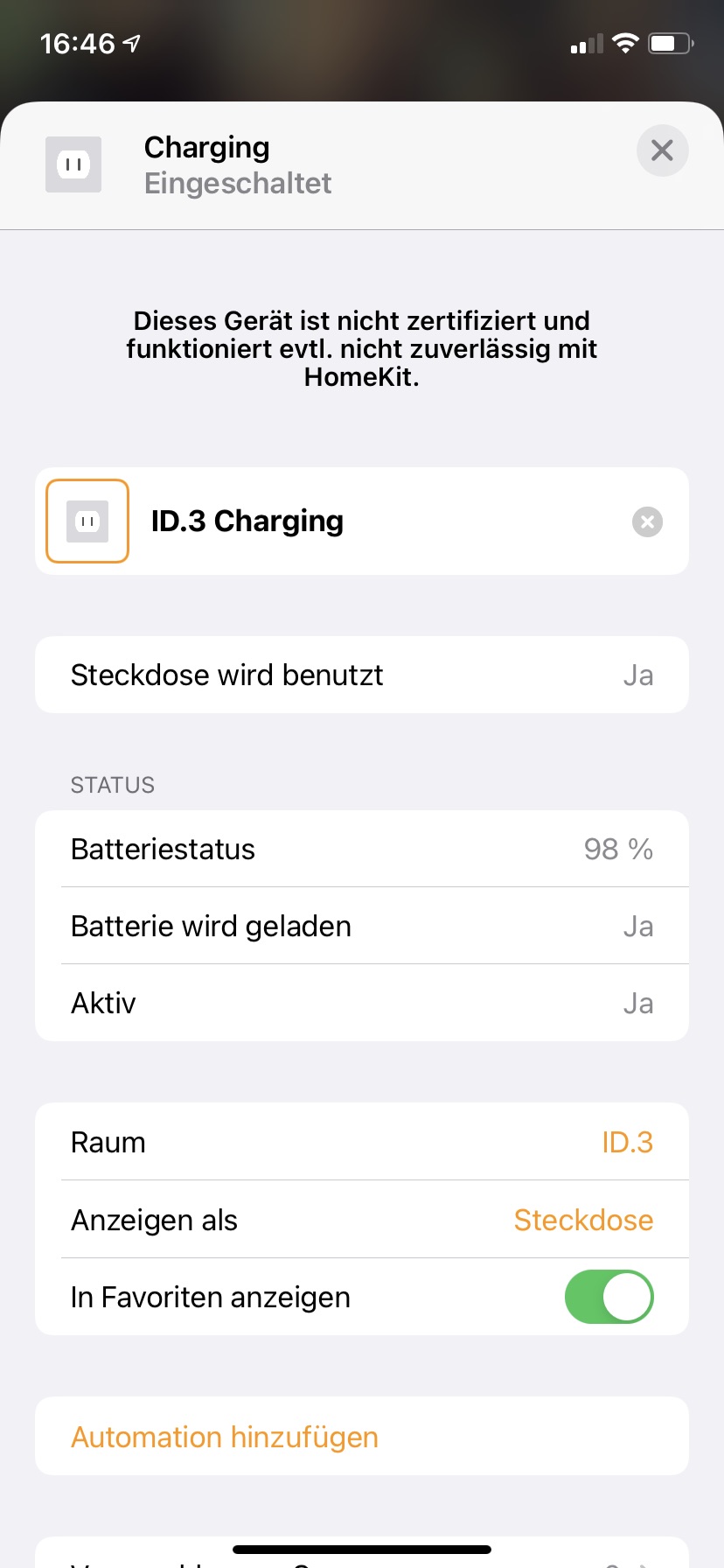
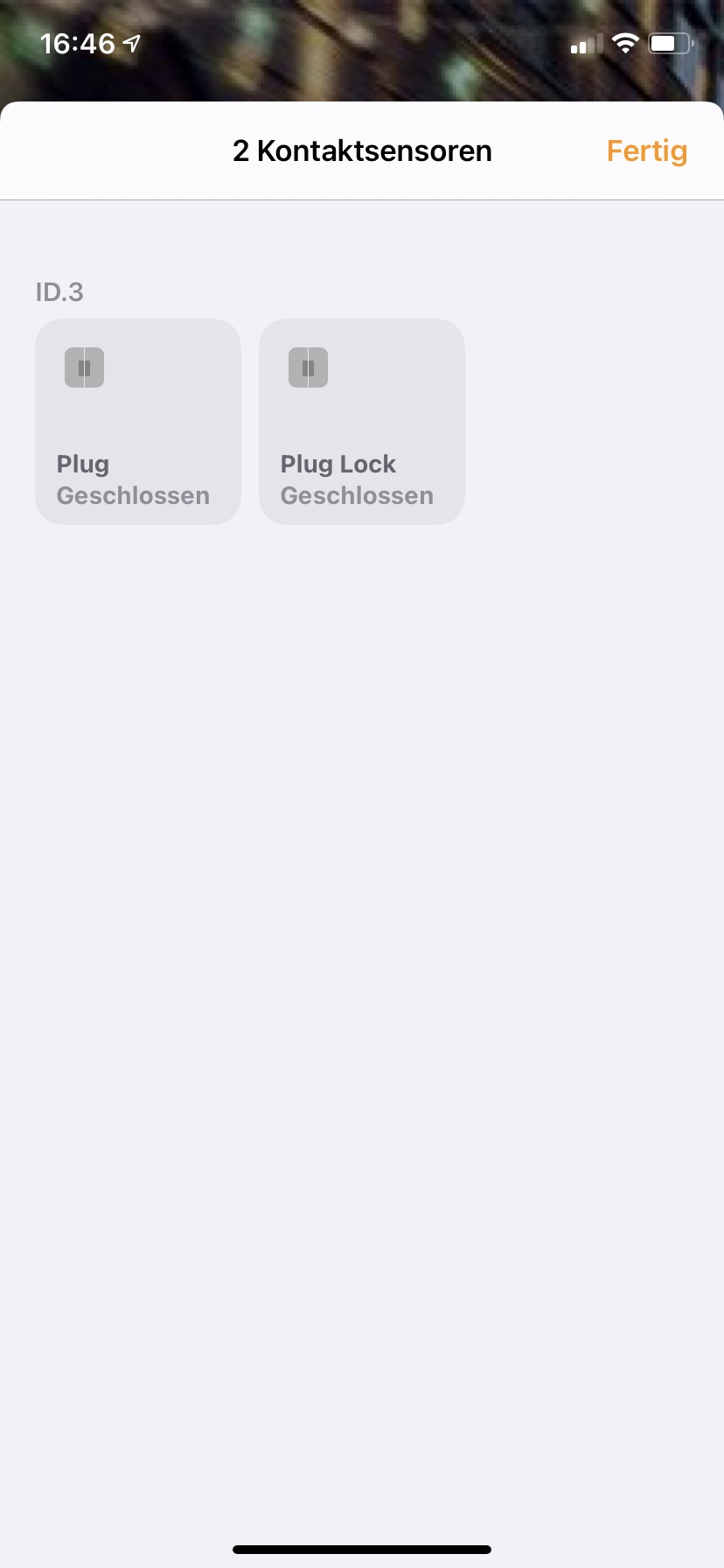
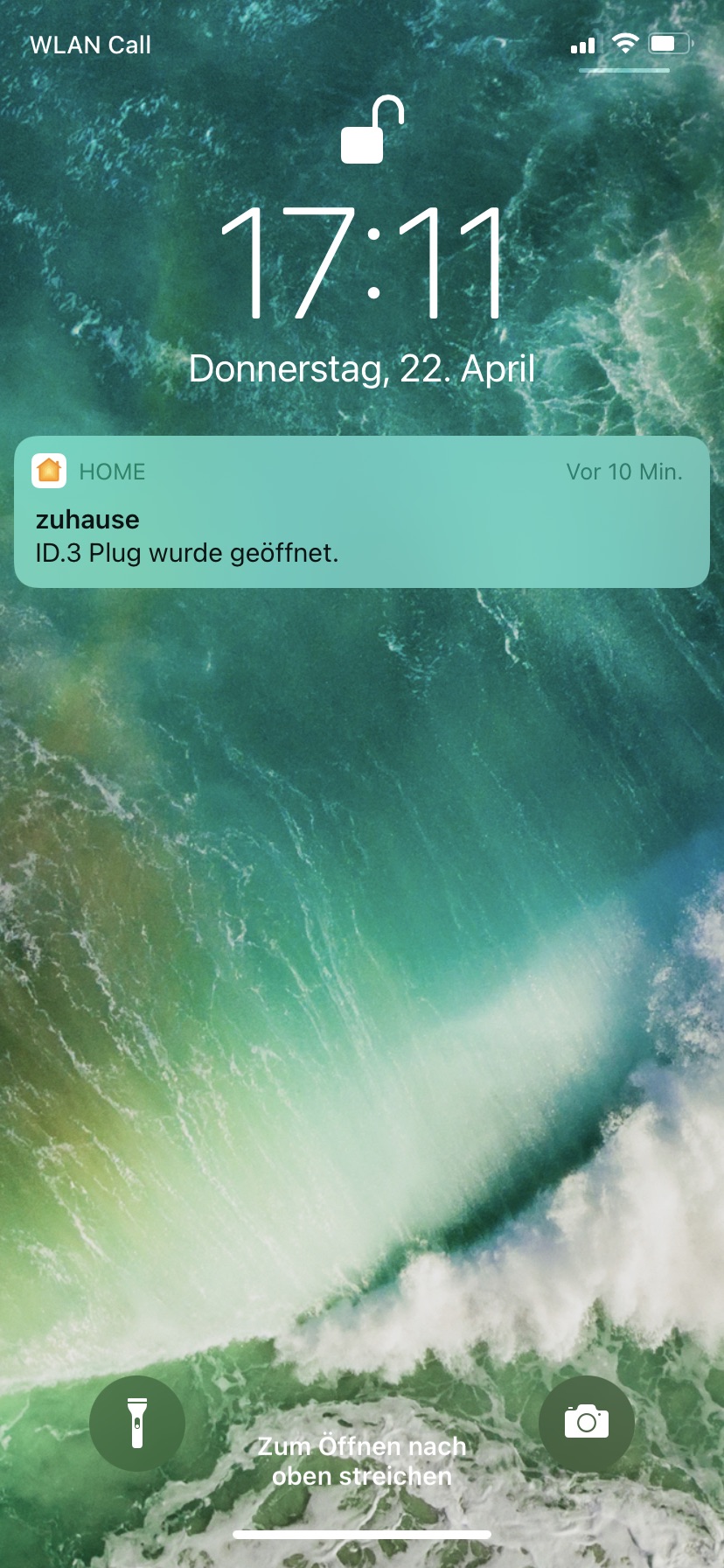
CarConnectivity is a python API to connect to various car services. If you want to automatically integrate the data collected from your vehicle into Apple Home this plugin will help you.
Install using PIP
If you want to use the CarConnectivity Plugin for Homekit, the easiest way is to obtain it from PyPI. Just install it using:
pip3 install carconnectivity-plugin-homekit
after you installed CarConnectivity
Configuration
In your carconnectivity.json configuration add a section for the homekit plugin like this. A documentation of all possible config options can be found here.
{
    "carConnectivity": {
        "connectors": [
            ...
        ]
        "plugins": [
            {
                "type": "homekit",
                "config": {}
            }
        ]
    }
}
Adding to ios
After CarConnectivity is started the first time with the Homekit plugin enabled it will display a QR-Code and the pin-code in the console. Use the QR code or the pin to add the bridge to the Home app. Afterwards all accessories your car offers are added to the Home app.
A note to Docker users
CarConnectivity with Homekit will need Host or Macvlan Mode for the container. This is necessary as the bridge mode will not forward multicast which is necessary for Homekit to work. Host mode is not working on macOS. The reson is that the network is still virtualized. If you do not like to share the host network with CarConnectivity you can use macvlan mode. In macvlan mode CarConnectivity will appear as a seperate computer in the network.
Example Docker Compose configuration
The following configuration uses host mode network
services:
  carconnectivity:
    image: "tillsteinbach/carconnectivity-mqtt:latest"
    restart: unless-stopped
    environment:
      - TZ=Europe/Berlin
      - LANG=de_DE
      - LC_ALL=de_DE
      - ADDITIONAL_INSTALLS=--pre carconnectivity-connector-skoda carconnectivity-plugin-homekit
    network_mode: host
    volumes:
      - /home/myuser/docker-compose/smarthome/carconnectivity/carconnectivity.json:/carconnectivity.json
      - carconnectivity_data:/root/.carconnectivity
volumes:
  carconnectivity_data:
Updates
If you want to update, the easiest way is:
pip3 install carconnectivity-plugin-homekit --upgrade
1 maintainer

Metadata
1 maintainer
Release files for carconnectivity-plugin-homekit 0.7.9
For a detailed explanation of source distributions (sdists) and built distributions (wheels), please see the package formats documentation.
Source distribution (sdist)
| File | Size | Uploaded | |
|---|---|---|---|
| carconnectivity_plugin_homekit-0.7.9.tar.gz | 1.0 MB | Details |
Built distribution (wheel)
| File | Interpreter | ABI | Platform | Reset |
|---|---|---|---|---|
| carconnectivity_plugin_homekit-0.7.9-py3-none-any.whl | Python 3 | none | any | Details |
Total release size: 1.1 MB
Release files / carconnectivity_plugin_homekit-0.7.9.tar.gz
| Download URL | carconnectivity_plugin_homekit-0.7.9.tar.gz |
|---|---|
| Size | 1.0 MB |
| Tags | Source |
|
SHA-256 checksum How to use checksums |
32bcf5b5a21ab6616e099292b8a548ecba77250b6ebb23aa8d50fcabc437a0d2
|
|
BLAKE2b-256 checksum How to use checksums |
dbc010c983129ed918c20fc93bb0e10ae510625ad1e94bdb14a28e6d499a3274
|
| Upload date | |
|
Uploaded using Trusted Publishing? What is trusted publishing? |
Yes |
| Uploaded via |
twine/7.0.0 CPython/3.13.14
|
Provenance
Provenance describes where a file came from. On PyPI, provenance is shared via attestations, which provide a verifiable record of the build or publishing details. View details, limitations and caveats.


PyPI Publish Attestation
PyPI verified that this artifact, at this checksum, originated from the publisher listed below.
Signed by GitHub Actions, verified by PyPI on Sep 20, 2026.
Transparency logRelease files / carconnectivity_plugin_homekit-0.7.9-py3-none-any.whl
| Download URL | carconnectivity_plugin_homekit-0.7.9-py3-none-any.whl |
|---|---|
| Size | 35.7 kB |
| Tags | Python 3 |
|
SHA-256 checksum How to use checksums |
7e1d8eb4c81823b691c2b2ea56d78299092182bfab811ca573fefee95039bd63
|
|
BLAKE2b-256 checksum How to use checksums |
3dc3fe71b0c04d5bf1f79be52bb88f1be3c2a51deebccab5076ca83c3a71cb2b
|
| Upload date | |
|
Uploaded using Trusted Publishing? What is trusted publishing? |
Yes |
| Uploaded via |
twine/7.0.0 CPython/3.13.14
|
Provenance
Provenance describes where a file came from. On PyPI, provenance is shared via attestations, which provide a verifiable record of the build or publishing details. View details, limitations and caveats.
PyPI Publish Attestation
PyPI verified that this artifact, at this checksum, originated from the publisher listed below.
Signed by GitHub Actions, verified by PyPI on Sep 20, 2026.
Transparency log













