
Cardimpose
Cardimpose is a Python library that makes it easy to arrange multiple copies of a PDF on a larger document, perfect for scenarios like printing business cards. The library lets you customize your layout while adding crop marks and comes with a handy command line tool.
Examples
Click the images to view the corresponding pdf file.
Business Cards
Show Example
Lets say you have a buisness card named card.pdf:

With the cardimpose command line tool, it is easy to print multiple copies of this card onto a larger sheet while adding crop marks:
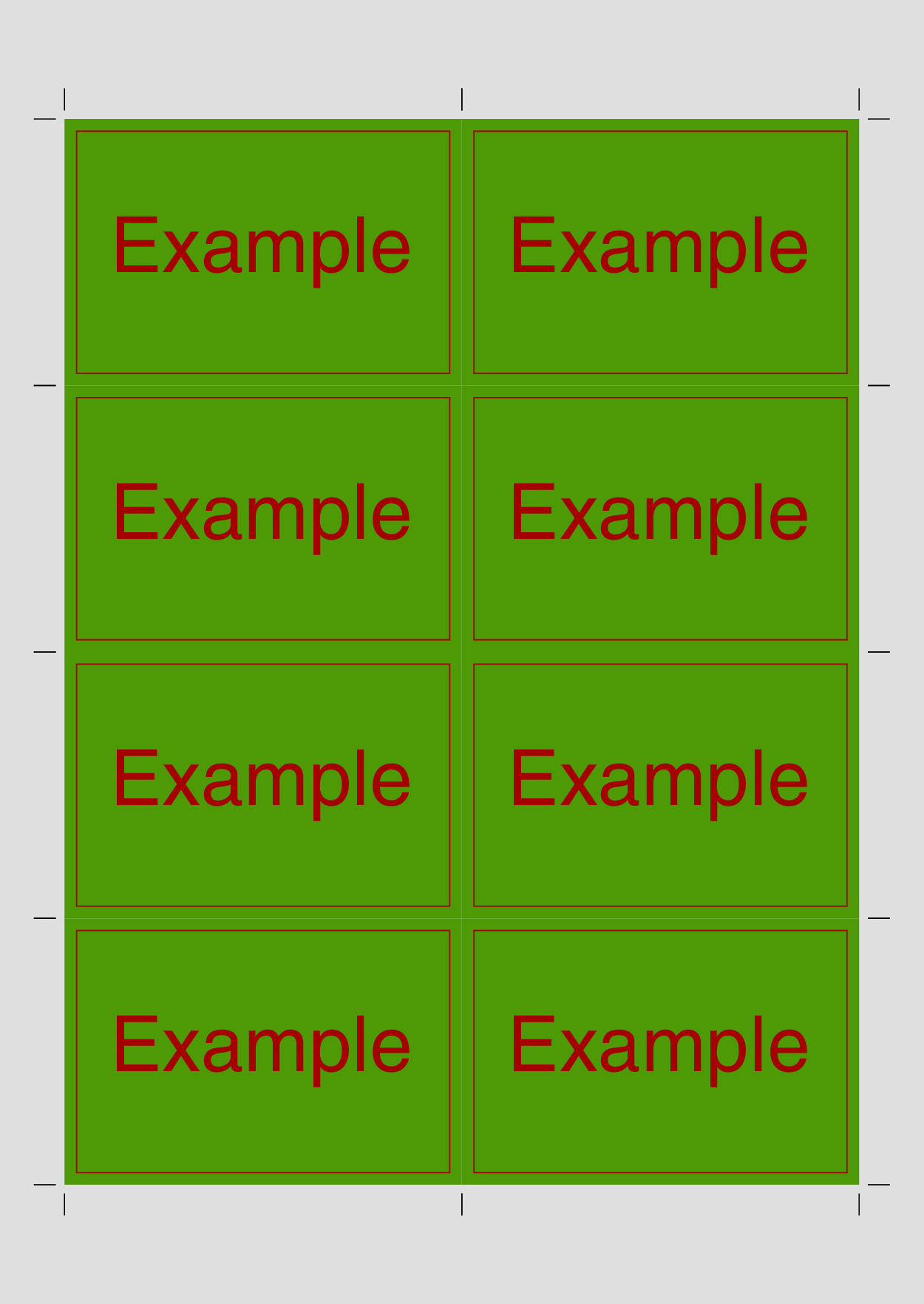
$ cardimpose card.pdf
By default, the cards a placed side by side on an A4 sheet, filling up the entire document:
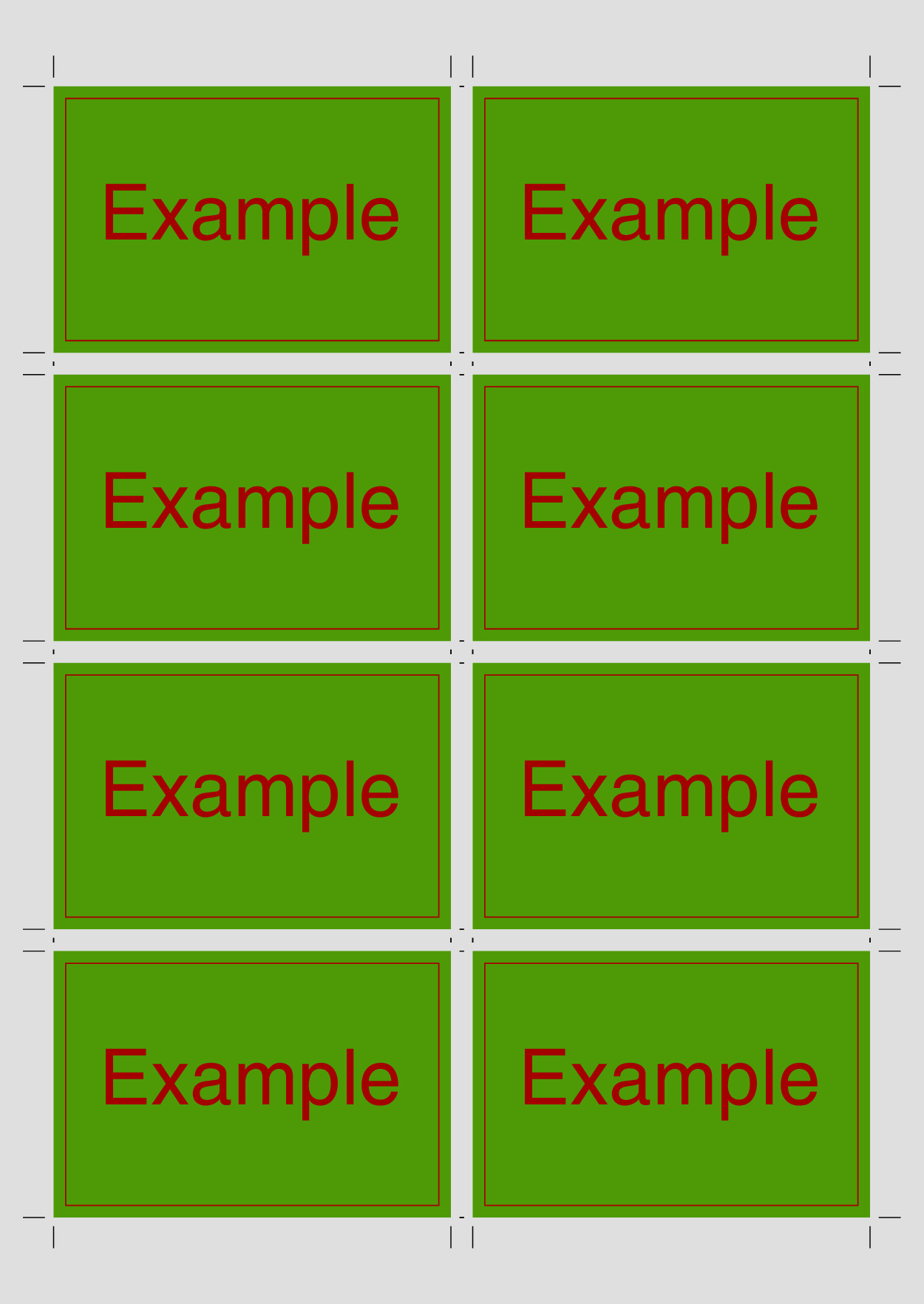
However, it is possible to tweak the layout. In the following example, we add a 5mm gap between the cards:
$ cardimpose --gutter 5mm card.pdf
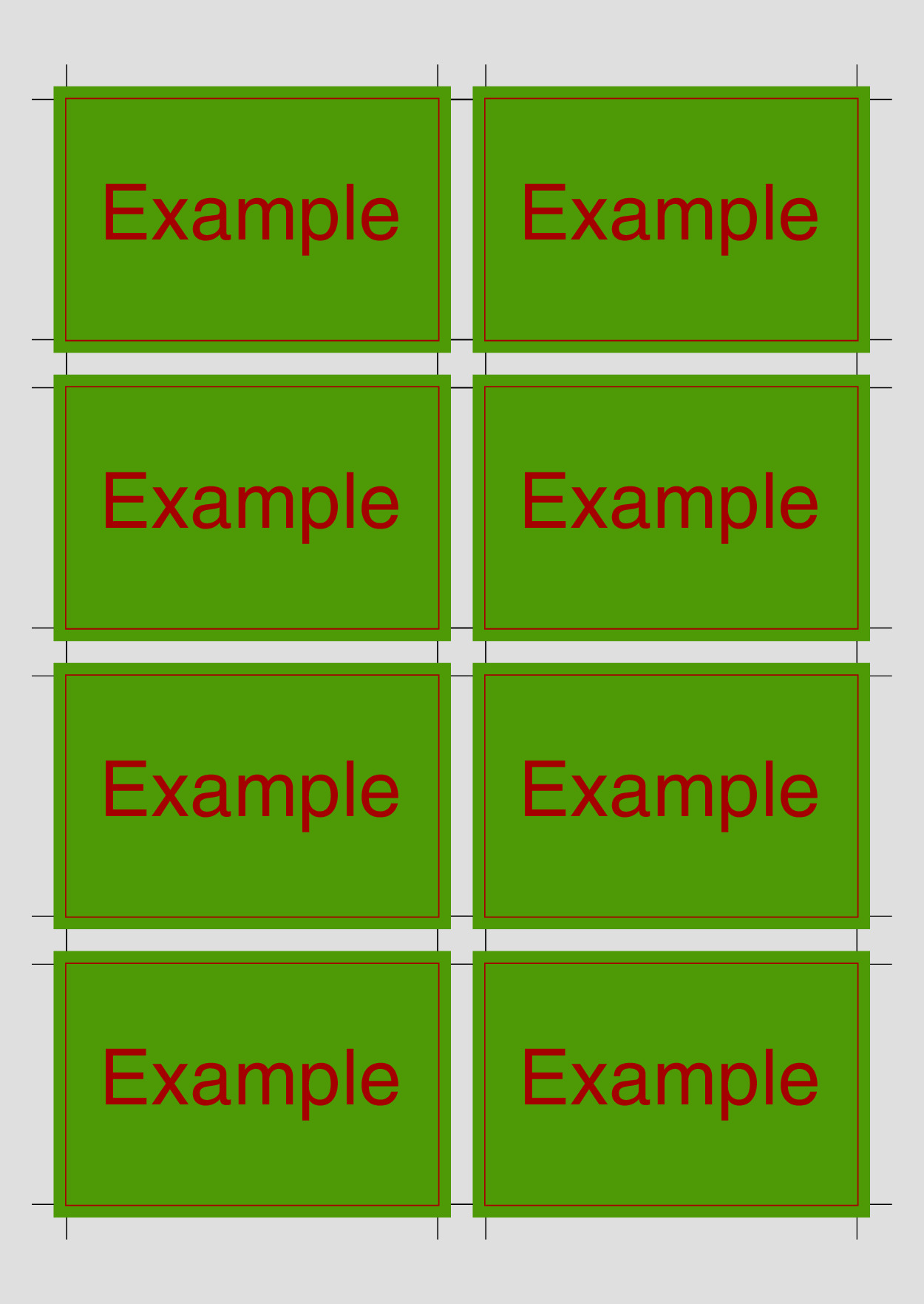
The example card actually has a 3mm bleed around the edges.
When informing cardimpose, it positions the cut marks accordingly:
$ cardimpose --gutter 5mm --bleed 3mm card.pdf
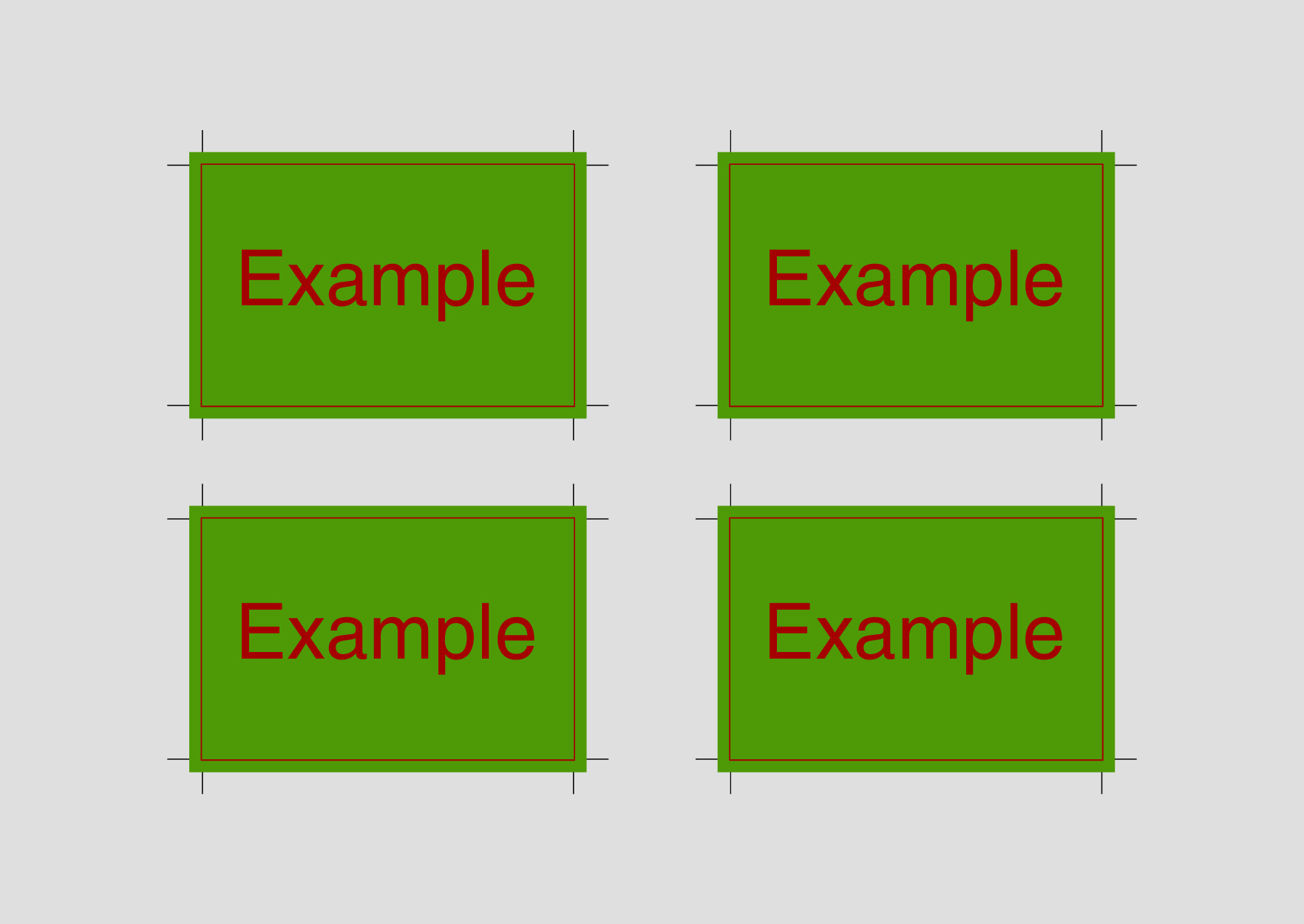
It is also possible to explicitly set the number of rows and columns:
$ cardimpose --gutter 30mmx20mm --bleed 3mm --nup 2x2 --rotate-page card.pdf
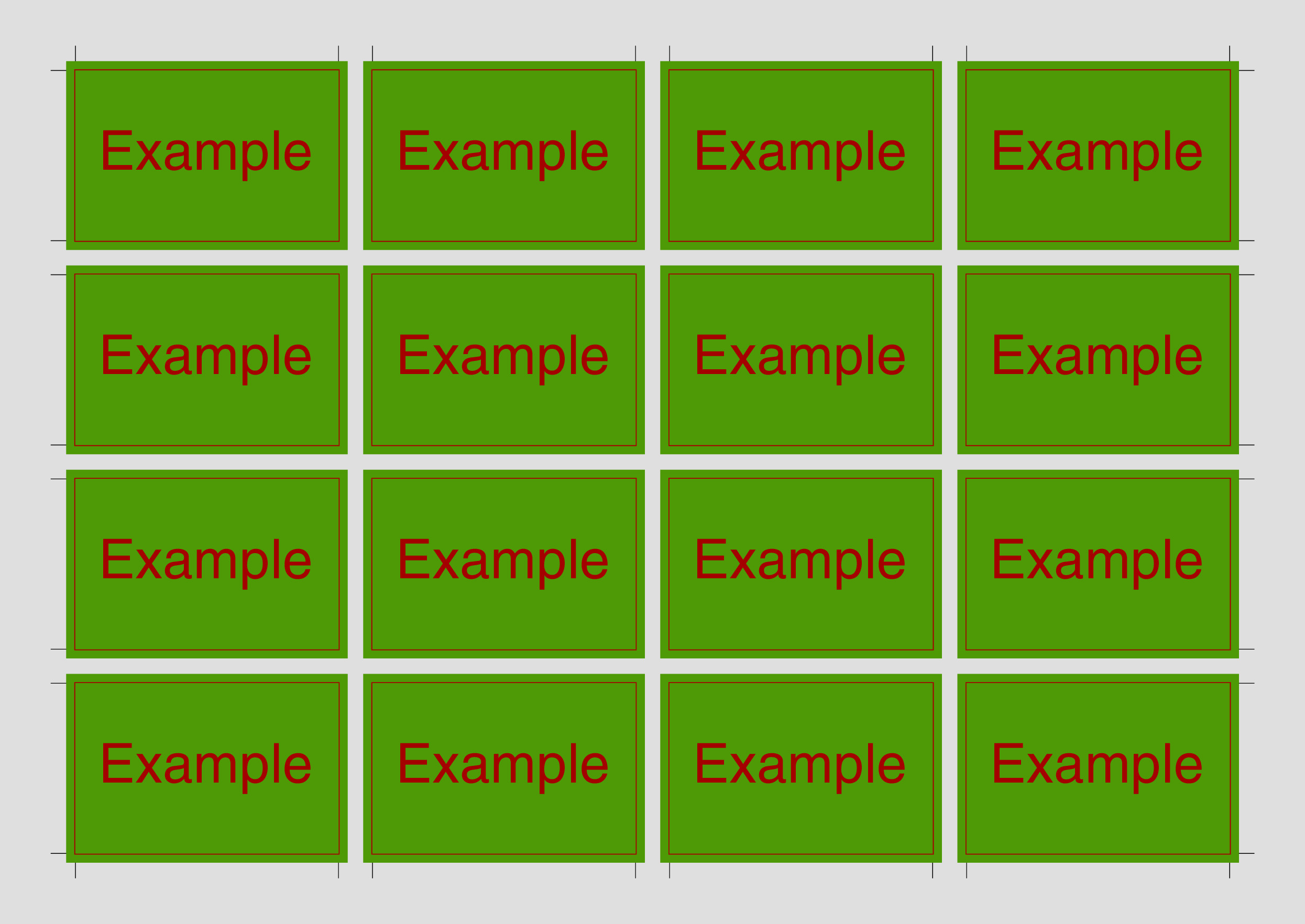
Customize the paper size, remove inner cut marks, and more:
$ cardimpose --gutter 5mm --bleed 3mm --page-size A3 --rotate-page --no-inner-cut-marks card.pdf
Flash Cards
Show Example
In the first example, we showcased the capability of printing multiple duplicates of a single card onto a larger sheet. In this example, we explore a scenario where we aim to produce flash cards, each featuring distinct questions and answers, to print one of each pair. Furthermore, we desire to have the answer printed on the back of the corresponding question.
To achieve the single printing of each card, we utilize the option --mode singles.
To implement the printing of answers on the back, we specify --backside alternating.
With this configuration, each card in the input document is immediately followed by the back of the corresponding card.
For the flashcards, we would run the following command:
$ cardimpose --gutter 5mm --bleed 3mm --mode singles --backside alternating flash_cards.pdf
Executing this command results in the following output document:
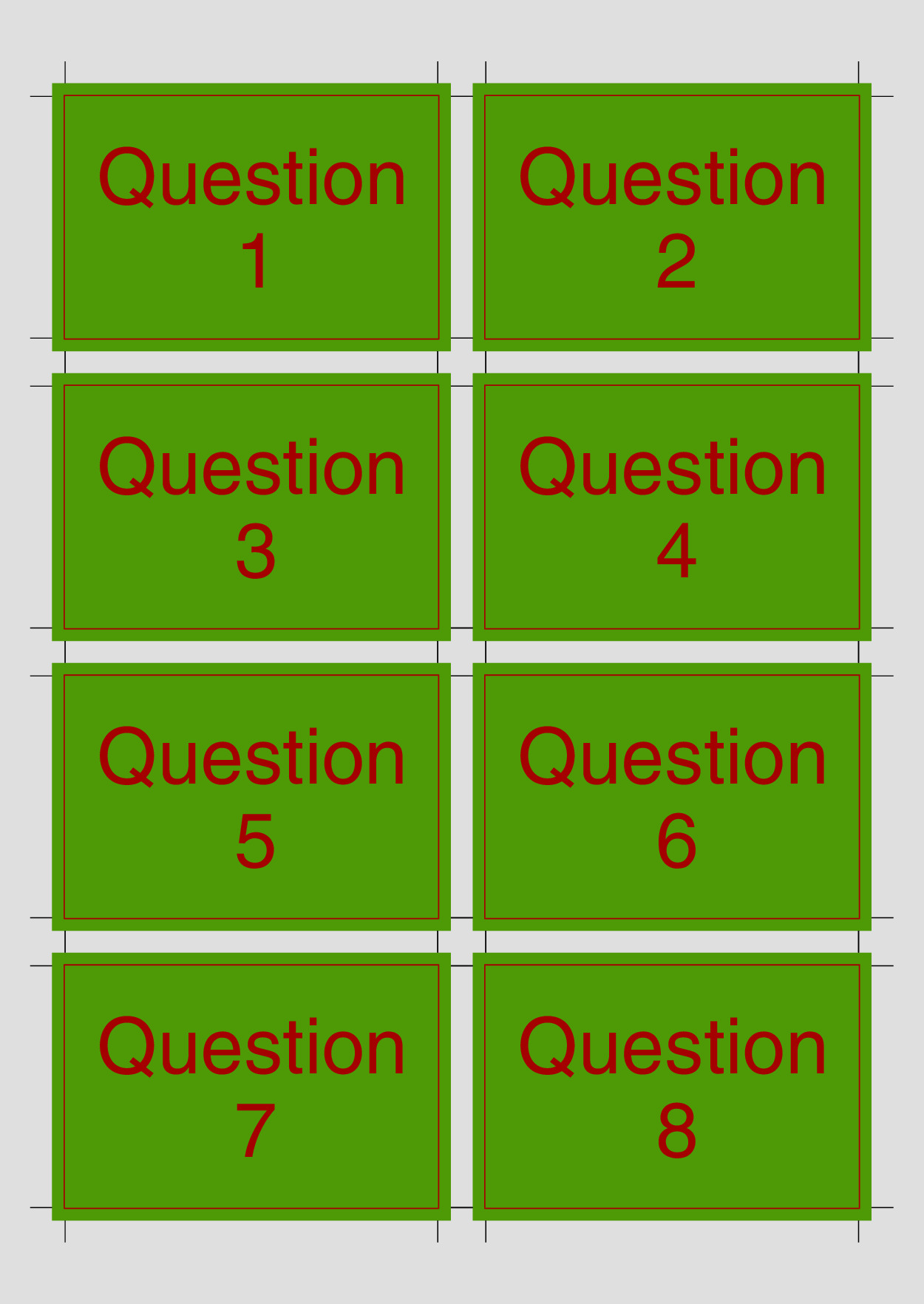
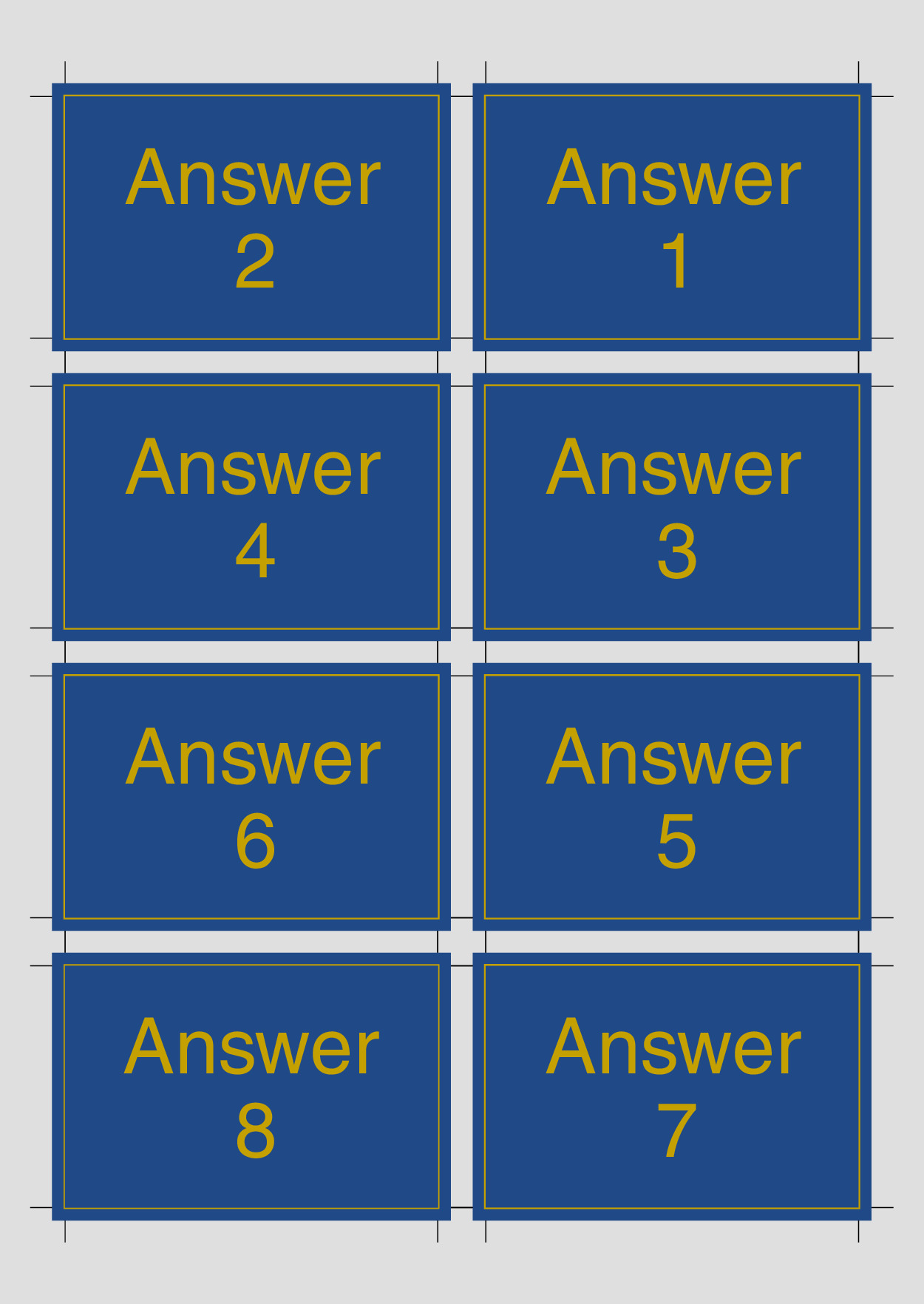
Note that the backsides are horizontally flipped to ensure proper alignment when printing them double-sided.
Playing Cards
Show Example
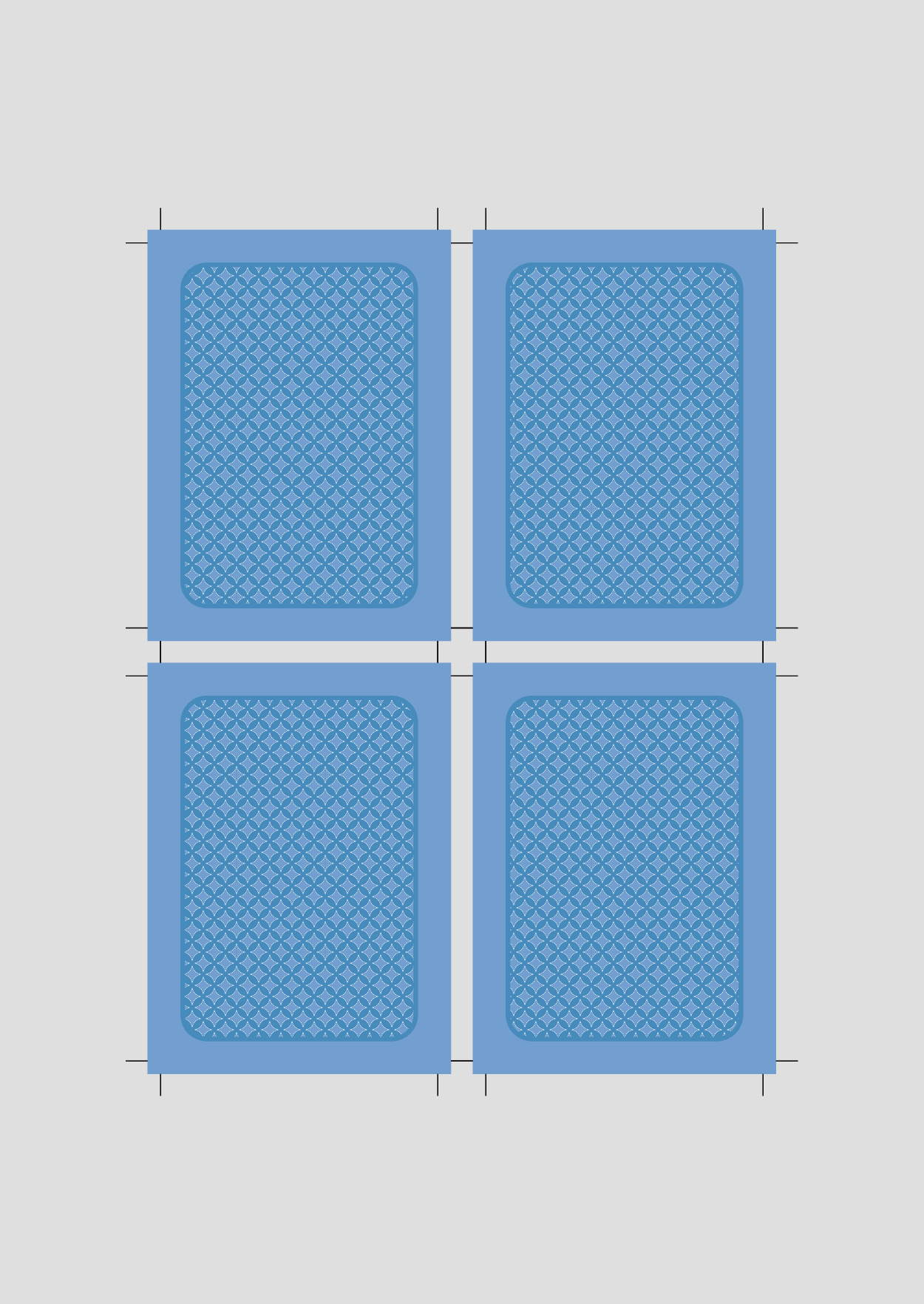
For the last example, we want to print playing cards.
All these cards share a common back design.
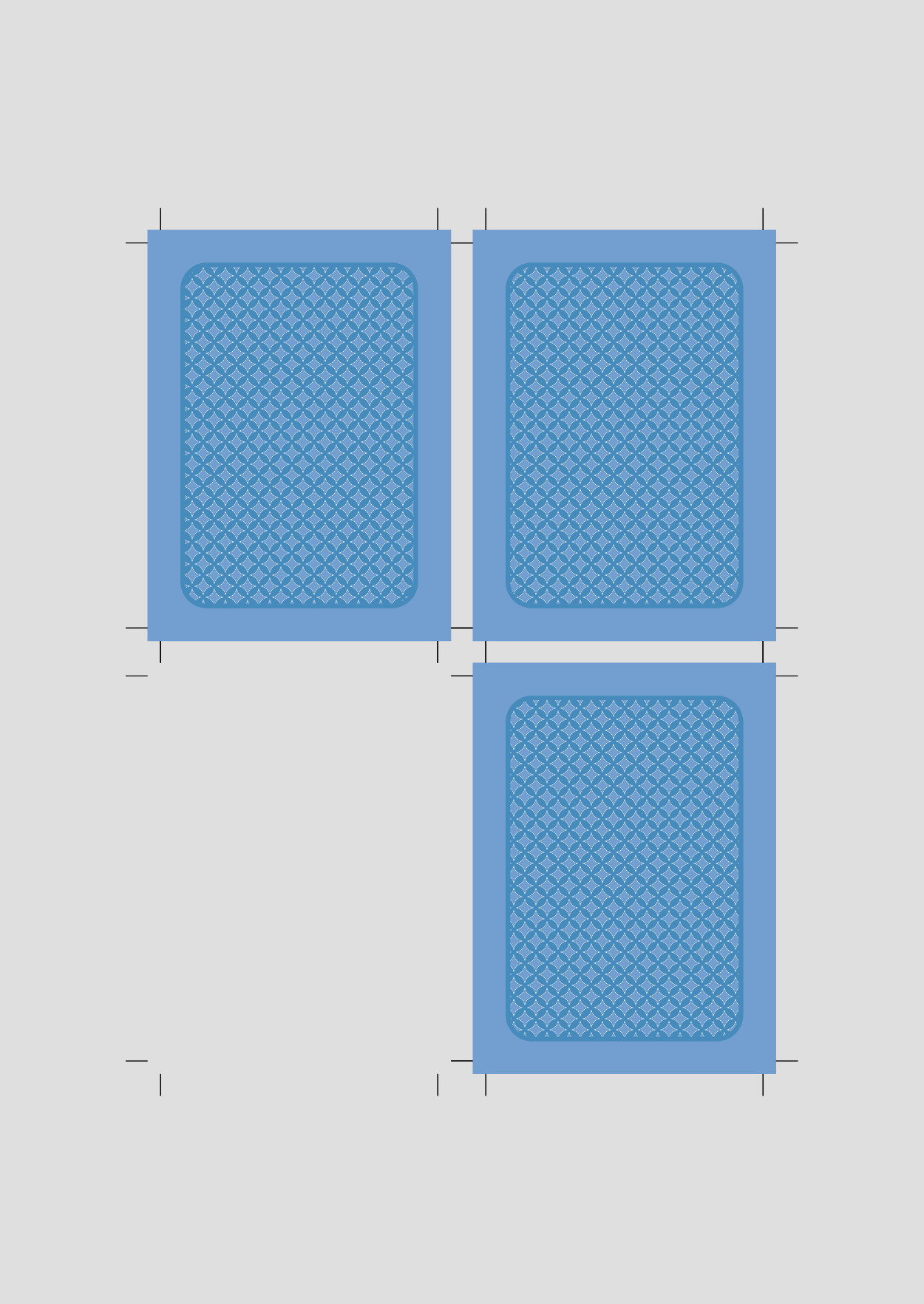
Therefore, we employ the --backside last-page option, treating the final page in the input PDF as the backside of all cards.
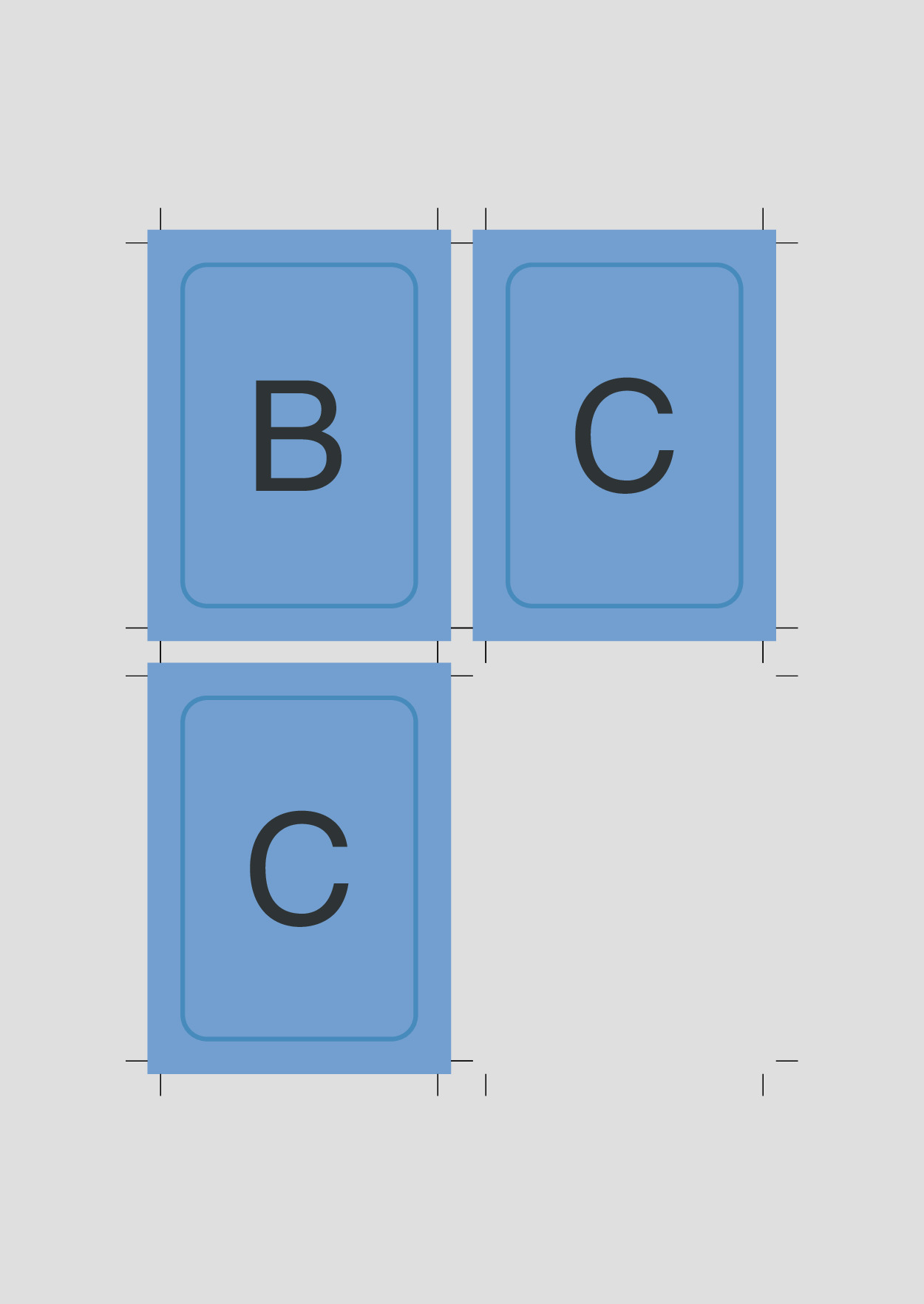
Suppose we intend to print three distinct playing cards labeled A, B and C.
For some reason, we wish to print card A three times, while cards B and C are to be printed only twice each.
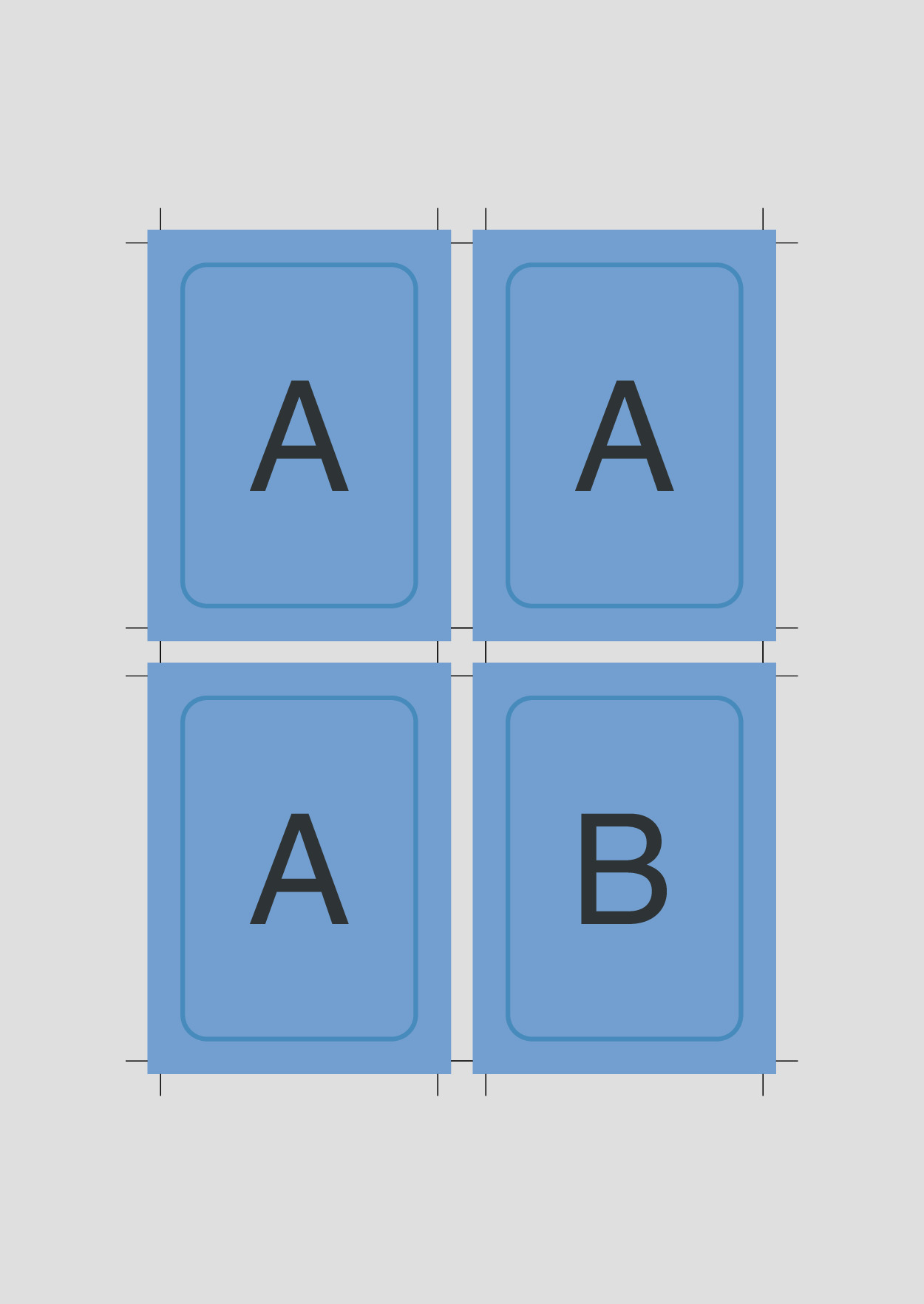
To achieve this, we utilize the --mode singles option to not print a whole output sheet for each card, and then specify the quantities using the --pages 3x1,2x2,2x3,4 argument.
With this configuration, we produce three copies of the first page (A), two copies of the second page (B), and two copies of the third page (C), and then the backside on page 4.
$ cardimpose --gutter 5mm --bleed 3mm --mode singles --backside last-page --pages 3x1,2x2,2x3,4 playing_cards.pdf
Installation
Install cardimpose using pip:
pip install cardimpose
Settings
Specifying Pages
Cardimpose generates one complete output page per selected input page.
By default, every input page is selected.
To control which input pages produce outputs, use the --pages argument.
This argument supports various options:
- Use
.to include all pages. - Specify single page numbers. Negative page numbers are calculated from the back of the document.
- Define page ranges using hyphens:
1-4= pages 1, 2, 3 and 4. - Print a single page multiple times:
5x1= 5 times the first page - Combine multiple page selections with commas.
For instance, using the command --pages 1,4-6 will impose pages 1,4,5 and 6 of the input document, generating one imposed output page for each selected input page.
Other command line options apply to all input pages. To specify different bleeds, margins and gutters for different pages, split the input file into different pdf files and impose them separately.
Specifying Lengths
Lengths are given by a number with a unit.
Currently, supported units are mm, cm, in and px.
The arguments --margin and --gutter can also receive separate horizontal and vertical lengths, combined by an x.
Setting --margin 1cmx2cm, sets the left and right margin to 1cm and the top and bottom margin to 2cm.
A single length for these arguments sets both directions to the same value.
Crop Marks
By default cut marks are inserted around each imposed card.
The distance, length and thickness can be set through command line arguments (see cardimpose --help).
Additionally, it is possible to completely disable cutmarks or to hide the cutmarks in the middle of the imposed cards.
Library
All features of the command line tool are also available through the CardImpose class.
from cardimpose import CardImpose

CardImpose("card.pdf") \
	.set_bleed("3mm")  \
	.set_gutter("5mm") \
	.fill_page()       \
	.save("out.pdf")
1 maintainer

Metadata
1 maintainer
Release files for cardimpose 0.2.2
For a detailed explanation of source distributions (sdists) and built distributions (wheels), please see the package formats documentation.
Source distribution (sdist)
| File | Size | Uploaded | |
|---|---|---|---|
| cardimpose-0.2.2.tar.gz | 26.3 kB | Details |
Built distribution (wheel)
| File | Interpreter | ABI | Platform | Reset |
|---|---|---|---|---|
| cardimpose-0.2.2-py3-none-any.whl | Python 3 | none | any | Details |
Total release size: 52.6 kB
Release files / cardimpose-0.2.2.tar.gz
| Download URL | cardimpose-0.2.2.tar.gz |
|---|---|
| Size | 26.3 kB |
| Tags | Source |
|
SHA-256 checksum How to use checksums |
7cc2366efb0719853b9d9f4275a52d59090d8f632284c11c042572f156c4e85d
|
|
BLAKE2b-256 checksum How to use checksums |
93241b94b962e152c4adf45c57f9f1839ca267f2fe78b5382c52bc1371d30b11
|
| Upload date | |
|
Uploaded using Trusted Publishing? What is trusted publishing? |
No |
| Uploaded via |
twine/6.1.0 CPython/3.13.3
|
Release files / cardimpose-0.2.2-py3-none-any.whl
| Download URL | cardimpose-0.2.2-py3-none-any.whl |
|---|---|
| Size | 26.3 kB |
| Tags | Python 3 |
|
SHA-256 checksum How to use checksums |
cb6d09b2d5a3bbaac392f8643c97b2c4b0fae5dfa52a8fadf72e0f4c67ad733b
|
|
BLAKE2b-256 checksum How to use checksums |
a8186a52d636648741eda6f9783e31683256f6ba3f0e7aafbfdad9e7aab115da
|
| Upload date | |
|
Uploaded using Trusted Publishing? What is trusted publishing? |
No |
| Uploaded via |
twine/6.1.0 CPython/3.13.3
|














