
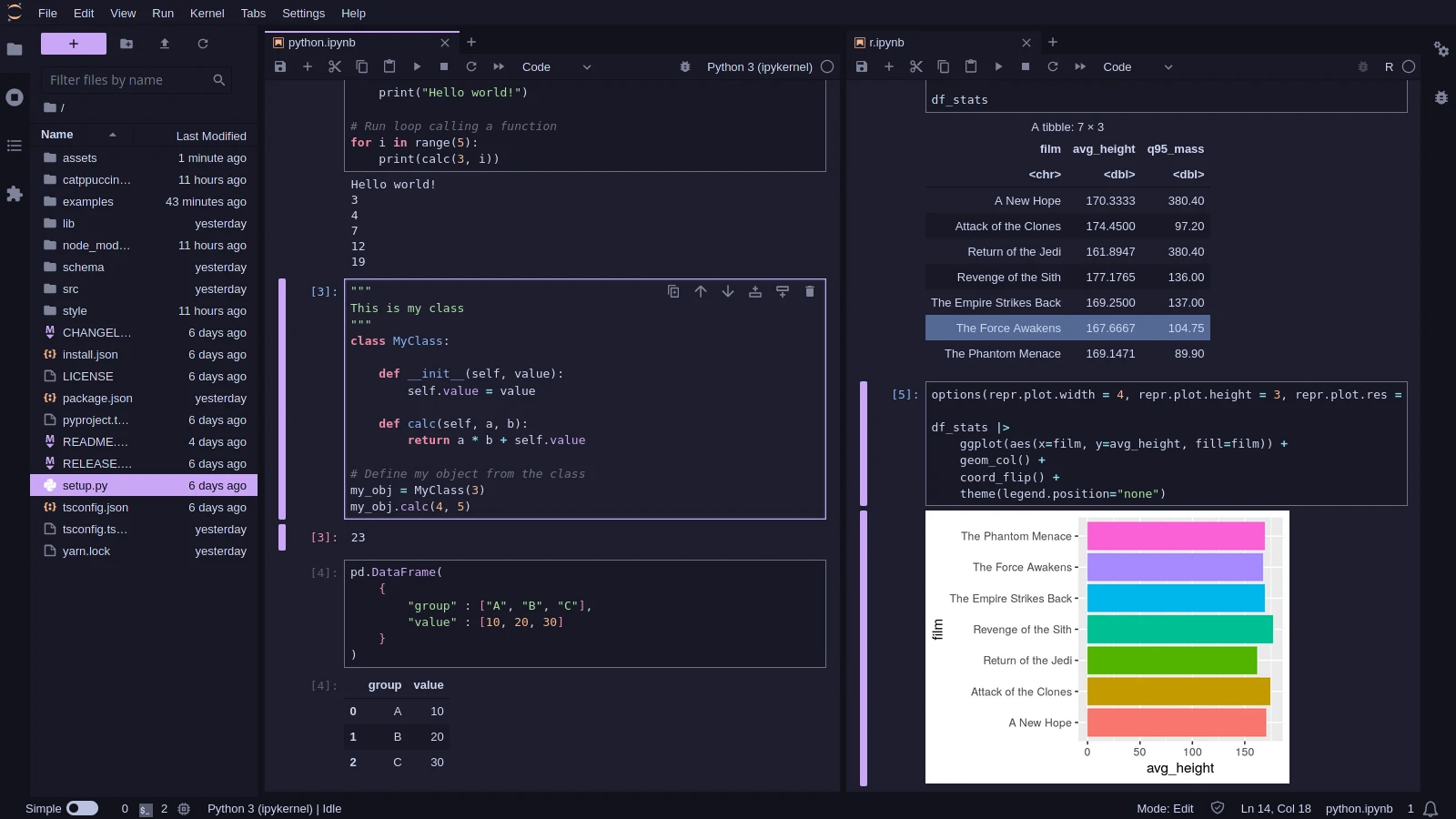
📊 Soothing pastel theme for JupyterLab.

Project description

 Catppuccin for JupyterLab



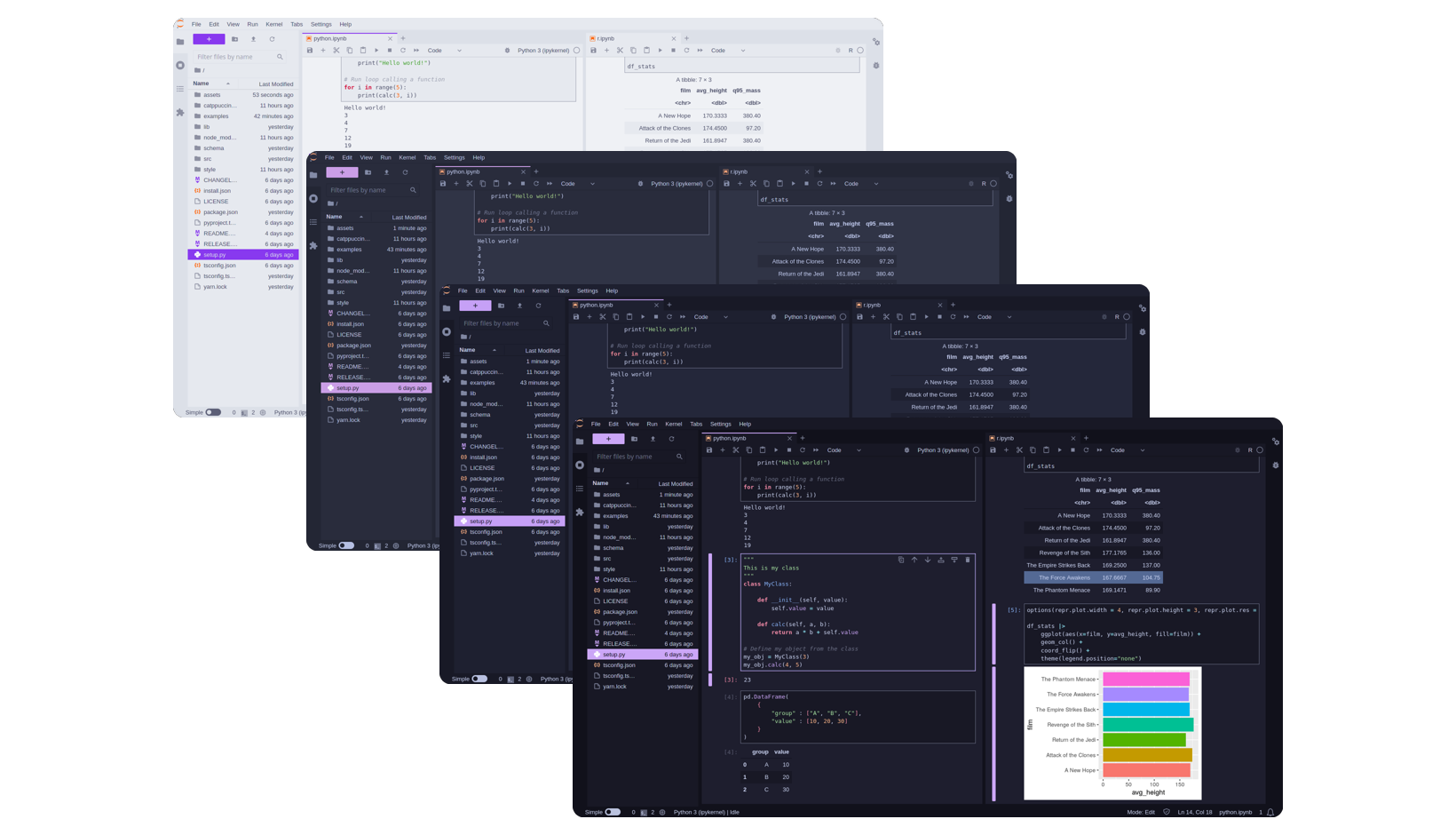
Previews
🌻 Latte
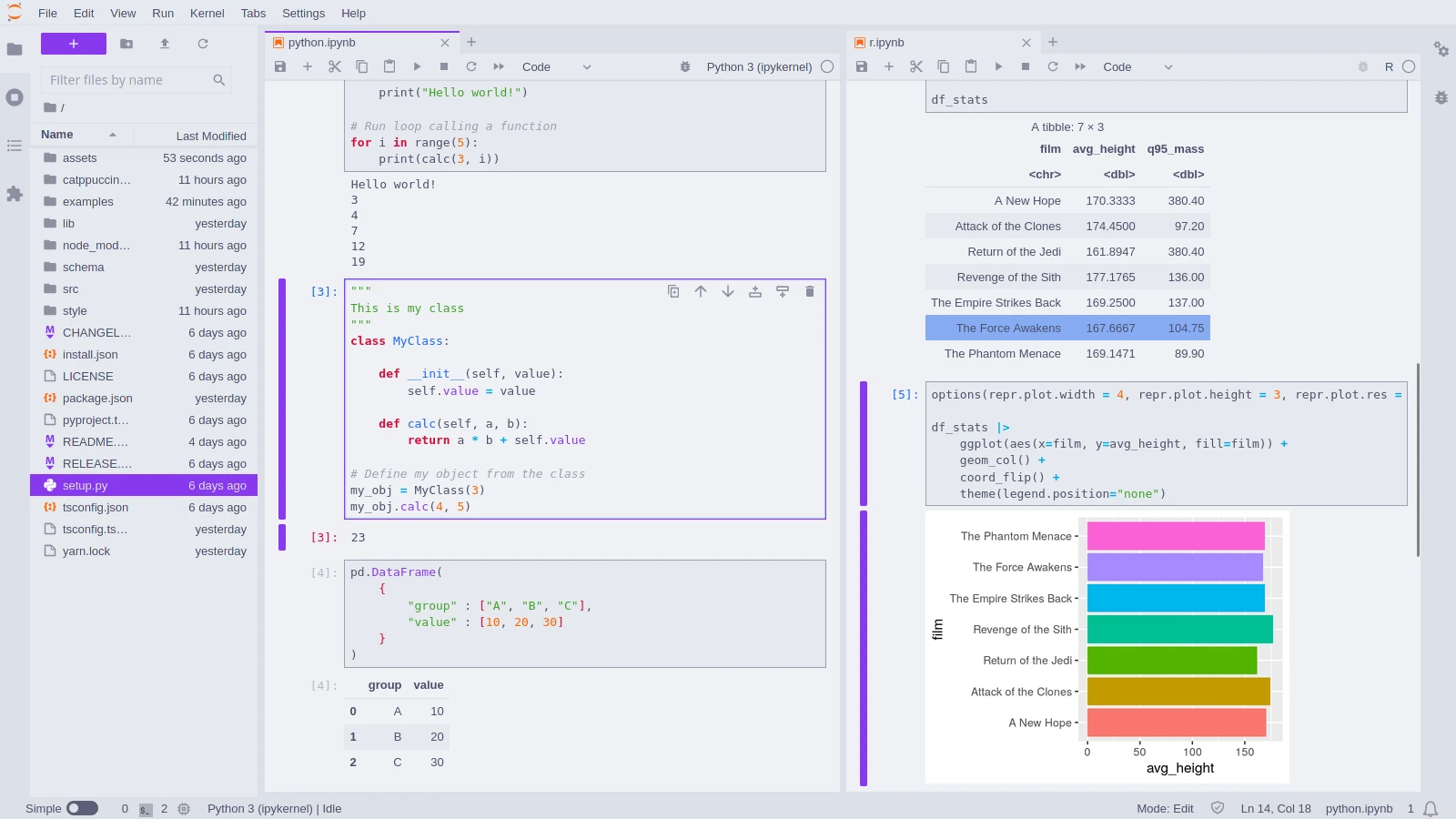
🪴 Frappé
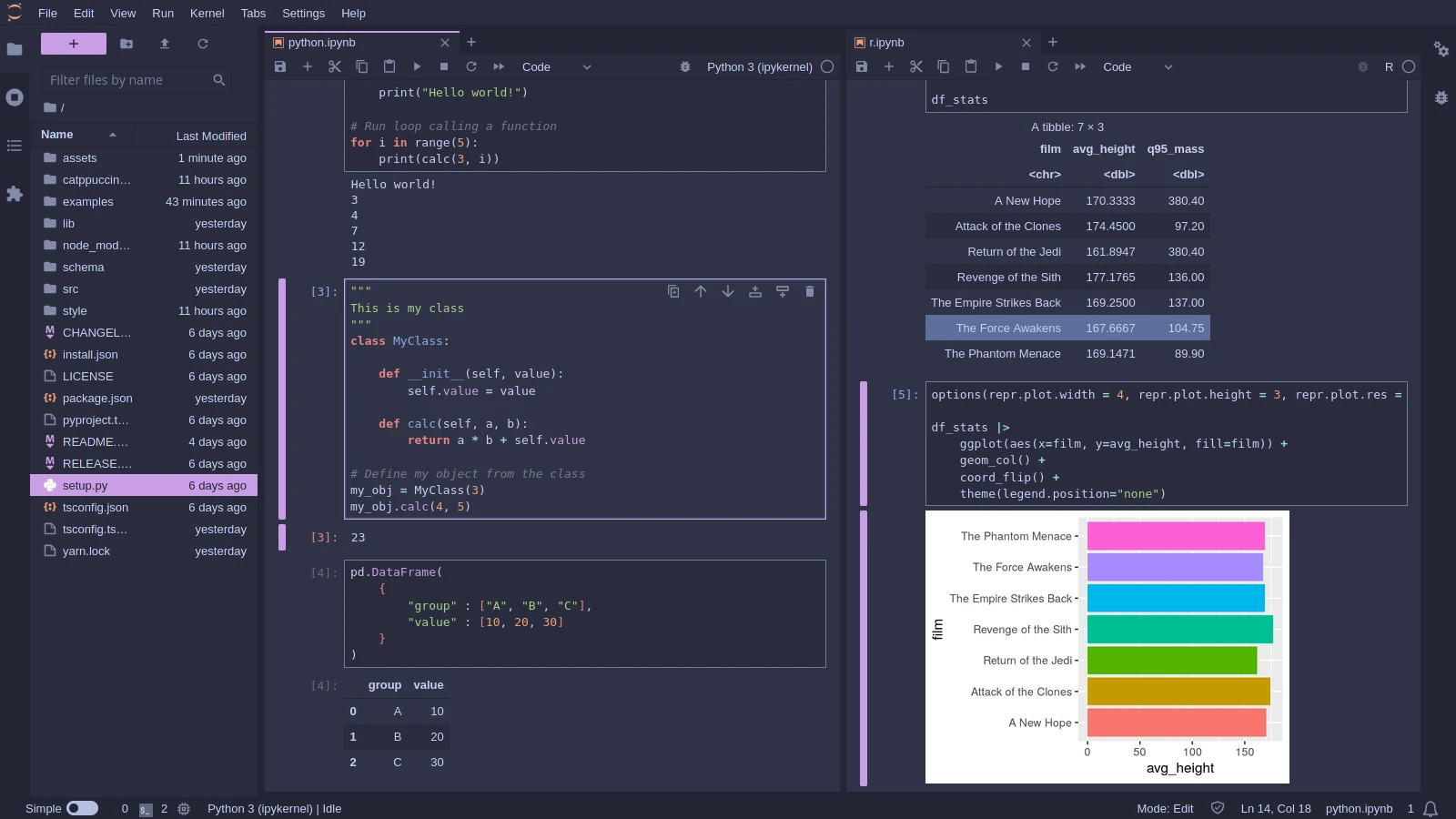
🌺 Macchiato
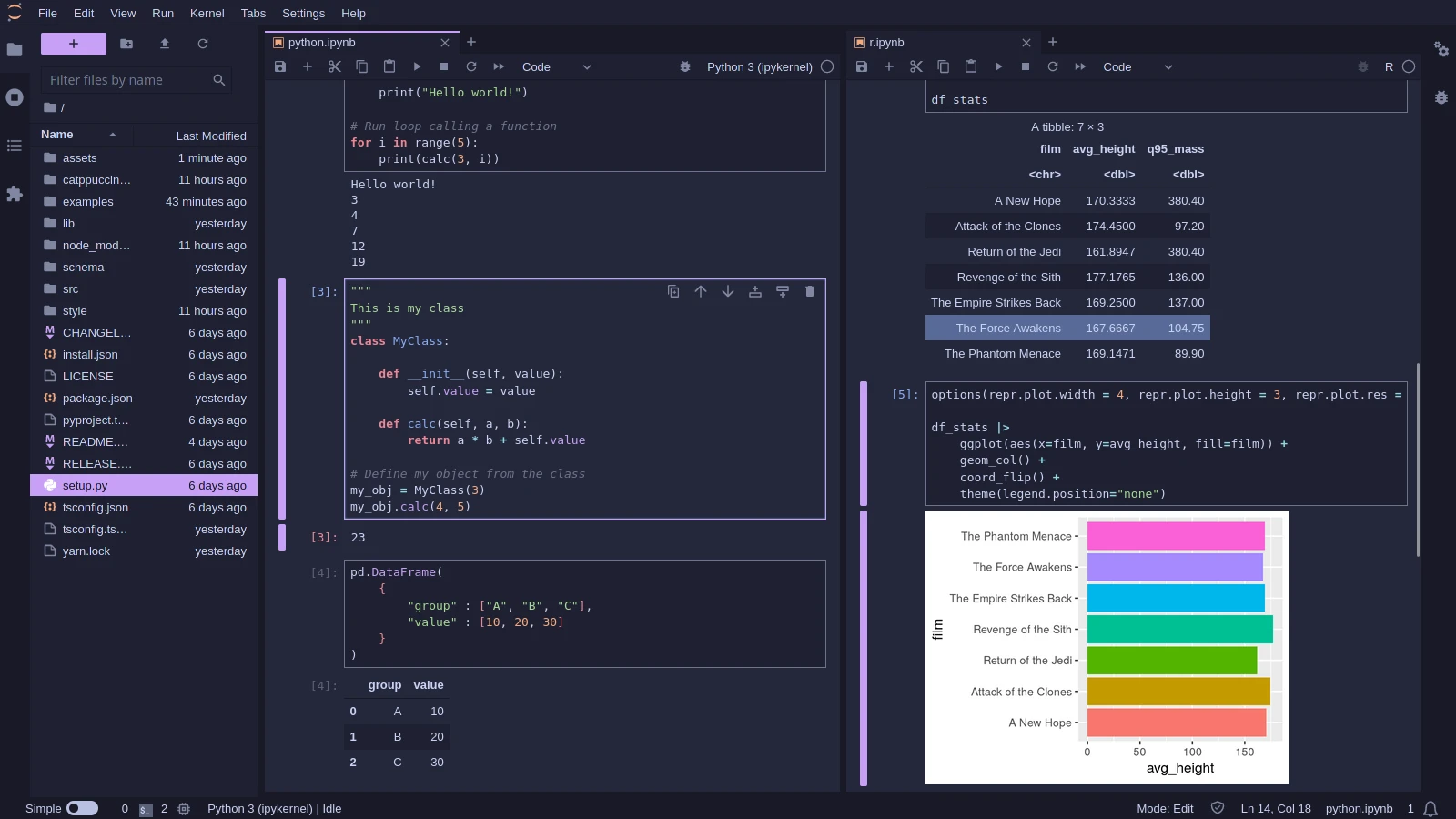
🌿 Mocha
Usage
- Install the JupyterLab extension:
pip install catppuccin-jupyterlab. - Start/restart JupyterLab (
jupyter lab). If it is already opened, you can reload it by executing "Reset Application State" in the Command Palette (Ctrl + Shift + C). - Go to the
Settings > Thememenu option and choose the desired flavor.
Customization
Brand Color
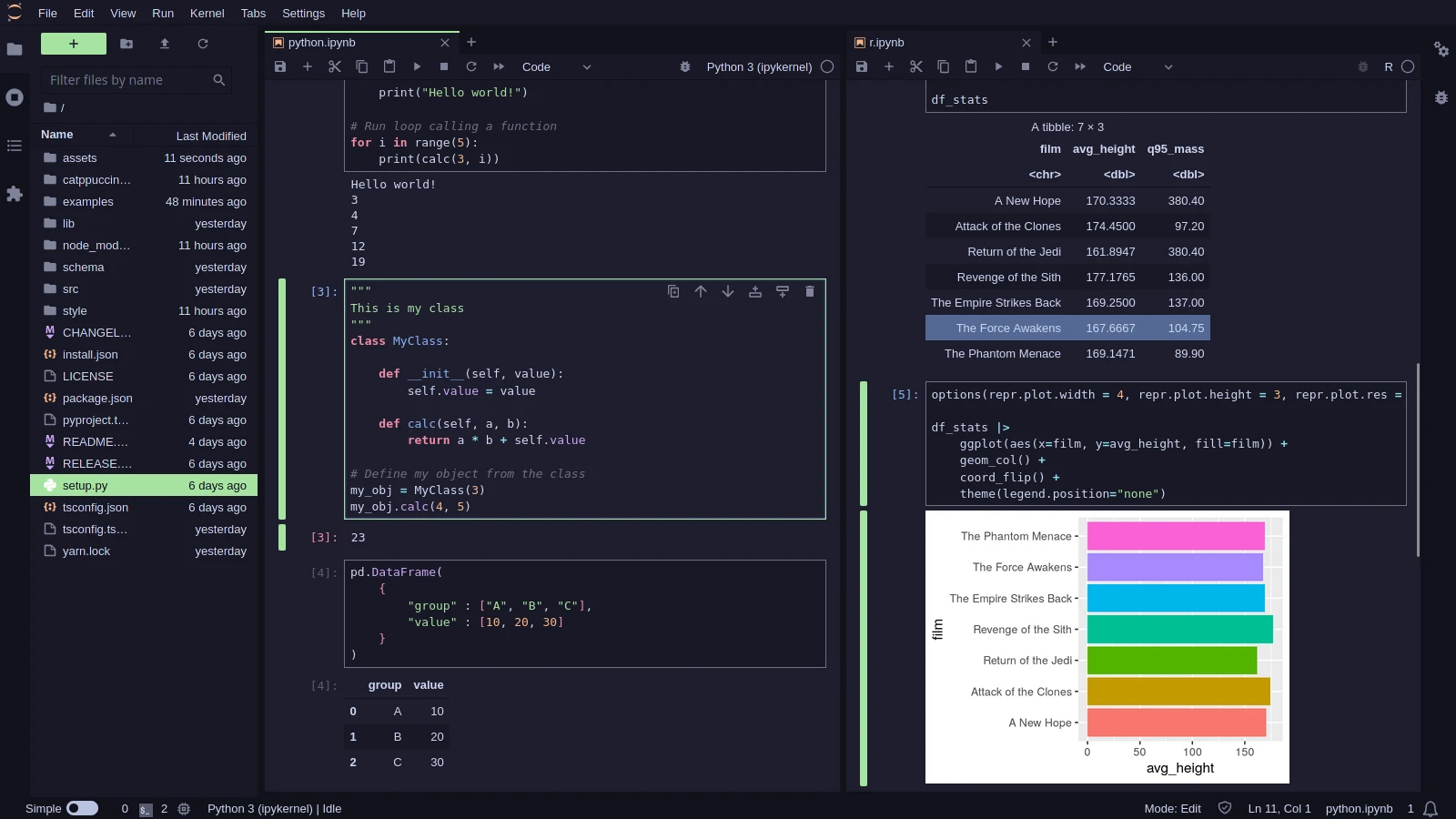
It is possible to choose any of the Catppucin colors as your "brand" color. The default is mauve, but you can choose your favorite to make it your way!
You can specify the colors by going to the Settings > Settings Editor (or Ctrl + ,), going to the Theme - Catppuccin section, then choosing your desired color in the lists of the dropdown menu.
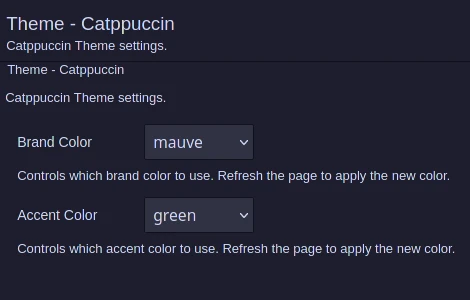
Alternatively, you can specify the json with the settings:
{
    "brandColor": "mauve",
    "accentColor": "green"
}
NOTE: besides the "brand" color it is also possible to set the "accent" color (default is green), but it rarelly appears in the JupyterLab interface.
💝 Thanks to

Copyright © 2021-present Catppuccin Org



Download files
Download the file for your platform. If you're not sure which to choose, learn more about installing packages.
Source Distribution
Built Distribution
Filter files by name, interpreter, ABI, and platform.
If you're not sure about the file name format, learn more about wheel file names.
Copy a direct link to the current filters
File details
Details for the file catppuccin_jupyterlab-0.1.0.tar.gz.
File metadata
- Download URL: catppuccin_jupyterlab-0.1.0.tar.gz
- Upload date:
- Size: 826.1 kB
- Tags: Source
- Uploaded using Trusted Publishing? No
- Uploaded via: twine/4.0.2 CPython/3.11.5
File hashes
| Algorithm | Hash digest | |
|---|---|---|
| SHA256 |
a7561aca0137528e67ad5c7e2874500963b77581581cdb997280fcce84d2024a
|
|
| MD5 |
dd5a1e89b5f101939205ebe523dbc002
|
|
| BLAKE2b-256 |
ba66991b58d3858cb126fdb159b273d2b9f903b1d91629b2d70ecc1f3d6dde8e
|
File details
Details for the file catppuccin_jupyterlab-0.1.0-py3-none-any.whl.
File metadata
- Download URL: catppuccin_jupyterlab-0.1.0-py3-none-any.whl
- Upload date:
- Size: 21.2 kB
- Tags: Python 3
- Uploaded using Trusted Publishing? No
- Uploaded via: twine/4.0.2 CPython/3.11.5
File hashes
| Algorithm | Hash digest | |
|---|---|---|
| SHA256 |
595429d2e7c1593eff71aa0912c2fd5418b4e37b583ceddae02fe6138e956c78
|
|
| MD5 |
8125628d7f79e0ba82d05b6c8ff792e3
|
|
| BLAKE2b-256 |
b9ff3789bbf6f868e4615d43b069bd461e45dee68f9d80c8a4d6549df06c5bf8
|






